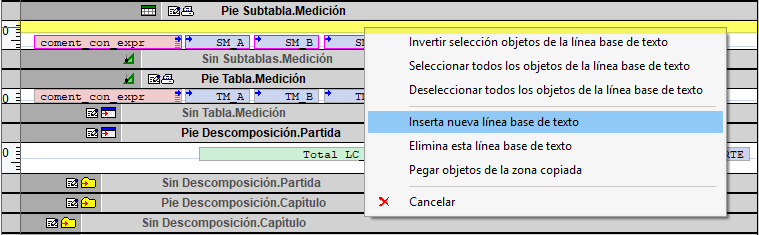
Options for text lines
Right-clicking on a line or text baseline opens a context menu with options for selecting objects and editing the line itself.
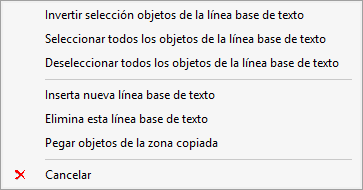
Options for selecting objects in text lines
- Reverse the selection of objects in the text baseline. Reverse the selection of all objects on the text lines.
- Select all objects in the text baseline. Select all objects on the text lines.
- Deselect all objects in the text baseline. Deselect all objects on the text lines.
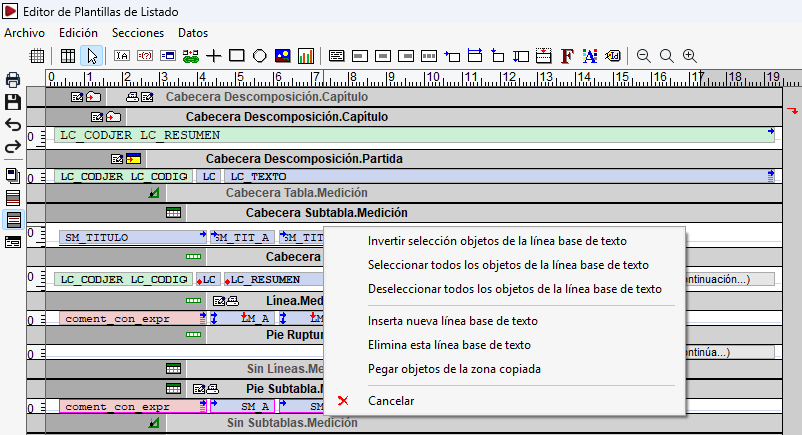
Inserting, deleting and pasting in text lines
- Inserts a new line of text. Insert a new line before the selected line.
- Delete this line of text. Delete the selected line, provided it does not contain any objects.
- Paste objects from the copied area. Paste the objects from a previously copied area into the row.