Detail configuration
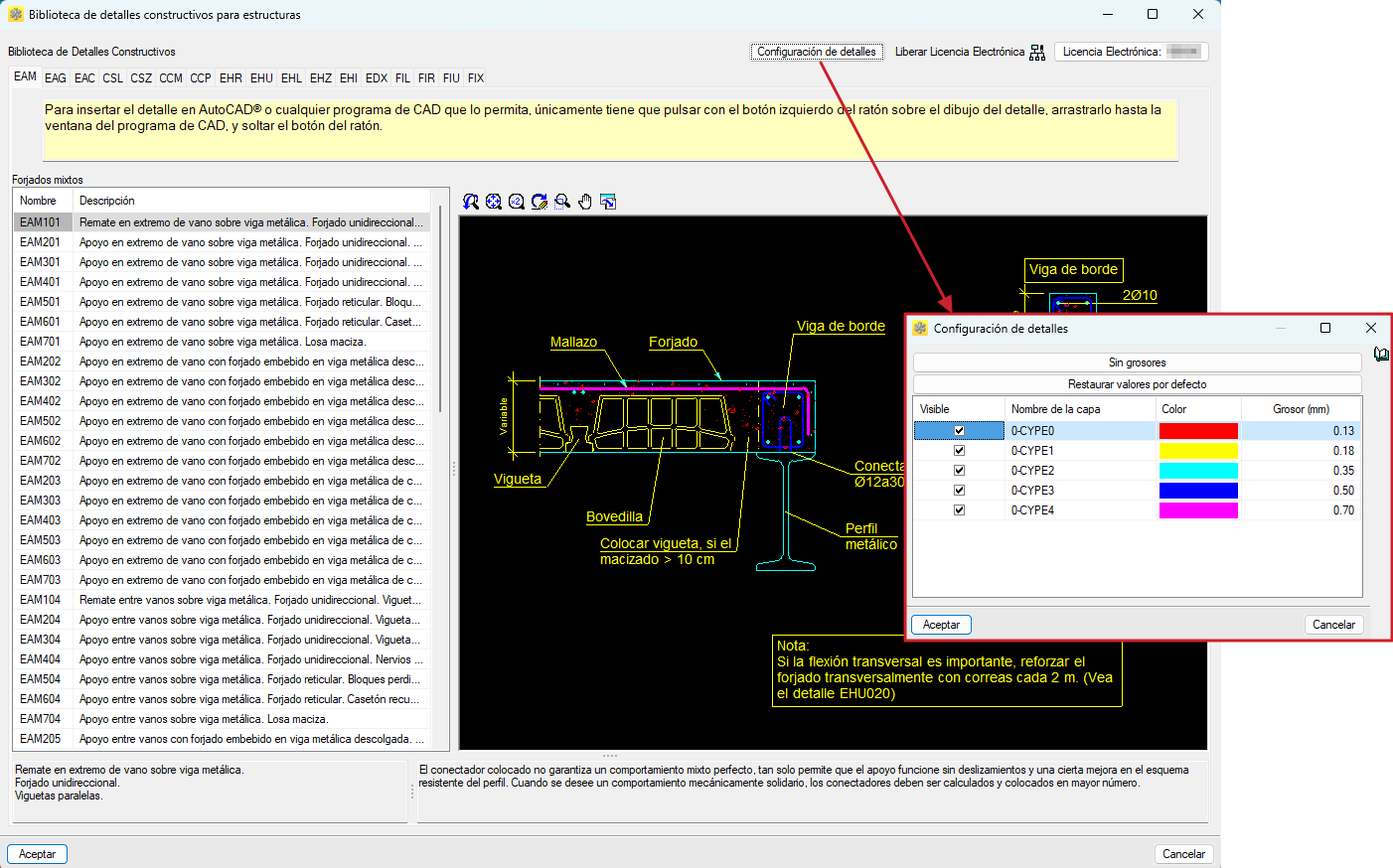
From the "Detail configuration" tool at the top of the interface, you can customise the selected detail. You can modify the thickness and colour of the pens, as well as the name and visibility of the layers. Changes can be previewed from the graphics area once the settings have been accepted.
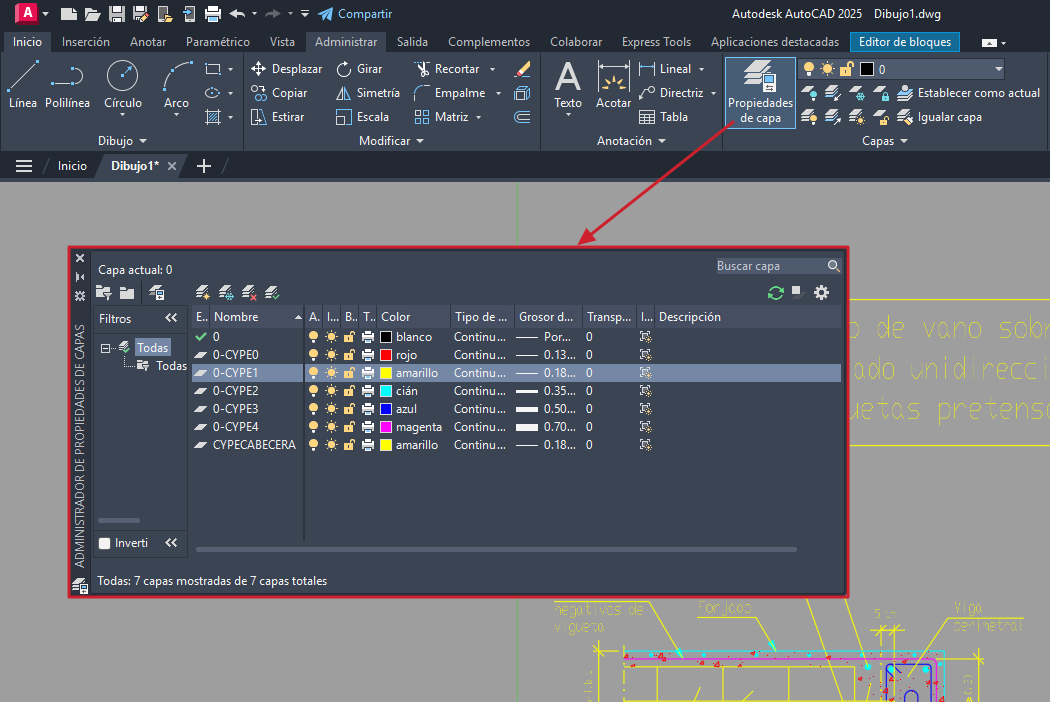
These settings can be modified later from the AutoCAD® "Layer properties manager" after the detail has been entered into the program.