Result output
Export to AutoCAD®
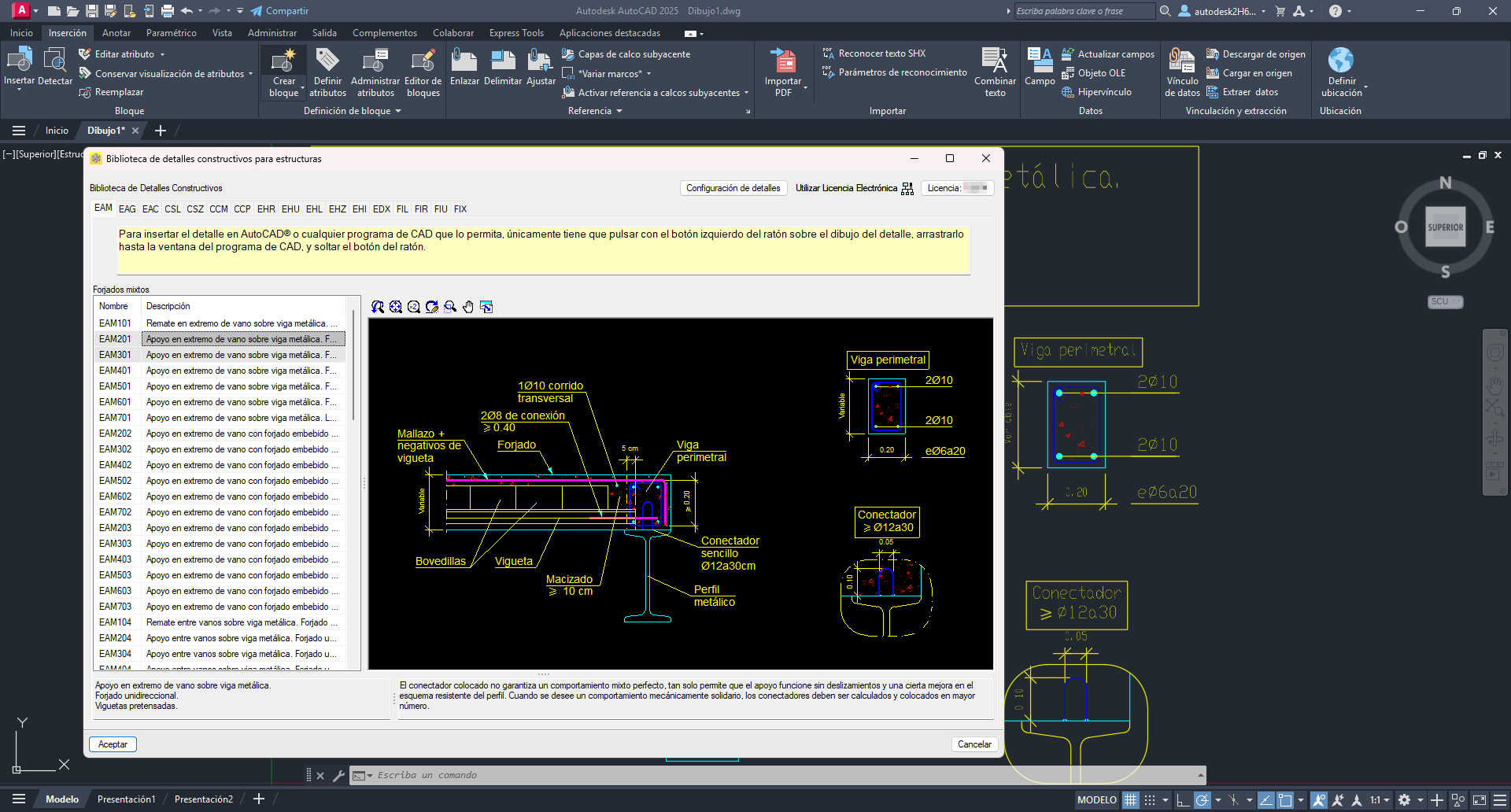
To insert the detail into an open AutoCAD® drawing, simply drag it from the library's graphic area to the AutoCAD® drawing area. You will then be asked to define the insertion point, scale factor and rotation angle.
The detail will be added as an editable block using AutoCAD®'s "Block editor".
Export to DWG format
If you wish to save the construction detail in DWG format, you can drag it directly from the library's graphic area to a folder on your computer. It will be stored as a separate file ready for later use.