Entering and editing texts
Texto

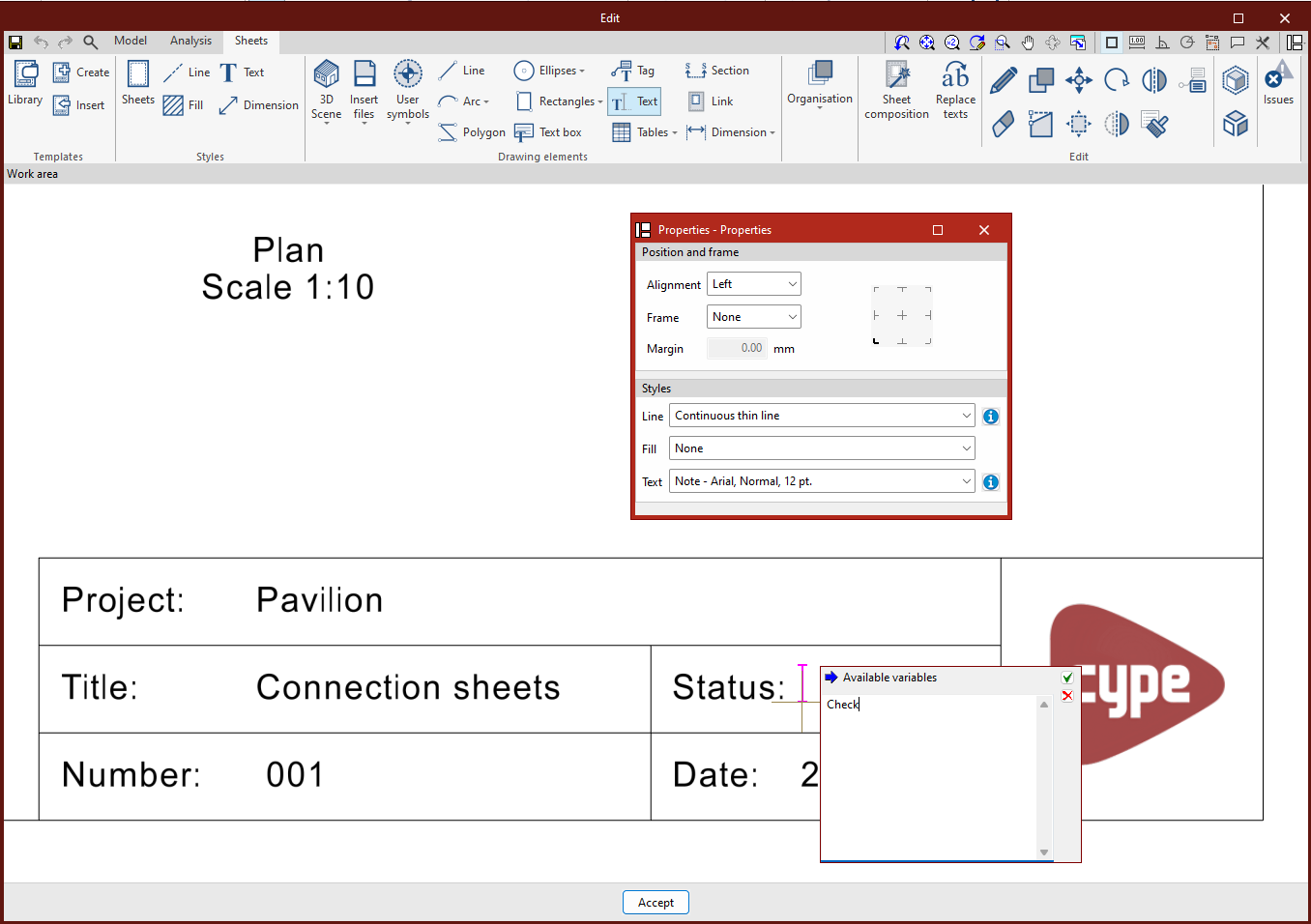
To insert text, first select the "Text" option in the "Drawing elements" group, which will open a pop-up window with the configuration options.
In this window, the positioning, frame and style of the text can be selected. Then place the cursor where you want to insert the text and press the left mouse button.
A new window opens, and the desired text is entered. Once the text has been entered, press the confirmation button to complete the process.
Text box

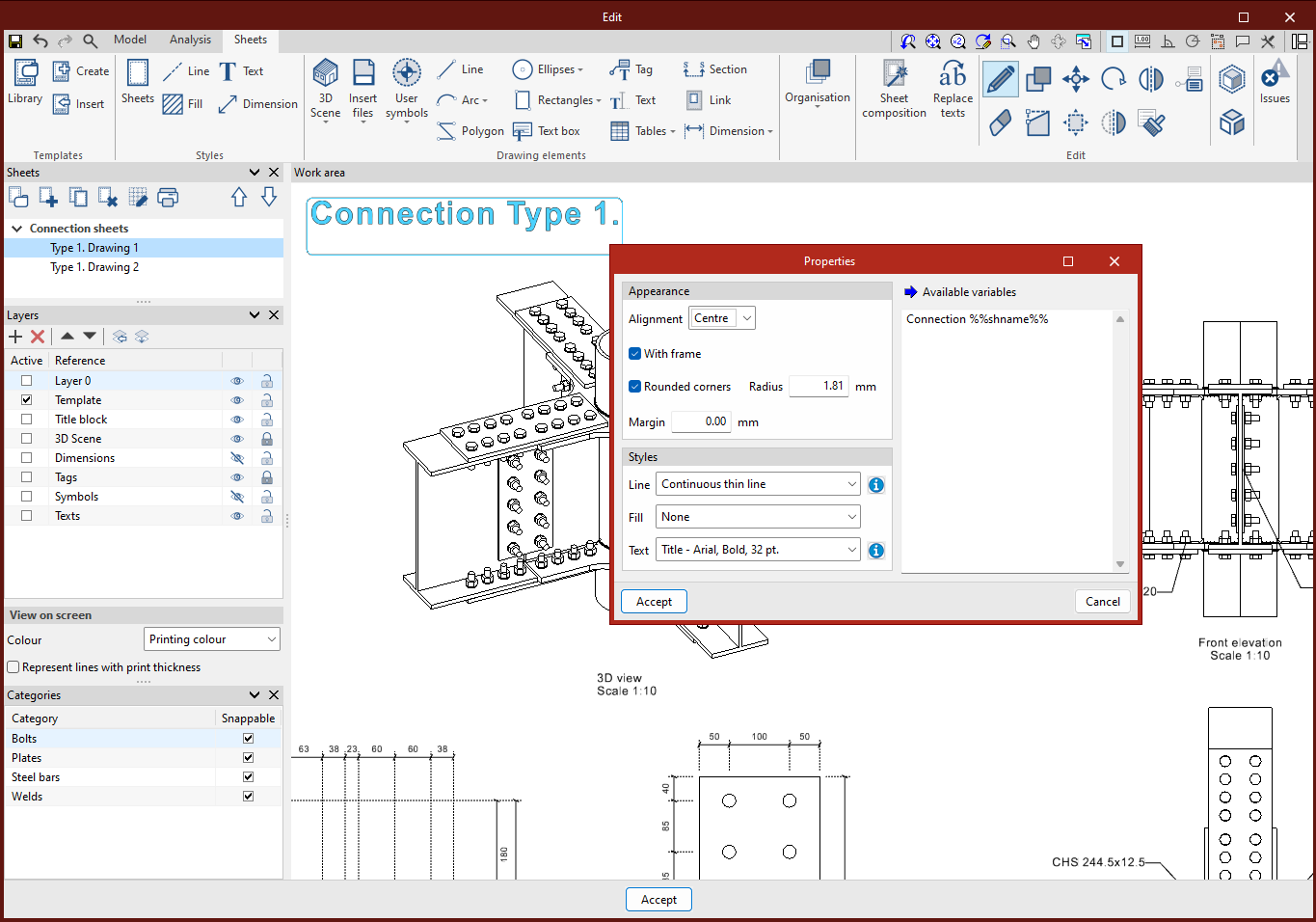
From "Text box" it is possible to enter a box containing the desired text.
The alignment, the choice of having a frame or not, and the type of corners preferred can be selected. The margins can also be adjusted according to your specific needs.
Furthermore, the box can be further customised by choosing line, fill and text formatting styles.