

Options available in CYPE Cost Estimator

In the top-right corner of the main toolbar are the tools you need to use CYPE Cost Estimator alongside other tools from BIMserver.center.
Importing and updating BIM models
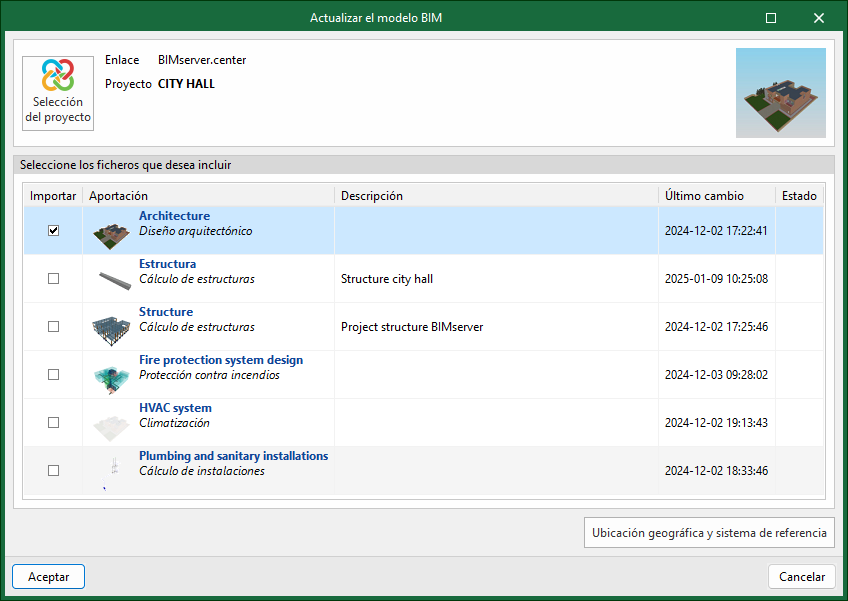
By clicking the "Update" button, you can update the information contained in the models previously imported into the project, or import new models if you wish.
In the "Update BIM model" window, you can use the "Project selection" button to choose, from the list of your projects on BIMserver.center, which project to link to the CYPE Cost Estimator BIM model.
Using the "Geographic location and reference system" option, you can adjust the model's geographic location data and reference system.
Share the BIM model with other users
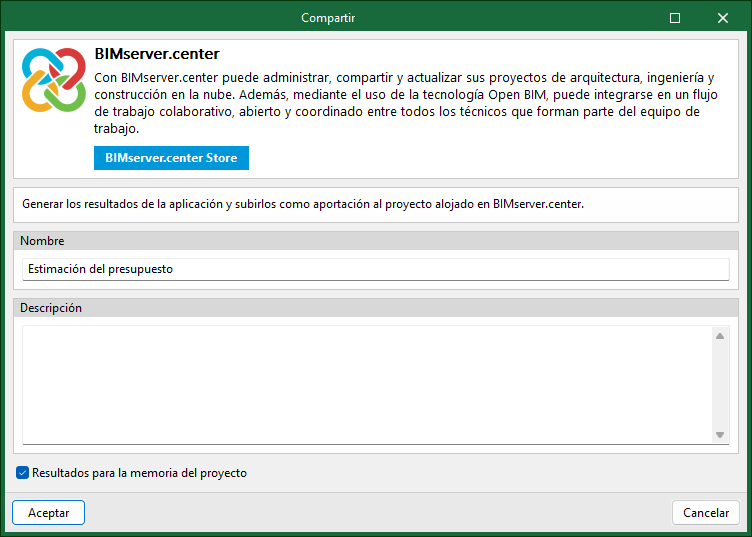
By clicking the "Share" button, you can export the information contained in the model created in CYPE Cost Estimator to the BIMserver.center platform.
During the export process, you can specify various details regarding the identification of the files to be exported and the file types to be generated.
Direct integration with other programs
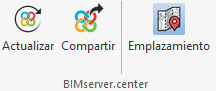
Like other CYPE tools connected to the BIMserver.center platform, CYPE Cost Estimator offers options for direct connection to the Open BIM Site construction site management app. To this end, a "Site" button has been added to the "BIMserver.center" group on the toolbar. Selecting this option will export the data relating to the cost estimate to the BIMserver.center project and automatically launch the Open BIM Site tool to continue with the project development according to the usual workflow.
