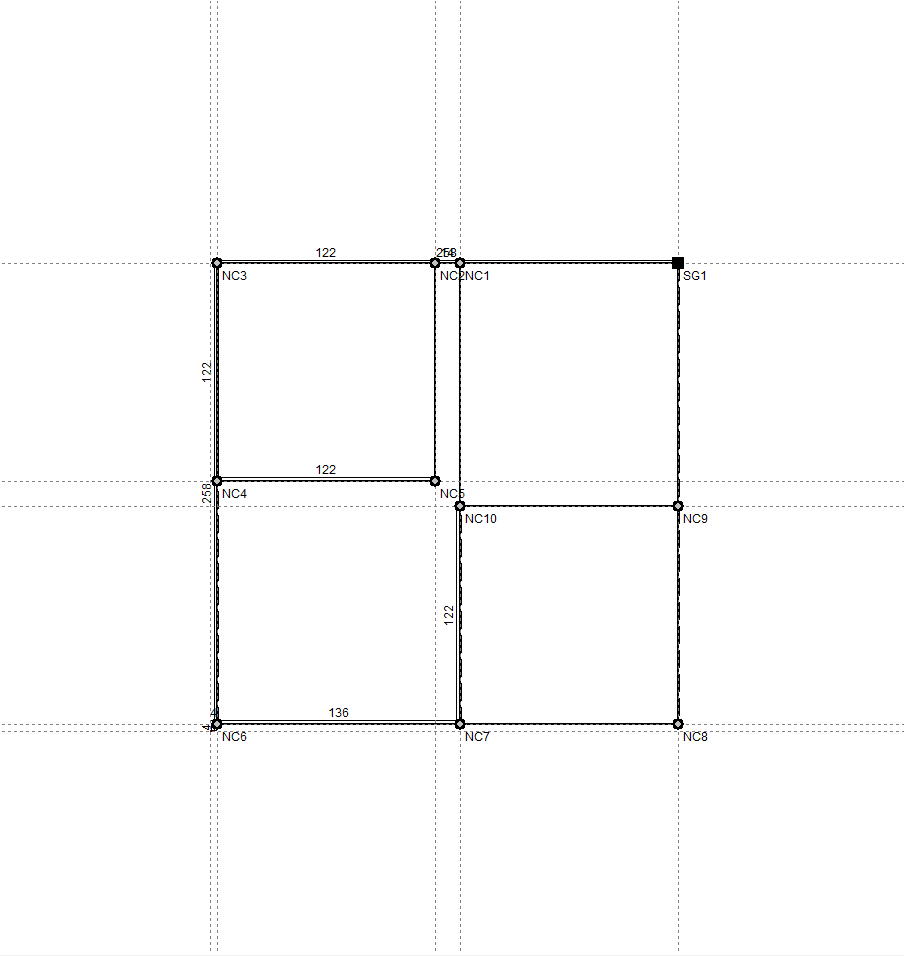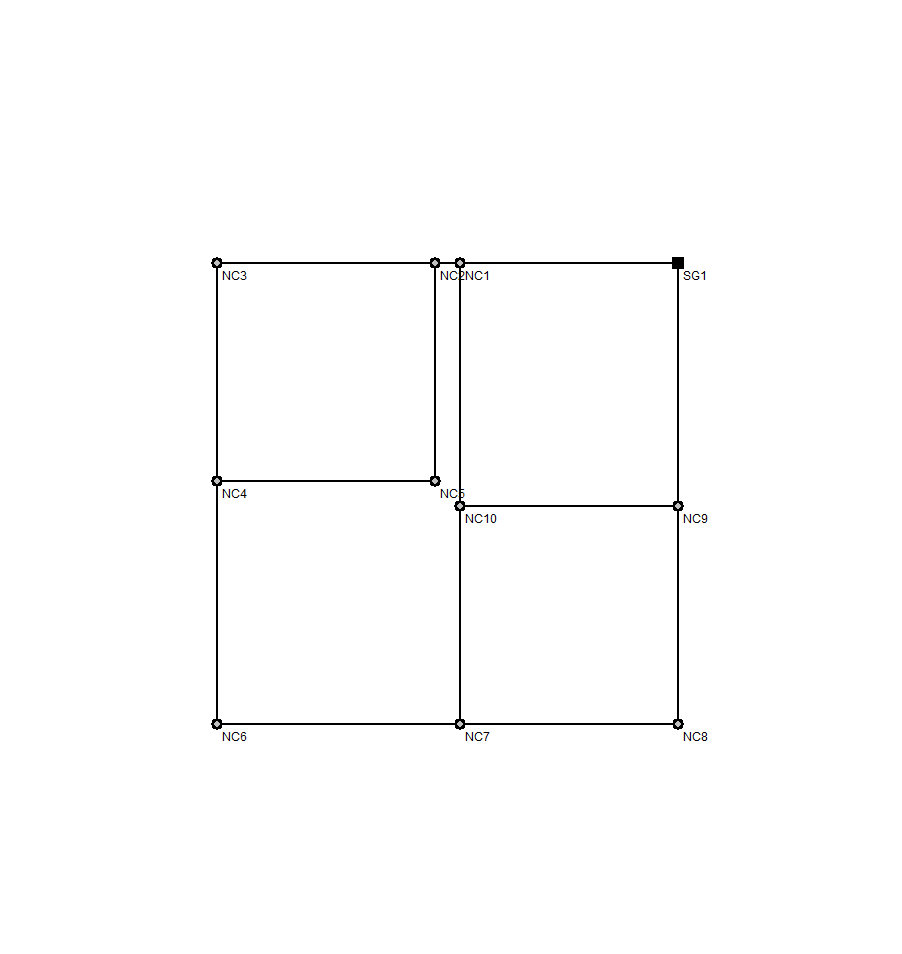
Dimension options
The "Dimension" menu at the top of the program interface contains options for modifying and displaying dimensions and reference lines between node alignments, which define the geometry of the installation.

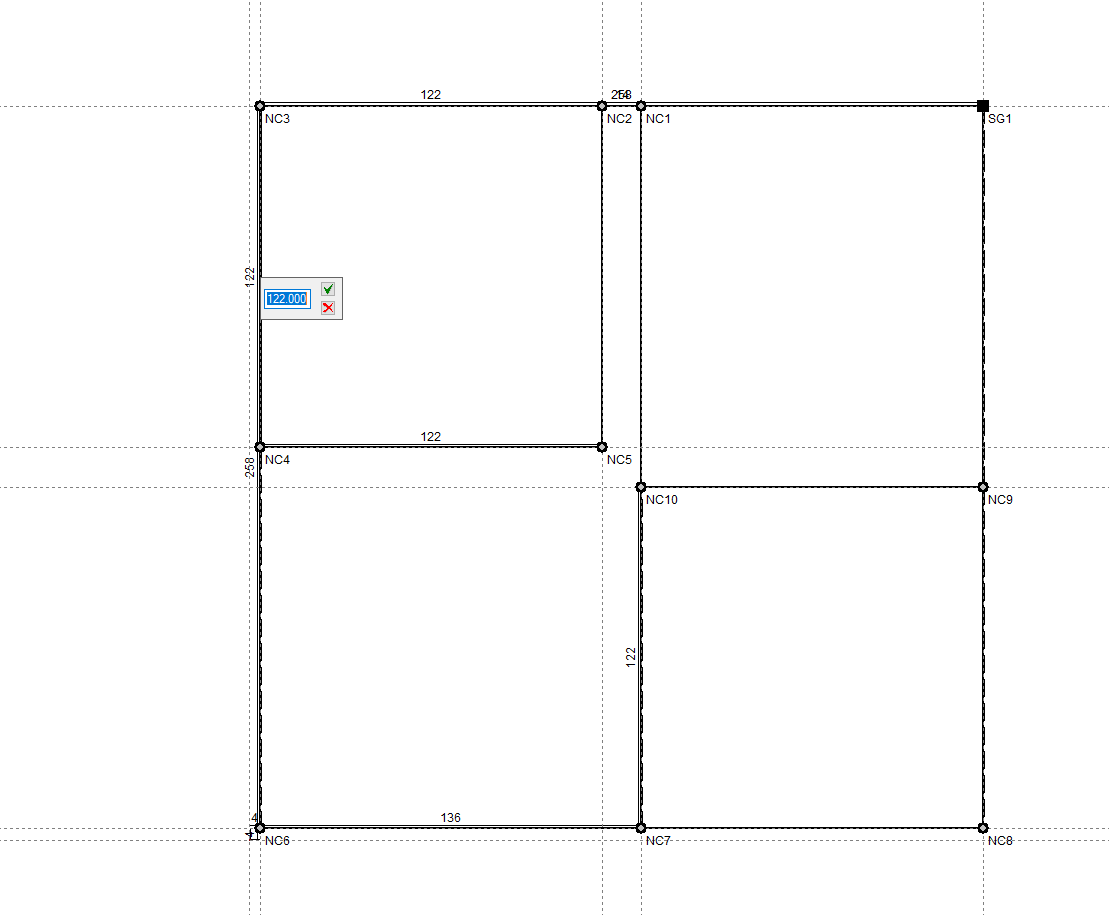
Change the spacing between rows
You can adjust the distance between node alignments by clicking directly on the dimensions displayed on the screen.
Show/hide guidelines
This allows you to show or hide the dimensions in the workspace and the reference lines passing through the nodes.