Options in the "View" menu
From the "View" menu at the top of the interface, you can access the following options:

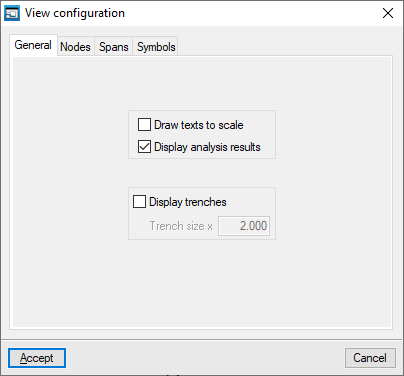
View configuration
This allows you to control how the diagram elements are displayed on screen. The available options are as follows:
- "General" tab
- Draw text to scale (optional)
- Display analysis results (optional)
- Display trenches (optional)
- Trench size x (value)
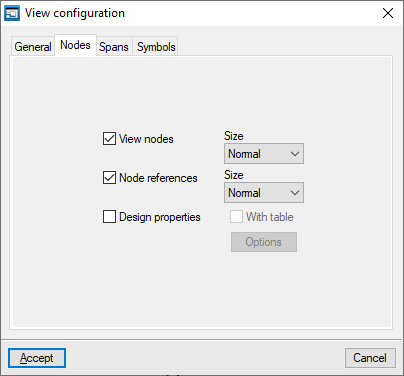
- "Nodes" tab
- View nodes (optional)
- Node reference (optional)
- Design properties
- Options: Data to display on nodes
- With table (optional)
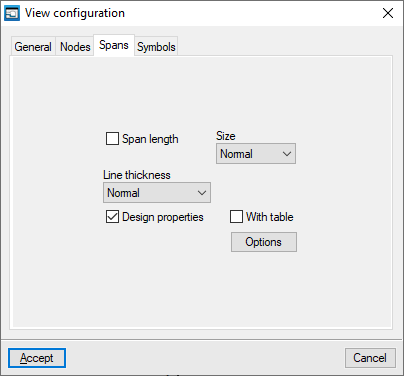
- "Spans" tab
- Span length (optional)
- Line thickness
- Design properties (optional)
- Options: Data to be displayed by section
- With table (optional)
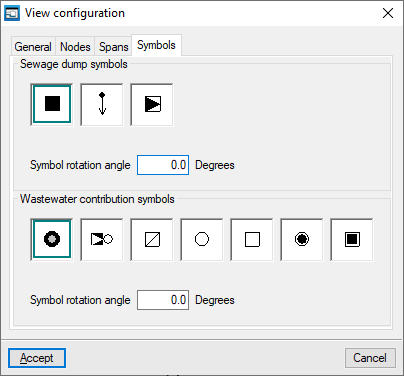
- "Symbols" tab
- Sewage dump symbols
- Rotation angle symbol
- Wastewater contribution symbol
- Rotation angle symbol
- Sewage dump symbols
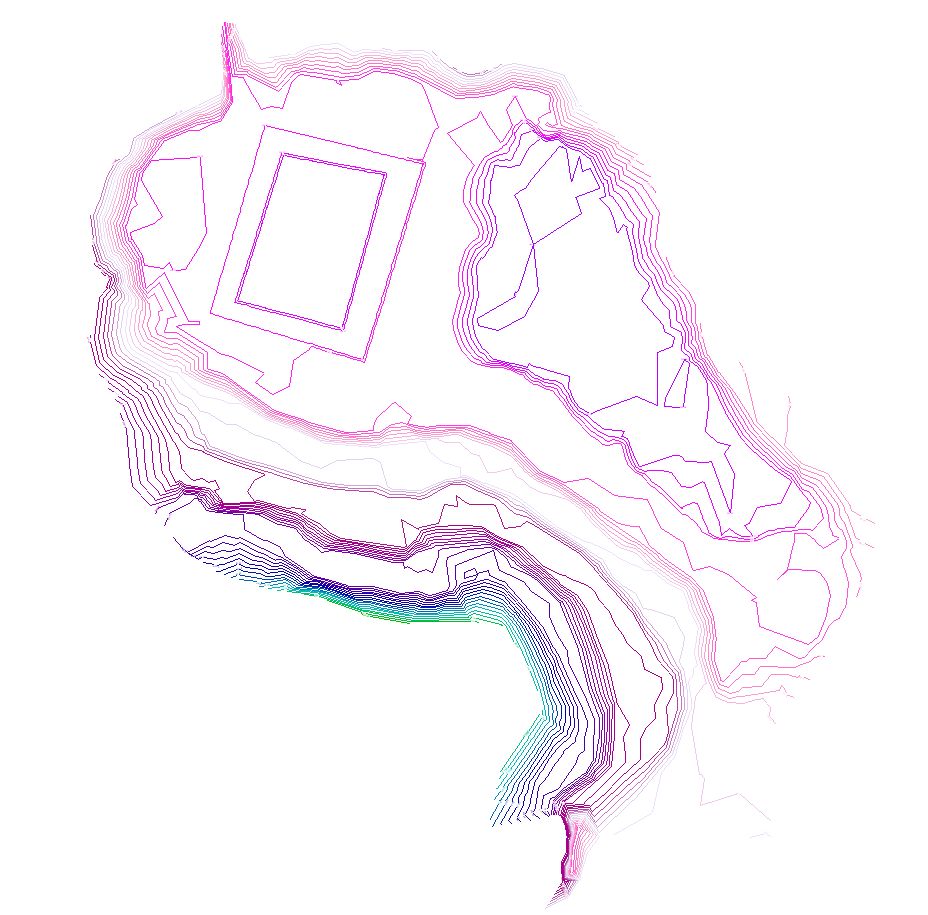
Show/hide the contour lines
This allows you to show or hide the contour lines generated on screen if you have imported an IFC file containing the terrain model during the project creation process.
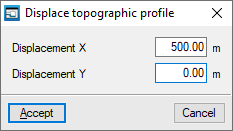
Displace topographic profile
This allows you to reposition the generated topographic profile if you have imported an IFC file containing the terrain model during the project creation process.