Analysis, checks and designs
The "Analysis" menu at the top of the program interface contains the options for carrying out the analyses, checks and designs of the installation.

Analysis
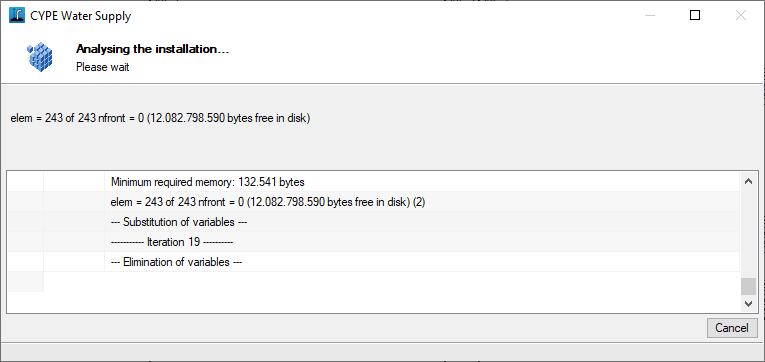
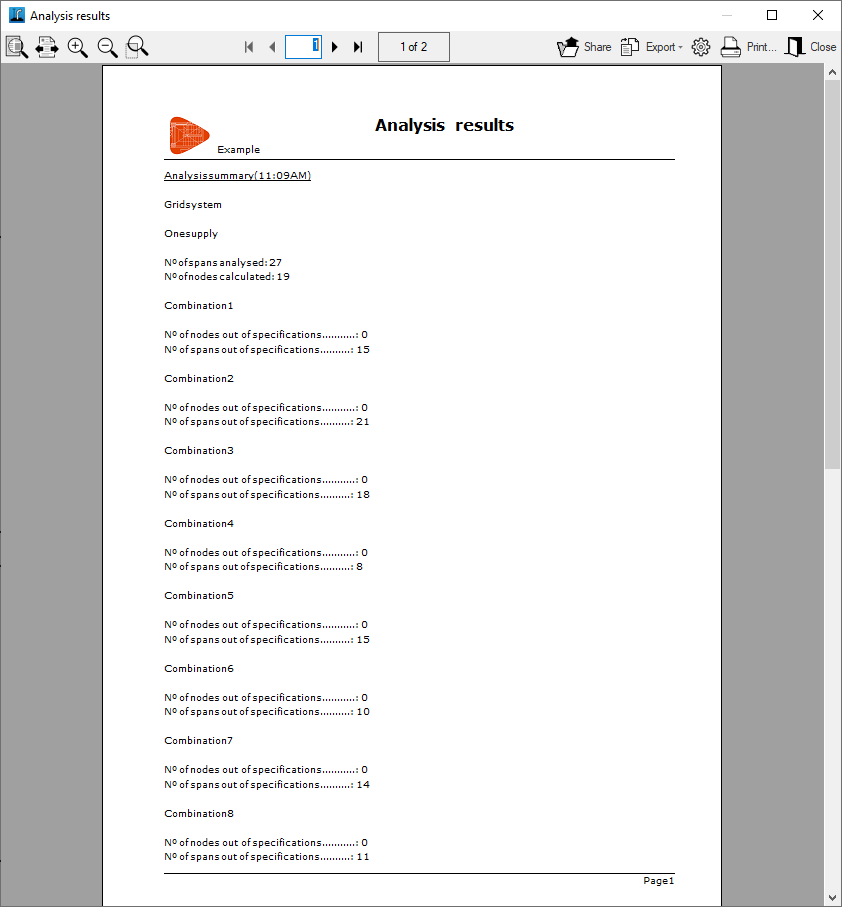
This allows you to analyse and check the installation using the data entered. Once the process is complete, a dialog box opens displaying the analysis results.
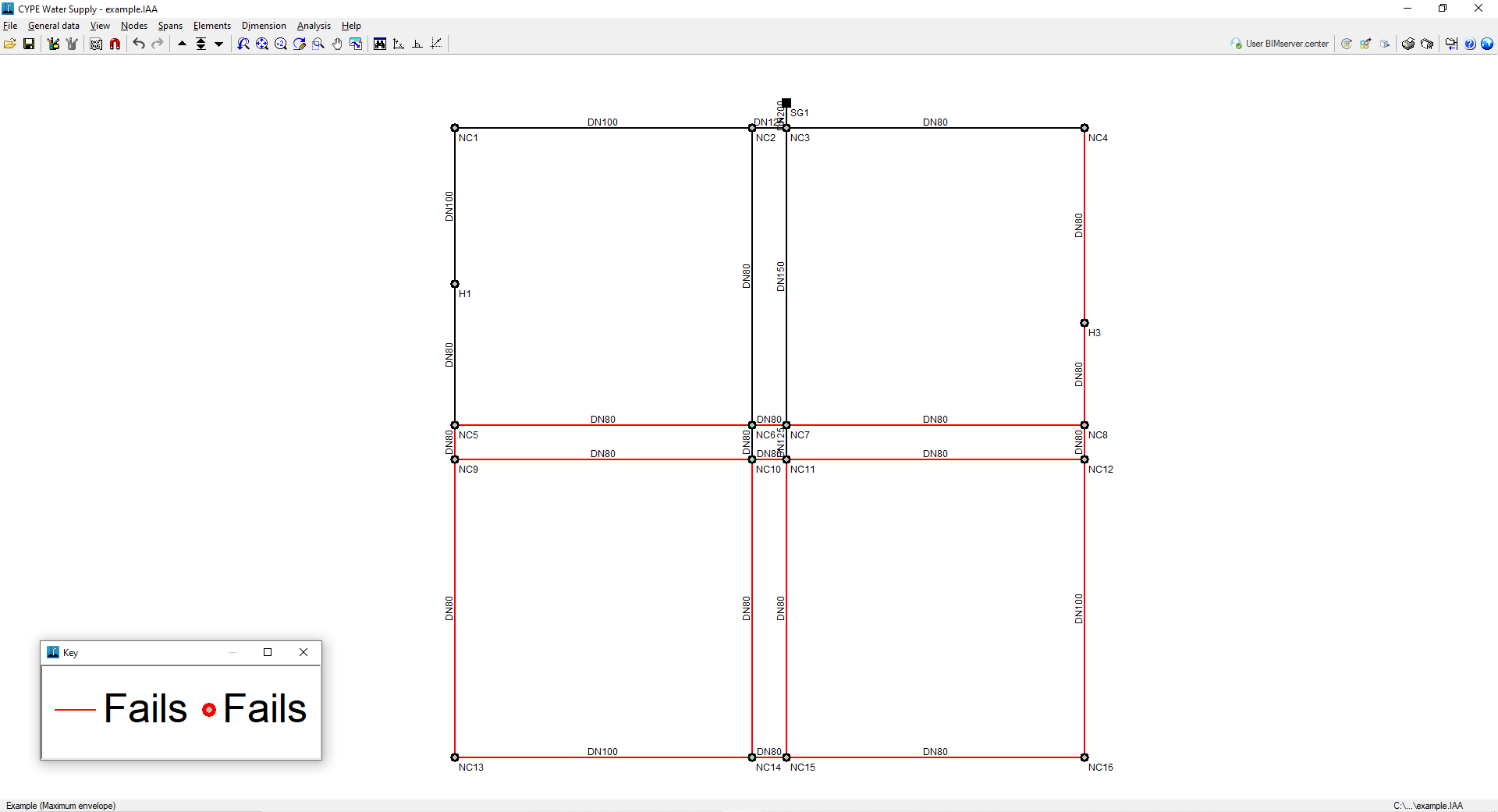
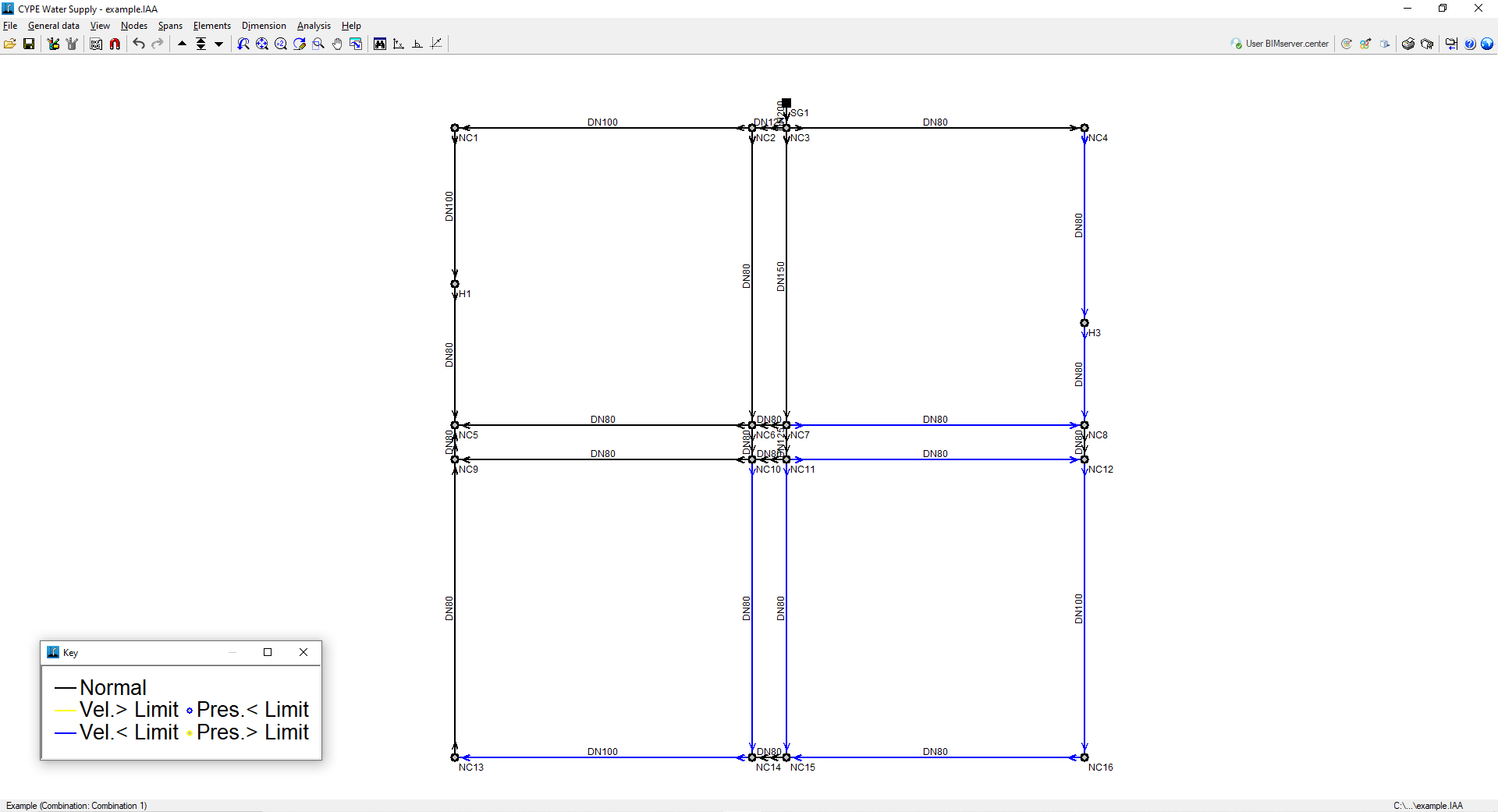
In the workspace, once the analysis has been performed, any nodes or spans that do not meet a particular constraint will be highlighted in red.
The program will display the "Maximum envelope", the "Minimum envelope" and the "Oscillation", which are added to the list of combinations. The term "envelopes" refers to the maximum and minimum values at each node or span of all the defined combinations. The oscillation is the difference between the maximum and minimum envelopes.
To view the data and results for the various scenarios, combinations and envelopes, use the "Next combination", "Select combination" and "Previous combination" options at the top of the screen. The envelopes will only indicate whether all constraints are met for that span or not.
To find out why a node or span does not meet the requirements, you must select a combination and check the colour "Legend" that appears in a separate window. The colour code indicates the reasons why the nodes or spans of the installation do not meet the requirements.
In the bar at the bottom of the interface, the label shows the name of the project and the loadcase, envelope or combination currently being displayed on screen.
Design
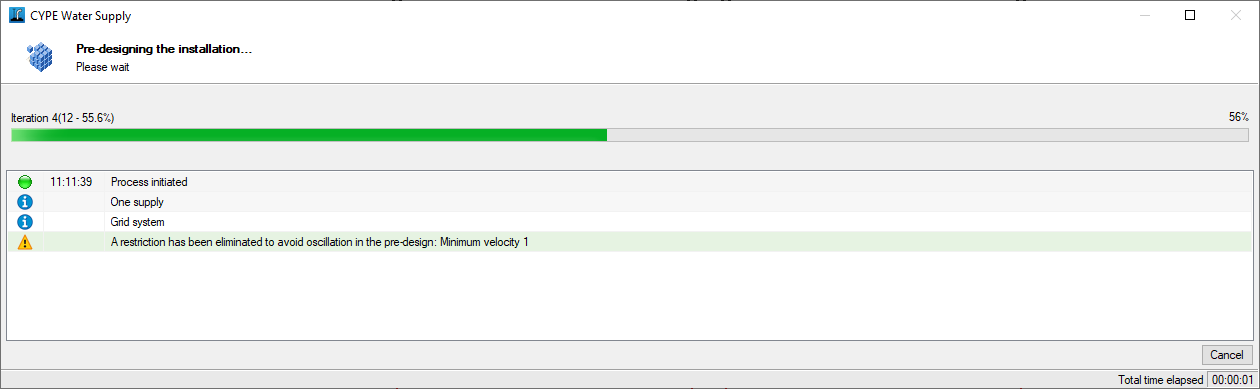
Launch the automatic preliminary design process for the installation. During the preliminary design, the program will attempt to optimise the design and select the minimum pipe diameter that meets all velocity and pressure constraints, whilst maintaining the selected material.
You can then assign the preliminary design results to the project and carry out the designs.