Options in the "View" menu
The following options can be accessed from the "View" menu at the top of the interface.

Viewing options
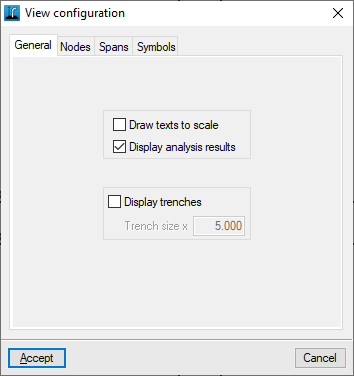
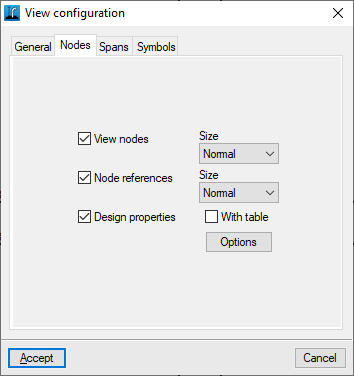
Controls the display of the diagram elements on the screen. The following options are available:
- "General" tab
- Draw texts to scale (optional)
- Display analysis results (optional)
- Display trenches (optional)
- Trench size x (valor)
- "Nodes" tab
- View nodes (optional)
- Node references (optional)
- Design properties
- Options: Data to view at nodes
- With table (optional)
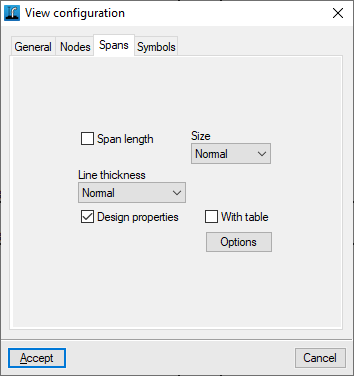
- "Spans" tab
- Span length (optional)
- Line thickness
- Design properties (optional)
- Options: Data to view at nodes
- With table (optional)
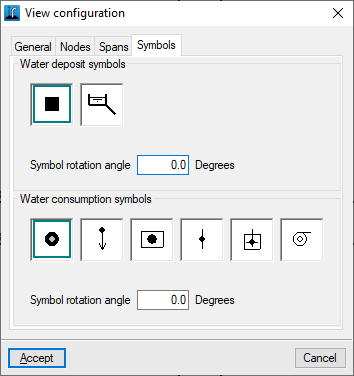
- "Symbols" tab
- Water deposit symbols
- Symbol rotation angle
- Water consumption symbols
- Symbol rotation angle
- Water deposit symbols
3D view
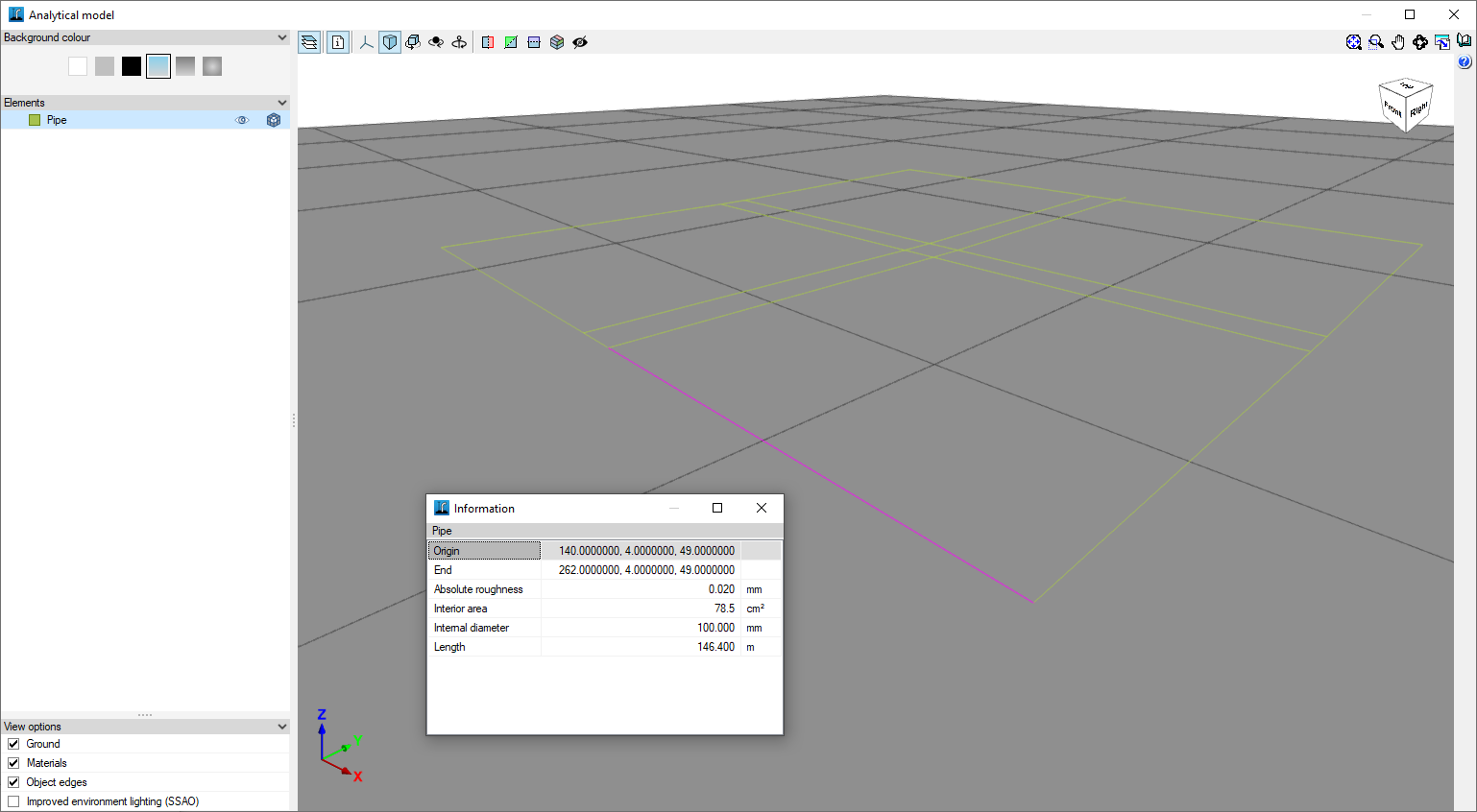
Once the job has been analysed, this option opens a window with a 3D representation of the system. In addition, it is possible to check the geometric characteristics of each section by using the "Information" option and clicking on the section.
Show/hide topographic profile lines
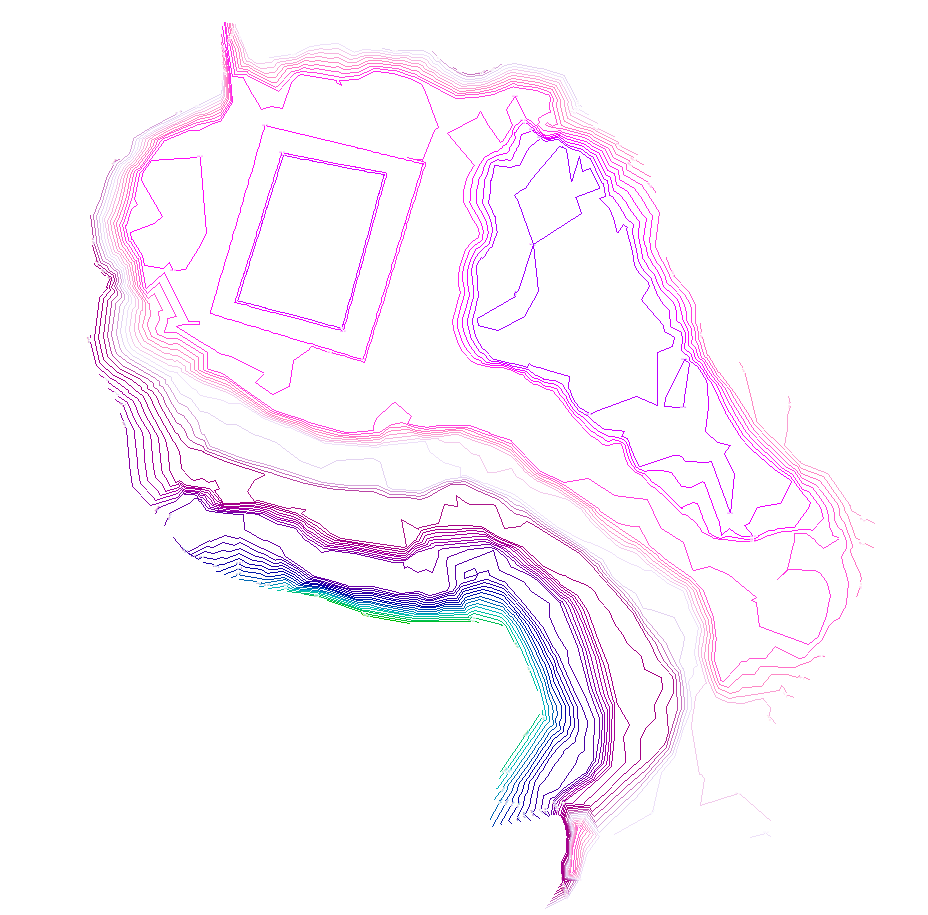
Shows or hides on screen the contour lines generated in the case of having imported an IFC file with the terrain model in the process of creating the job.
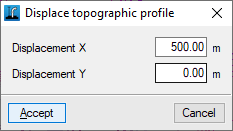
Displacement of the topographic profile
Moves the topographic profile generated in the case of having imported an IFC file with the terrain model in the process of creating the job.