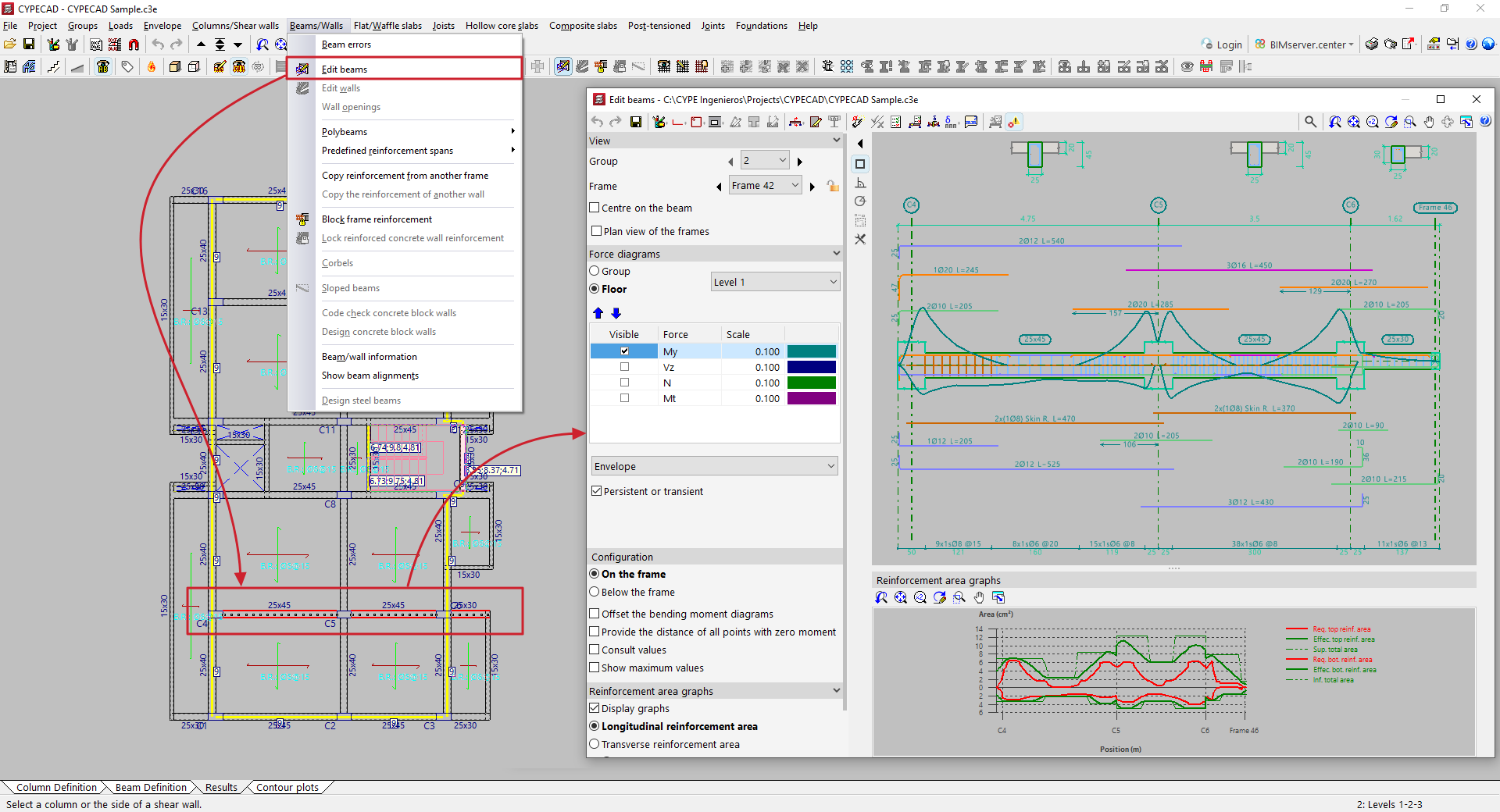
Accessing the beam editor
CYPECAD automatically designs the reinforcement of beams during the analysis process in order to comply with the various checks required by the selected standards. It is then possible to view and edit the reinforcement arranged in the beams and check the modifications made.
The beam editor can be accessed from the "Results" tab in several ways, after opening the Beams/Walls menu at the top of the interface:
- Using the "Edit beams" option and selecting one of the beams in the group.
- Using the "Beam errors" option, select one of the beams in the group and then click on the "Edit" option.
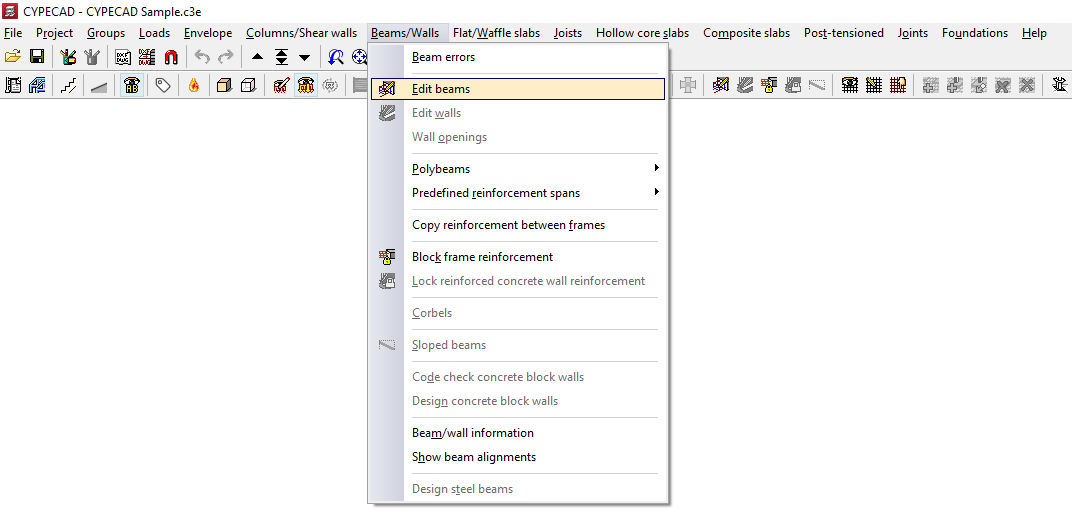
The beam editor may appear differently depending on the regulations used. The advanced beam editor will appear if you are working with regulations that allow its use.