Additional tools in the "Analyse" menu
The following options in the "Analyse" menu described below allow you to make partial adjustments and checks without having to perform a complete calculation of the project, among other features.
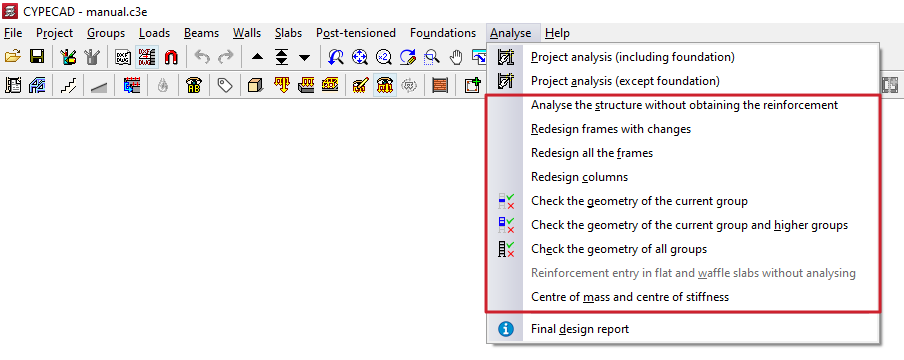
Analyse the structure without obtaining the reinforcement
The "Analyse the structure without obtaining the reinforcement" option allows you to calculate only the stresses and displacements of the structure without dimensioning its components, which is done in the final phase of the calculation of the previous options and can increase the duration of the analysis.
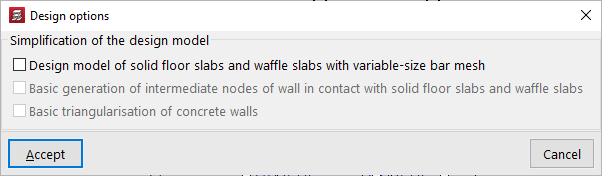
When you click on this option, the "Design options" window appears, showing only the "Simplification of the design model" options.
| Note: |
|---|
| Further information on these options can be found at the following link. |
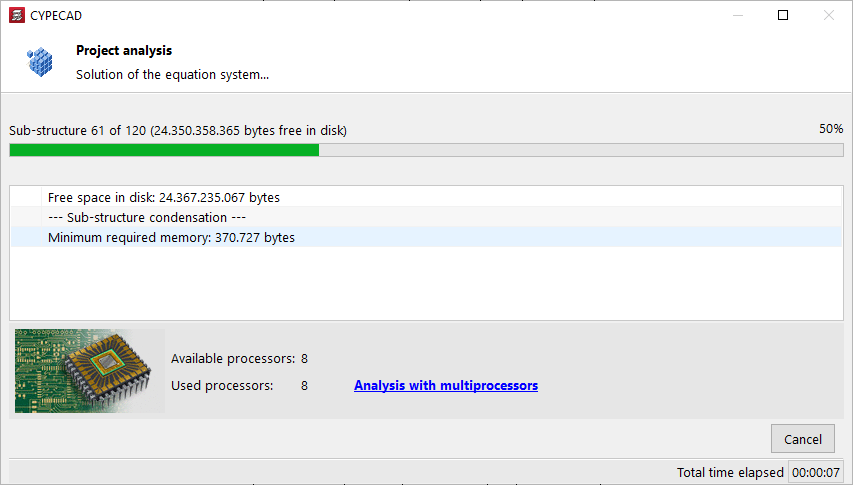
After accepting, the program launches the design process.
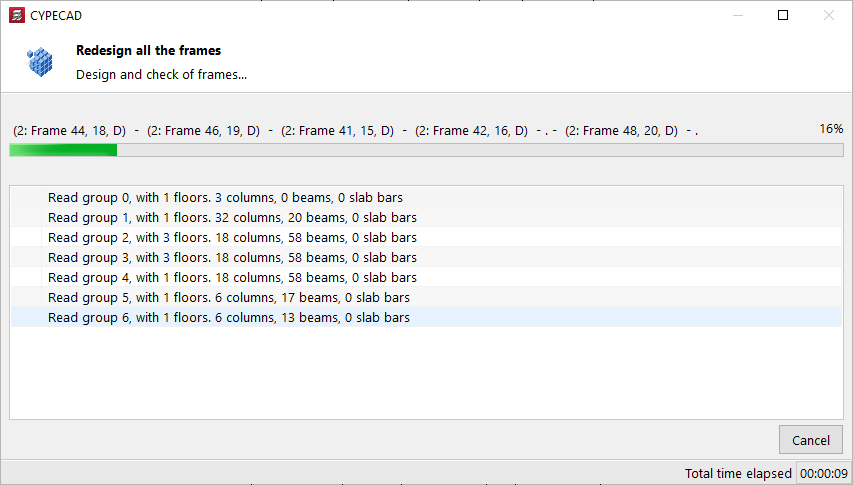
Options for redesigning frames and columns
The following options are available if the work has been analysed:
- Redesign frames with changes
Redesigns the reinforcement of beams whose section has been modified. - Redesign all frames
Redesign the reinforcement for all beams. - Reinforce columns
Redesign the reinforcement for all columns.
These options allow you to reobtain the reinforcement of these elements with the forces from the last analysis and are especially useful if options or reinforcement tables have been modified, or even, in the case of beams, their sections.
However, if the sections have undergone significant modifications, you should redesign to obtain the stresses again.
After using one of these options, the program launches the process of dimensioning and checking the indicated elements. Upon completion, the "Final design report for the project" is displayed, if applicable.
Options for checking the geometry of groups
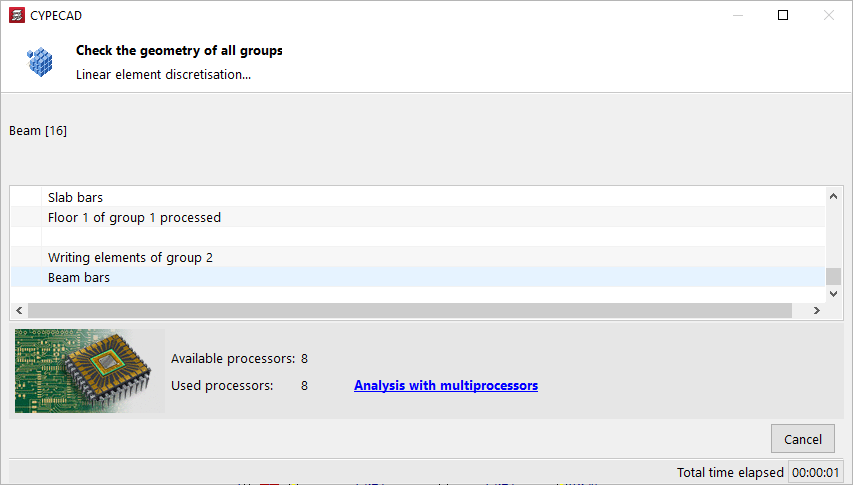
The following options perform the discretisation of the linear elements of the specified floor groups:
- Check geometry of current group
- Check geometry of current group and superiors
- Check geometry of all groups
Its use allows certain types of errors to be detected before performing the overall calculation of the structure, so that they can be corrected early on. This is particularly useful in large-scale projects.
After using one of these options, the programme launches the process of checking the geometry of the indicated groups. Upon completion, the "Final design report for the project" is displayed, if applicable.
Allow reinforcement to be entered in slabs and trusses without analysis
With the "Allow reinforcement to be entered in slabs and trusses without analysis" option, all the necessary data is generated to be able to enter reinforcement in slabs and reticular structures with the current geometry of the project without having to perform a complete calculation. When doing so, any previous reinforcement is lost, if it exists.
Once the process is complete, you can insert the desired assembly into these elements.
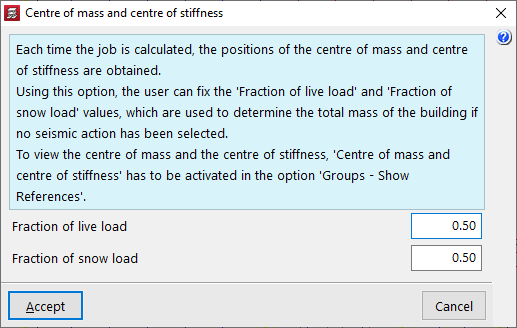
Centre of mass and centre of stiffness
The "Centre of mass and centre of stiffness" option allows you to set the values for "Fraction of live load" and "Fraction of snow load", used to determine the total mass of the building if no seismic action has been selected.
| Note: |
|---|
| The centre of mass and centre of stiffness can be displayed by activating "Centre of mass and centre of stiffness" in "Groups > Visible references". Their position is obtained each time the structure is analysed. |