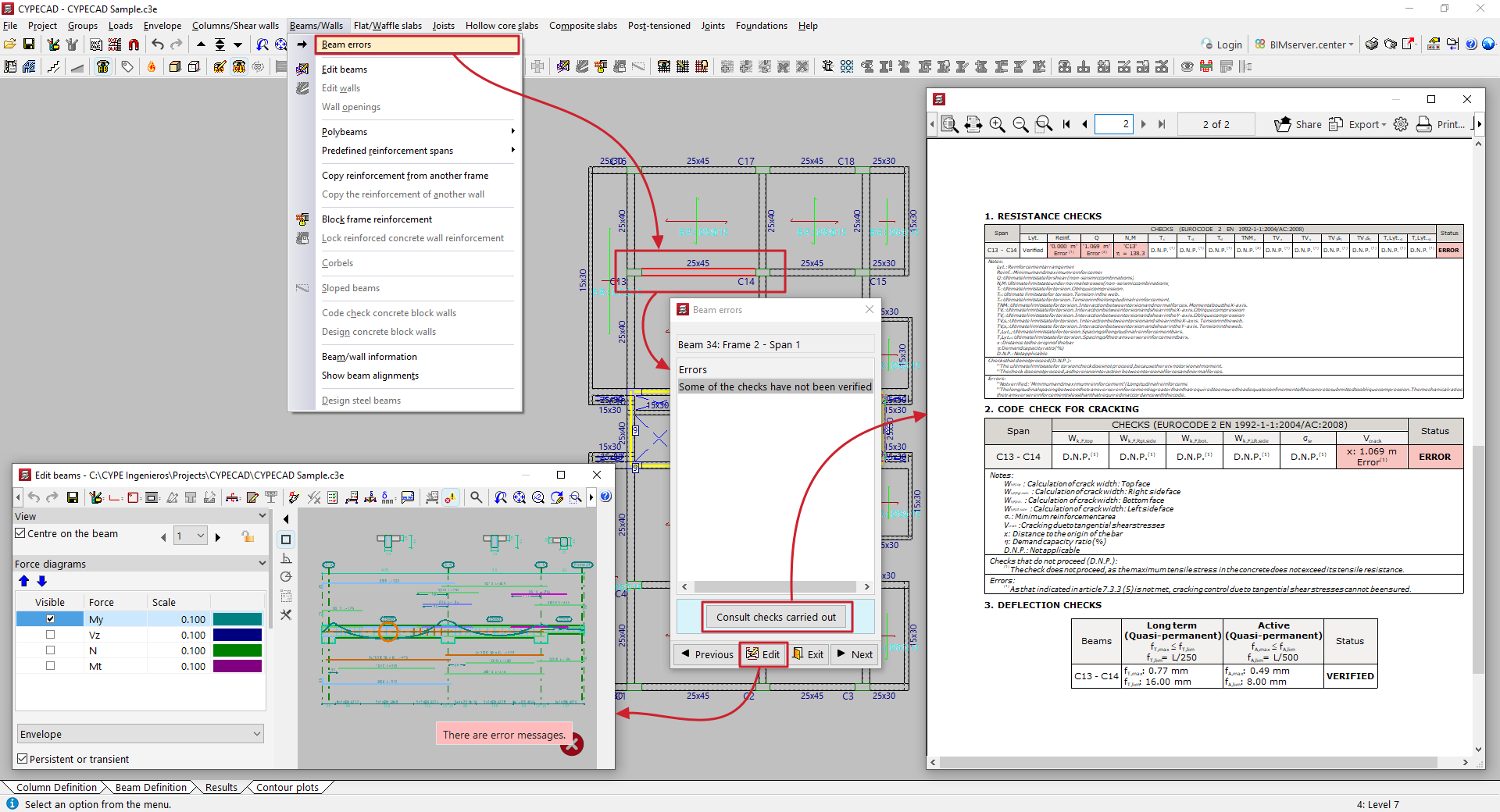
Consulting beam errors
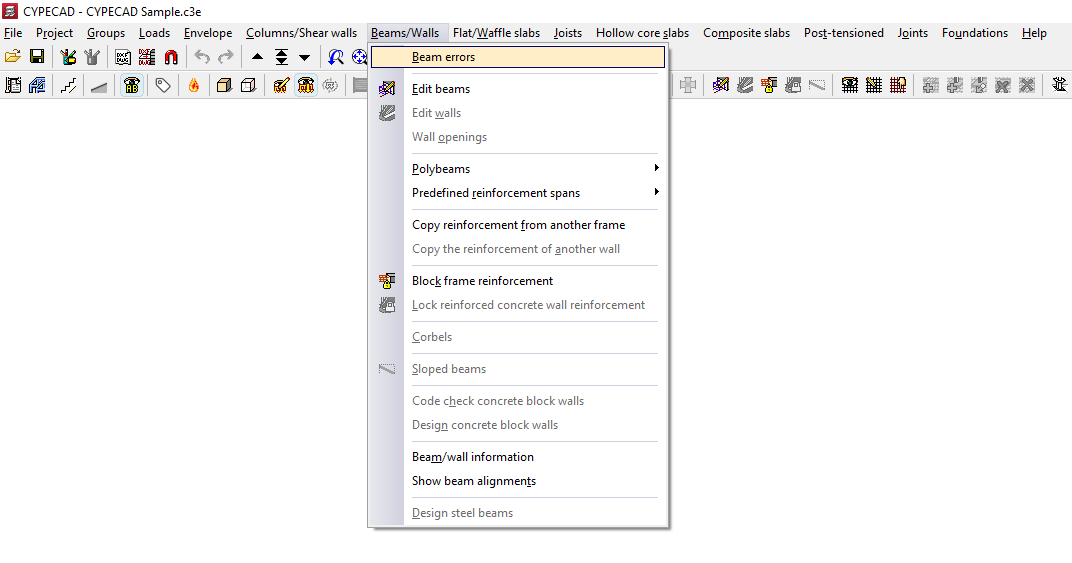
To view beam errors in the program after analysing the structure, open the "Results" tab and select the "Beams/Walls" menu at the top of the interface.
Next, select "Beam errors" and click on any of the beams in the group.
Beams with any verification errors will be highlighted in red.
The program will indicate the reference of the beam, frame and span. Then, in the "Errors" table, it will display a list of warnings generated after the analysis:
- If the selected beam passes all checks, the text "No errors" will be displayed.
- If the text "Some of the checks have not been verified" is displayed, it is possible to "Consult checks carried out" in a pop-up window using the corresponding button.
The "Previous" or "Next" options allow you to move from one beam in the group to another, while the "Edit" button gives you access to the beam editor. To close this window, use the "Exit" option.