Building section
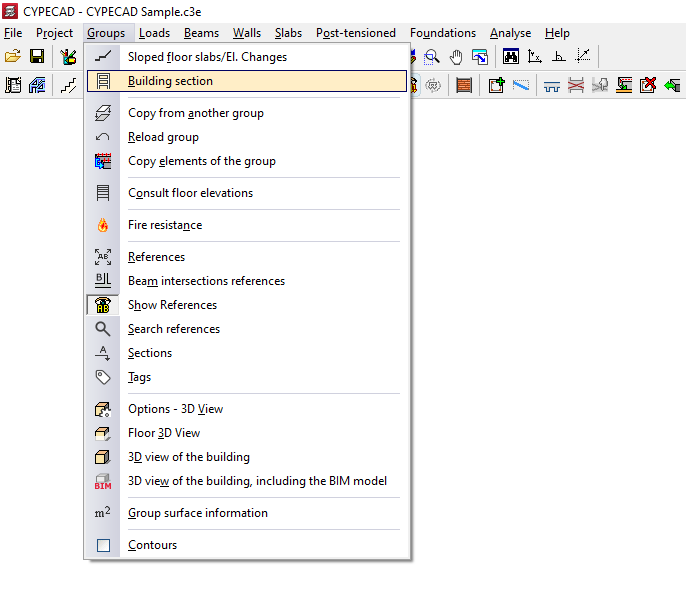
The "Building section" option in the "Groups" menu, within the "Beam input" tab, allows you to generate building sections by making vertical cuts of the complete structure model.
These sections can be displayed on screen, as well as included in the plans.
Add section
To do this, after clicking on the option, a menu appears with the tool "Add section". After selecting it, two points must be marked on the floor plan to define the direction and orientation of the section. The programme will display a visualisation of the section on the screen and allow you to enter the "Name of the section".
The generated section shows the outline or envelope of the geometry of the combined set of structural elements, such as columns, screens, walls, beams, floor slabs and foundation elements, and does not include details such as reinforcement.
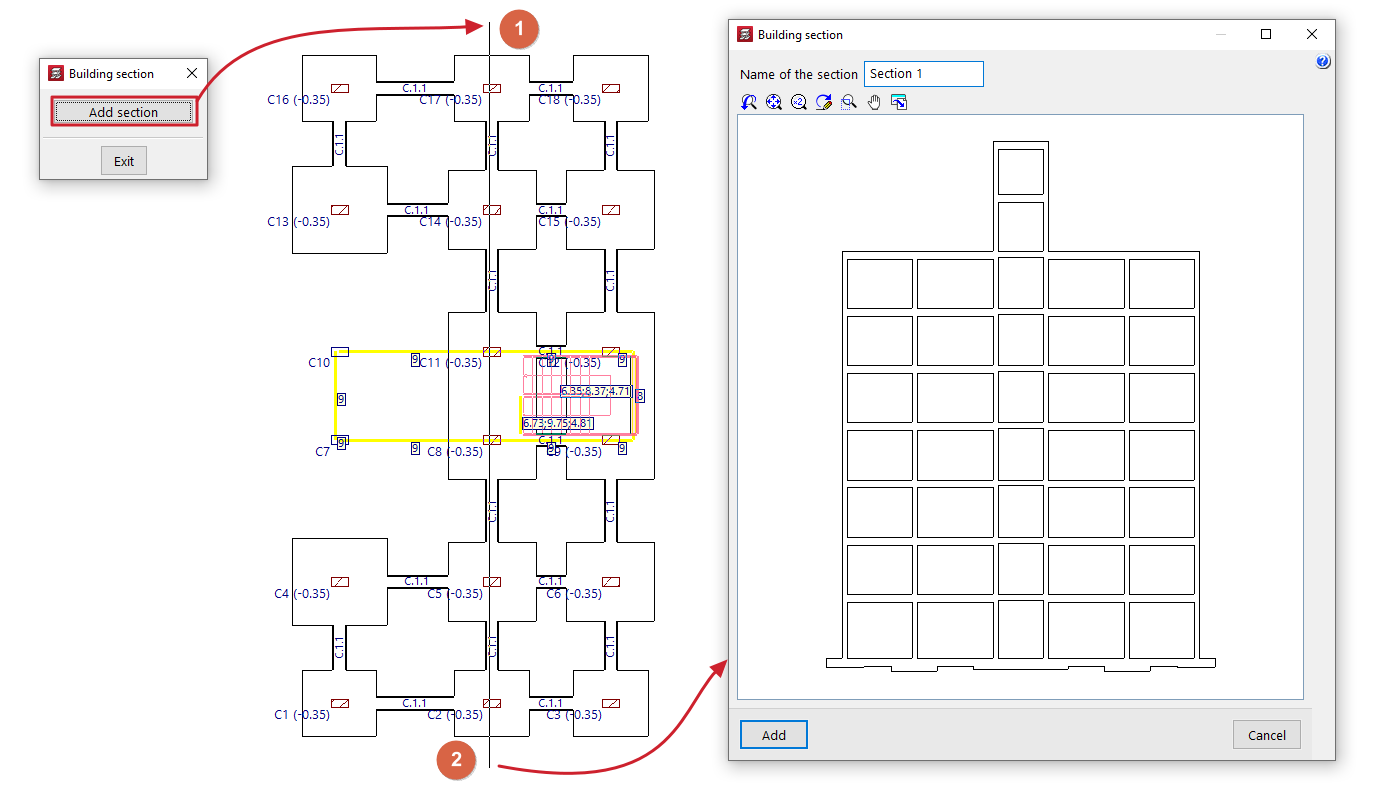
After clicking "Accept", the section will be saved.
In all groups of floors, the position and orientation of the section shall be indicated with symbols, in addition to its name or reference.
Delete section / Edit section
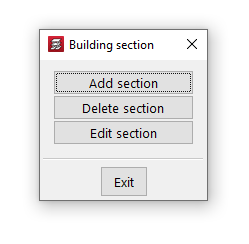
From then on, the menu accessible from "Building section" enables the options "Delete section", which allows sections to be deleted, and "Edit section", which allows the section to be displayed on screen and its name to be modified.
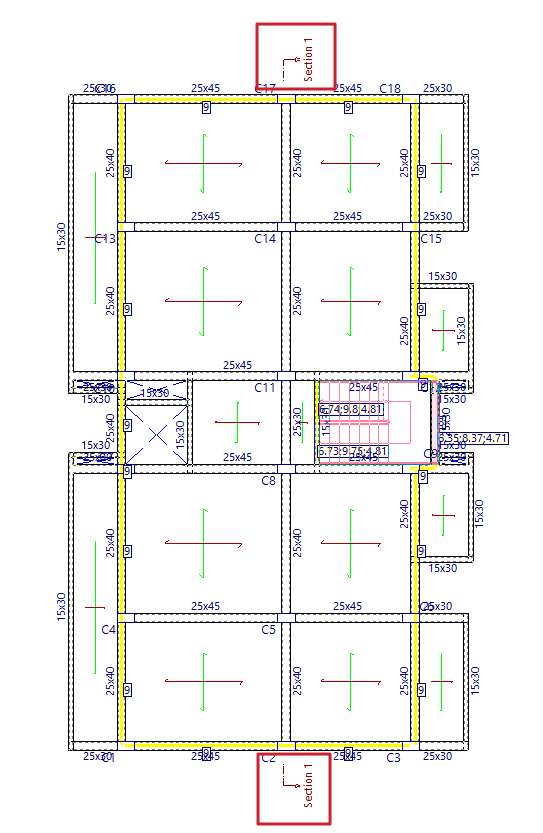
Including building sections in plans
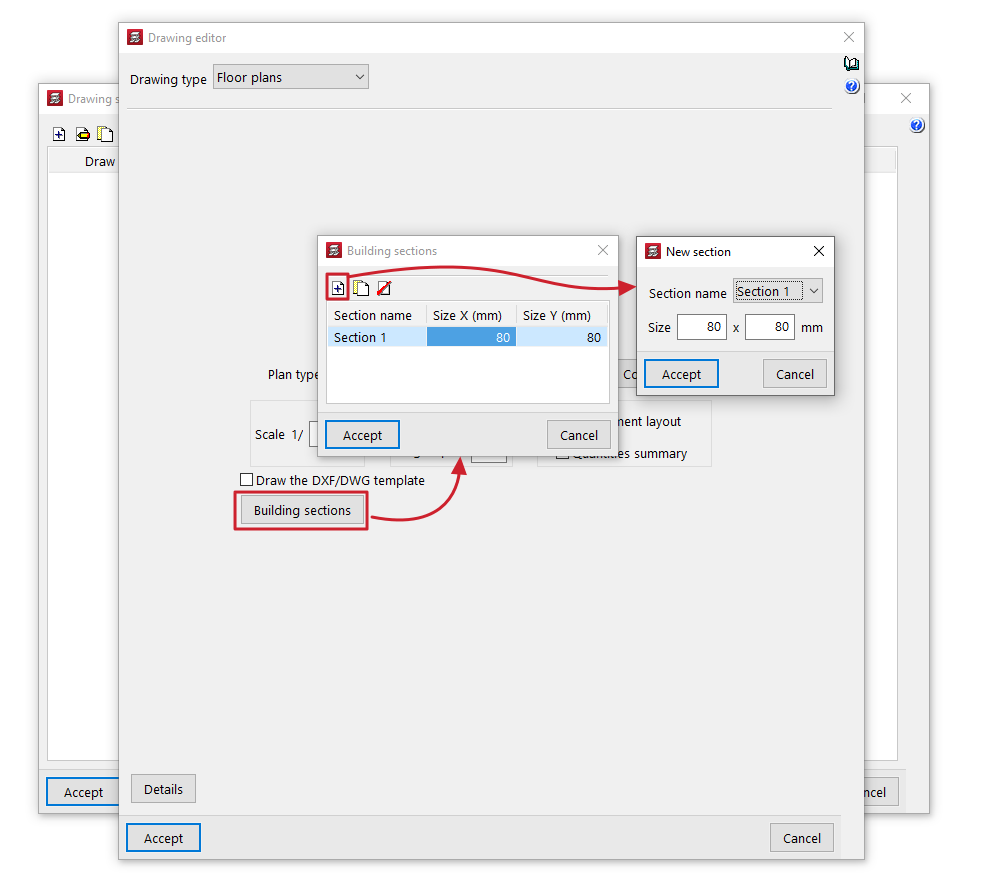
In addition, when printing "Drawings" such as "Floor plans", the generated building sections can be included. This is configured using the "Building sections" button in the editing window for this type of drawing.