Checking beam/wall information and beam alignments
The following options in the "Beams/Walls" menu on the "Results" tab allow you to view information about the beams and/or walls and to view the beam alignments, respectively.
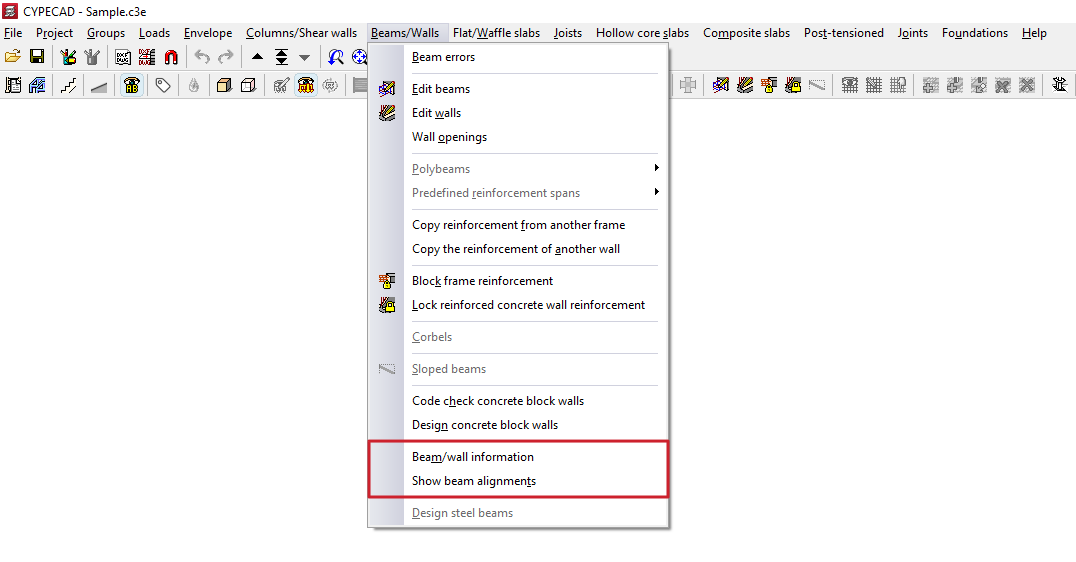
Beam/wall information
This option provides information on the properties and results of a beam or wall added to the model.
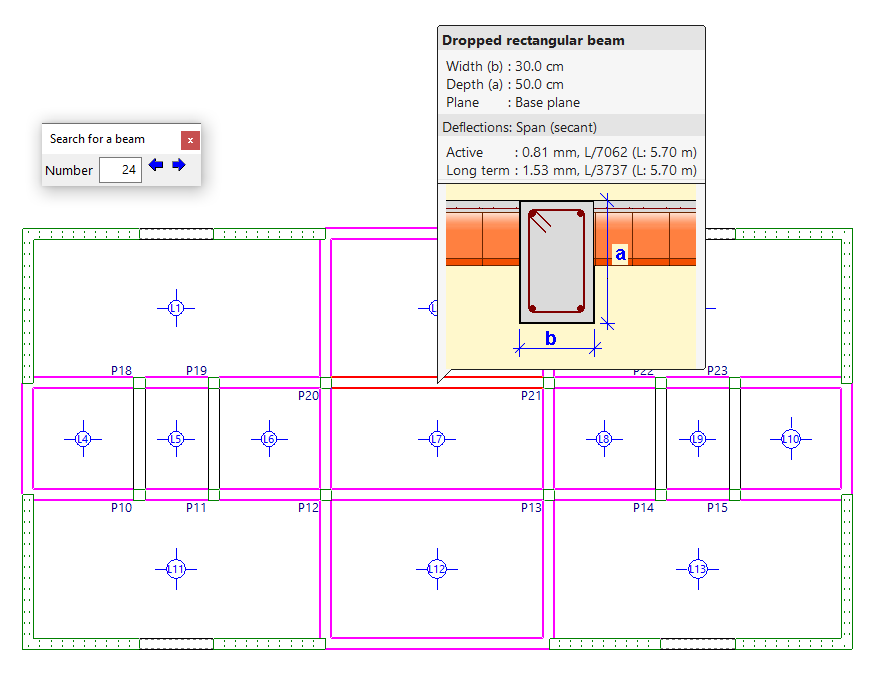
To do this, after clicking on the option, select the beam or wall using the left mouse button, or enter its "Number" in the "Search for a beam" box and press "Enter". When you do this, it will be highlighted in red, and all other beams that are identical to the selected beam will be highlighted in magenta.
Clicking the right-click button will display information about the beam following the current one. You can also use the controls in the "Find a beam" dialogue box to view the "Previous beam" or the "Next beam".
In addition to information on the element’s dimensions, if the structure has been analysed, you will also be able to view information on instantaneous, total and active deflections. If any deflection limit is exceeded, the value will be displayed in red.
View beam layouts
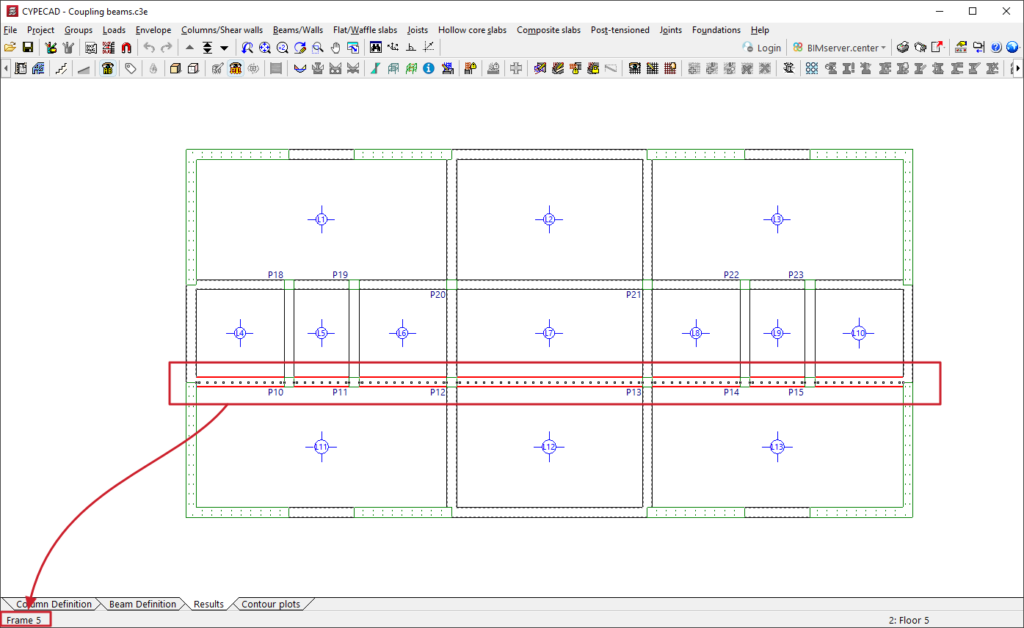
The "View beam alignments" option allows you to check the number of the alignment or frame to which the selected beam belongs.
To do this, after selecting the option, left-click on a beam. The program will display information about the frame to which it belongs in the message bar at the bottom of the main interface.