Code configuration
In CYPECAD, settings are configured via the "Project" menu by selecting the "General Data" option. This menu can be accessed from the various tabs within the program. The general data settings also appear automatically when creating a new project.
Key, description and comments
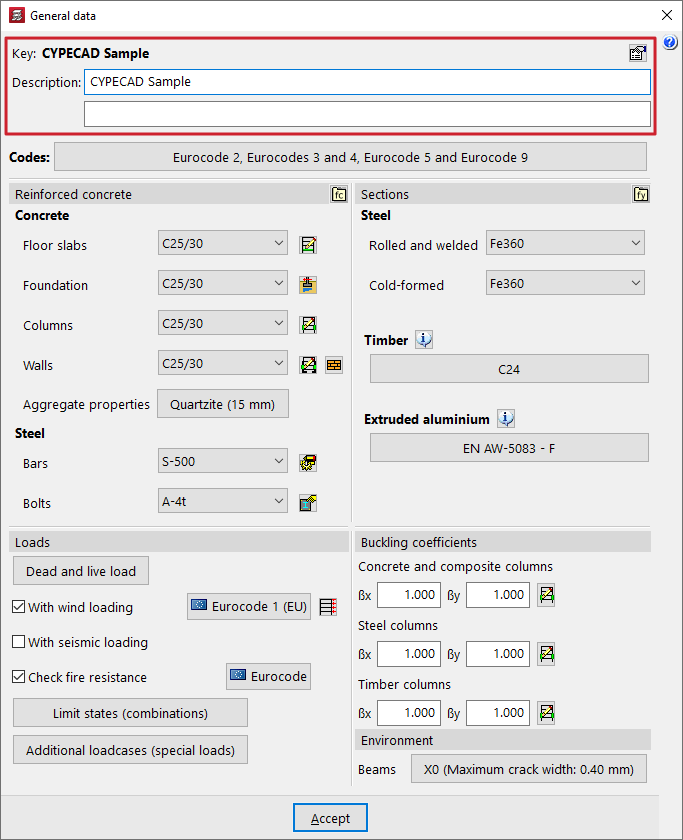
At the top of the window, the program allows you to view the "Key" or the file name and enter a "Description".
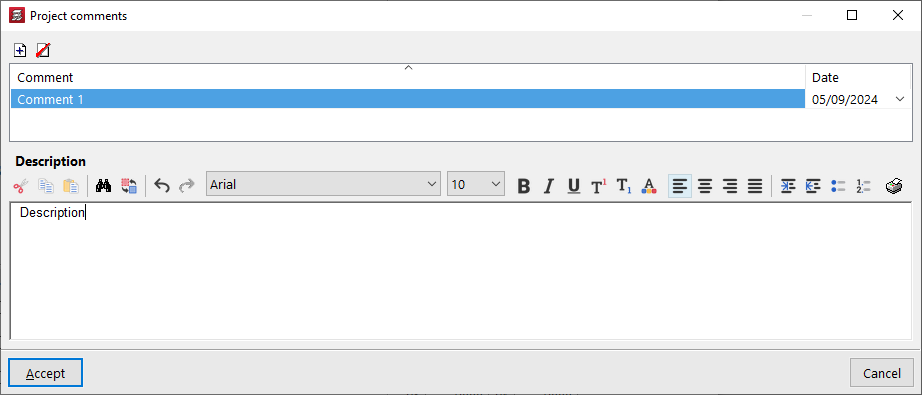
On the right, the "Project comments" option takes you to a comments management table where you can add any notes about the project that you consider relevant, linking them to a "Date".
Selection of standards
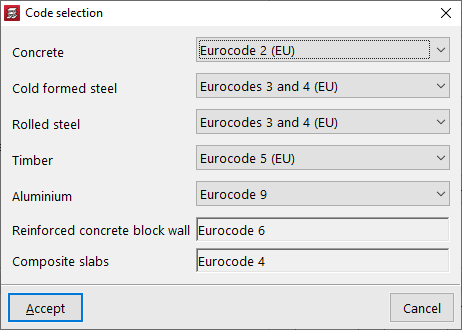
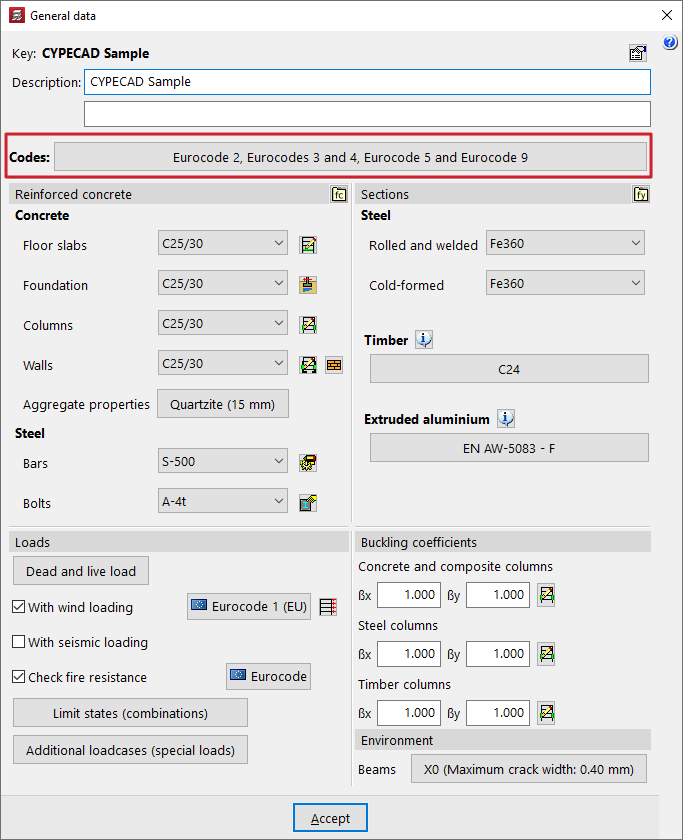
The project's "Codes" are defined by clicking on the relevant button in the "General data" window.
This brings up the "Code selection" window, where you can select the standards associated with elements made from the following materials:
- Concrete
- Cold formed steel
- Rolled steel
- Timber
- Aluminium
- Reinforced concrete block wall
- Composite slabs
For each one, select the required code from those available in the drop-down menu.
| More information: |
|---|
| The standards covered by CYPE’s programs can be viewed via this link. |