


"Common beam" option
A common beam is a beam that, when inserted into one group of floors, is also visible in another group, meaning it can be used as a floor edge beam in both groups.
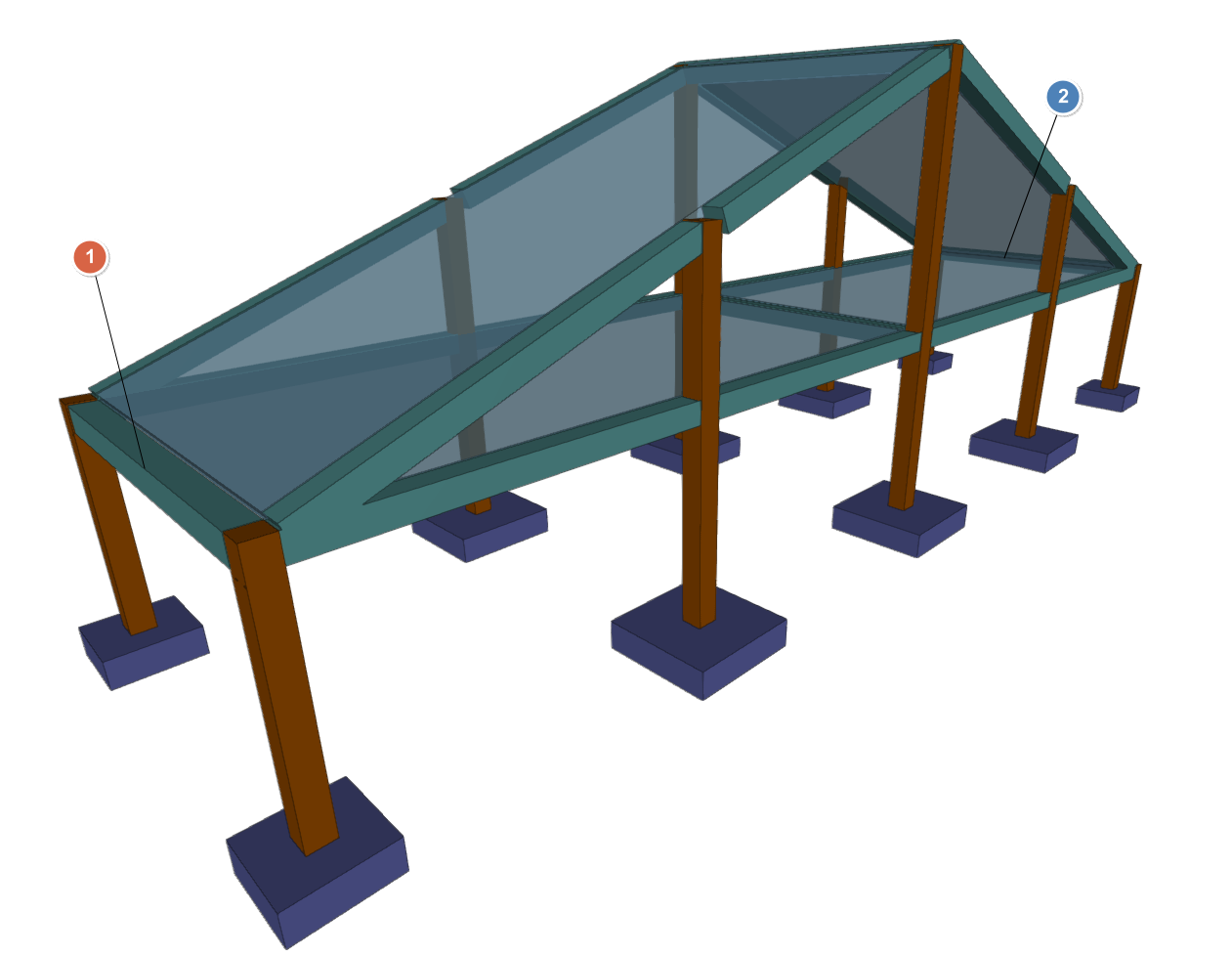
This can be useful, for example, to define an eave beam common to the floor slab under the roof and the floor slab that forms the roof slope, or to a beam between a horizontal floor slab and a floor slab that forms a staircase or garage ramp slab.
The "Common beam" option in the "Beams" menu of the "Beam input" tab allows you to define a beam common to two groups of floors. Selecting it displays a menu with two tools:
- Make a common beam
- Undo common beam
Each of these features is detailed below.
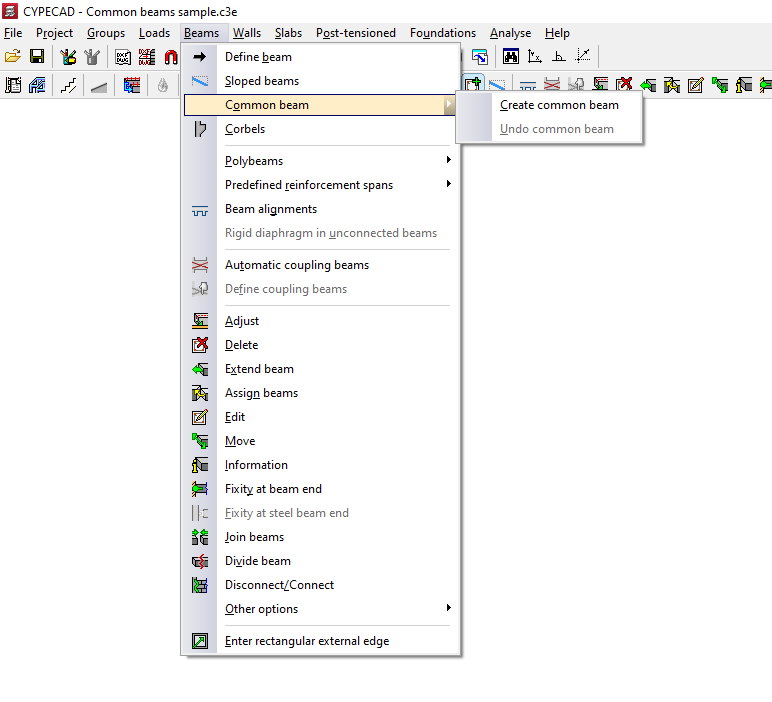
Create common beam
The "Create common beam" option allows you to define a common beam.
The process for inserting a common beam is as follows:
- Firstly, the beam must be inserted into only one of the groups (or the original group) using the "Insert beam" option, also in the "Beams" menu.
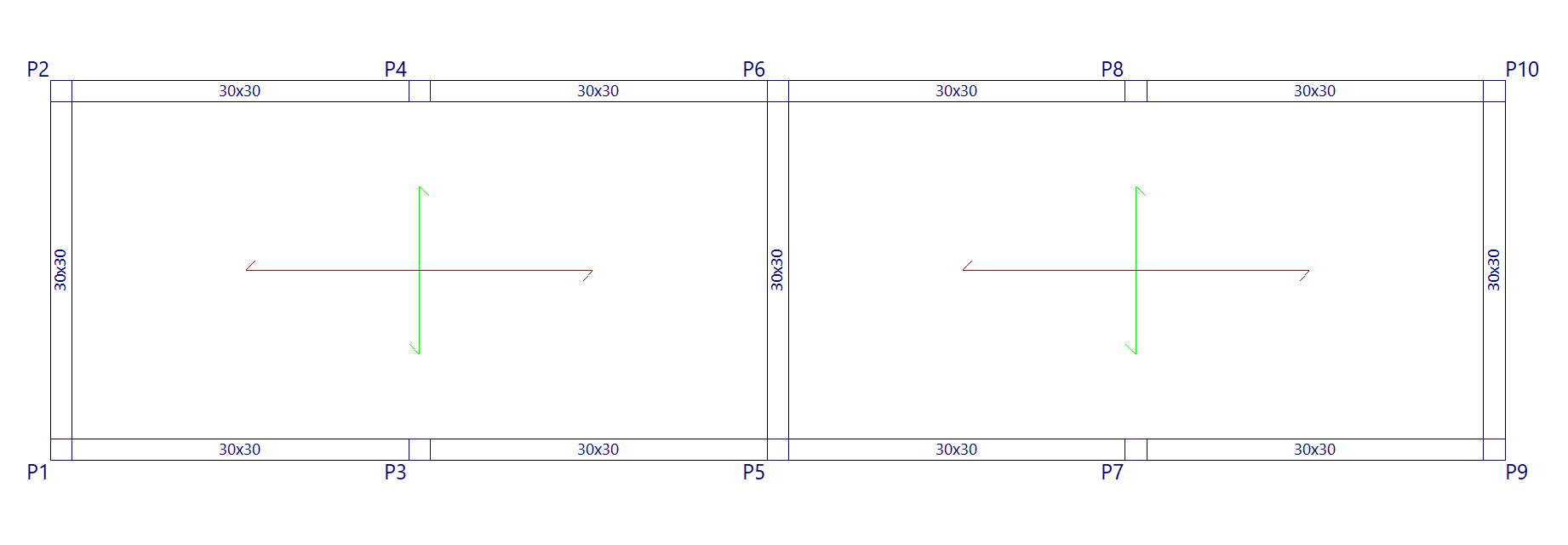
- In the group of destination floors where you wish to generate the common beam, there must be sufficient space available for the beam to be generated correctly and not overlap with other elements.
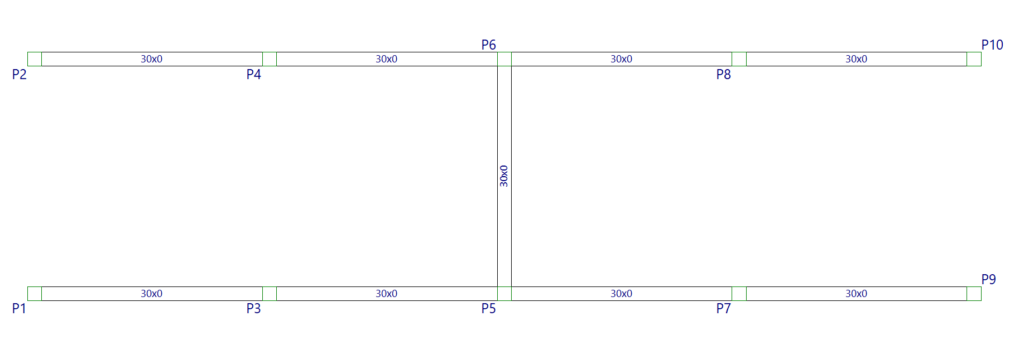
- Next, use the "Make common beam" option and click on the beam already entered in the original group.
You can select the central part of the beam to make a common beam along its entire length, or select one end or the other of the beam to make a common beam only half its length: each half can be common with different groups.
At this point, the program will display the following message: "Select common group". The target floor group must be selected from those available in the pop-up window.
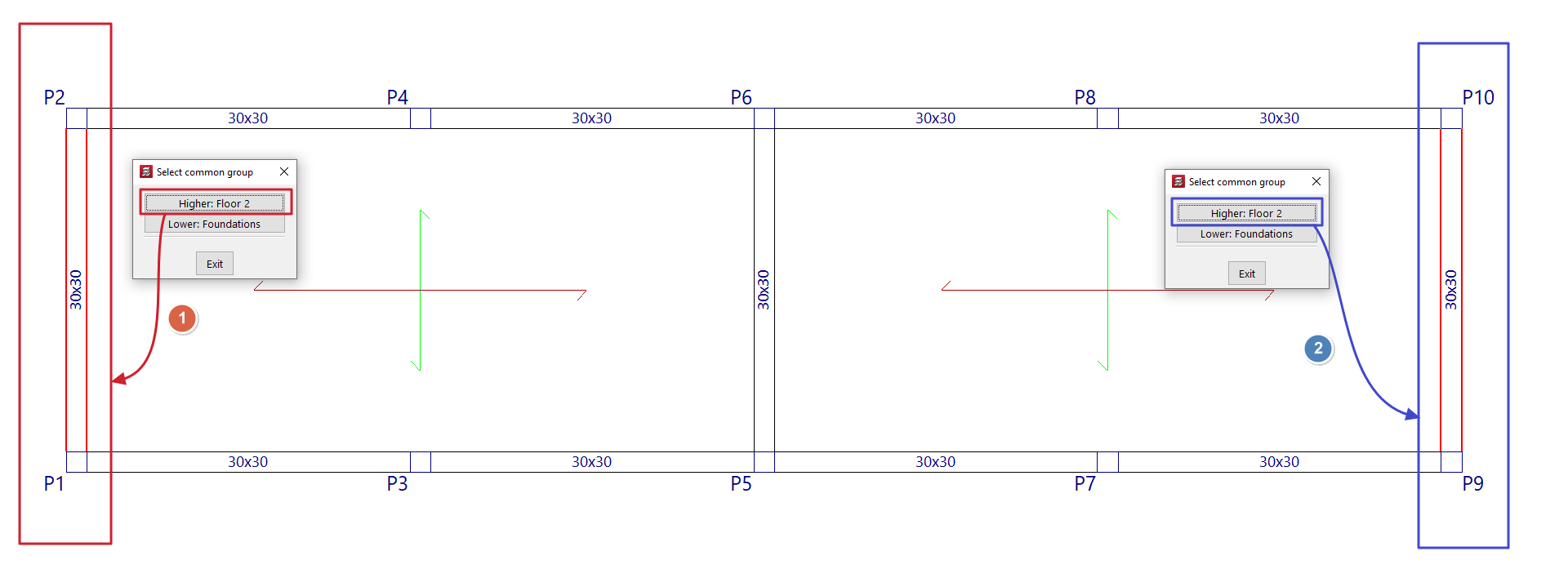
- After doing so, the beam will also be visible in that group of floors, and can be used as part of the definition of the contour of floor slabs in both groups. The axis of this type of beam is drawn with a dotted line.
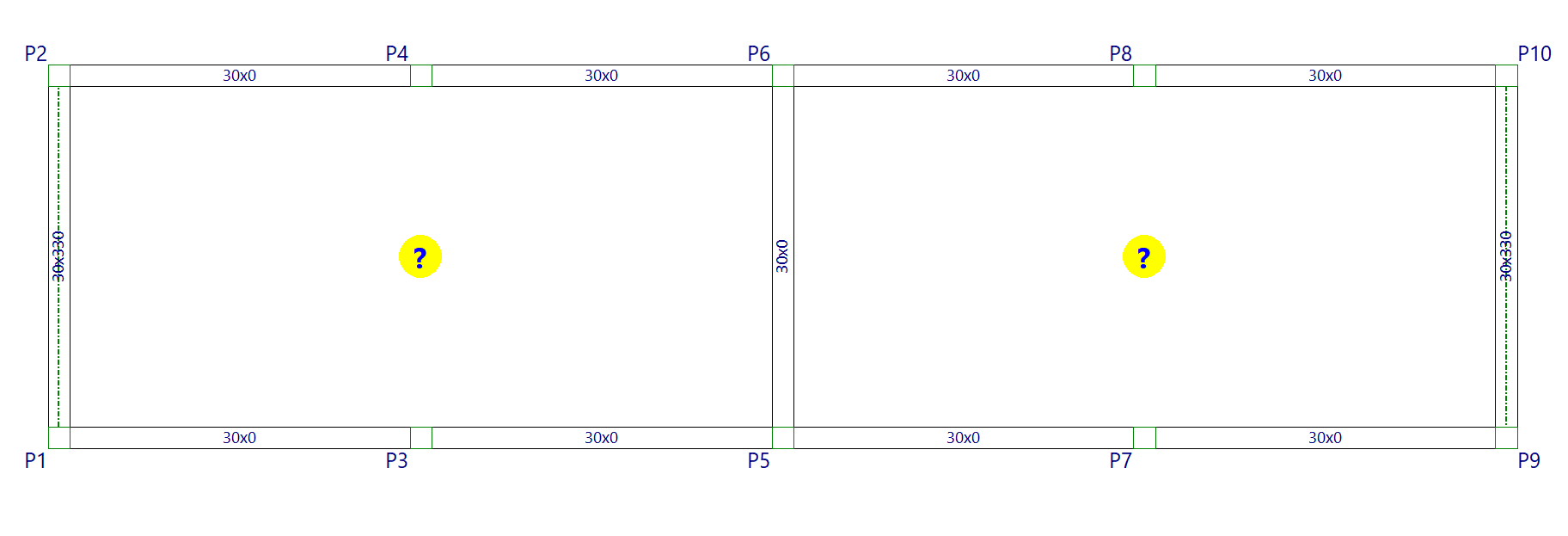
- From here, the model is completed by inserting the necessary floor slabs, as well as the slopes of the slabs.
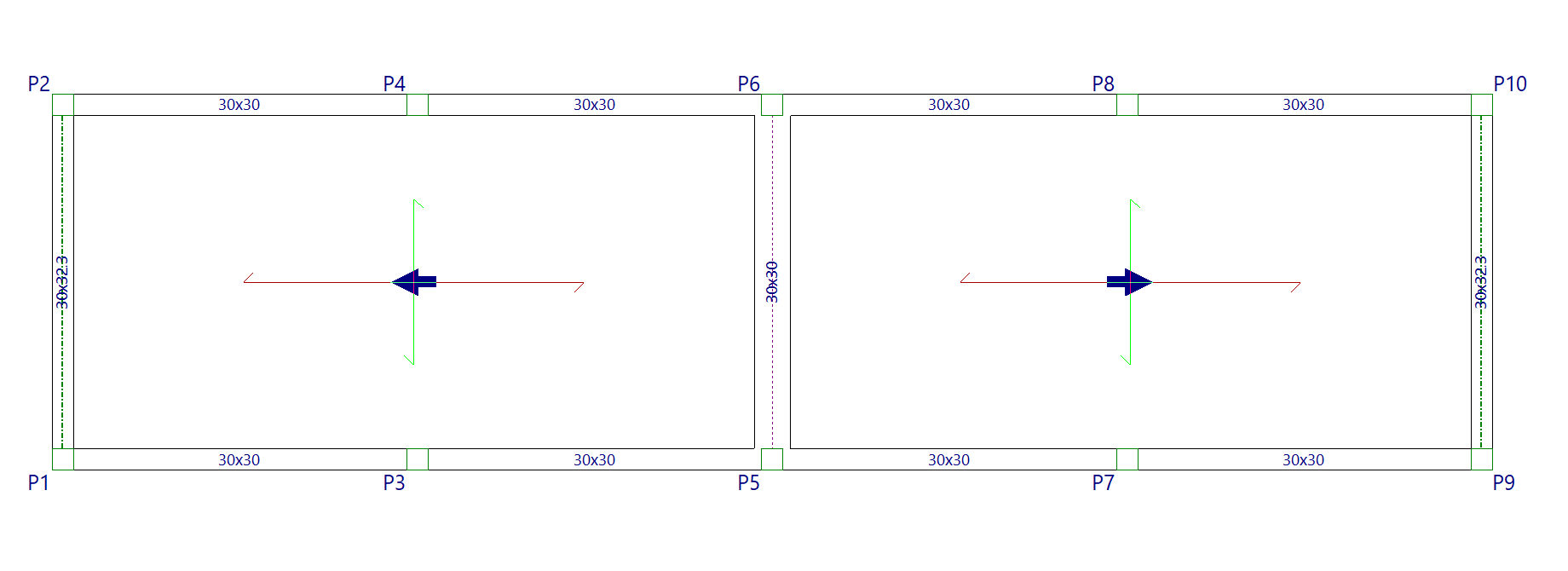
The reinforcement and stress envelopes for common beams should be consulted in the group where the beam was originally inserted.
Undo common beam
The "Undo common beam" option allows you to split a beam associated with a common beam.
This operation must be performed on the associated beam and not on the original beam, i.e. on the beam visible in the target group selected when using the "Common beam" option.
By doing so, you will obtain two independent beams, one in each group of floors.
| Note: |
|---|
| To delete a common beam using the "Delete" option in the "Beams" menu, you must first delete the associated beam in the target group. Then you can delete the original beam. |
