Configuration of materials in "Sections"
The configuration of steel, timber and aluminium section materials in CYPECAD is carried out in the "Project" menu by selecting the "General data" option. This menu can be accessed from the different tabs in the program. It also appears automatically when creating a new project.
Options in "Sections"
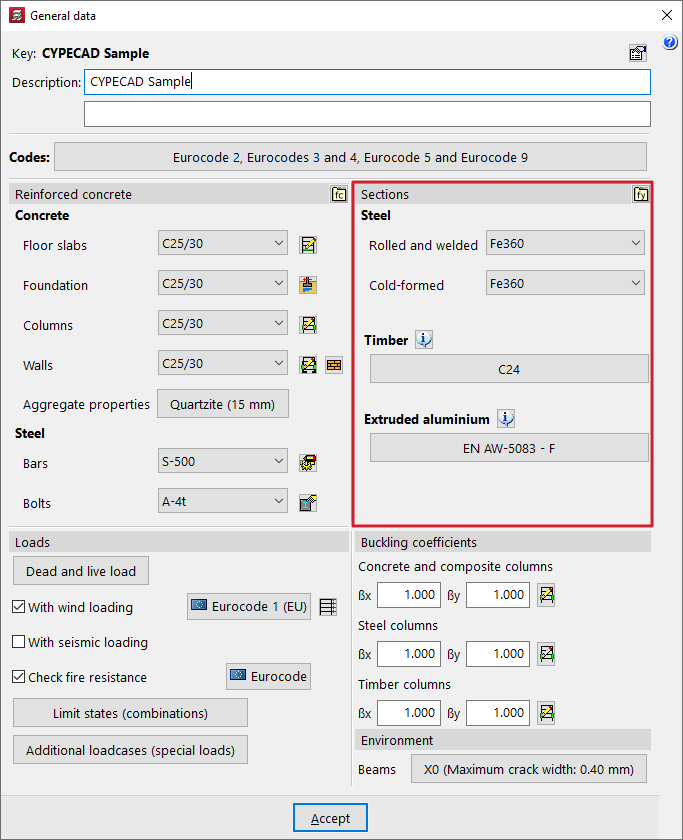
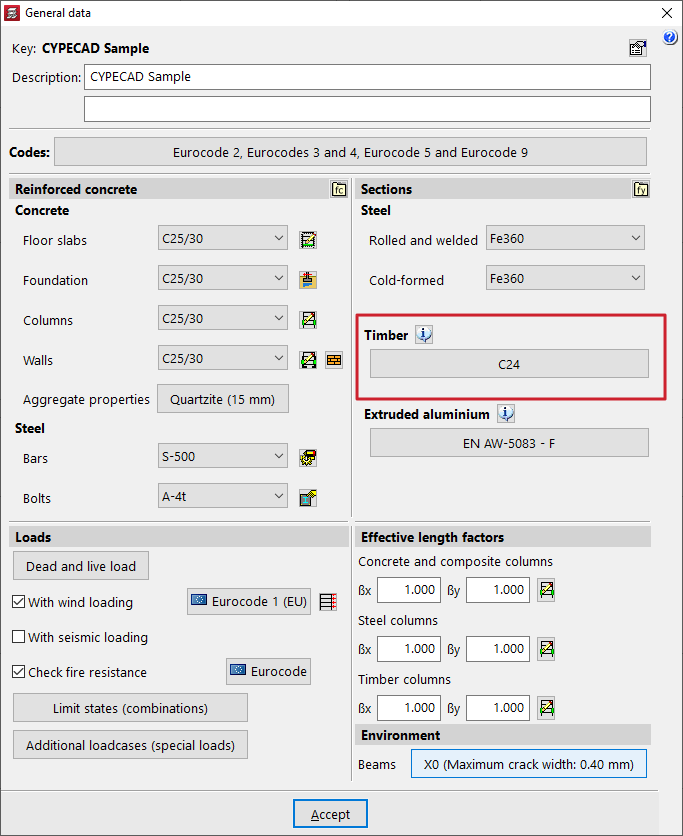
Within the "General data" window, the project materials are defined in the "Reinforced concrete" and "Sections" areas.
In "Sections", you can configure both the "Steel" of the steel sections and the "Timber" and "Extruded aluminium" of the elements made from these materials.
Selecting steel for steel sections
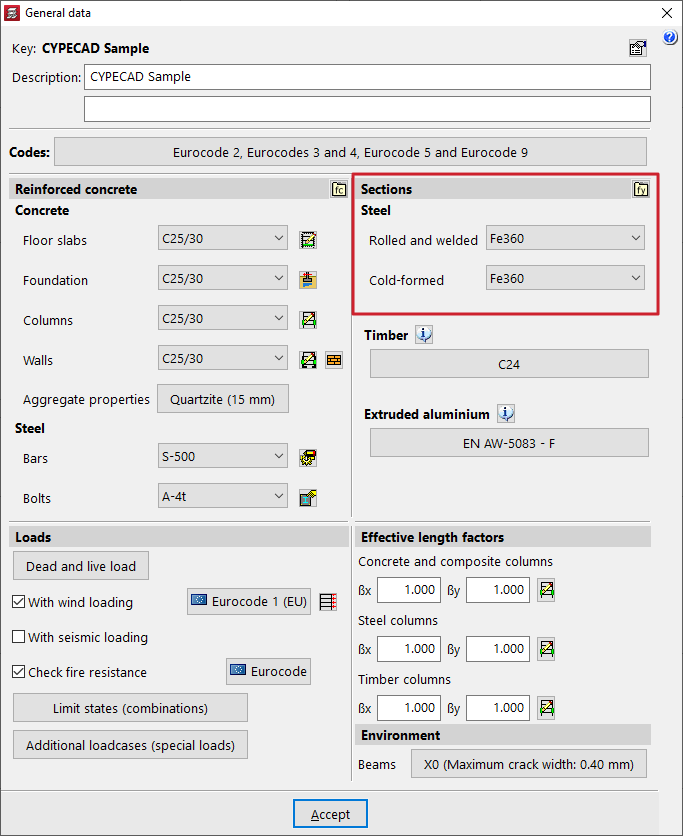
To define the steel for steel sections, use the drop-down menus for the options "Rolled and welded" and "Cold-formed".
Los aceros que aparecen disponibles por defecto en los desplegables corresponden con los contemplados en las normativas seleccionadas previamente.
User steels
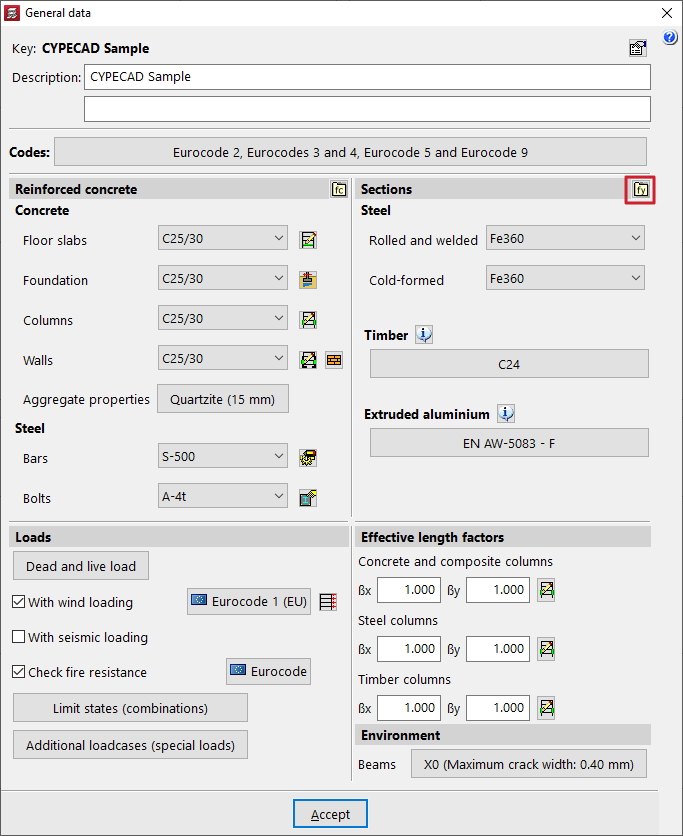
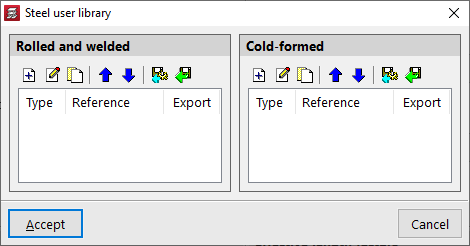
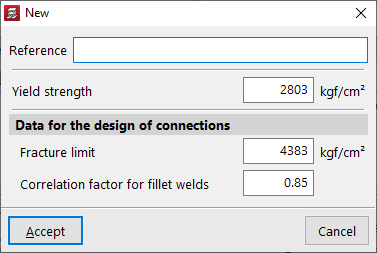
The "User steel library" option allows the user to create different types of steel, whether "Rolled and reinforced" or "Formed", by entering their details:
- Reference
- Yield strength
- Data for the design of connections
The following are included:- Fracture limit
- Correlation factor for fillet welds
After creating a user steel, it can be selected from the drop-down menus in the "General data" window.
Selecting timber
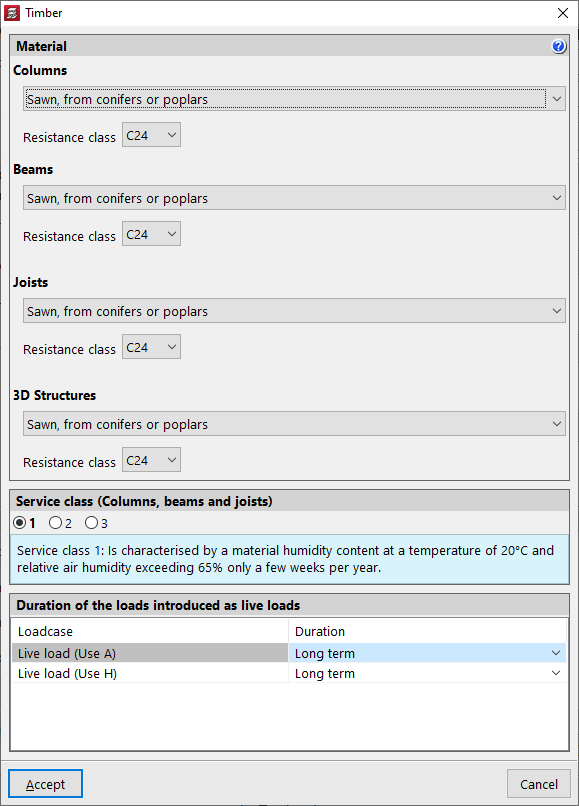
The "Timber" section defines the wood used for "Columns", "Beams", "Joists" and the bars of "3D Structures" made from this material.
For each of these elements, the type of timber and the "Resistance class" are selected from the corresponding drop-down menus from among those available according to the chosen standard.
At the bottom, the "Service class" is defined for pillars, columns, beams and joists, as well as the "Duration of loads entered as live loads" for each "Loadcase".
| Note: |
|---|
| In the case of timber bars in integrated 3D structures, the parameters "Service class" and "Duration of loads entered as live loads" are defined independently for each integrated 3D structure. This is possible when entering timber members or by accessing the "Timber sections" option in the "Construction" tab in the editing interface. |
Aluminium selection
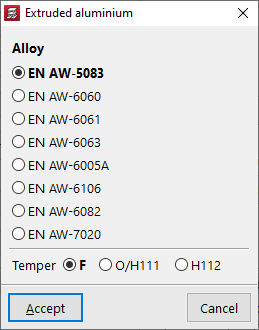
The "Extruded aluminium" section allows you to configure the material that will be applied to the aluminium elements defined in the integrated 3D structures.
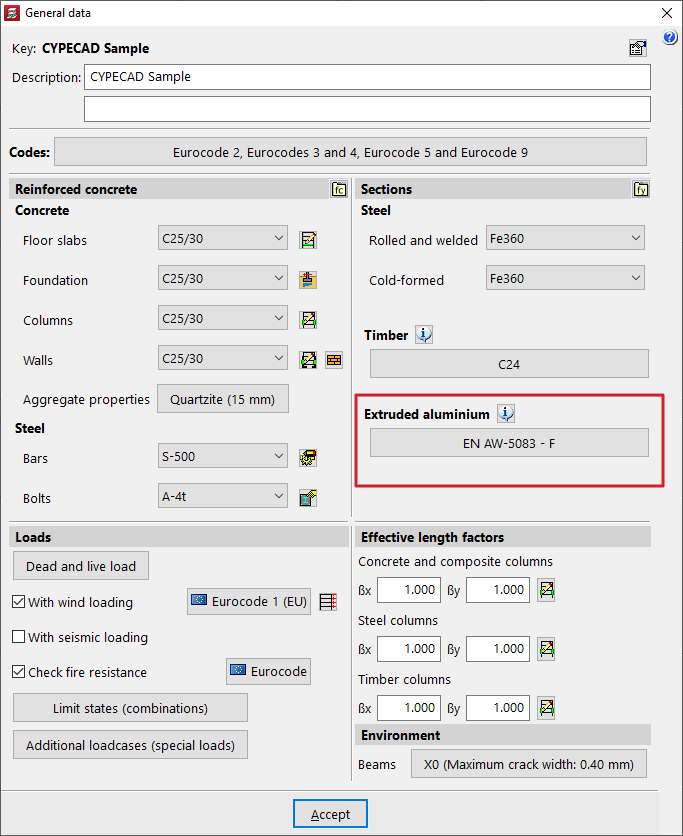
In the pop-up window, you can select the "Alloy" and the "Delivery condition" from those available according to the selected standard.