Coupling beams
The following options within the "Beams" menu of the "Beam Input" tab allow you to define the coupling beams of the model.
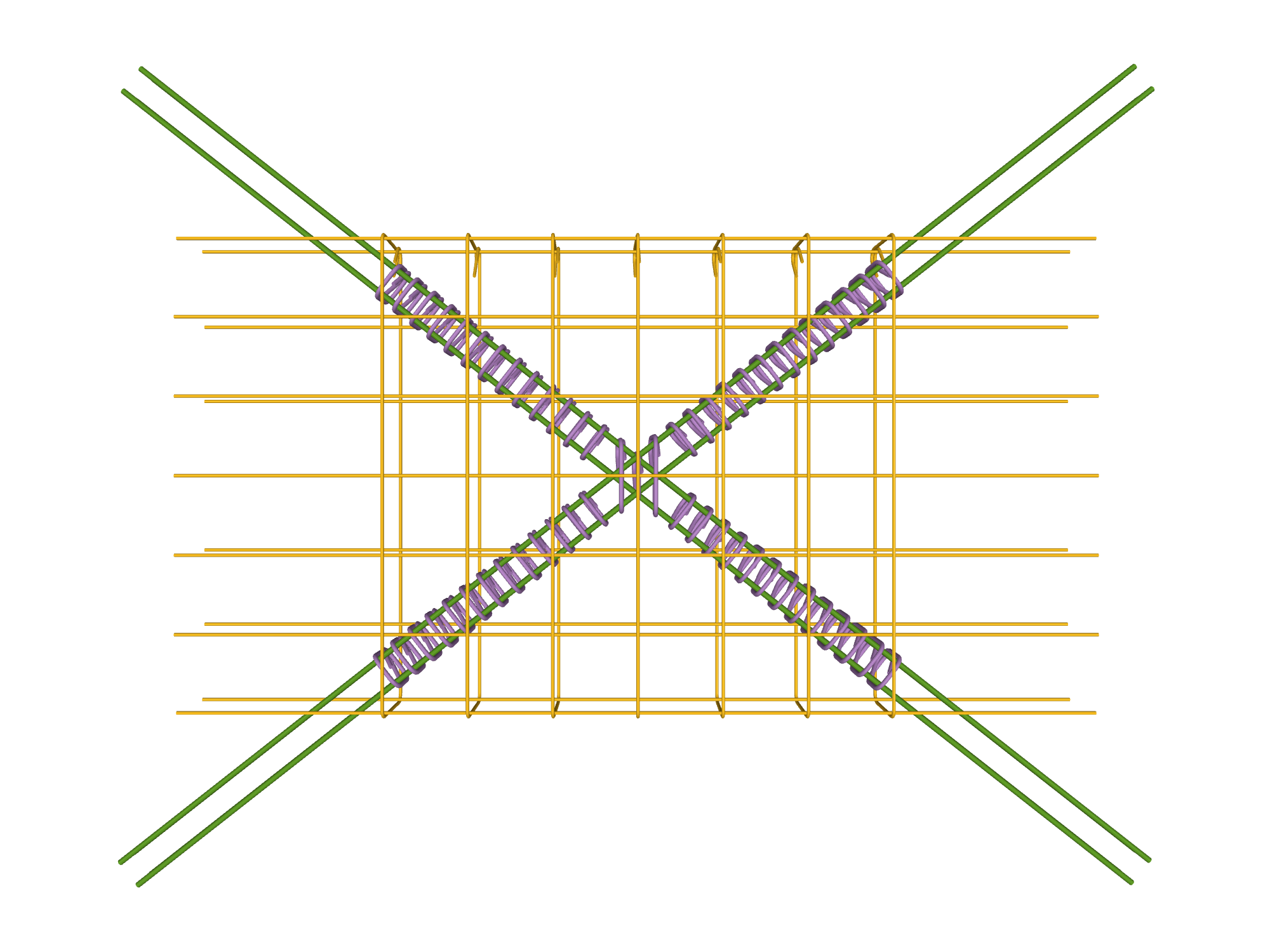
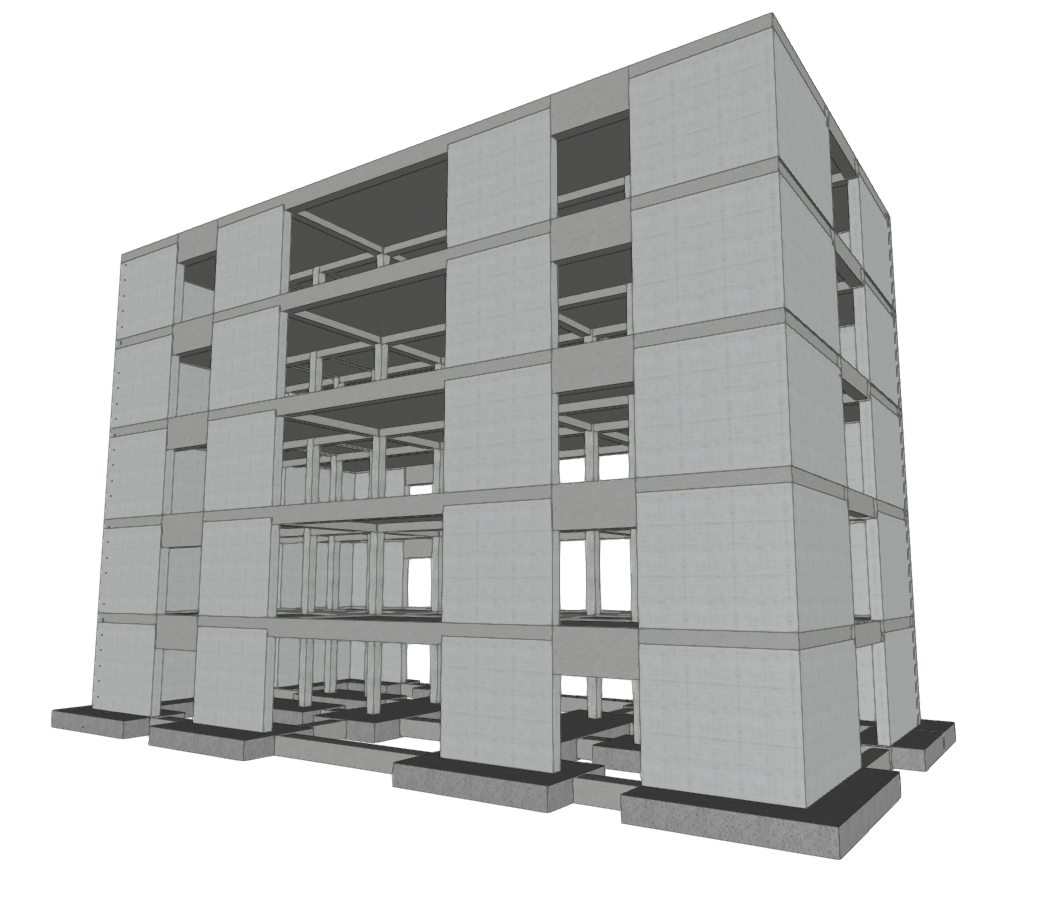
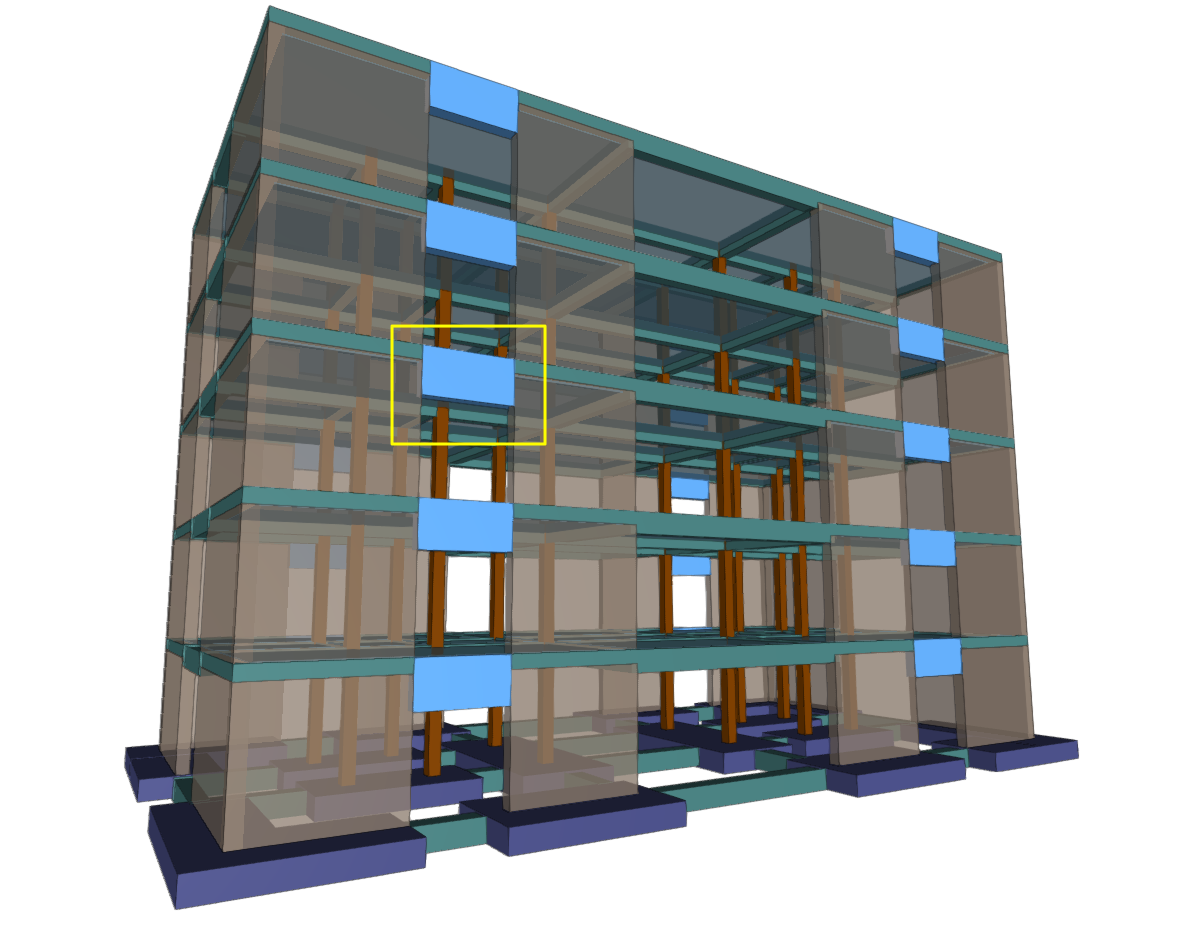
Coupling beams are elements used in the design of seismic-resistant structures, allowing two shear walls aligned on the same plane to be connected. They are elements with very high rigidity that reduce lateral displacement of the structure. The results of the coupling beam analysis obtained in CYPECAD can then be exported to BIMserver.center and imported into programmes such as StruBIM Shear Walls for design and verification.
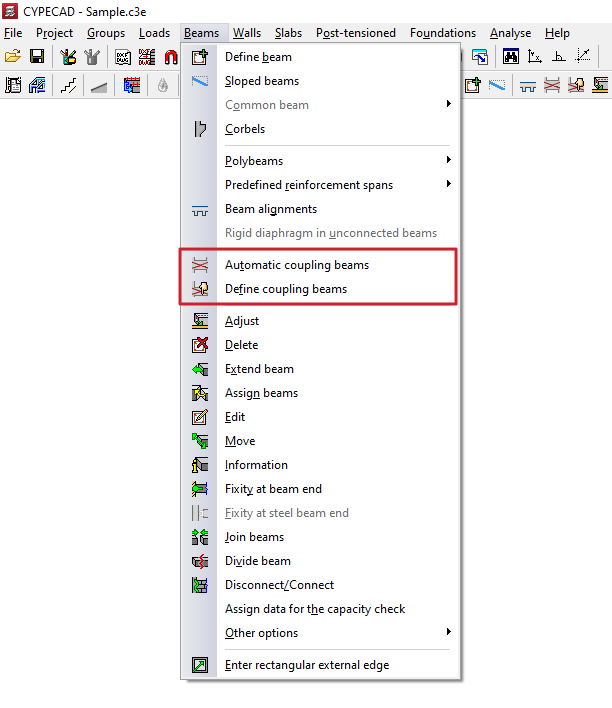
Automatic coupling beams
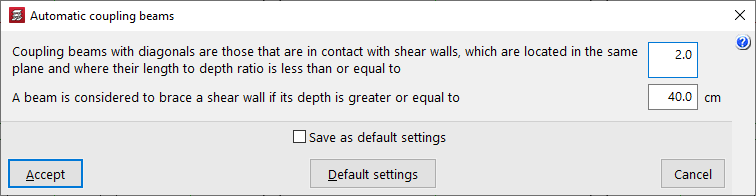
The "Automatic coupling beams" option allows you to define the parameters based on which the programme will automatically assign the coupling beam function to beams when using the corresponding option in "Define coupling beams" in the same menu.
Thus, coupling beams with diagonals will be those that are in contact with shear walls located in the same plane and in which the ratio between their length and their depth is less than or equal to the first value indicated (default 2).
Furthermore, a beam will be considered to brace a shear wall if its depth is greater than or equal to the second value indicated (by default, 40 cm).
Define coupling beams
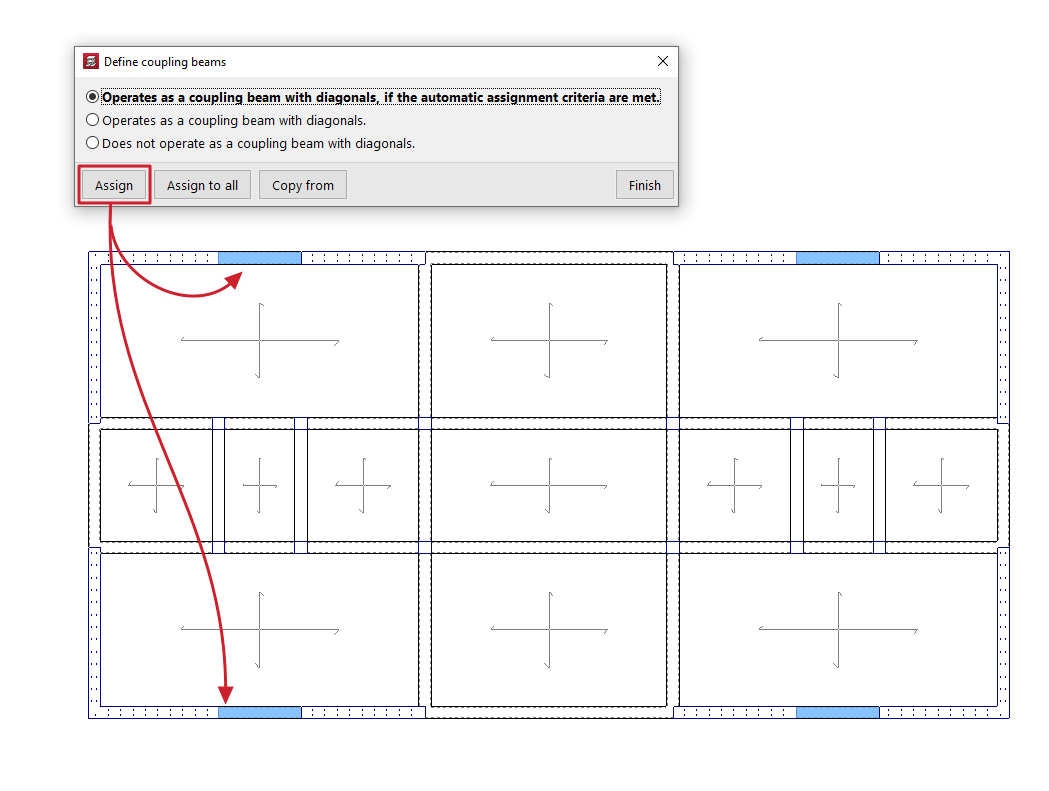
The "Define coupling beams" option allows you to assign or unassign the coupling beam function to beams previously entered in the model that have the appropriate cross-section.
When you click on the option, a dialogue box appears where you can choose one of the following options:
- Operates as a coupling beam with diagonals, if it meets the automatic assignment criteria are met
It allows you to assign the coupling beam function to the beams selected later if they meet the conditions defined using the "Automatic coupling beams" tool. - Operates as a coupling beam with diagonals
It allows you to force the assignment of the coupling beam function to the beams selected later. - Does not operate as a coupling beam with diagonals
The beams selected subsequently will lose the coupling beam function.
At the bottom, the "Assign" option allows you to select the beams in the floor plan to which the selected condition will be assigned, while "Assign to all" will apply the selected condition to all beams in the floor plan where possible. On the other hand, "Copy from" allows you to extract information from a specific beam on the floor plan to define the current beam. The "Finish" option allows you to end the operation without changes.