Errors in the verification of foundation elements
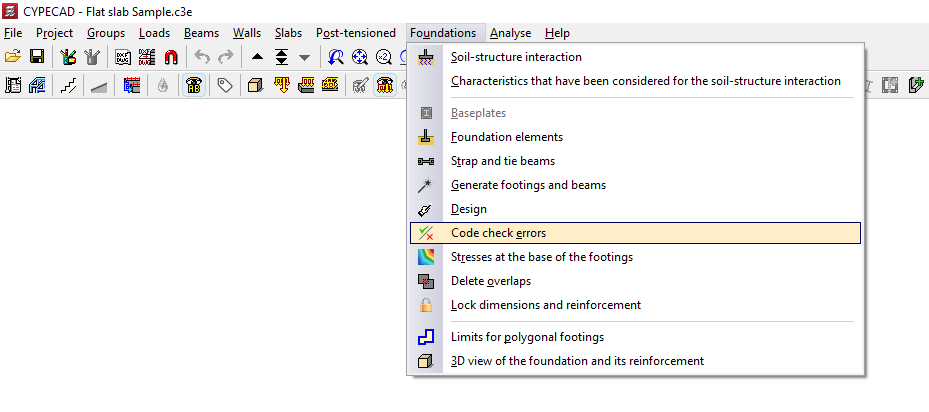
The "Code check errors" option, available in the "Foundations" menu on the “Beam input” or “Results” tabs, allows you to check the results obtained for the foundation elements following the analysis.
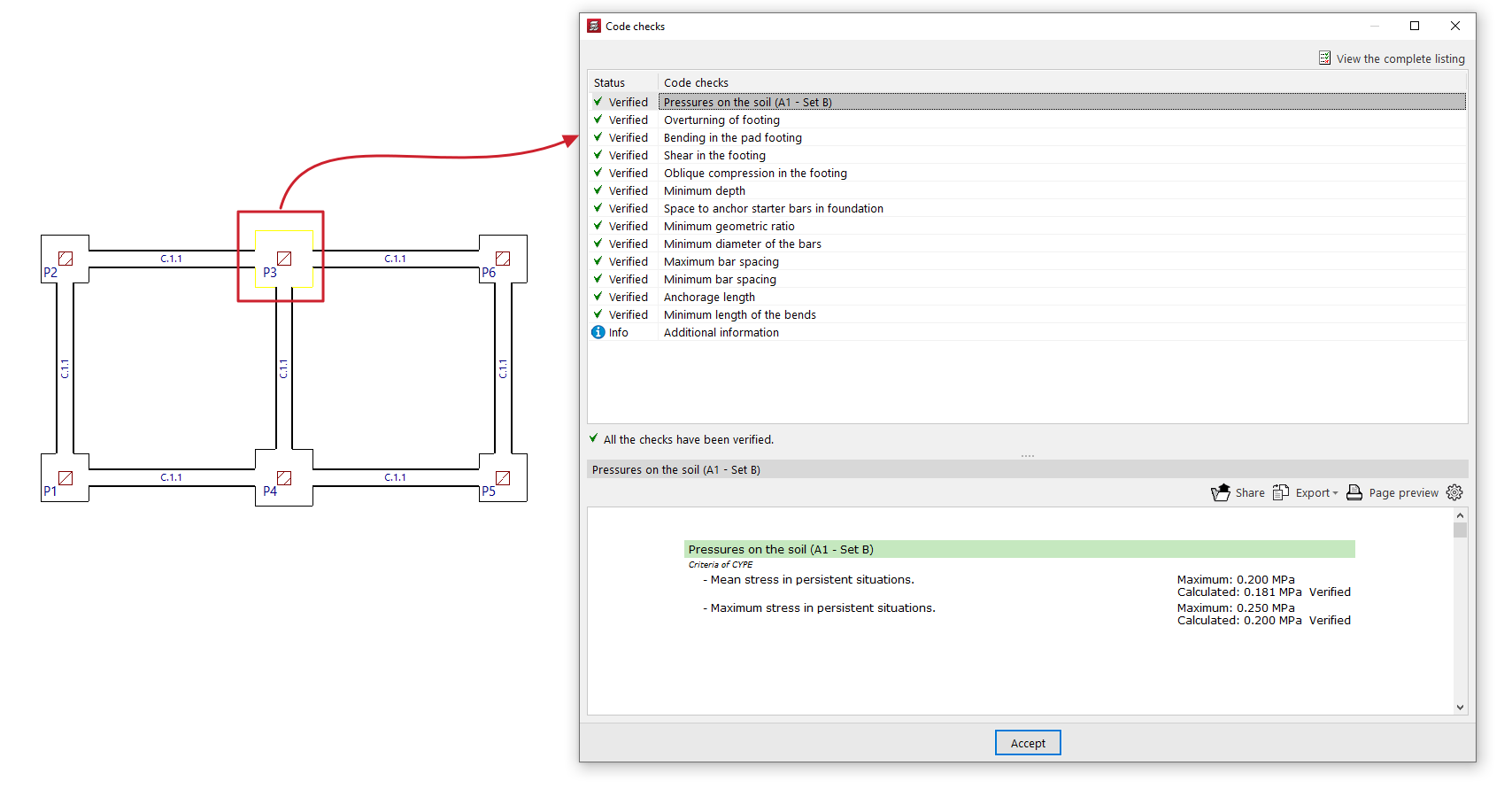
On the screen, foundation elements that do not present any problems are shown in black, whilst those that do are shown in red.
Check report
If you use this option and left-click on each item, you will be taken to the detailed list of checks.
Toggle the checkbox at the top to indicate whether you want to "Only show the failed checks" or all of them.
In the central section, a list is displayed showing the "Status" of each "Check". Clicking on each line brings up a detailed list of that check in the viewer at the bottom.
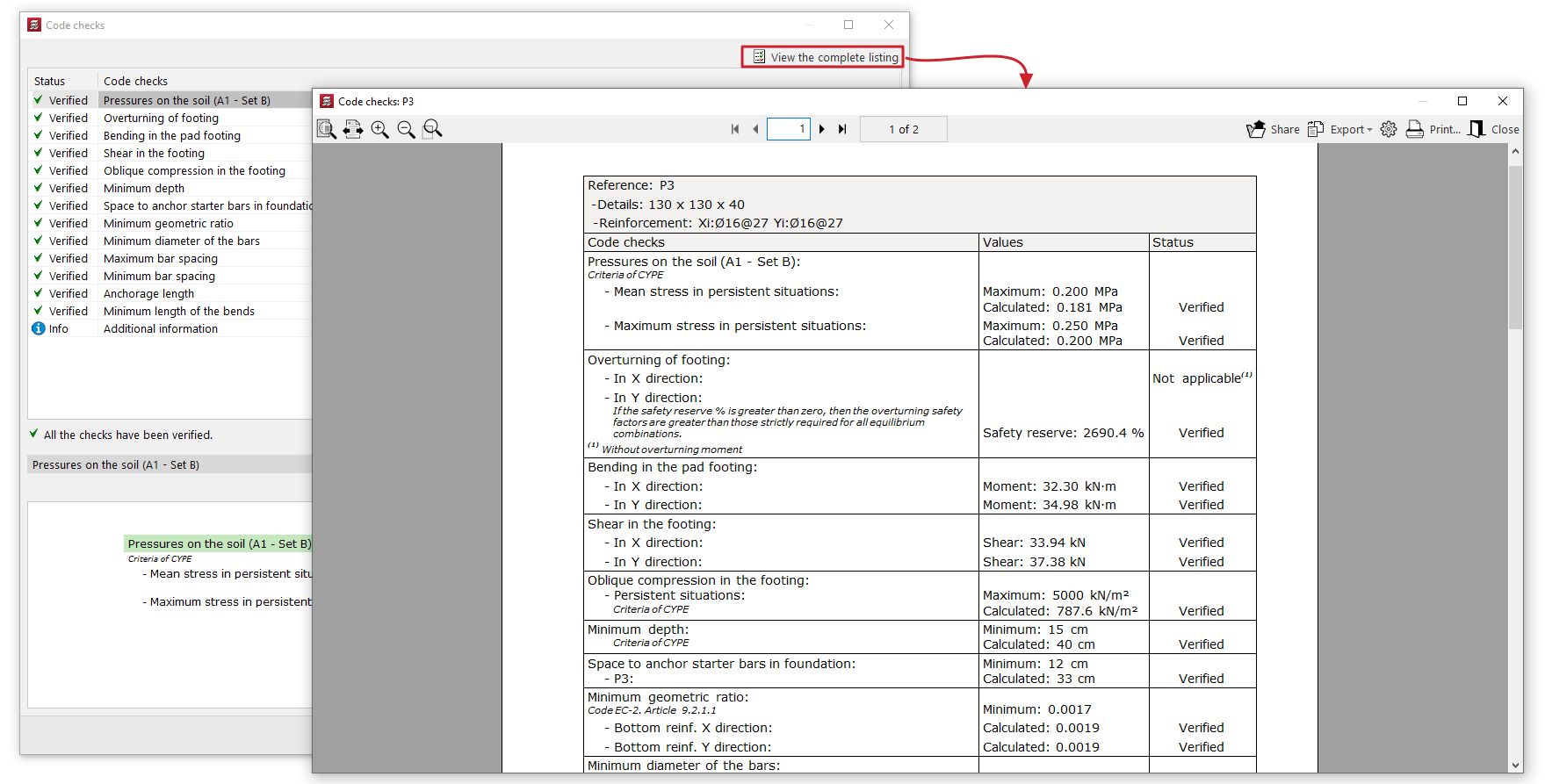
In the top right-hand corner, you can "View the complete listing" for each element, which you can "Share", "Export" in various formats or "Print".