

Foundation slabs and beams combined with piles
The program allows users to work with foundation solutions that combine foundation slabs and beams with piles as part of the available options for the design and analysis of foundations.
Examples
Foundation slab combined with piles:
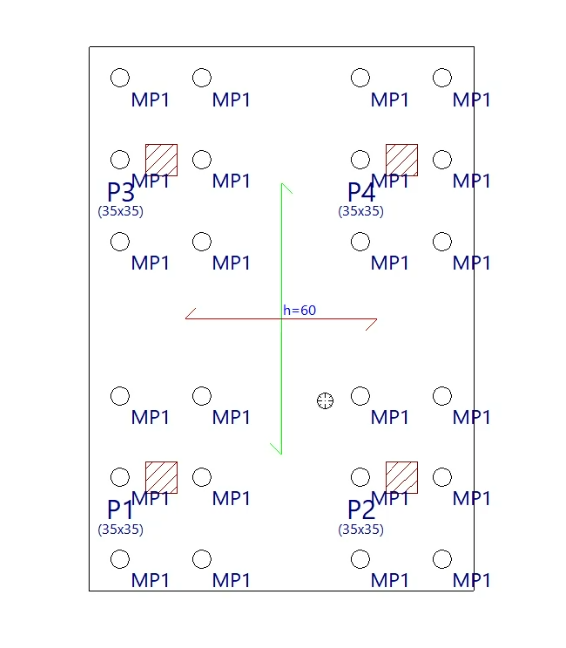
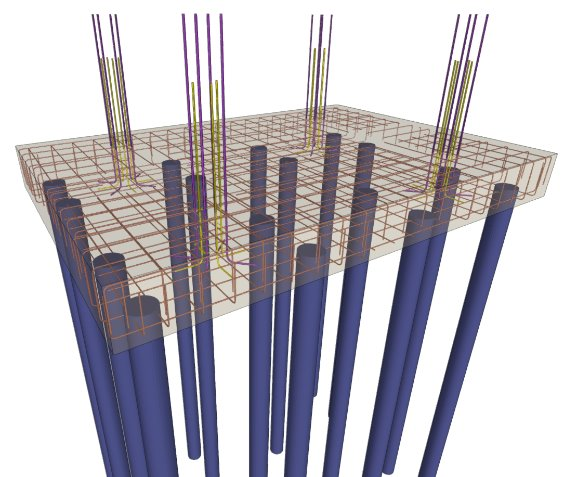
Foundation beams combined with piles:
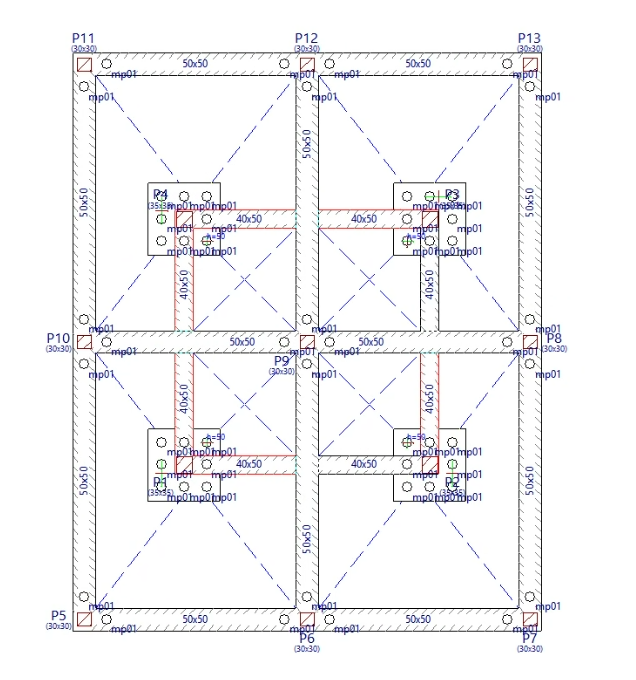
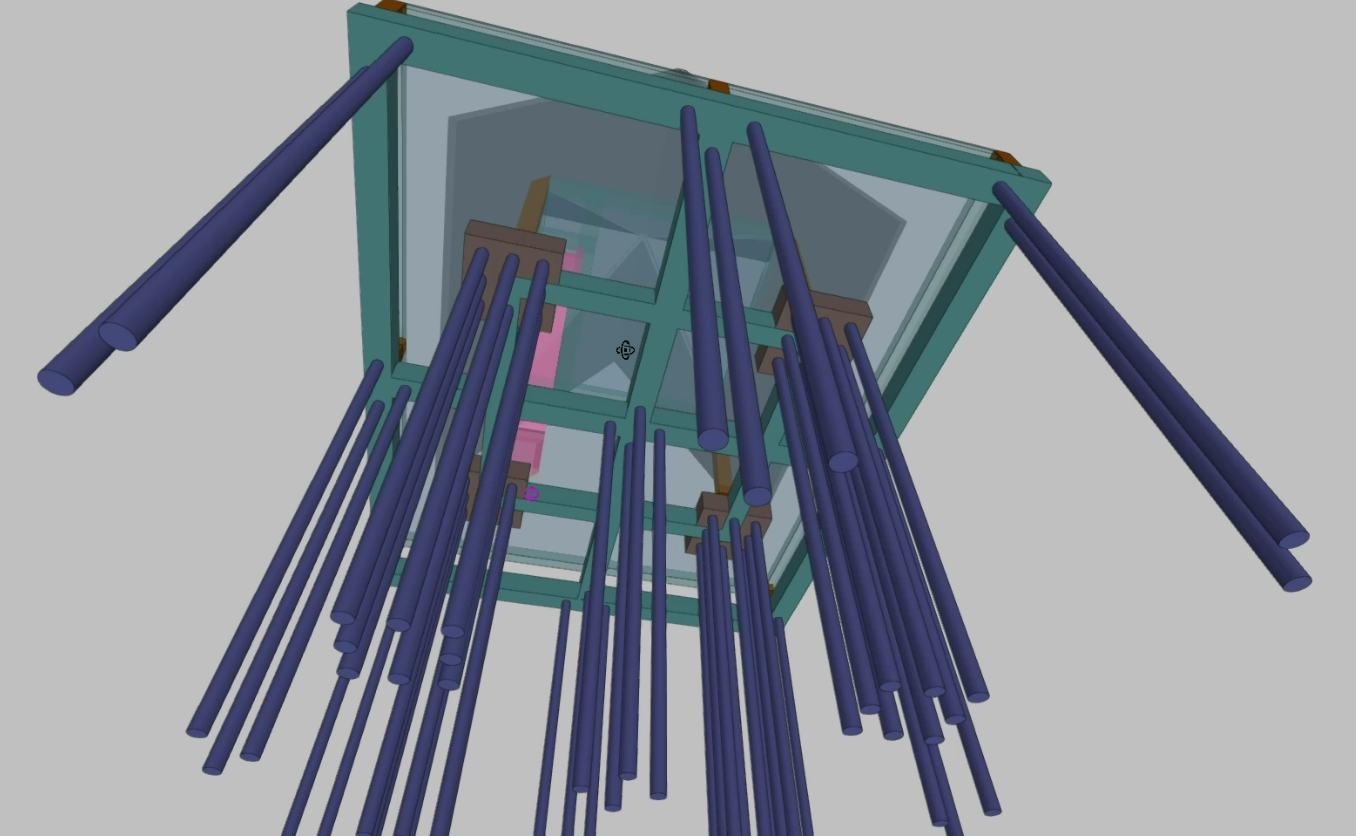
Sequence of use
To install a piled raft or a piled beam, the following steps must be followed:
- A foundation slab and/or beam system is defined as a means of supporting the rest of the structure; these will subsequently be connected to the piles or micropiles:
- To define a foundation slab, enter its perimeter (for example, using the "Enter beam" option and selecting a "Non-structural tie beam or zero-width limit") and then define a floor slab of the "Mat foundation" type.
- To define a foundation beam, enter the details directly via the "Enter beam" option, selecting one of the types available under "Foundation beams".
- The options in the "Piles and micropiles" menu (accessible from the "Foundations" menu) are used to position the piles on the floor where the raft or beams have been entered, ensuring that they are in contact with them.
- The structure is then analysed (there is no need to use the "Analyse job (including foundation)" option if there are no elements supported by strip footings or pile caps at other points in the job).
Considerations
Each slab or beam resting on the ground has a "Restrict horizontal displacement" checkbox in its editing panel. This option works as follows:
- If activated, the horizontal forces in the slab or beam are not transferred to any other element in the model, assuming that they are absorbed by the supporting ground (piles or micropiles would not receive these forces).
- If deactivated, the horizontal forces in the slab or beam are transferred to the elements that can resist them, such as the piles or micropiles to which it is connected, and in accordance with the value defined in the "Fraction of the lateral load resisted by piles and micropiles" option (if set to 1, the entire load is resisted by the piles or micropiles).
When defining a slab or beam, the ballast modulus must also be taken into account. A high value will reduce the deflections of the slab or beam and relieve the load on the piles or micropiles, whilst a low value will have the opposite effect, transferring a greater proportion of the vertical loads to the piles or micropiles.
In addition, using the "Soil-structure interaction" option, the axial stiffness value (or the ratio between the load and the settlement it produces) can be entered for each group of piles or micropiles (by selecting "Consider soil-structure interaction" and defining the value in "Piles and micropiles: Axial stiffness factor"). By default, the program keeps the "Do not consider soil-structure interaction" option enabled, including for piles and micropiles, so that they do not settle. The settings specified in this panel also affect the distribution of forces between the slab and/or beam and the pile or micropile system.