


Inserting beams, walls, slabs, foundation elements and special elements, and structural analysis
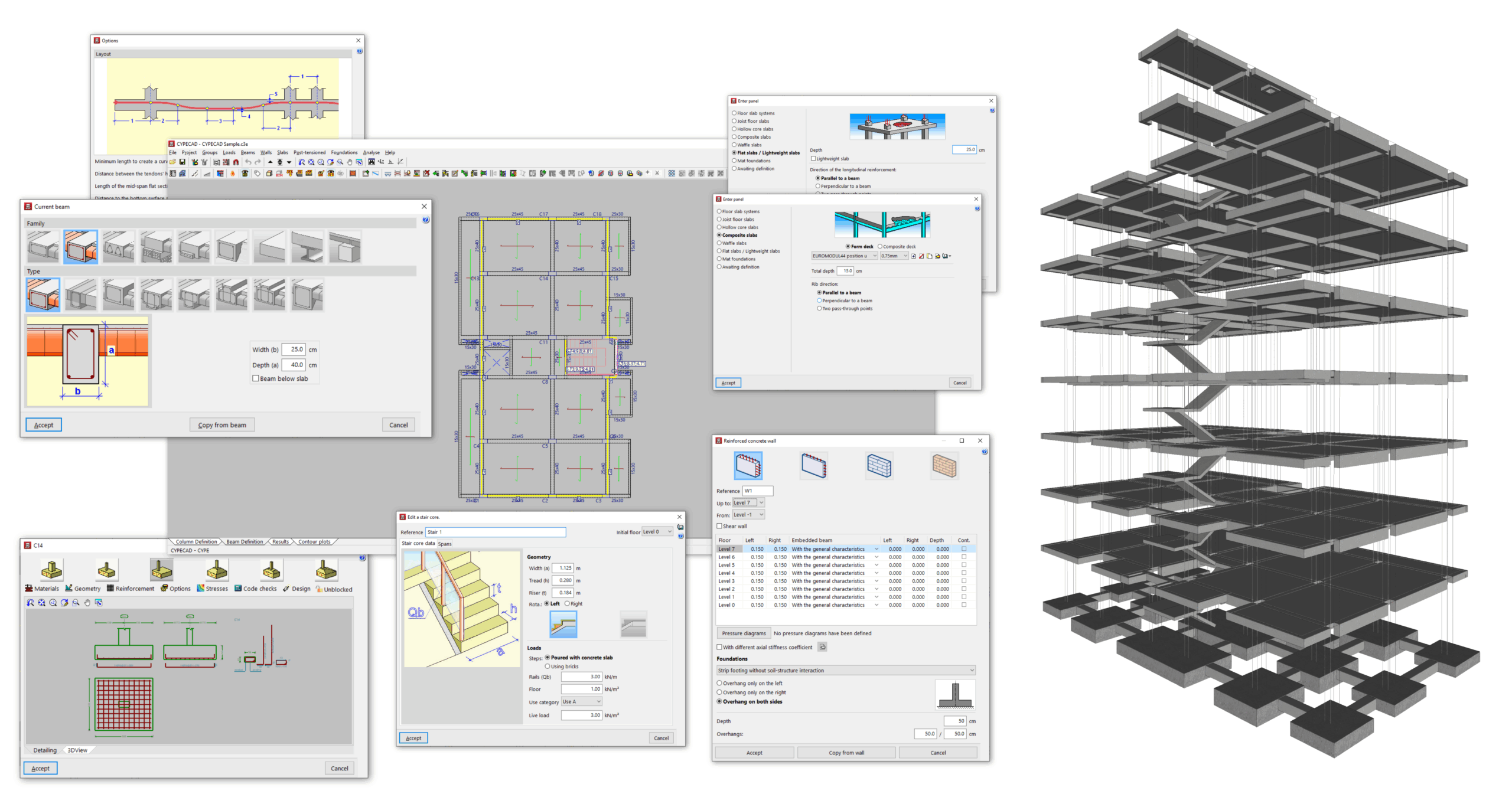
After defining the floors and columns in the "Column input" tab, the user continues working in the "Beam input" tab, where the model is completed with elements such as the following:
- the beams;
- the floors and foundation slabs;
- the walls;
- the stairs and ramps;
- the integrated 3D structures;
- and/or the foundation elements.
After completing the model, the analysis ofthe job is also carried out in this tab.
The following link provides detailed information on the options that appear in the "Beam input" tab:
