Inserting columns (BIM), starts and columns with a start on another column
The following options related to entering columns and footings in CYPECAD are found in the "Column input" tab, by opening the "Enter" menu and selecting the "Columns, shear walls and starts" option.
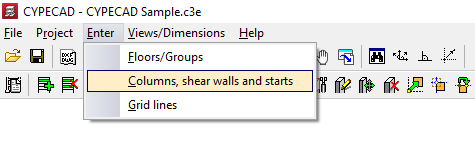
This opens a menu that includes the following options:
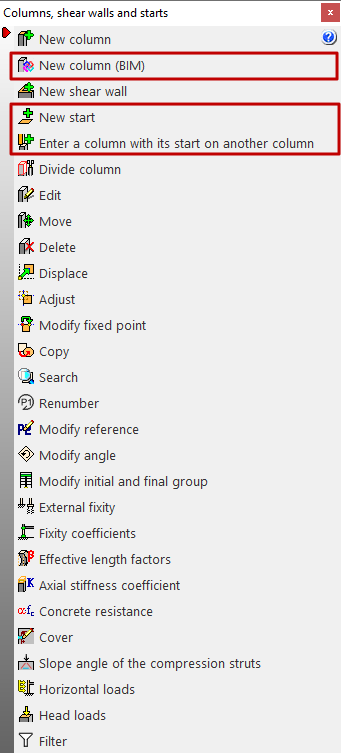
- New column (BIM)
- New start
- Enter a column with its start on another column
Each of these features is explained below:
New column (BIM)
The "New column (BIM)" option allows CYPECAD columns to be entered by selecting columns defined in a BIM model created with another program, which have been imported after a linking process to BIMserver.center.
| Note: |
|---|
| Among the CYPE programs capable of modelling and exporting columns to the BIM model are CYPE Architecture and IFC Builder. |
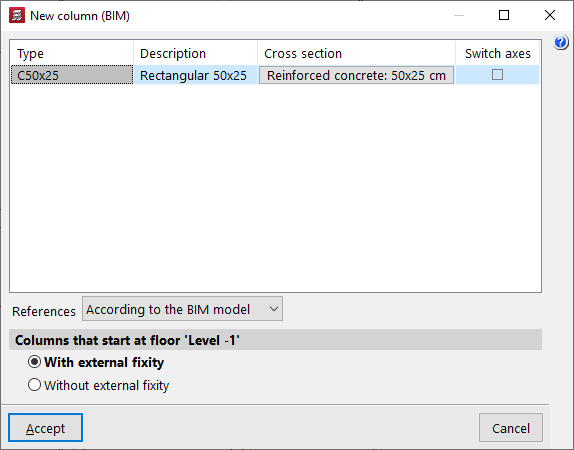
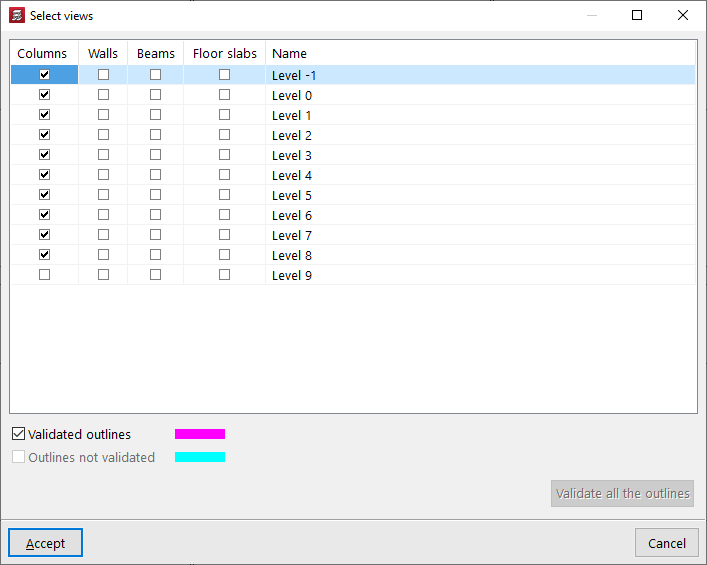
The outlines of the column from the BIM model are visible if, in the "View selection" table (accessible from the "Edit views" button at the top left), the boxes in the "Columns" column and the "Validated outlines" and/or "Unvalidated outlines" options at the bottom are kept activated.
New start
For the program, a start is a point representing the base of a column where it is possible to apply point loads or insert a foundation element without having to draw or analyse the entire column.
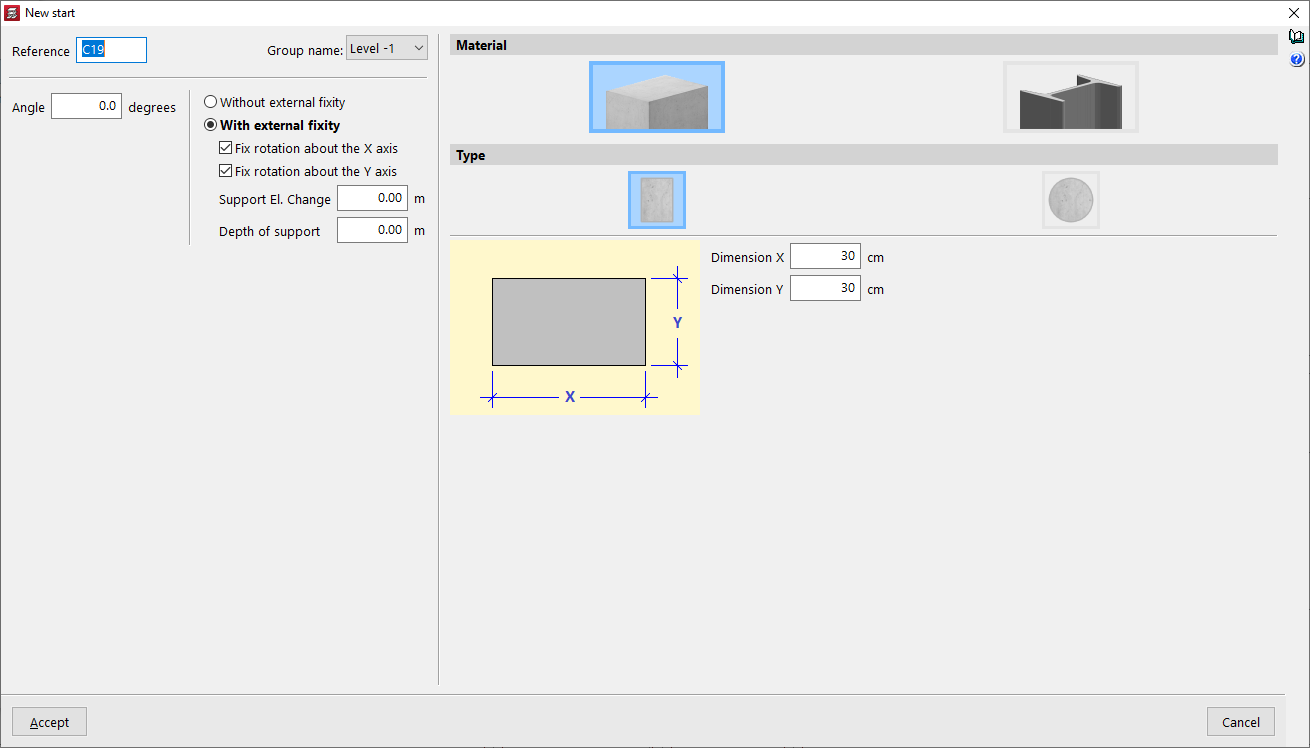
The "New start" option allows these elements to be entered. When defining them, you only need to specify the "Group name" where they will be entered, as well as the "Reference", the "Angle" and whether or not they have an external link, as well as the "Material" of the section from among those available.
Enter a column with its start on another column
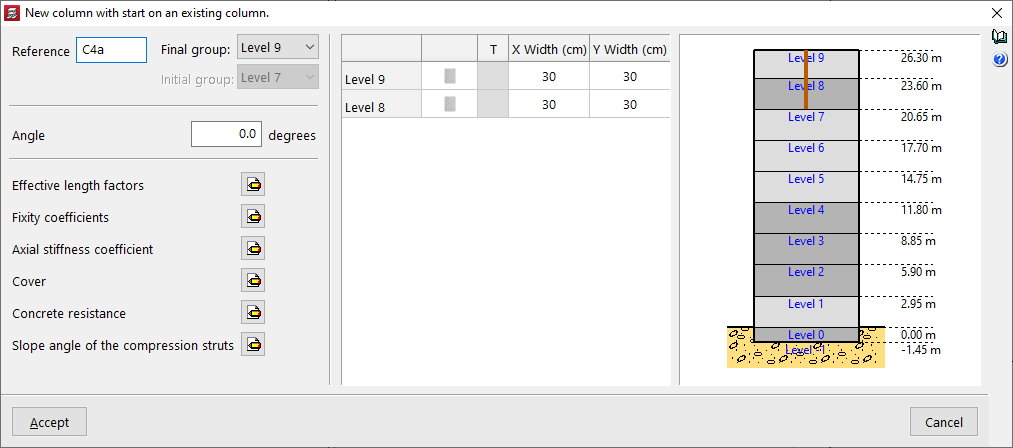
The "Enter a column with start on an existing column" option allows you to click on an existing column that does not reach the last group and, from there, define a different column with other parameters.
The options available in the pop-up window are similar to those that appear when using the "New column" option.