Inserting rectangular external edges
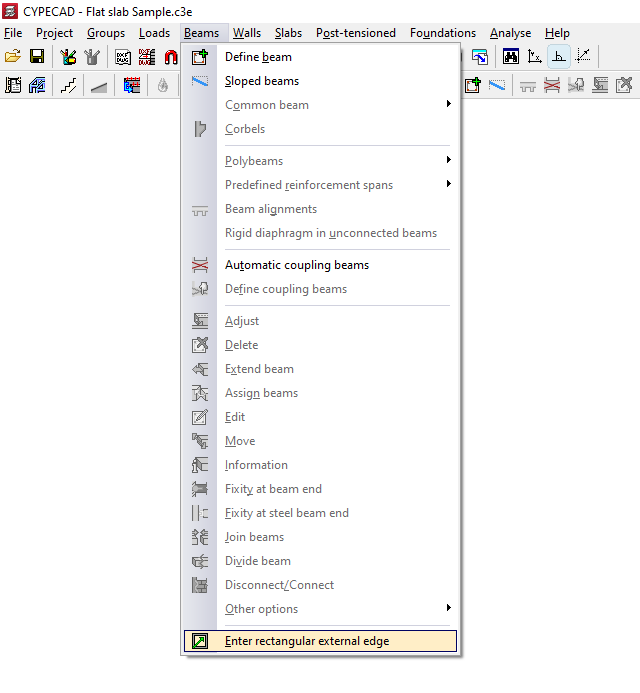
The option "Enter rectangular external edge", within the "Beams" menu of the "Beam input" tab, allows you to automatically generate a rectangular perimeter of beams that form the outer edge of a floor slab.
Clicking on this option brings up a dialogue box with the following options:
- Insert rectangular opening with angle 0
- Insert rectangular opening with any angle
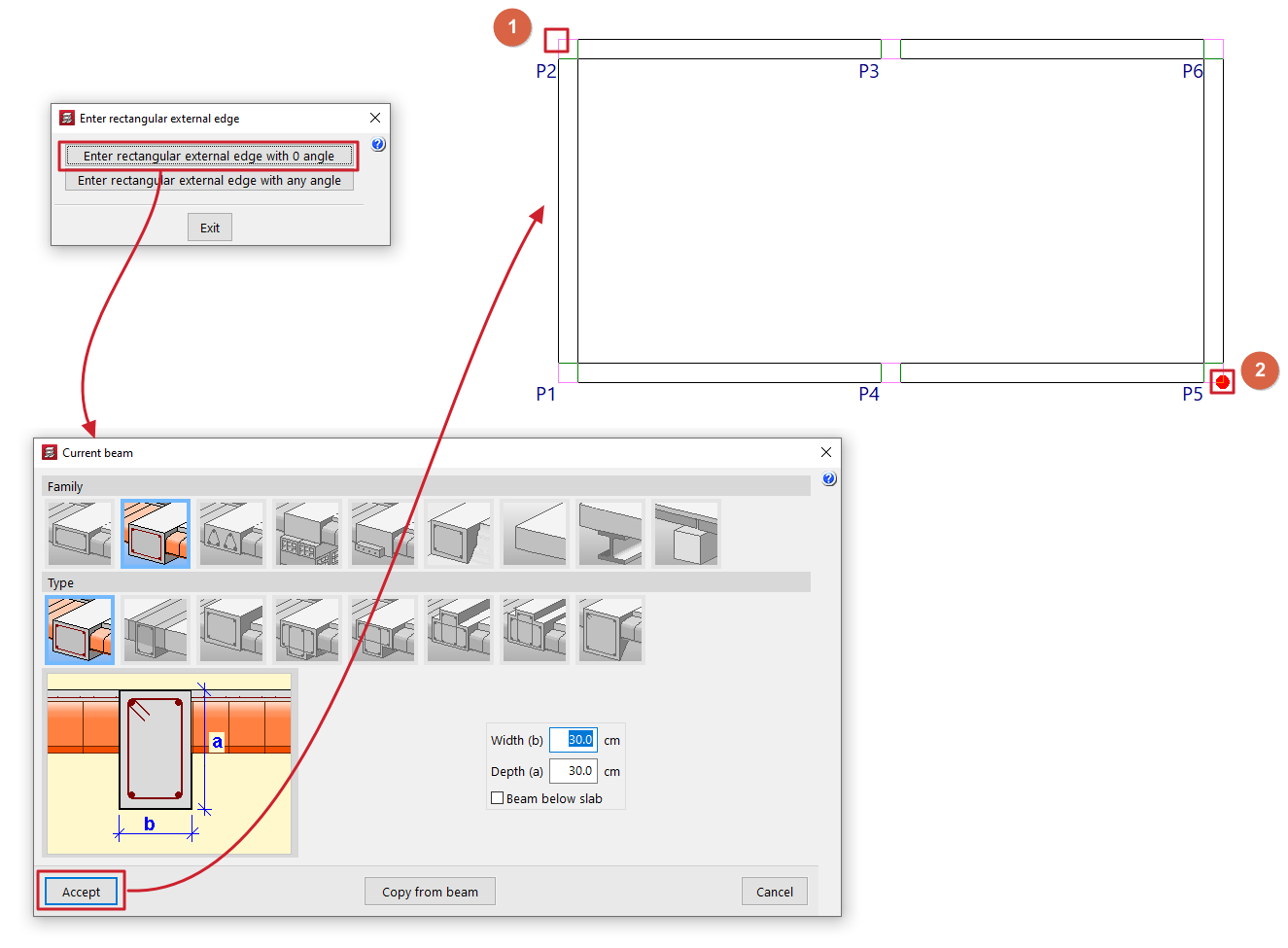
Insert rectangular opening with angle 0
When you click on this option, the "Current beam" window opens first, where you can define the type of beam to be used in generating the edge.
Next, two points must be marked on the floor plan (1 and 2), which will form one of the diagonals of the edge. The beams will follow the directions of the main coordinate axes.
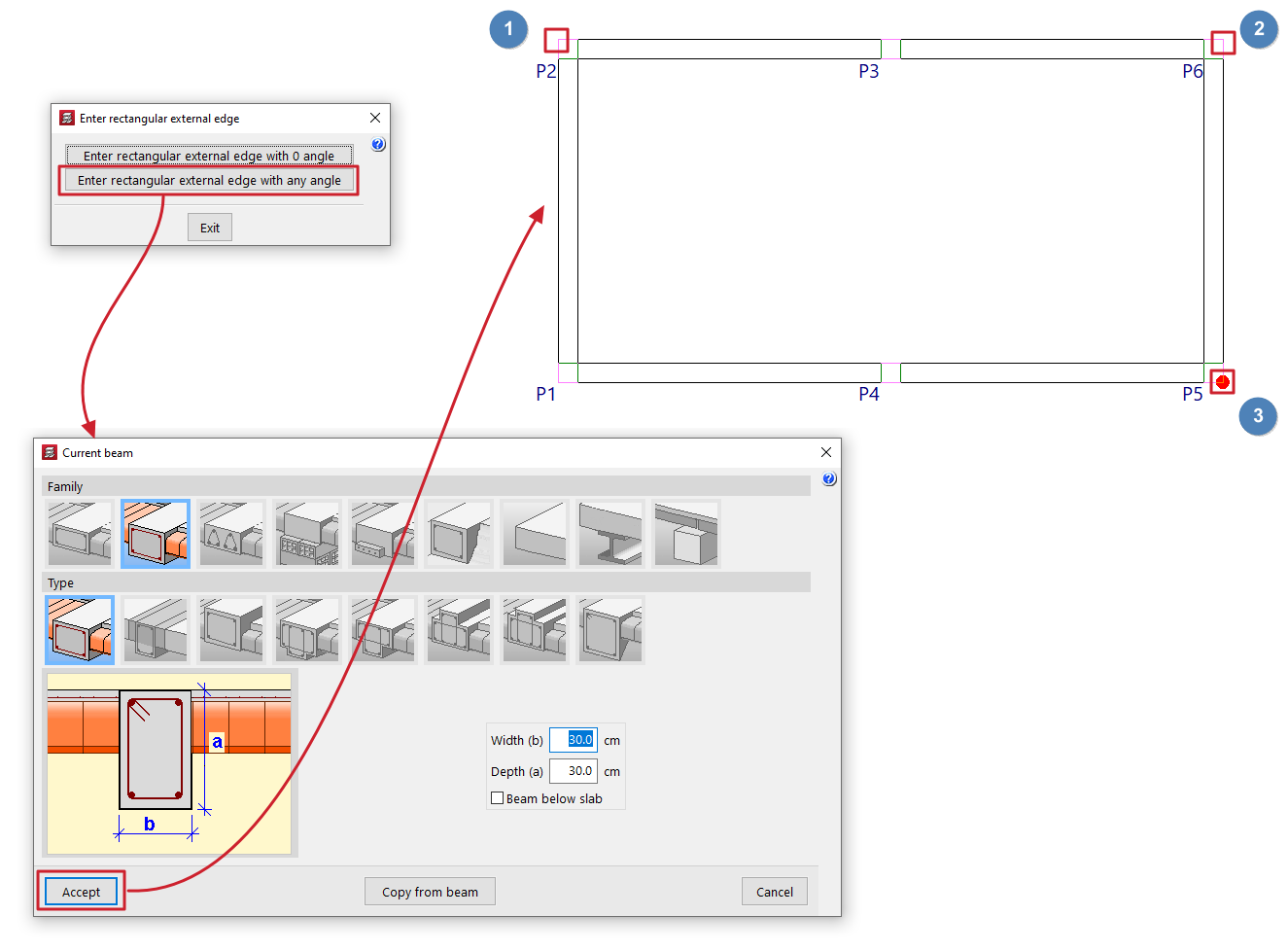
Insert rectangular opening with any angle
When you click on this option, the "Current beam" window opens first, where you can define the type of beam to be used in generating the edge.
Next, mark two points that define one side of the edge (1 and 2) and, finally, a point to define the opposite side (3).