

Introduction: examples and creating new jobs
When starting the program and creating a new job, the program offers different possibilities, such as linking to BIMserver.center, creating an empty project to start the project from scratch, importing projects from CYPE 3D, or generating geometries from DXF/DWG files or models saved in IFC files.
The program then allows users to configure the general project settings and access the main interface.
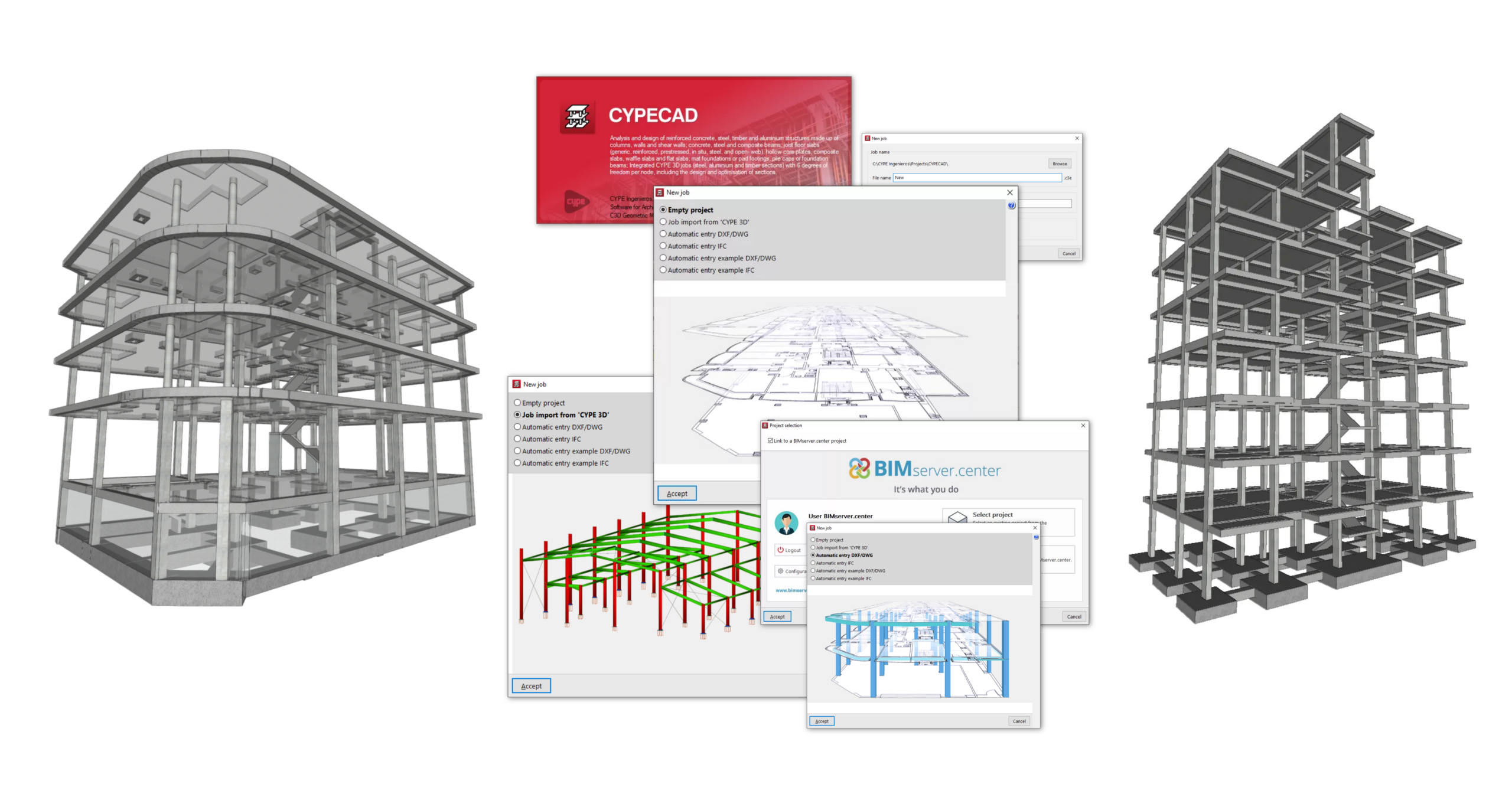
The following link provides detailed information on the options available in the initial process of creating new jobs, as well as a gallery of examples of structural models developed using the program.
