Joist deflection
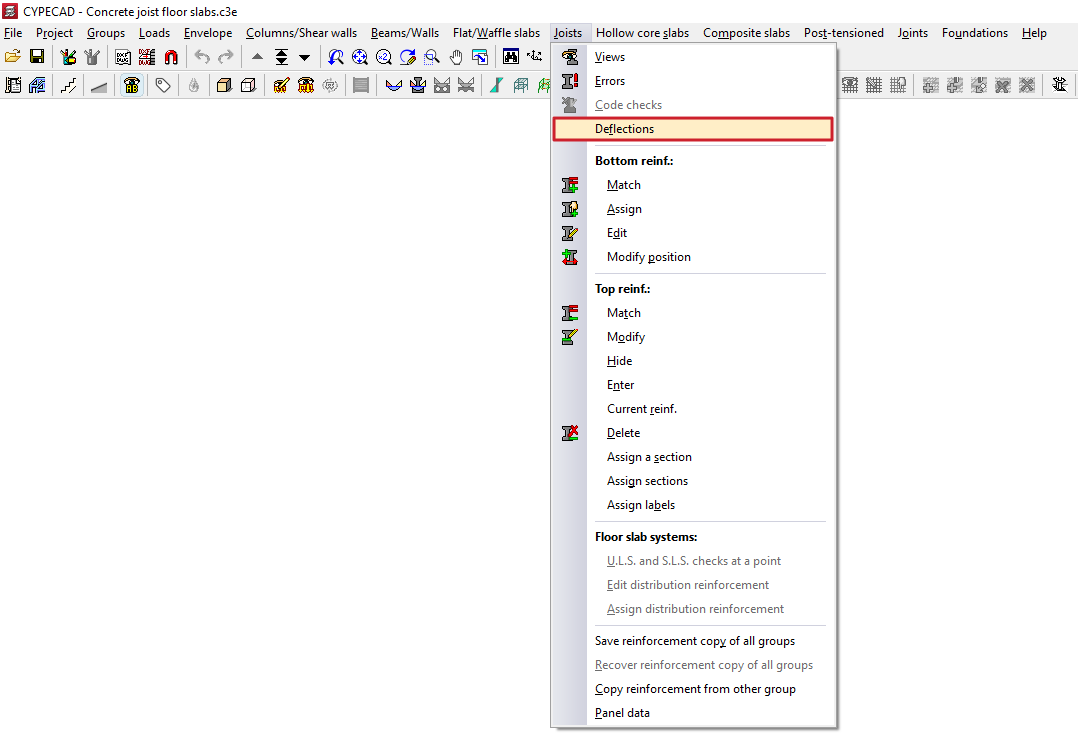
The "Deflection" option, within the "Joists" menu on the "Results" tab, allows you to view on screen, following the analysis, the deflections of each joist and any errors relating to the deflection checks.
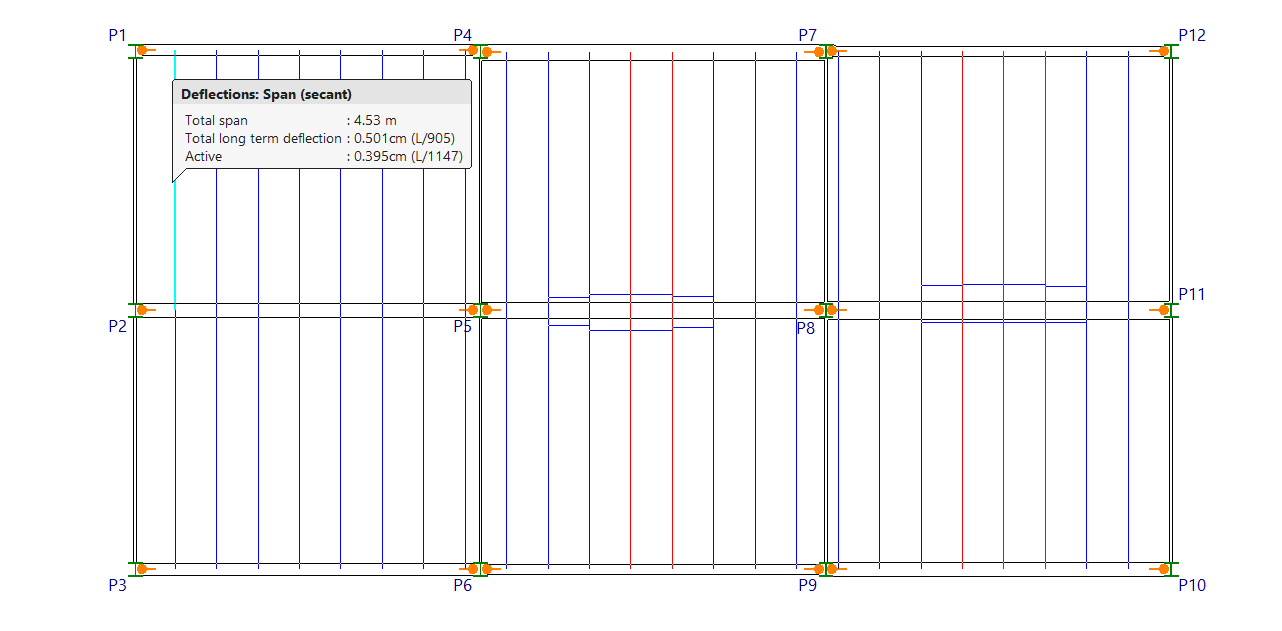
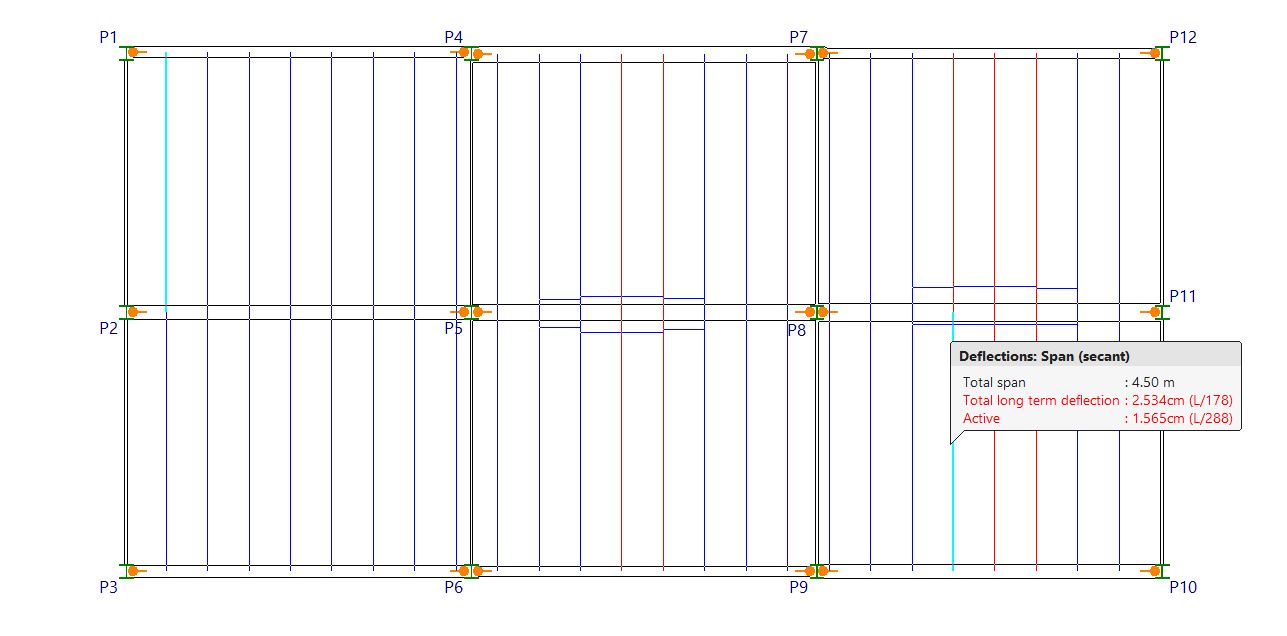
When you click on the option, hovering the pointer over each joist displays a box showing the type of beam (either a "Span (secant)" or "Cantilever (tangent)”), as well as the “Total span”, the “Total at infinity” arrow and the “Active” arrow. Both absolute and relative values are shown.
If any deflection limit is exceeded, the text will be displayed in red.
In addition, joists with deflection errors or other issues will be highlighted in red on the floor plan.