Joist views
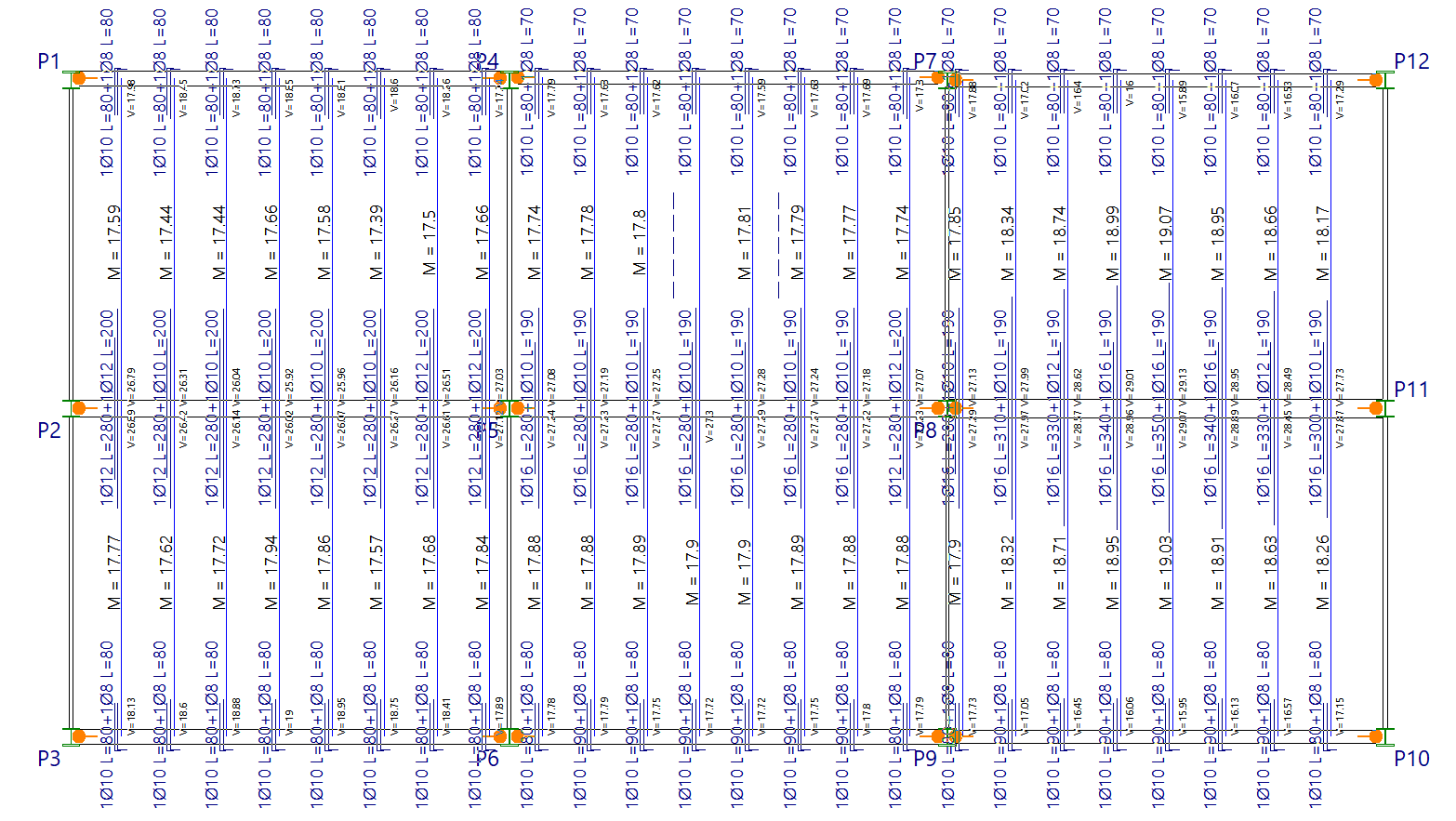
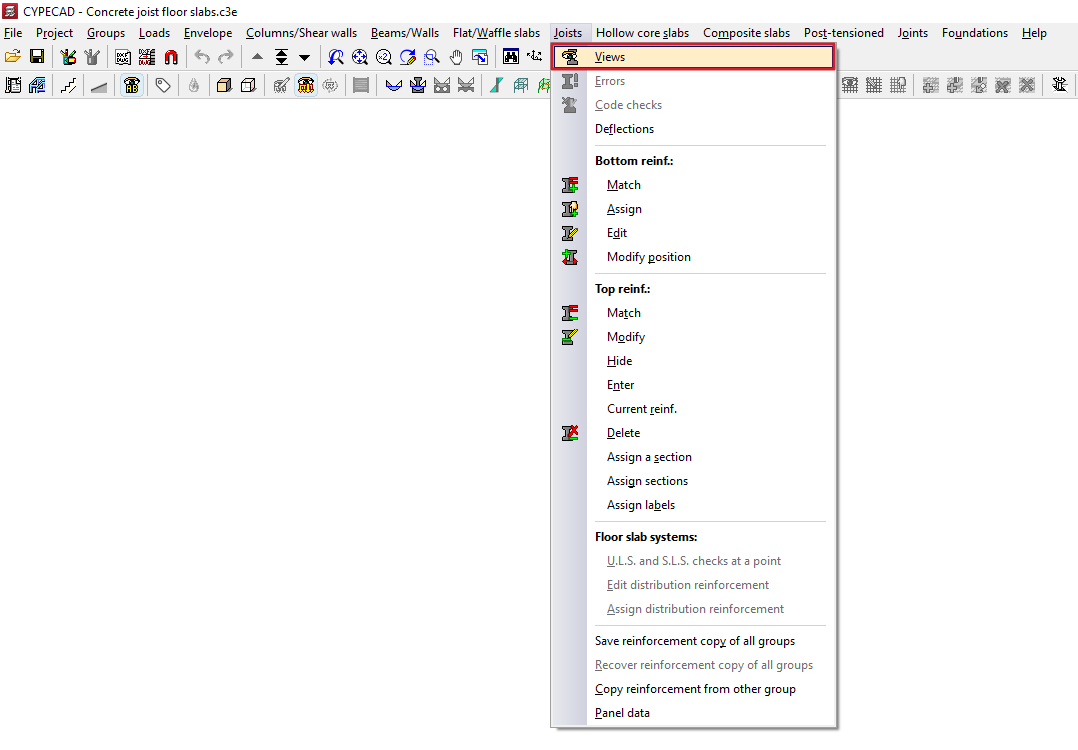
The "Views" option, located within the "Joists" menu on the "Results" tab, allows you to configure how the data obtained from the joist floor slab analysis is displayed.
These include the values of the moments and shear forces to be resisted, the types of joists used, the positive and shear reinforcement required for each rib, and the negative reinforcement provided.
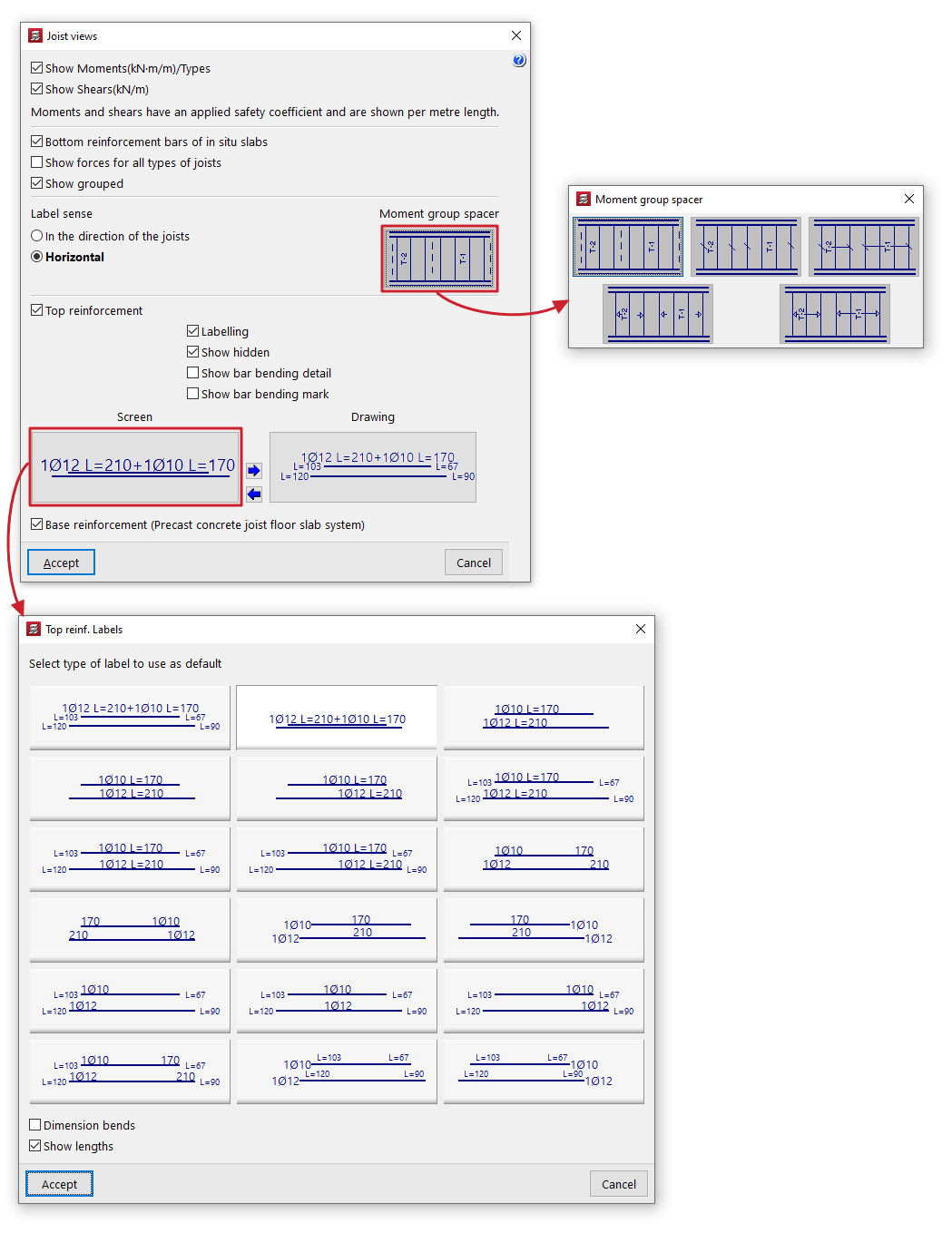
Clicking on this option opens a pop-up window containing the following tools:
- Moments (kN·m/m)/Visible types
If this option is disabled, and if the "Show forces in all joist types" option is disabled, the following are labelled on the floor plan next to each rib:- The maximum bending moments per metre of width in generic joists (entered using the "By geometric characteristics" option). These are indicated by the label 'Mf'.
- The type of joist in precast reinforced or prestressed joist floor slabs (selected via the "Library" option).
- The diameter and length of the bottom reinforcement in cast-in-situ joist floors.
- The section in steel joist, JOIST and timber floor structures.
- Shear forces (kN/m) Visible
If this option is disabled, and if the option "Show forces in all types of joists" is disabled, the following are labelled on the plan view next to each rib:- The value of the increased shear force per metre of width at the bearing edge for generic joists (entered using the "By geometric characteristics" option). These are indicated by the label 'V'.
- The type of lattice in the reinforced precast joists (inserted using the "From library" option).
- The diameter and spacing of the shear reinforcement in cast-in-situ joist floors.
- Bottom reinforcement bars of in-situ slabs
Selecting this option draws the layout of the bottom reinforcement bars (positive reinforcement) for in-situ joist floor slabs. - Show forces in all types of joists
If this option is enabled (along with the options "Moments (kN. m/m)/Visible types" and/or "Shear forces (kN/m) Visible"), the increased bending moments per metre of width and/or the value of the increased shear force per metre of width at the support edge are labelled on the plan next to each rib for all types of joists. - Show grouped
If this option is enabled, the forces in the elements are grouped so that only one label is displayed for each group of elements with the same data. The chosen "Moment group separator" symbol is placed between the groups of elements.
If this option is disabled, the forces are labelled on each element. - Label sense
This selector allows you to adjust the orientation of the labels for moments and shear forces in some versions. This can be set to "In the direction of the joists" or "Horizontal". - Moment group spacer
Clicking this option opens a pop-up window where you can select the symbol to be used as a separator for groups of joists with the same data from those available. - Negative reinforcement
Selecting this option displays the layout of the negative reinforcement for joist floors. You can also configure the following:- Labelling
When this option is enabled, labels indicating the diameters and lengths of the negative reinforcement are displayed. - View hidden
After aligning negative reinforcements, those that will be drawn in the drawing are shown in blue, whilst the aligned reinforcements that will not be drawn in the drawings are shown in magenta. If the "View hidden" option is enabled, it is possible to view the magenta-coloured reinforcements on screen, i.e. those that will not be drawn in the drawings. - View bar bending details
If this option is enabled, a bending diagram is drawn next to the bar in inclined sections. - Show bar bending mark
If this option is enabled, on inclined sections the bending point is marked with a small line perpendicular to the axis of the bar. - Labelling in "Screen" and in "Plan"
In both cases, the program allows you to select the default labelling type for negative reinforcements from those available in the pop-up window. It also allows you to specify whether you wish to "Dimension tabs" and/or "Show lengths" of bars by ticking the relevant boxes. - Copy label selection
These options allow you to copy the label selection on the screen to the label selection in the drawings, or vice versa.
- Labelling
- Distribution reinforcement (precast concrete joist floor system)
Selecting this option displays a detail of the slab showing the bidirectional distribution reinforcement to be used in the aforementioned floor systems, including its diameter and spacing.