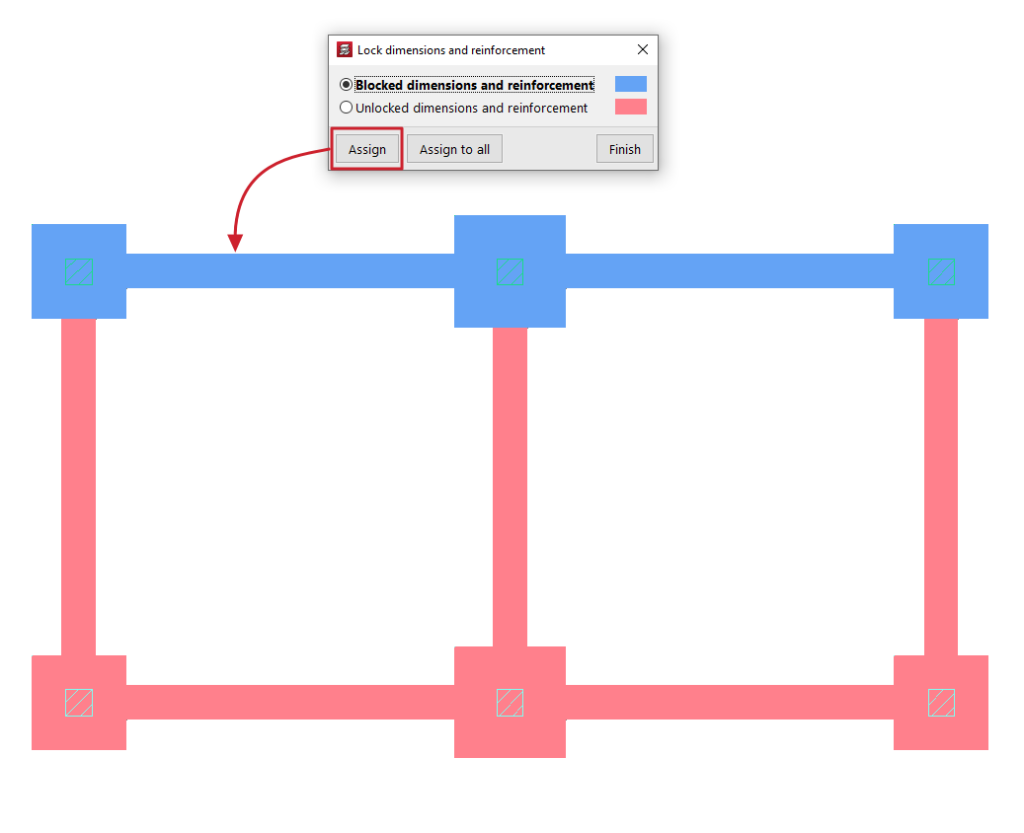
Locking the dimensions and reinforcement of foundation elements
The "Lock dimensions and reinforcement" option, available in the "Foundations" menu on the “Beam input” or “Results” tabs, allows you to lock both the geometry and the reinforcement of the selected foundation elements, preventing the program from modifying them during the design process.
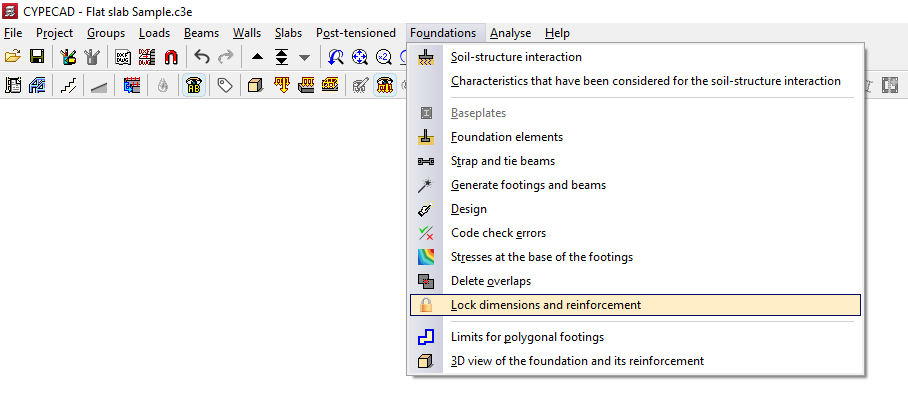
To do this, after clicking on the option, the program opens the "Lock dimensions and reinforcement" window, which allows you to select one of the following options:
- Locked dimensions and reinforcement
- Unlocked dimensions and reinforcement
The elements assigned to each of the two conditions are shown in a different colour. Each condition can be applied to footings, pile caps, strap beams and tie beams.
The "Assign" option allows you to select the foundation elements to which the selected condition should be applied, either individually or by dragging a selection area, whilst "Assign to all" applies the selected condition to all foundation elements on the floor. The "Finish" option closes the dialogue box.