


Options in the "Column input" tab
In the "Column input" tab of CYPECAD, which you can access from the bottom of the main interface, you define the storey structure and storey groups of the model and then enter columns, shear walls and wall starts. You can also define setting-out lines to assist with the input of these elements.
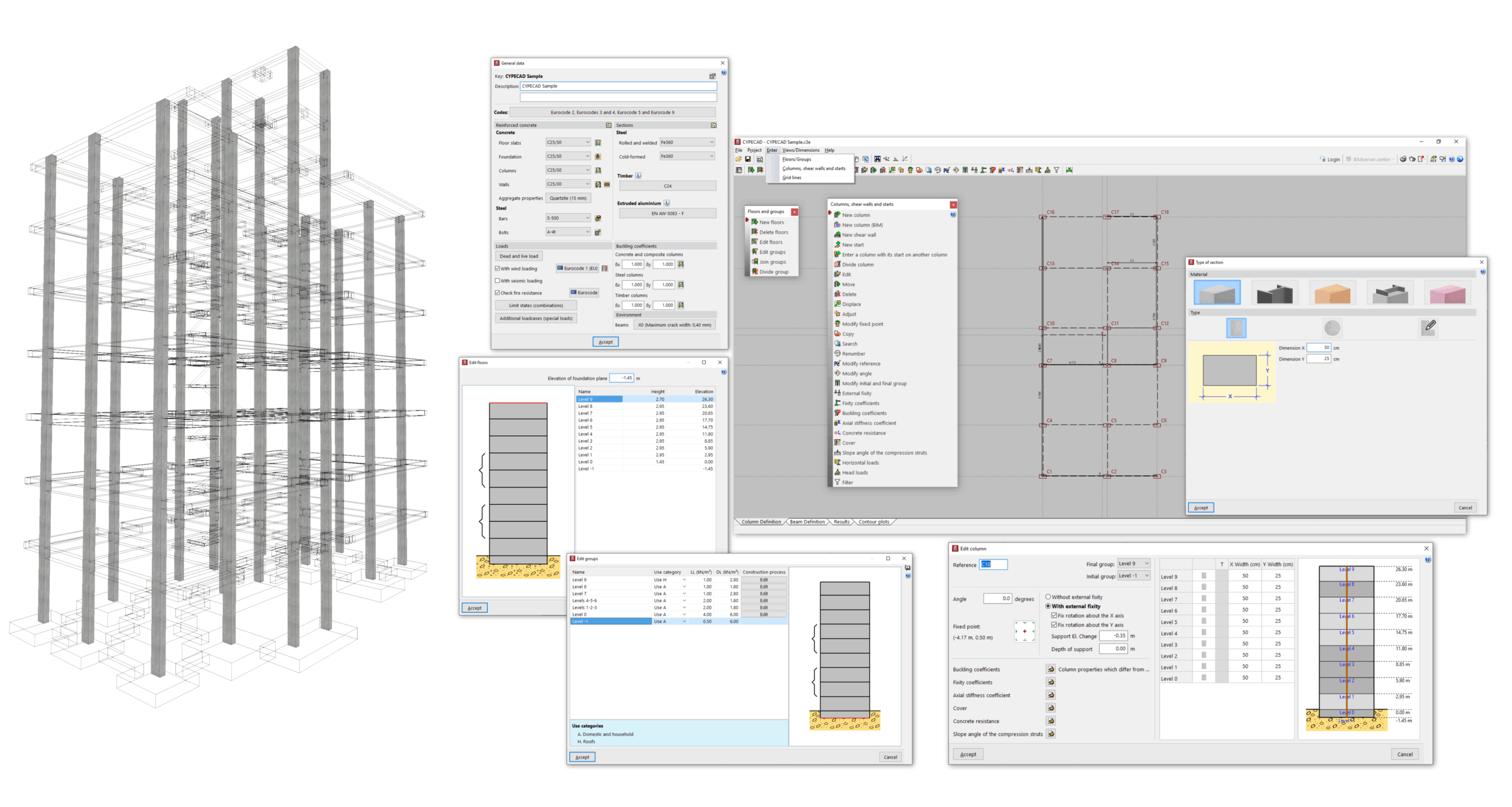
The main features available in this tab include the following:
- In the "Project" menu, you can access the general project data, which allow you to control the codes and materials used, the load cases and load combinations considered in the analysis, and the detailed configuration of checking and sizing options for the different elements, as well as the management of reinforcement tables.
- In the "Input" menu, you can:
- Enter and edit storeys and storey groups, including control of their height and the surface loads applied to them.
- Enter and edit columns, core walls and starters, including modification of their geometry, section, layout and properties (such as fixity, buckling and axial stiffness coefficients, concrete strength value, cover, etc.), as well as the application of horizontal loads and head loads to these elements.
- Define the reference point for the setting-out origin and enter horizontal and vertical setting-out lines.
- In the "Views/Dimensions" menu, you can modify the dimensions between the elements entered in this tab and control their display.
Once you have completed the work in the "Column input" tab, the rest of the structure is entered in the "Beam input" tab. This includes beams, slabs, walls, foundations and special elements such as ramps, stairs and integrated 3D structures.
