Options in the "Sloped beams" menu (Beam input tab)
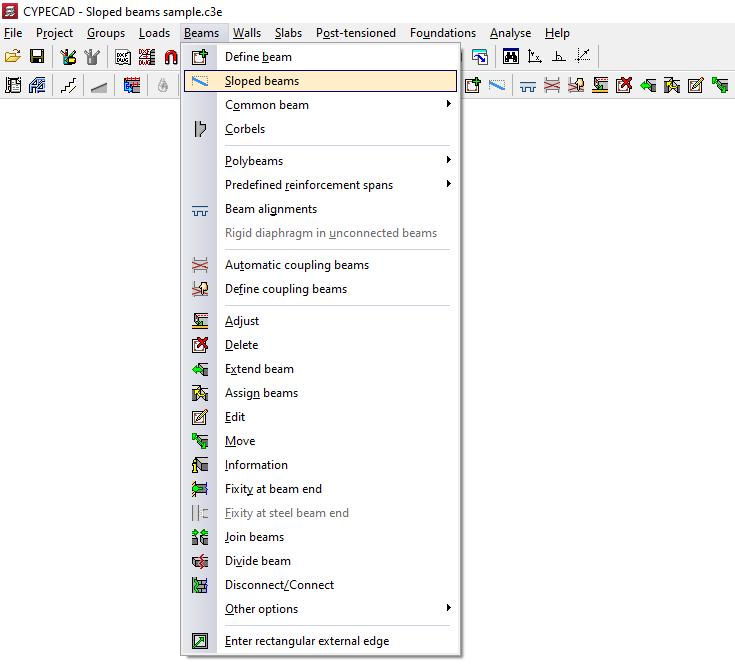
The "Sloped beams" option, within the "Beams" menu of the "Beam input" tab, allows you to enter sloped beams, concrete and steel, simple or diagonal bracing, hinged or fixed at the ends, as well as V-shaped bracing.
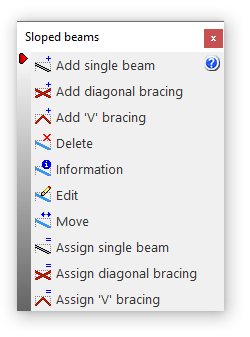
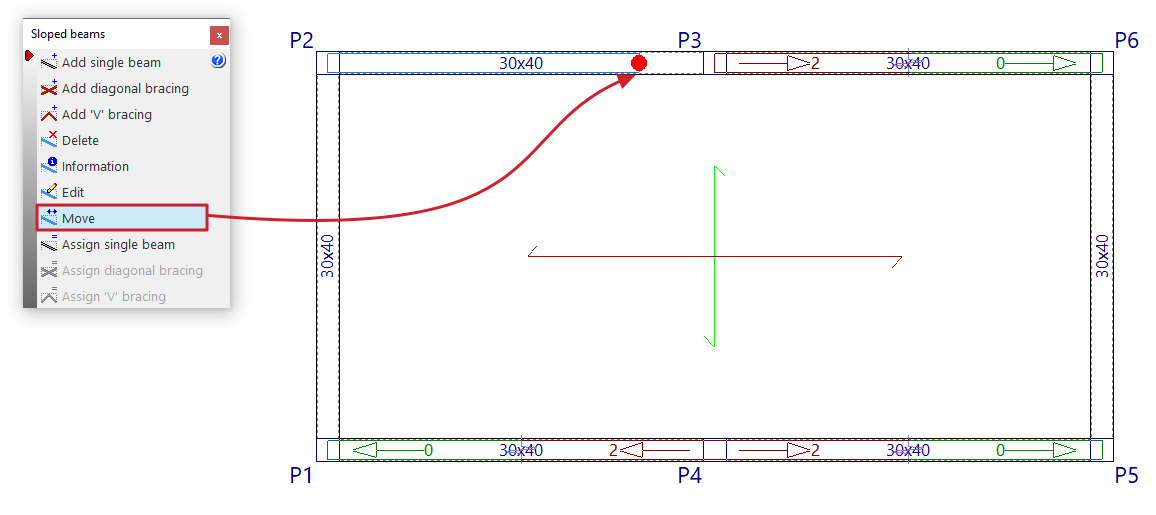
Clicking on this option opens the "Sloped beams" window, which includes a menu with different tools:
- Add single beam
- Add diagonal bracing
- Add 'V' bracing
- Delete
- Information
- Edit
- Move
- Assign single beam
- Assign diagonal bracing
- Assign 'V' bracing
Each of these features is explained below:
Add single beam / Add diagonal bracing / Add 'V' bracing
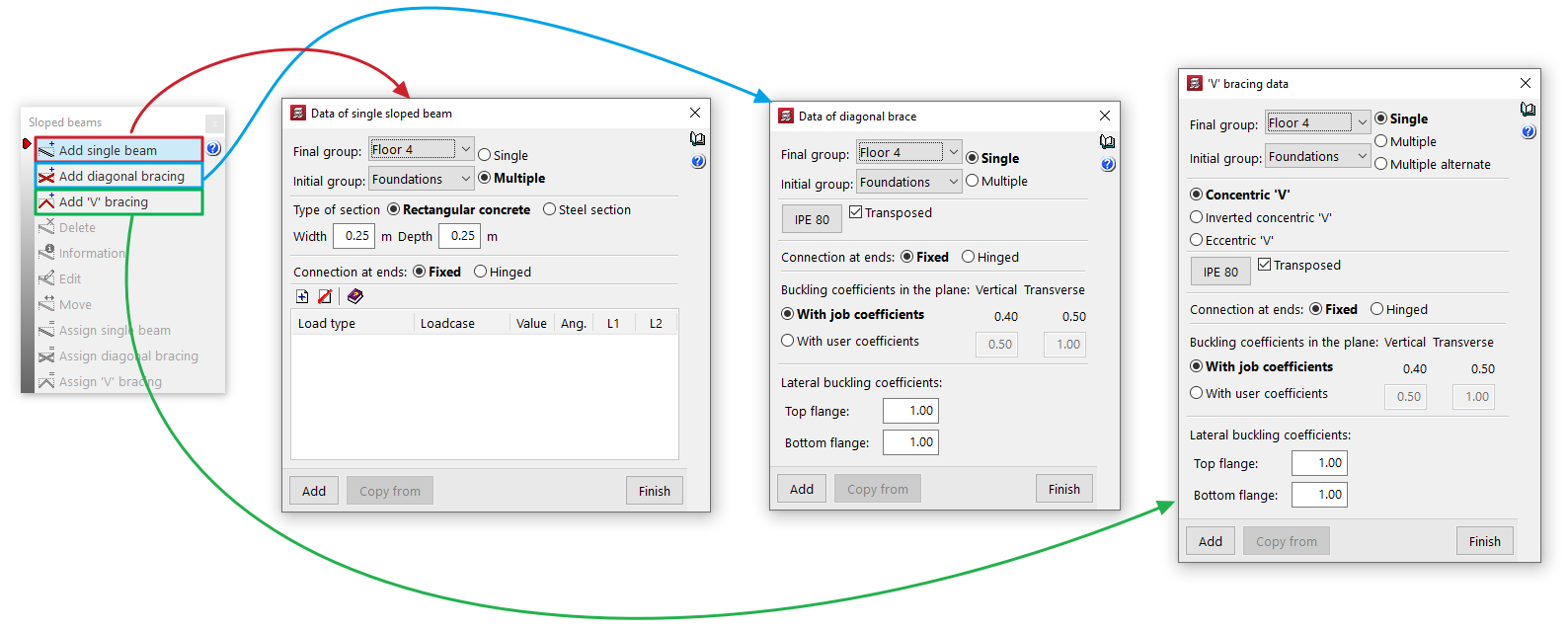
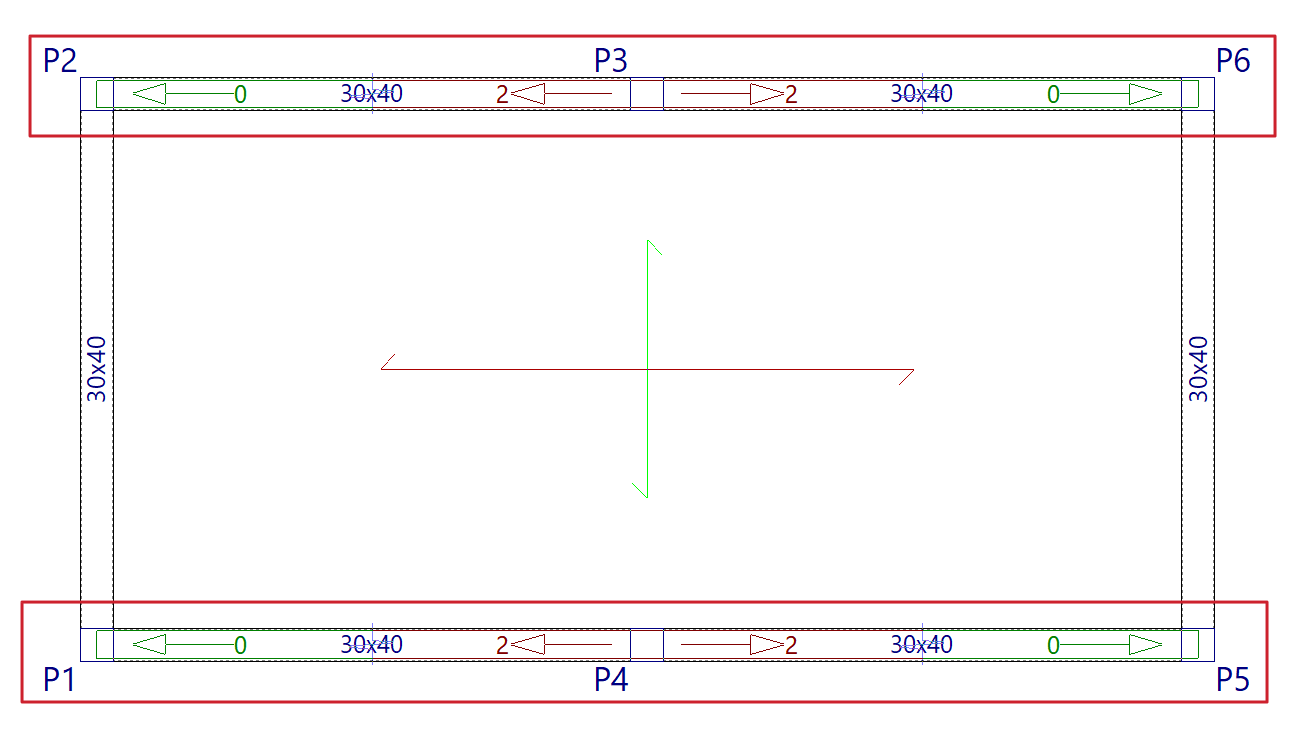
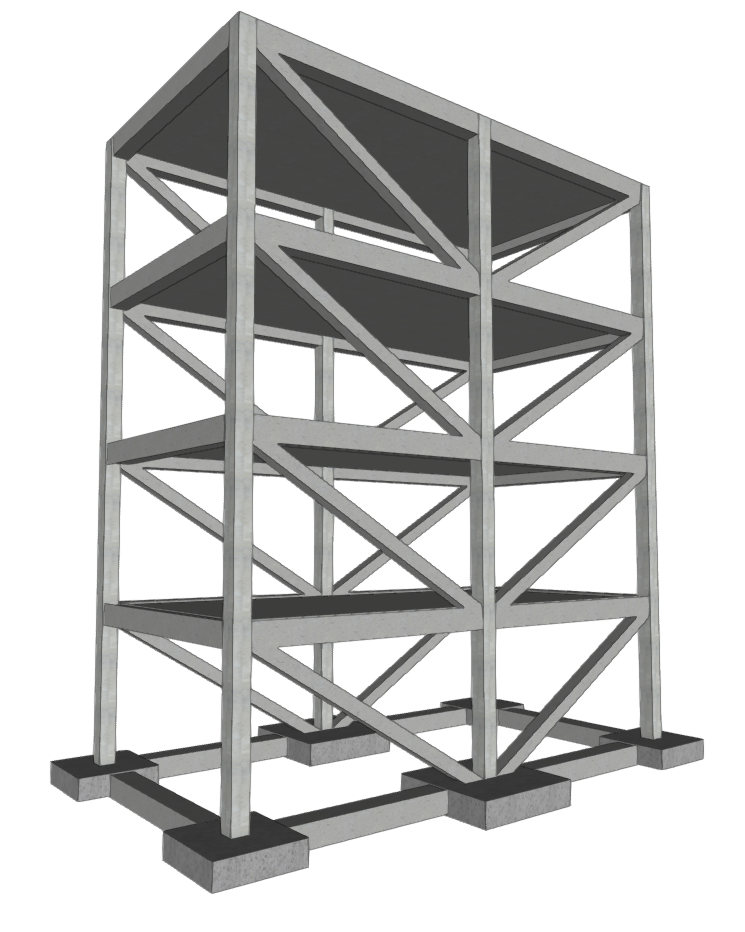
These options allow you to introduce these elements into the model:
- Add single beam
Insert a single inclined beam. - Add diagonal bracing
Insert a pair of diagonal braces. - Add 'V' bracing
Insert a pair of braces forming a V or an inverted V.
Inserting these elements enables the rest of the menu controls.
Delete
Allows you to delete a sloping beam, or a pair of diagonal bracing or V-bracing elements that have already been inserted. To do this, select them one by one using the left mouse button on the floor plan.
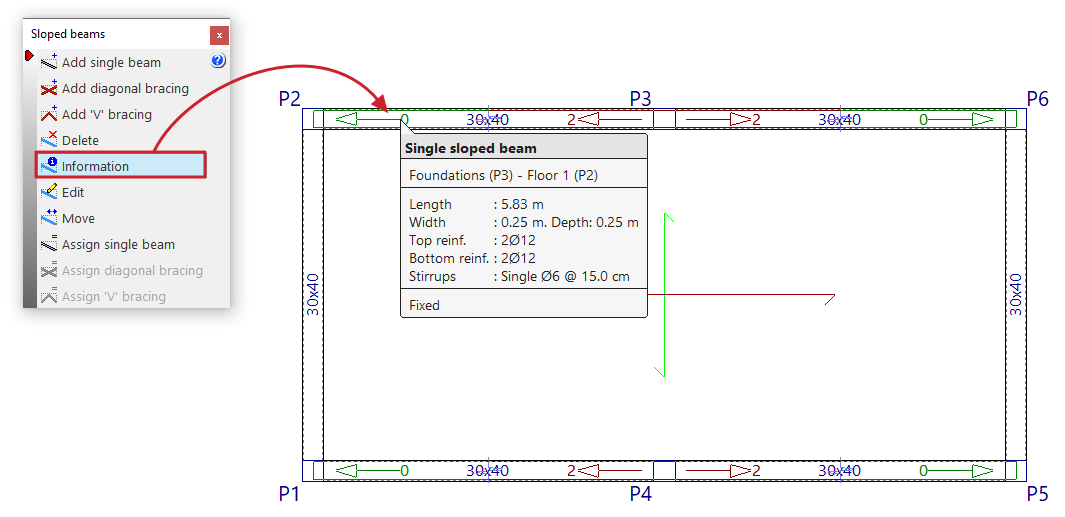
Information
Pressing this button provides information about the sloped beams, diagonal bracing or V-bracing already entered. To do this, select the element to be consulted on the floor plan with the left button or enter the corresponding element number.
An informative text box appears, displaying information such as the element's end and start group, its length, section, and the other parameters entered in its edit panel.
If the structure has been calculated, information on the reinforcement of simple inclined beams ("Upper reinforcement", "Lower reinforcement" and "Straddling") is also included.
Edit
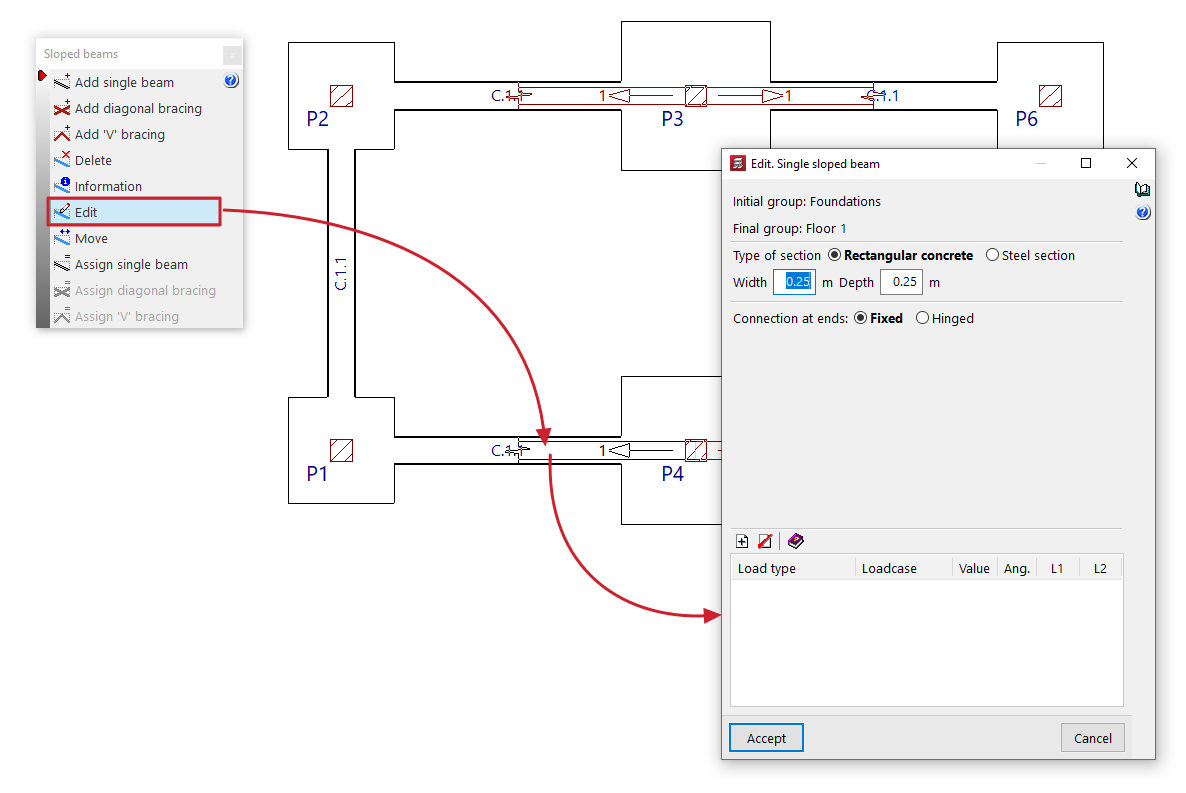
Allows you to select a sloping beam, diagonal bracing or V-shaped bracing already entered using the left mouse button on the floor plan and modify their parameters by reopening their editing window.
Move
Allows you to reposition the end of an inclined beam, a diagonal bracing member or a V-shaped bracing member that has already been entered, provided that a valid point is marked for its definition. This operation can be performed in the initial group or in the final group of the element.
| Note: |
|---|
| Editing or moving operations only affect the beam, diagonals, or bracing that are selected in the current floor plan, even if they were generated using the "Multiple" option when entering data. |
Assign single beam / Assign bracing diagonals / Assign V-bracing
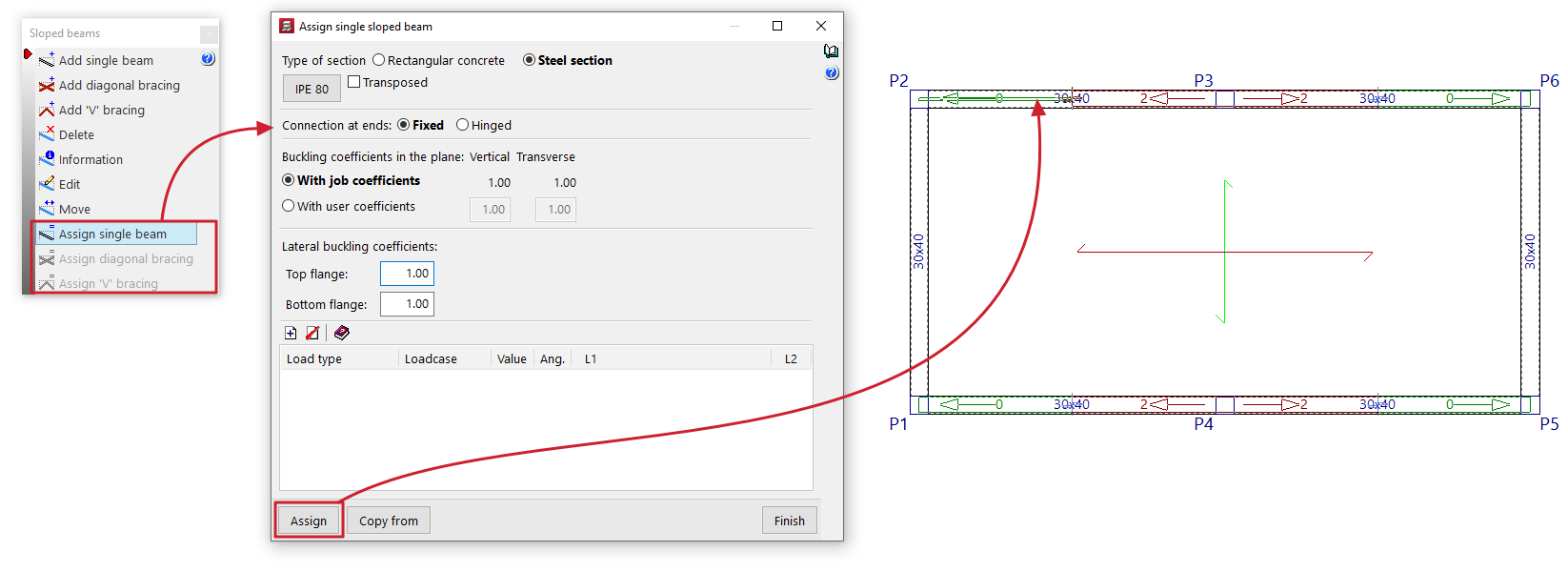
These options allow you to change the data for simple sloped beams, diagonal bracing or V-bracing that has already been entered.
To do this, enter the new data in the edit panel that appears when you click on each option. You can obtain this data from any item using the "Copy from" button.
Then, by clicking on "Assign", you can select the elements on the floor plan to which you wish to assign the data, one by one, using the left mouse button.