Polybeams
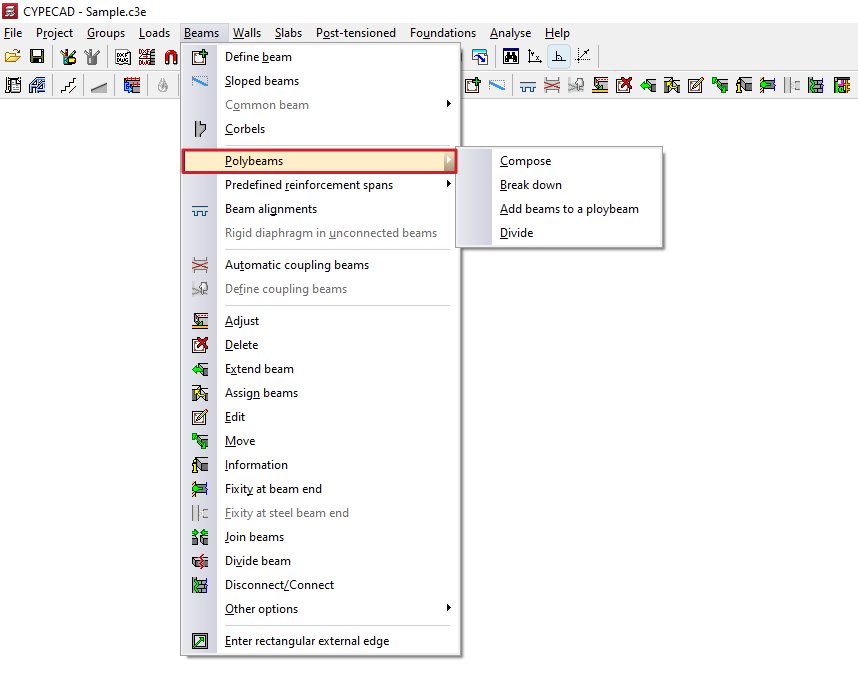
The "Polybeams" menu, within the "Beams" menu of the "Beam input" tab or the "Results" tab, allows you to create and manage polybeams.
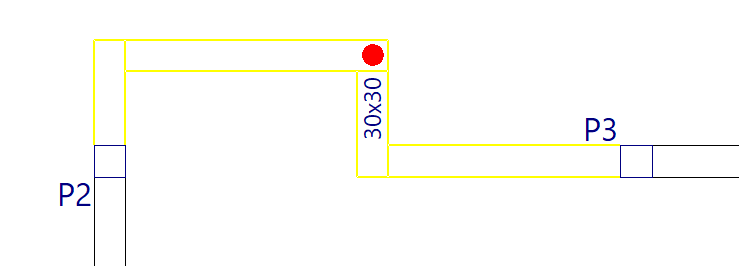
A polybeam is a set of consecutive beams without intermediate columns that constitute a group for the purposes of editing their section or removing them.
Thus, any geometric change (for example, from "Beams > Edit") made to one of the beams is applied to all the beams that form the polybeams.
Similarly, deleting the polybeam (using "Beams > Delete") causes the entire set of beams that constitute it to be deleted. However, the reinforcement of each beam in the set may be different.
The menu offers the following options:
Compose
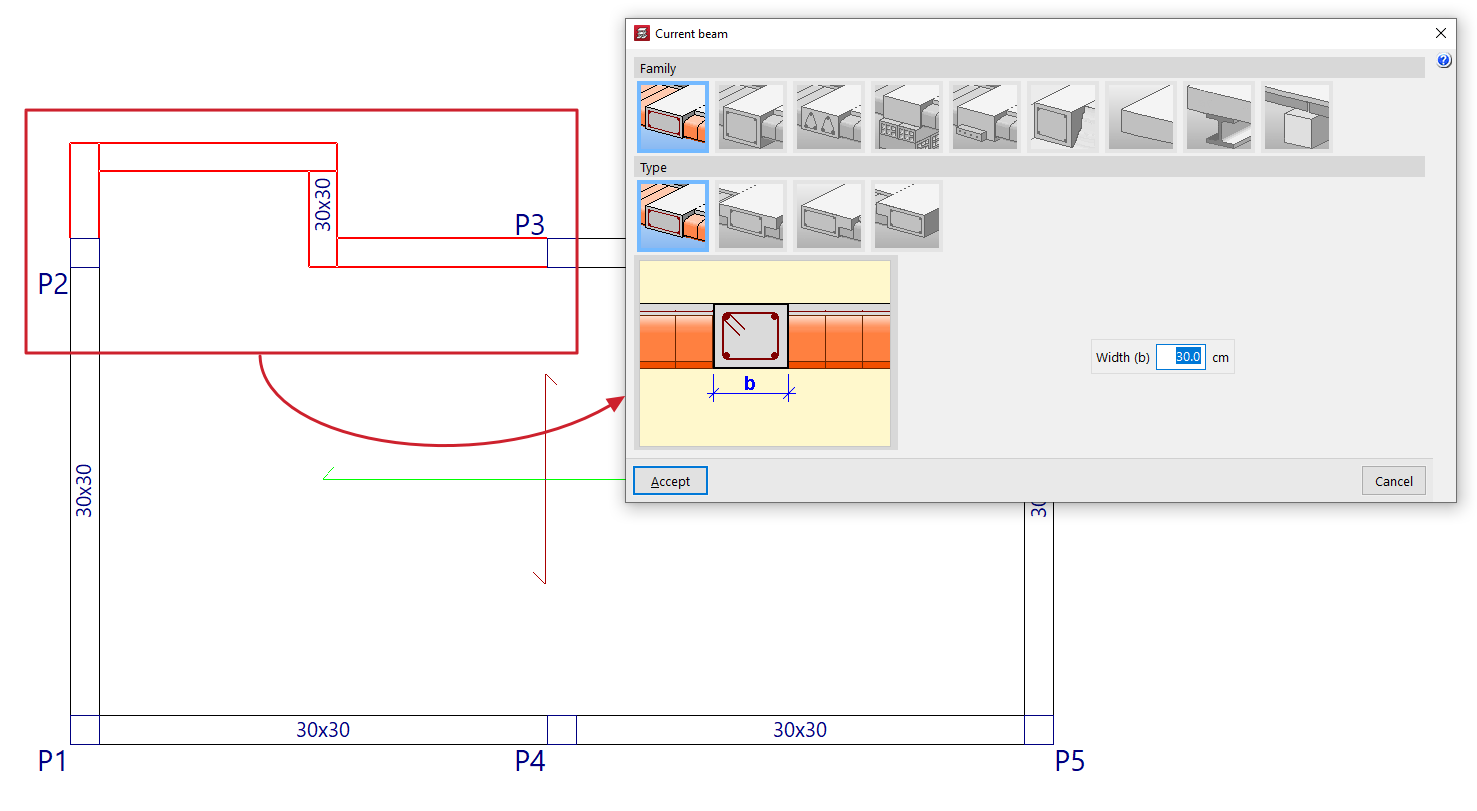
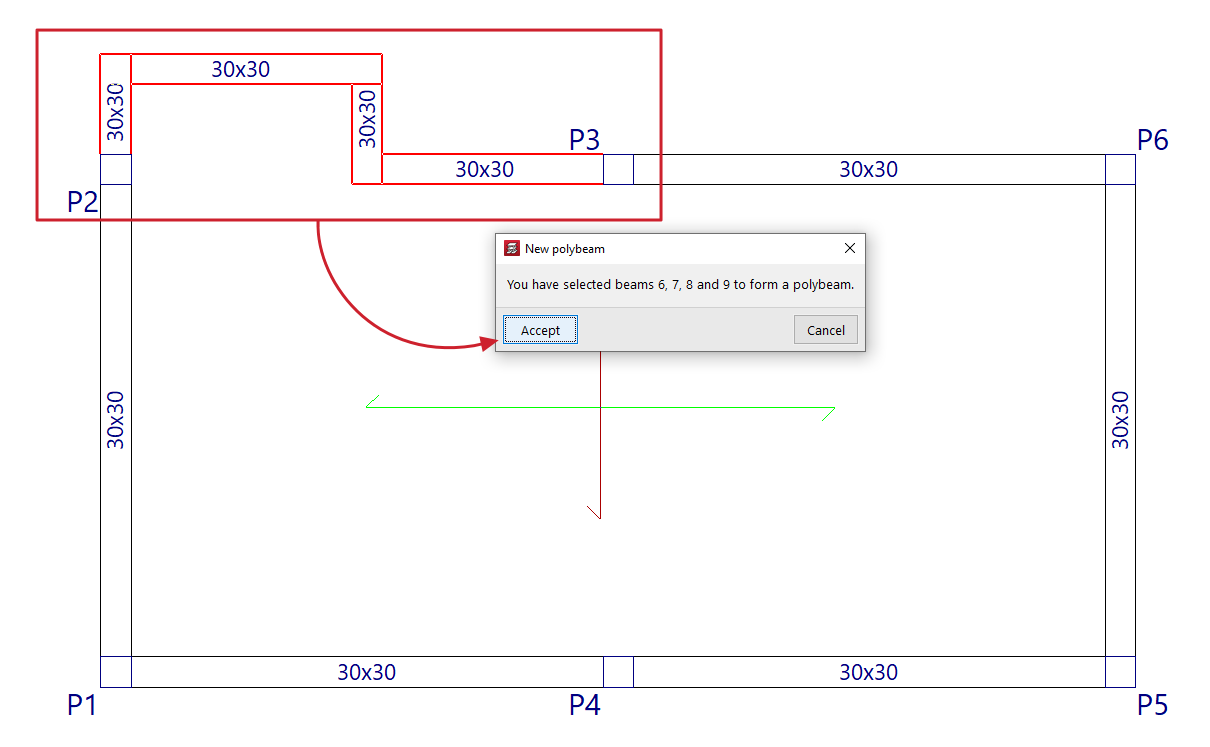
The "Compose" option allows you to create a new composite beam. To do this, select consecutive beam sections with the left mouse button and, when finished, confirm the operation with the right mouse button. The program will notify you of the beams that have been selected in a pop-up window, indicating their reference on the screen. When you accept this notification, the composite beam is created.
Break down
The "Break down" option allows you to ungroup all the beams of one or more previously created polybeams. To do this, select the polybeams to be broken down with the left mouse button or mark a capture area on the screen.
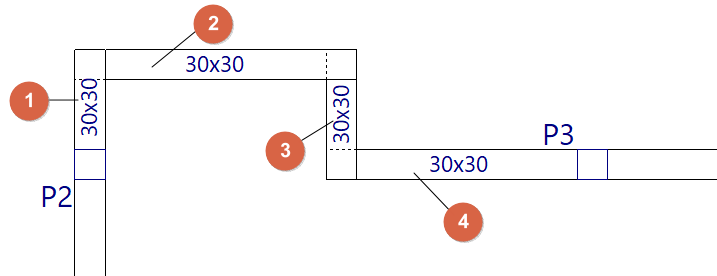
Add beams to a polybeam
The "Add beams to a polybeam" option allows you to add one or more beams to an existing polybeam. To do this, select the polybeam (1) and then the beam or beams you want to add to it (2), confirming the operation with the right mouse button. The program will notify you of the beams that will be added to the polybeam, indicating their reference on the screen. When you accept the notification, the polybeam is updated with the addition of the selected beams.
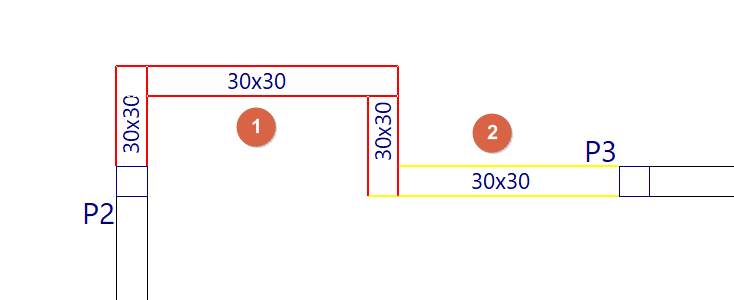
Divide
The "Divide" option allows you to split a polybeam into several polybeams or into separate beams at the point selected with the left mouse button. This option can also be useful for ungrouping one of the two end beams of a polybeam.