


Predefined reinforcement spans in beams
The "Predefined reinforcement spans" menu, within the "Beams" menu of the "Beam input" tab or the "Results" tab, allows you to create or delete predefined reinforcement sections in multi-beams.
A predefined reinforcement section in the set of beams that make up a composite beam is one in which the positive and negative reinforcement is continuous.
| Note: |
|---|
| This will be possible provided that the analysed length of the steel bar does not exceed the "Maximum length of a bar" set in the general options of the program. |
The menu offers the following options:
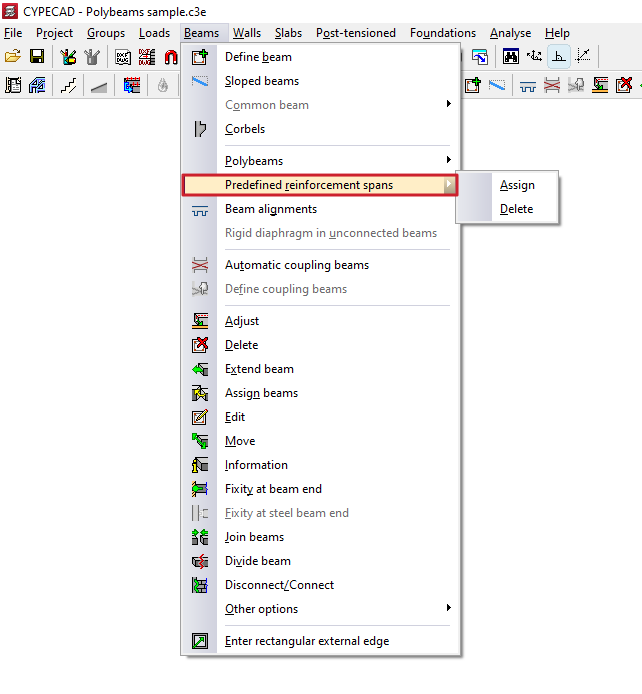
Assign
The "Assign" option allows you to create a predefined reinforcement section in each of the multi-beams that are subsequently selected, either with the left button or by means of a capture area.
Each poliviga selected in this way constitutes an independent, predefined reinforcement section.
In this way, when analysing and assembling the frames, the program will apply continuous reinforcement to each predefined reinforcement section created.
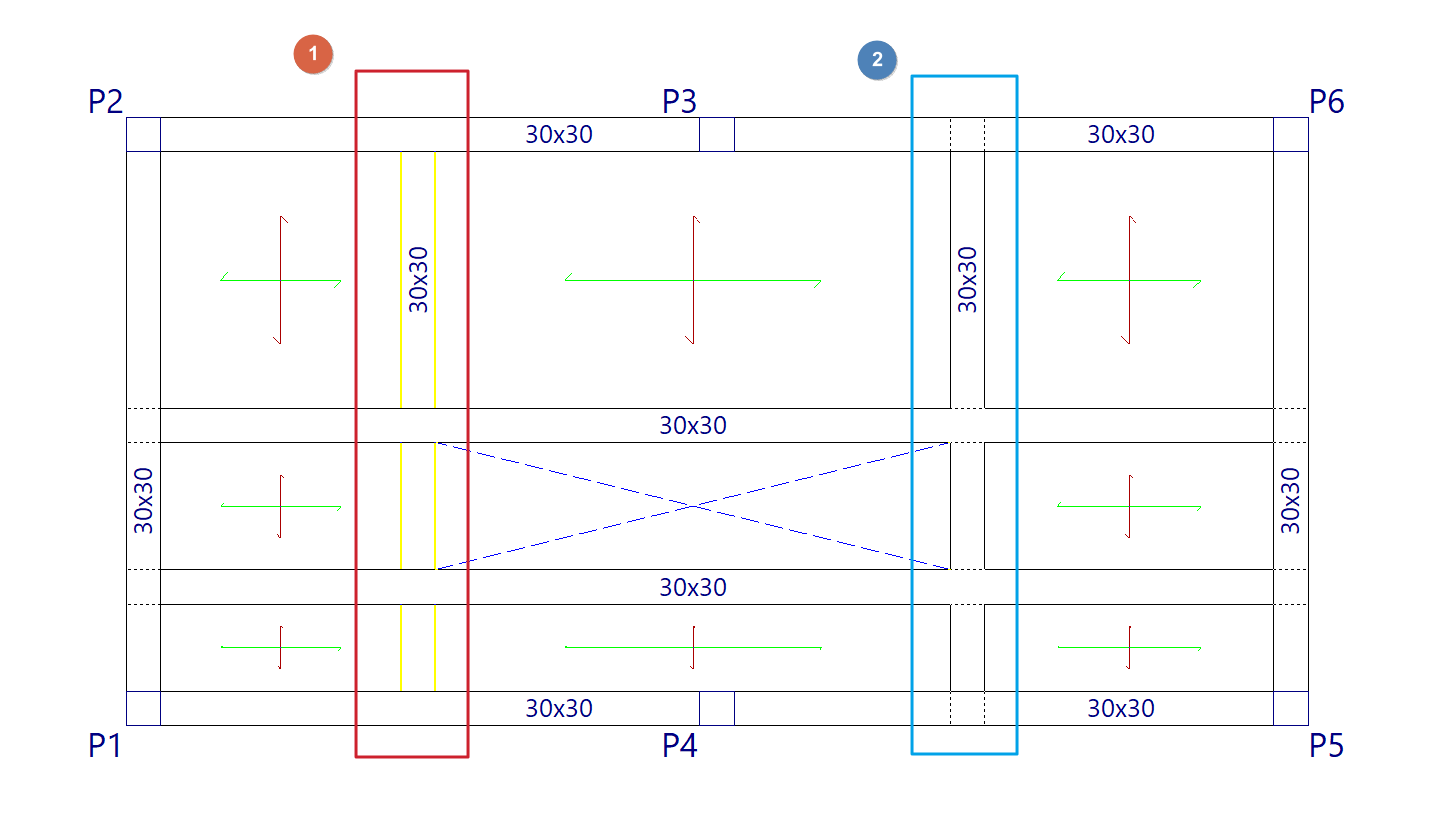
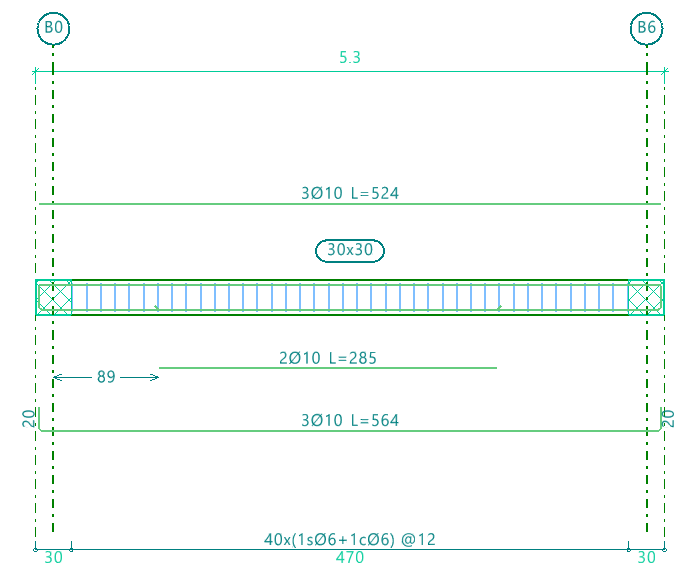
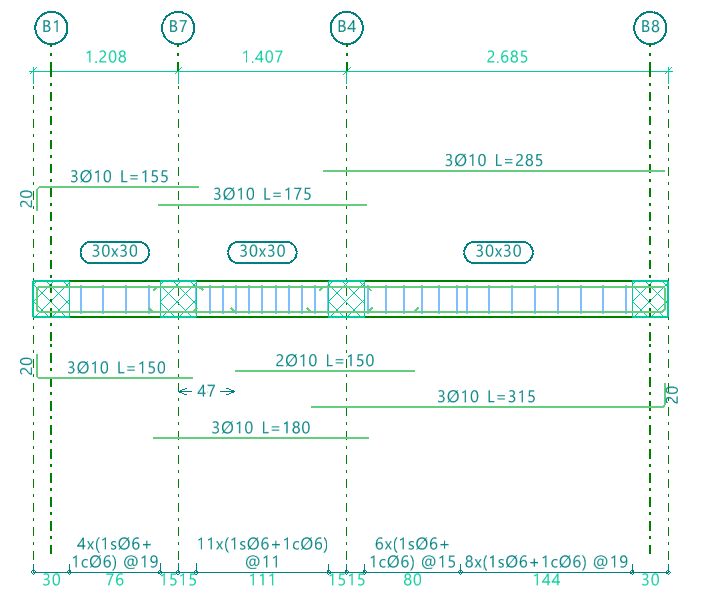
Delete
The "Delete" option allows you to ungroup the reinforcement of all beams in a predefined reinforcement section created previously. After using this option, you will need to re-analyse or re-reinforce the frames to generate the reinforcement of the beams independently.
