


Rigid diaphragm in unconnected beams
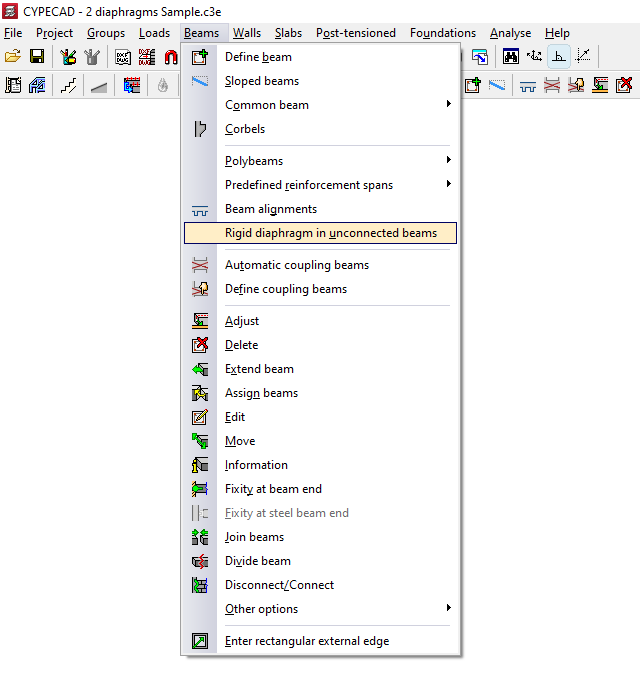
With the option "Rigid diaphragm in unconnected beams" in the "Beams" menu of the "Beam input" tab, you can manage the behaviour of cantilever beams as rigid diaphragms, i.e. beams that are not in contact with any floor slab.
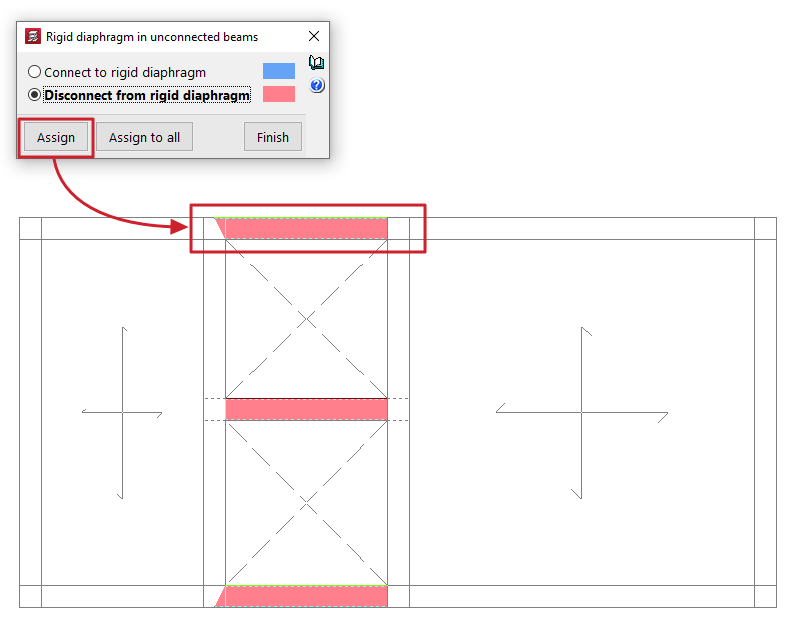
Clicking on the option opens a dialogue box with two options:
- Connect to rigid diaphragm
Beams that are considered connected to the rigid diaphragm have 3 degrees of freedom, maintaining the rigid diaphragm loadcase. - Disconnect from rigid diaphragm
Beams disconnected using this option will have six degrees of freedom at each end with the corresponding stresses: axial, moment in the vertical and transverse planes, vertical and transverse shear, and torsional moment; therefore, their reinforcement will be dimensioned for all of them.
The beams assigned to each of these situations are highlighted in a different colour on the floor plan.
The "Assign" button allows you to select the freestanding beams to which the selected condition will be applied, either one by one or by selecting an area, while "Assign to all" applies the selected condition to all freestanding beams on the floor. The "Finish" option closes the dialogue box.
Beams that are not supported by any floor slab are considered, by default, to be connected to the rigid diaphragm.
For the purposes of considering buckling in horizontal, steel or concrete beams, the buckling length is considered to be the free length of the beam in both the vertical and horizontal planes.
| Note: |
|---|
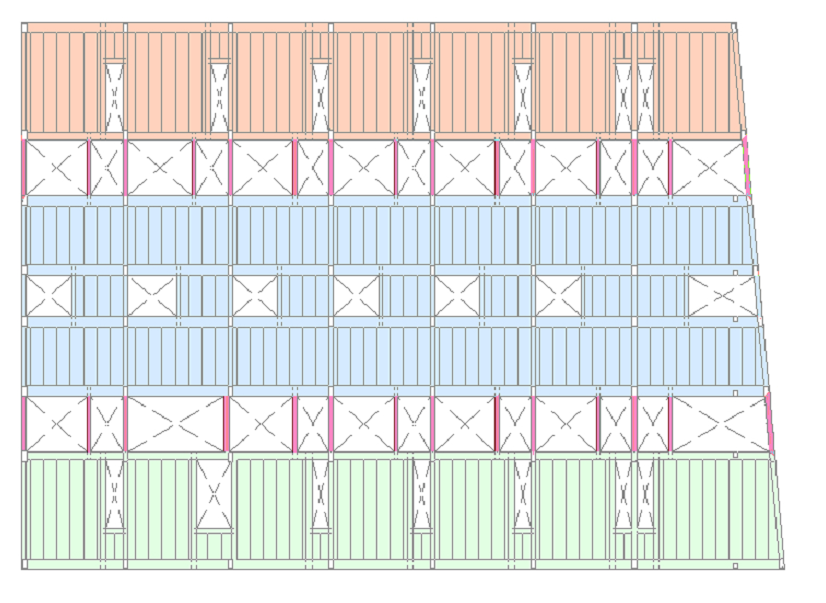
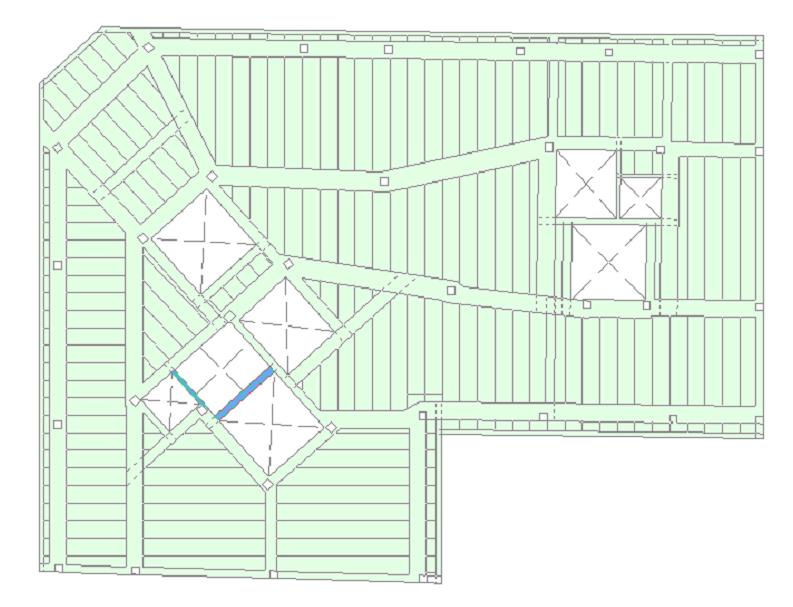
| It is advisable to disconnect the cantilever beams that connect two independent areas of the floor belonging to different diaphragms (e.g., several independent block slabs with cantilever beams from block to block) from the rigid diaphragm. On the other hand, it will not be necessary to disconnect a cantilever beam if it is an isolated beam connecting two regions of the same diaphragm (for example, beams forming the boundary of openings within a slab of the same block). |
