Entering dry columns
Within the "Installation" tab, in the "Dry column" group of the main toolbar, there are options for entering the components of a dry column system in the model:

A dry column system consists of a pipe that is normally empty but, in the event of a fire, can be connected to a pressurised water source on the ground floor, allowing water to be distributed to upper or lower floors of the building, thus facilitating firefighting tasks from inside the building by firefighters. This system is particularly useful in high-rise buildings, where certain floors are inaccessible from the outside.
The "Installation" menu in this group has three options, which adds these elements to the "Work area":
- Dry column inlet
- Pipes
- Dry column outlet
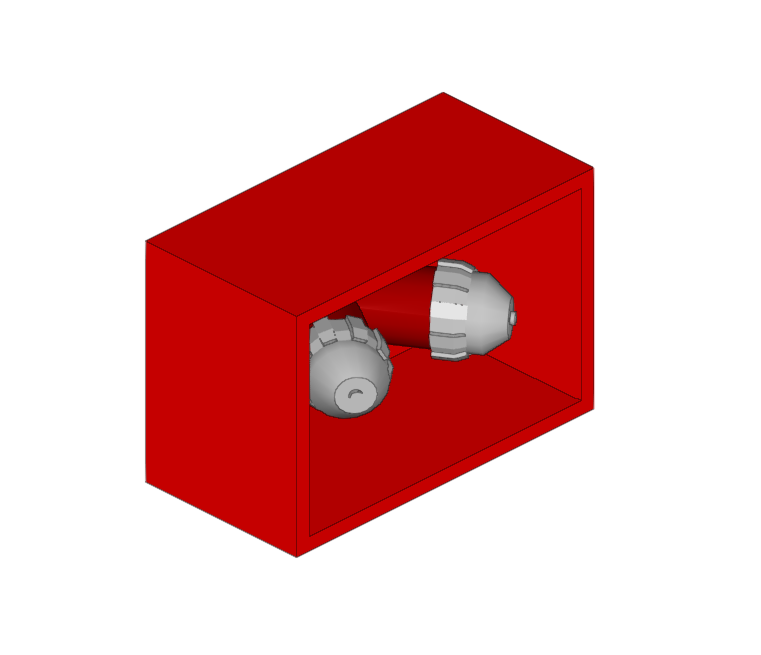
Dry column inlet
Enters a dry column inlet.
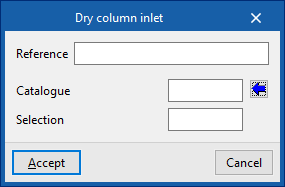
When entering or editing the inlet of a dry column, the following parameters can be configured:
- Reference
Dry column inlet reference. - Catalogue / Selection
The program can select a dry column inlet from the manufacturer catalogues included in the Open BIM Database. These can be downloaded from the "Catalogue management" option within the "Project" group.
| Note: |
|---|
| This outlet must be located in a place accessible to the fire services, such as the ground floor façade. |
Pipes
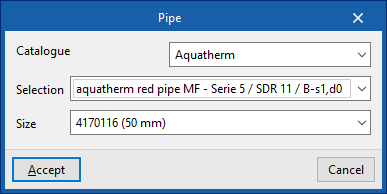
Inserts the pipe of a dry column into the model between the inlet and the outlets.
When inserting a pipe, the following parameters can be configured:
- Catalogue / Series / Diameter
The program is used to select pipes from the manufacturer catalogues included in the Open BIM Database. These can be downloaded from the "Catalogue management" option in the "Project" group.

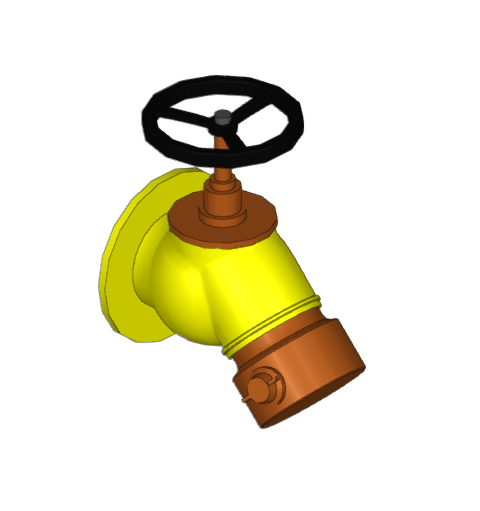
Dry column outlet
Enters dry column outlets on the desired floors.
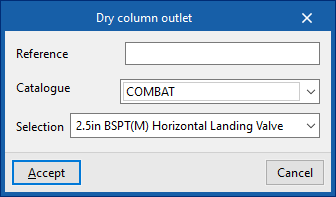
When entering or editing a dry column outlet, the following parameters can be configured:
- Reference
Dry column inlet reference. - Catalogue / Selection
The program can select a dry column inlet from the manufacturer catalogues included in the Open BIM Database. These can be downloaded from the "Catalogue management" option within the "Project" group.
| Note: |
|---|
| The number and layout of the elements of a dry column system, such as wet columns, may vary according to recommendations or regulatory requirements. |