Defining the supply of the fire extinguishing installation
Within the "Installation" tab, in the "Supply" group of the main toolbar, the elements that make up the supply of the hydraulic fire extinguishing system can be defined and entered:

Tank
Enters a tank to act as the initial supply point for the installation.
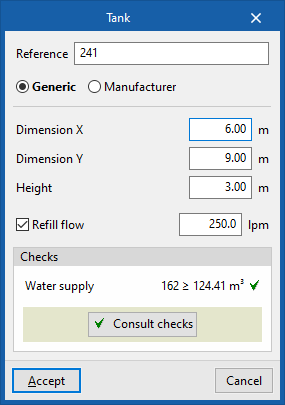
When entering or editing a tank, the following parameters can be configured:
- Reference
Tank reference. - Generic
This option is used to insert a generic parallelepiped-shaped deposit. This requires the following details:- Dimension X
- Dimension Y
- Height
- Manufacturer
This option allows is used to select a library from the manufacturer catalogues included in the Open BIM Database. These can be downloaded via the "Catalogues" option within the "Project" section:- Catalogue
- Selection
- Refill flow (optional)
The refill flow rate reduces the volume required to supply the installation. In this way, a tank with reduced capacity can be simulated.
After the analysis, the program also displays the checks carried out on the tank in its editing panel.
The minimum water supply time can be defined for each type of space under "General options" in the "Project" group of the top toolbar.
| Note: |
|---|
| To increase the network pressure, a "Booster set" can be entered downstream of the tank using the corresponding option in the "Supply" group. |
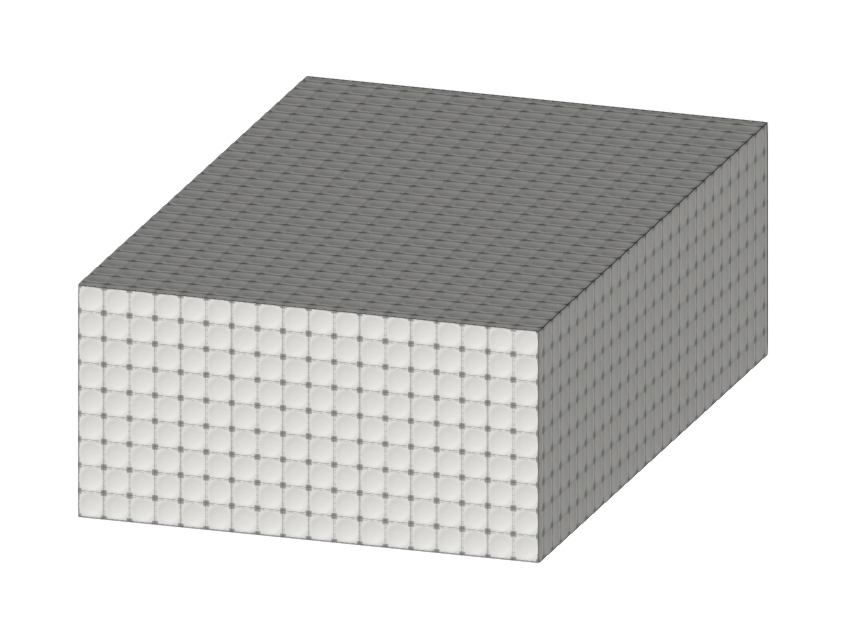
Generic tank
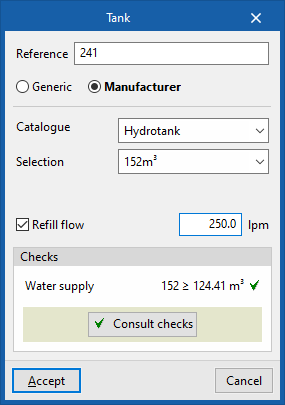
Manufacturer tank
Supply connection
Enters a connection into the public network to act as the initial supply point for the installation.
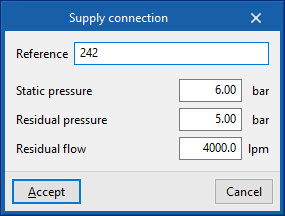
When entering or editing a public network connection, the following parameters can be configured, which can be evaluated by specific tests and which describe the capacity of the network:
- Reference
Supply connection reference. - Static pressure
Value of the supply pressure measured with the fluid at rest. - Residual pressure
Value of the pressure in the supply connection measured at the residual flow rate of flowing water. - Residual flow
Water flow sustained by the public network while maintaining the indicated residual pressure.

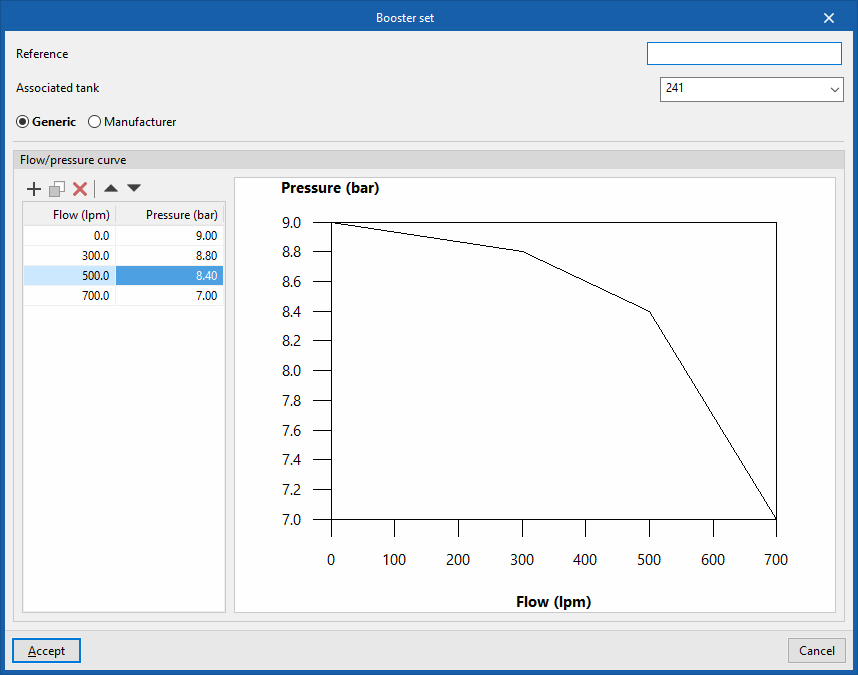
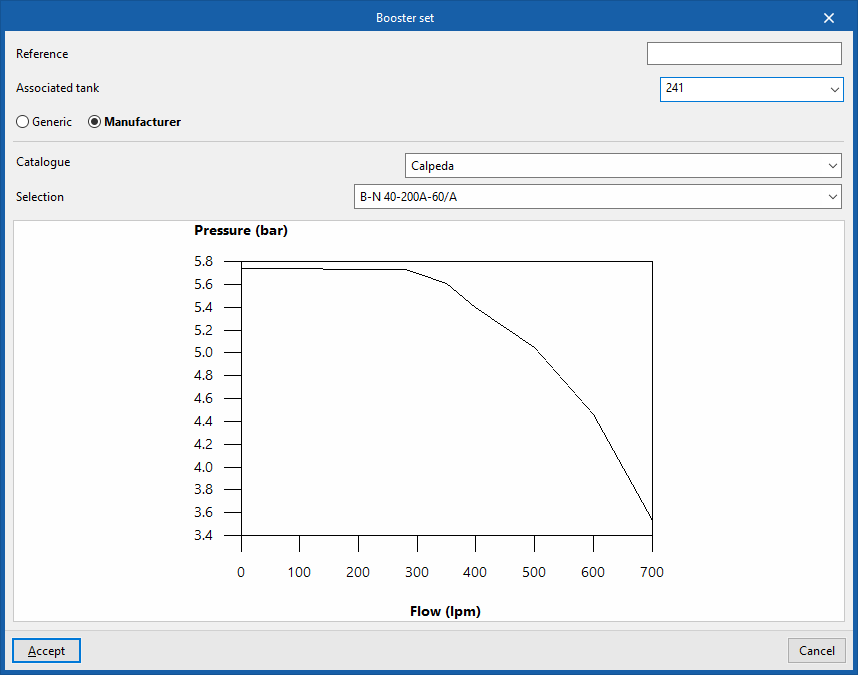
Booster set
Enters a booster set into the installation
When entering or editing a booster set, the following parameters can be configured:
- Reference
Booster set reference. - Generic
This option is used to enter a generic booster set. To do this, define the values for the "Flow rate" and "Pressure" curves. The points must be entered in order of increasing flow rates and decreasing pressures to represent the pump's performance curve. - Manufacturer
This option is used to select a booster set from the manufacturer catalogues included in the Open BIM Database. These can be downloaded via the "Catalogues" option within the "Project" section.- Catalogue
- Selection