Entering equipment (air distribution)
Within the "Installation" tab, in the "Equipment" menu of the "Air distribution" group in the main toolbar, the following elements can be defined and entered:

- Fan
- Heat recovery unit
- Fire damper
- Filter
- Airflow regulator
- Silencer
- Plenum
- Connection plate
- Cover
- Starting point for ductwork pre-installation
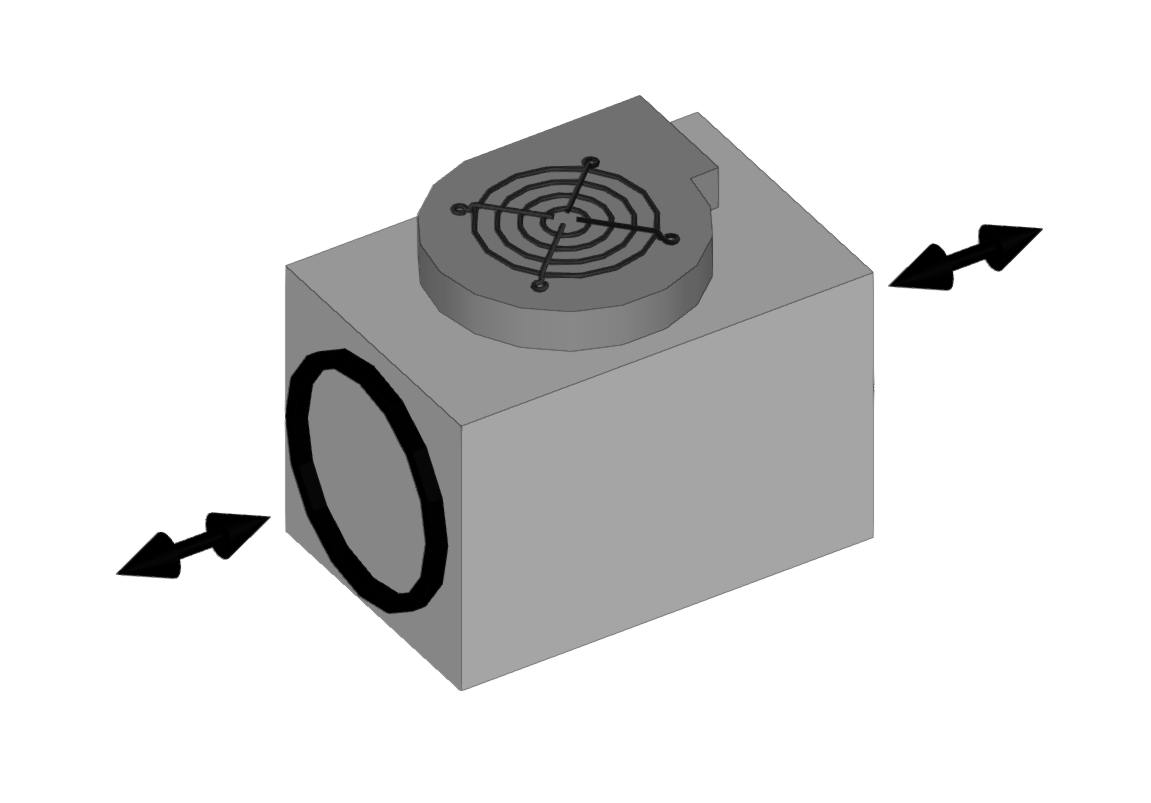
Fan
Enters fans.
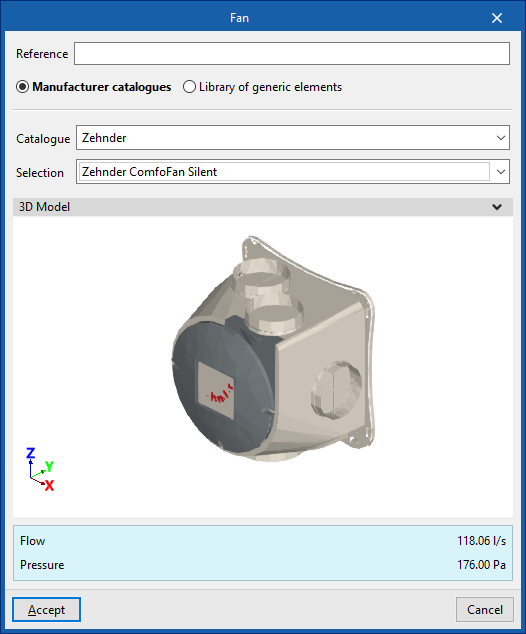
When entering a fan, the following parameters must be specified:
- Reference
- Catalogue / Selection
The program can select and import data from "Manufacturer catalogues" or from the "Library of generic elements" using the wizard on the right-hand side.
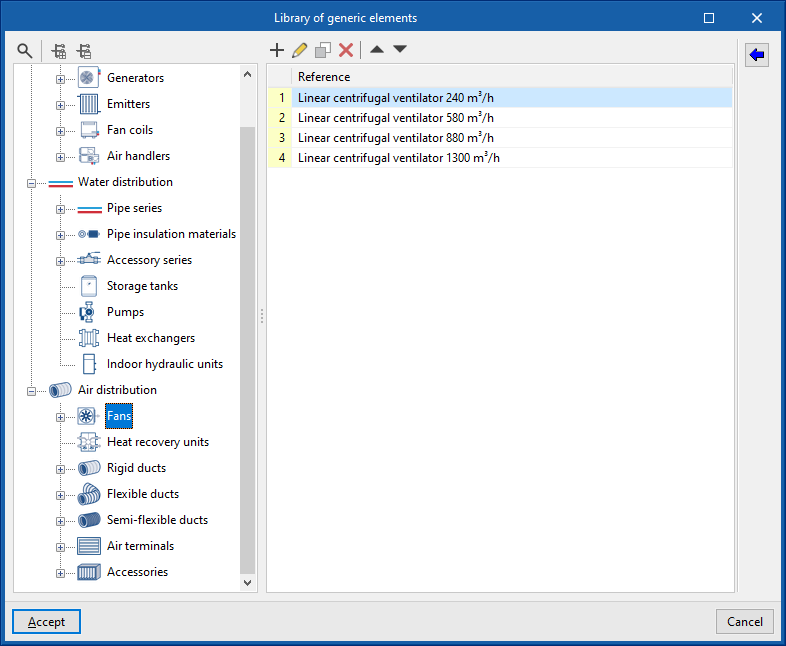
Library of generic fans
In the "Library of generic elements" option, within the "Project" group, the available library of generic fans can be created and edited.
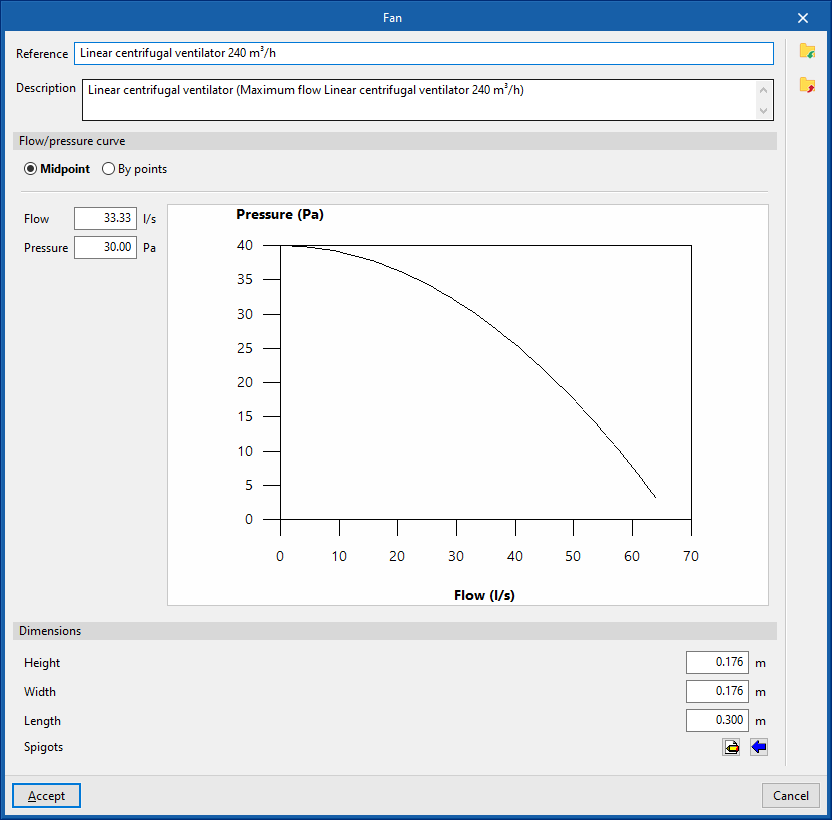
The data associated with each type of fan is as follows:
- Reference
- Description
- Flow/pressure curve
- Midpoint (Flow; Pressure)
- By points (Flow; Pressure)
- Dimensions
- Height
- Width
- Length
- Spigots
- Connections
- Installation
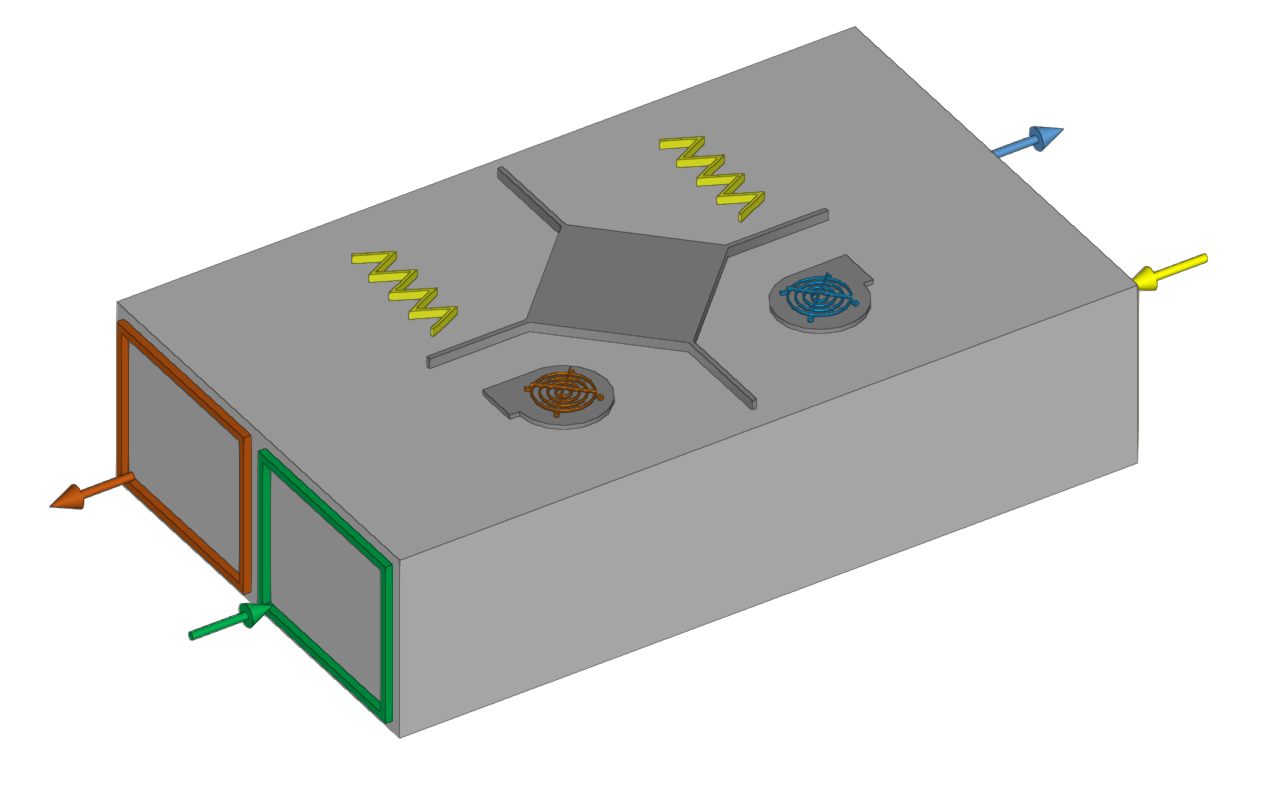
- Type of air flow (Outside air (ODA) / Supply air (SUP) / Exhaust air (ETA) / Discharge air (EHA) / Depending on the type of installation)
- The spigot can remain disconnected (optional)
- Geometry
- Type (Rectangular / Circular)
- Width x Height / Diameter
Heat recovery unit
Enters heat recovery units.
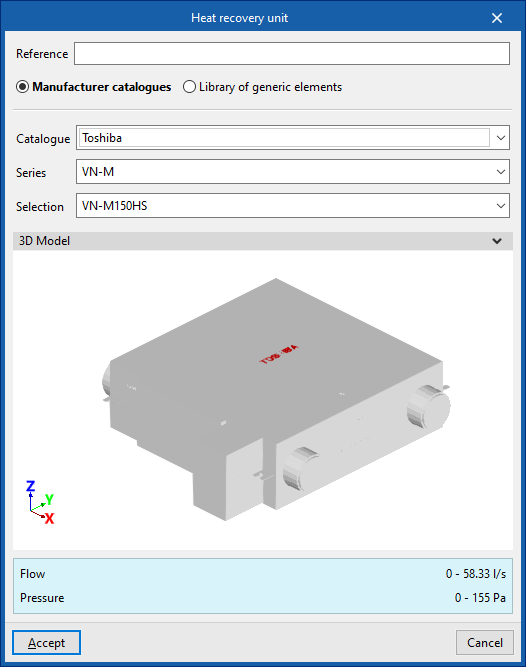
When entering a heat recovery unit, the following parameters must be specified:
- Reference
- Catalogue / Selection
The program can select and import data from "Manufacturer catalogues" or from the "Library of generic elements" using the wizard on the right-hand side.
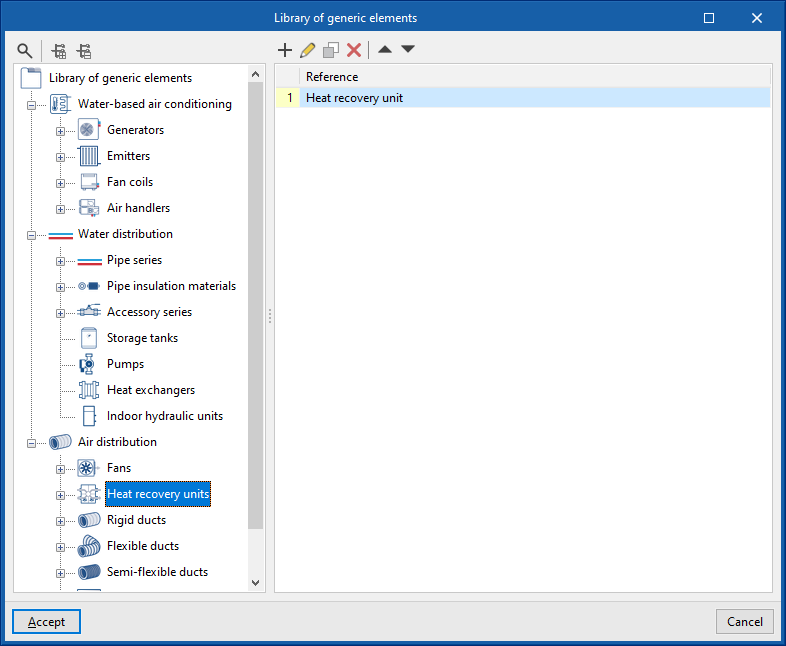
Library of generic heat recovery units
In the "Library of generic elements" option, within the "Project" group, the available library of generic heat recovery units can be created and edited.
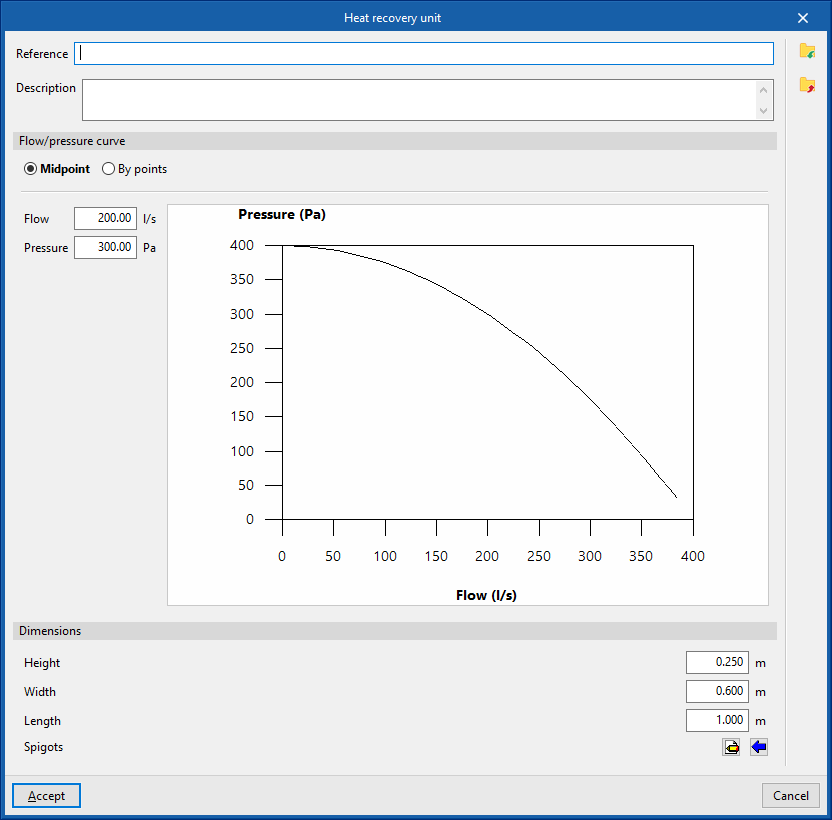
The data associated with each type of heat recovery unit are as follows:
- Reference
- Description
- Flow/pressure curve
- Midpoint (Flow; Pressure)
- By points (Flow; Pressure)
- Dimensions
- Height
- Width
- Length
- Spigots
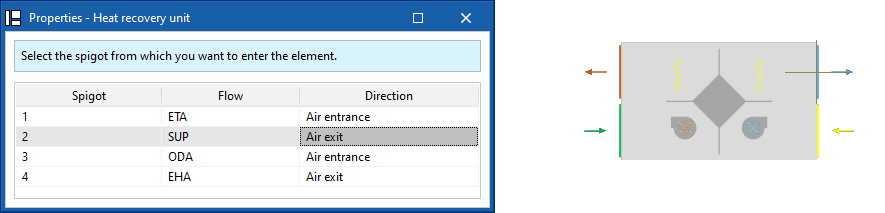
- Connections
- Installation
- Type of air flow (Outside air (ODA) / Supply air (SUP) / Exhaust air (ETA) / Discharge air (EHA) / Depending on the type of installation)
- The spigot can remain disconnected (optional)
- Geometry
- Type (Rectangular / Circular)
- Width x Height / Diameter
| Note: |
|---|
| When inserting air distribution system components, the program selects the inlet from which you wish to insert the component. The selected inlet will be positioned at the cursor's location. By pressing the "Space" key, you can change the orientation "Angle" of the component in plan view. This can also be modified using the options on the top bar of the "Work area" window. If you click on a duct end, the program will orient the unit to follow its direction. Once the equipment has been placed in position, you can rotate it about its axis by clicking on one of the four arrows that appear. These can be selected in turn by pressing the 'Space' key again. |
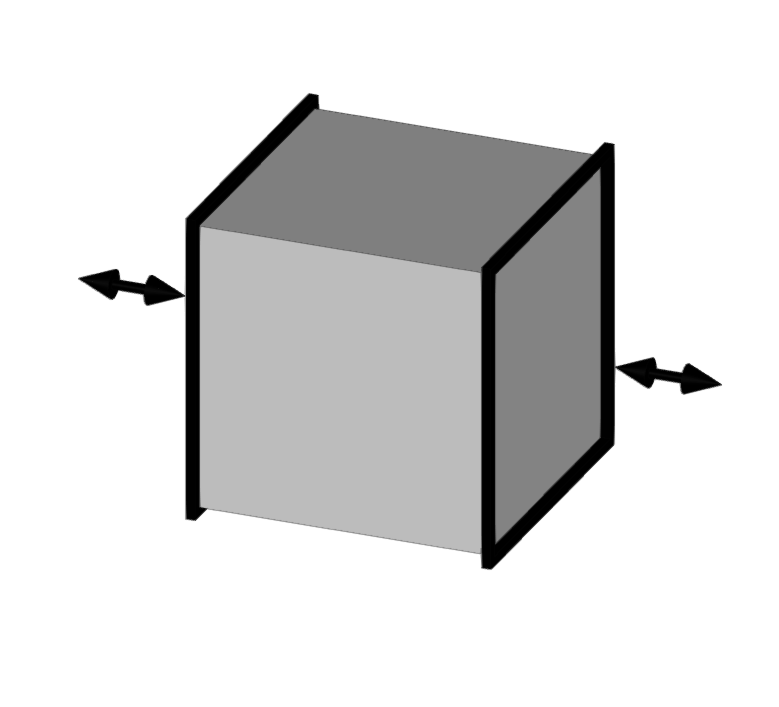
Fire damper
Inserts fire dampers.
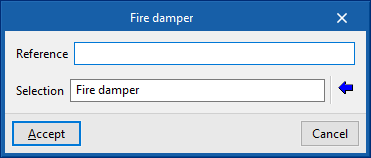
When entering a fire damper, the following parameters must be specified:
- Reference
- Selection
The program can select and import data from "Manufacturer catalogues" or from the "Library of generic elements" using the wizard on the right-hand side.
Library of generic fire damper
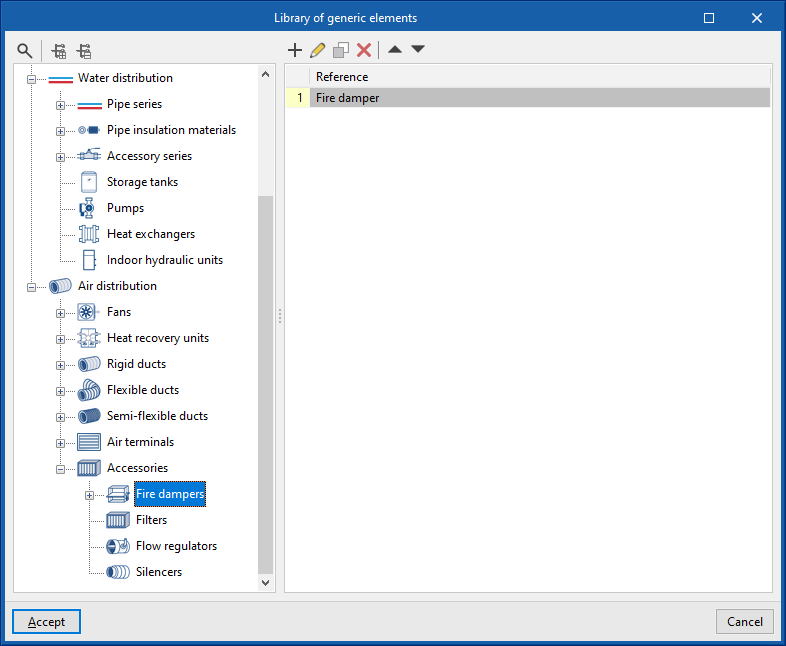
In the "Library of generic elements" option, within the "Project" group, the available library of generic fire dampers can be created and edited.
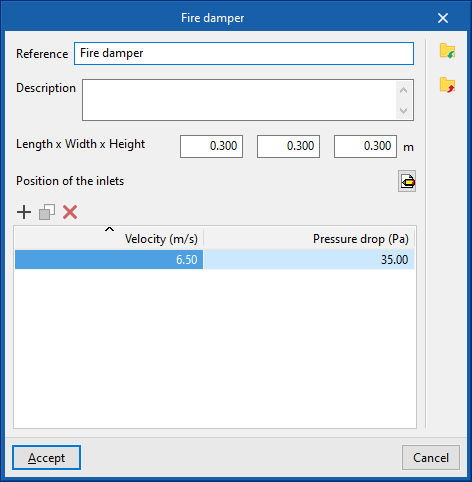
The data associated with each type of fire damper is as follows:
- Reference
- Description
- Dimensions
- Length x Width x Height
- Position of the inlets
- Sockets
- Type (Rectangular / Circular)
- Width x Height / Diameter
- Sockets
- Design values, depending on the flow
- Velocity; Pressure loss
Strainer
Enters strainers.
When entering a strainer, the following parameters must be specified:
- Reference
- Catalogue / Selection
The program can select and import data from "Manufacturer catalogues" or from the "Library of generic elements" using the wizard on the right-hand side.
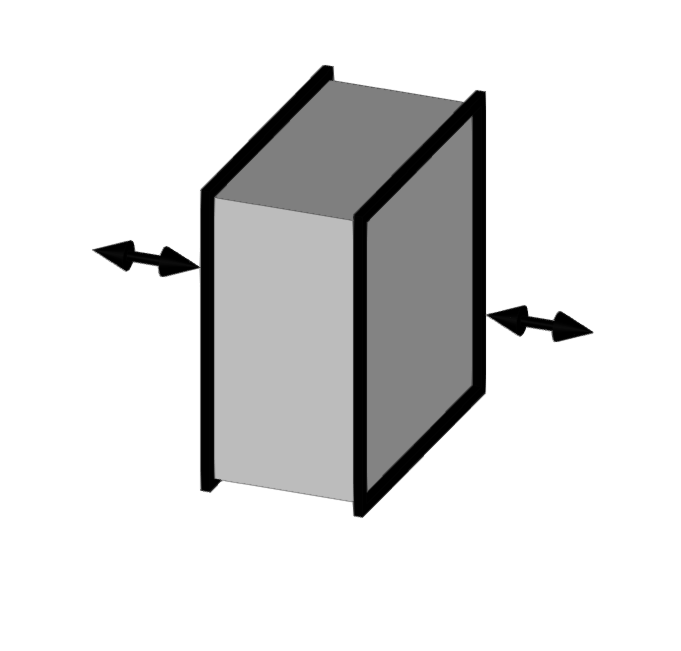
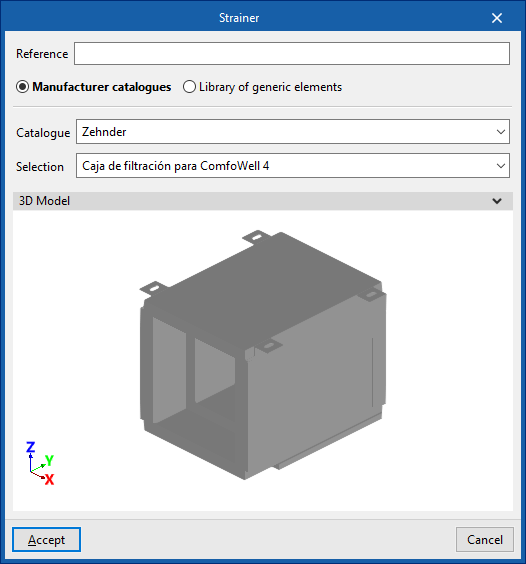
Library of generic strainers
In the "Library of generic elements" option, within the "Project" group, the available library of generic strainers can be created and edited.
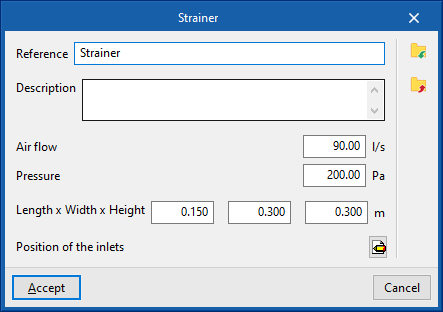
The data associated with each type of filter is as follows:
- Reference
- Description
- Air flow rate
- Pressure
- Dimensions
- Length x Width x Height
- Position of inlets
- Inlets
- Type (Rectangular / Circular)
- Width x Height / Diameter
- Inlets
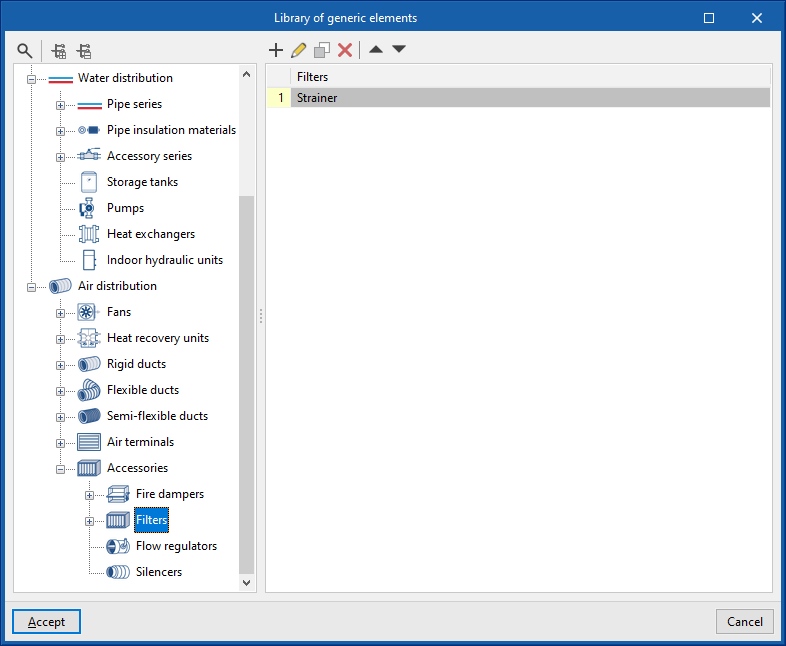
Flow regulators
Enters flow regulators.
When entering a flow regulator, the following parameters must be specified:
- Reference
- Catalogue / Selection
The program can select and import data from "Manufacturer catalogues" or from the "Library of generic elements" using the wizard on the right-hand side.
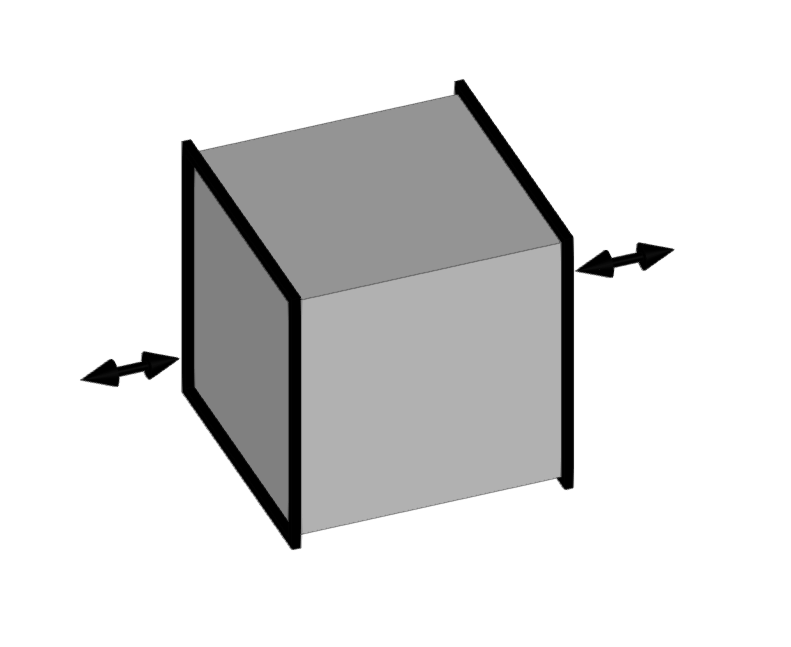
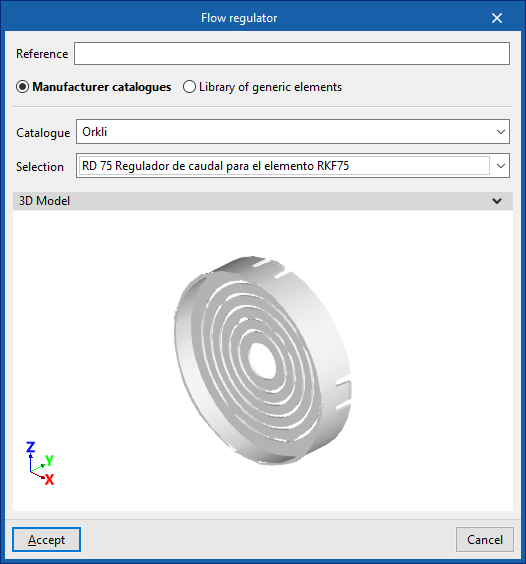
Library of generic flow regulators
In the "Library of generic elements" option, within the "Project" group, the available library of generic flow regulators can be created and edited.
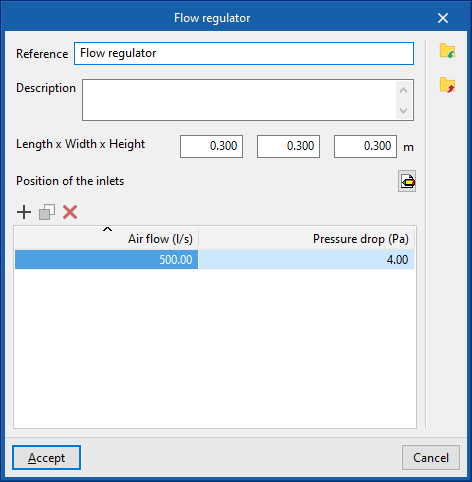
The data associated with each type of flow regulator is as follows:
- Reference
- Description
- Dimensions
- Length x Width x Height (m)
- Position of inlets
- Inlets
- Type (Rectangular / Circular)
- Width x Height / Diameter
- Inlets
- Design values, depending on the flow
- Air flow rate; Pressure loss
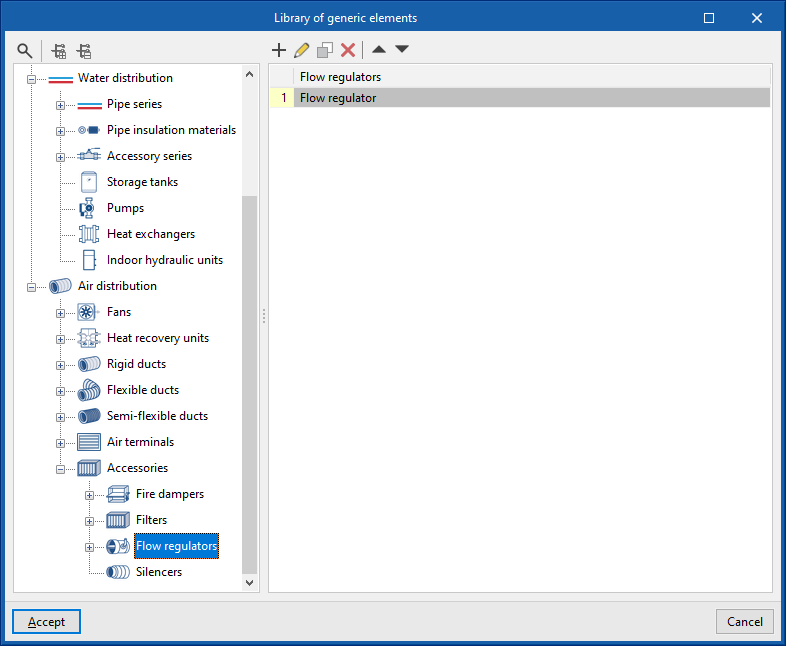
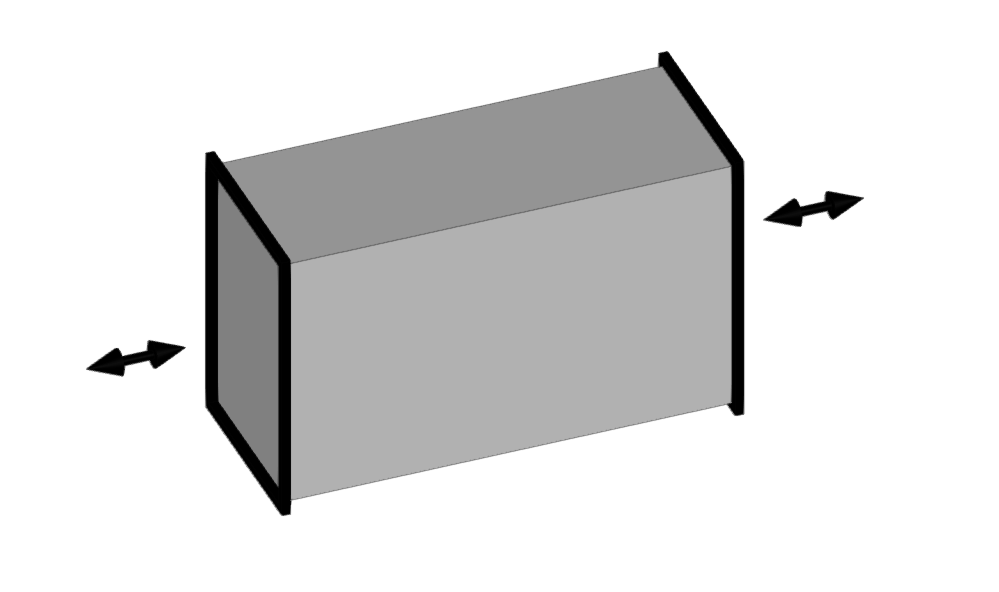
Silencer
Enters silencers.
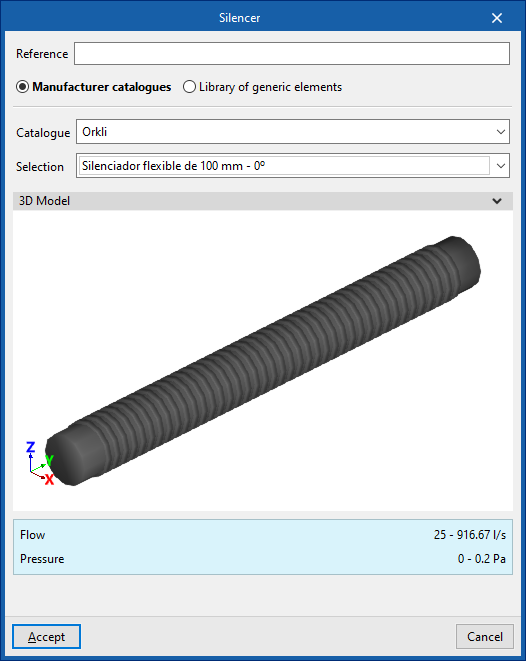
When entering a silencer, the following parameters must be specified:
- Reference
- Catalogue / Selection
The program can select and import data from "Manufacturer catalogues" or from the "Library of generic elements" using the wizard on the right-hand side.
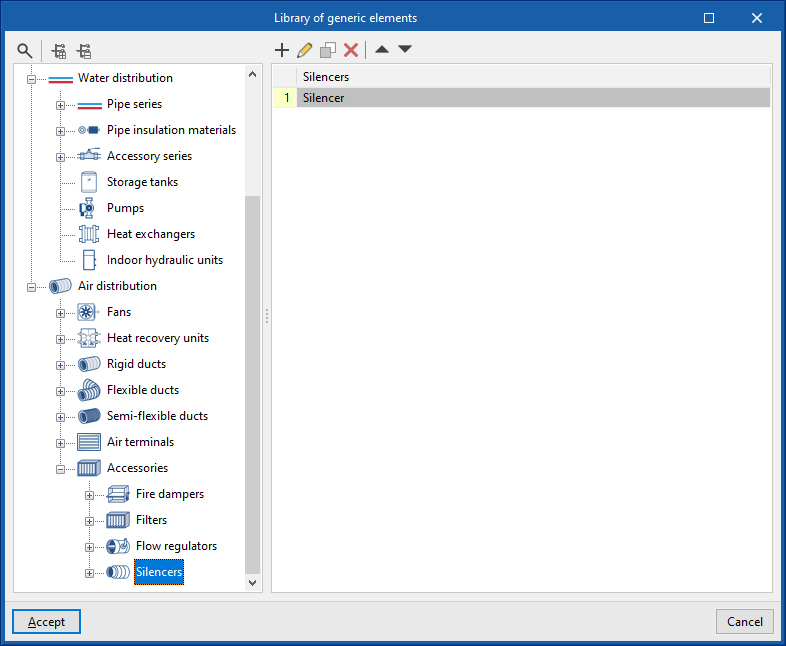
Library of generic silencers
In the "Library of generic elements" option, within the "Project" group, the available library of generic silencers can be created and edited.
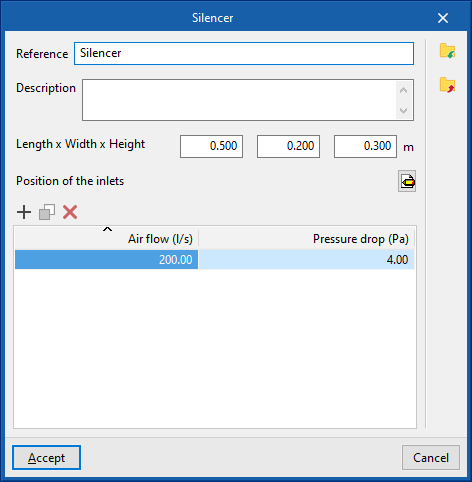
The data associated with each type of silencer is as follows:
- Reference
- Description
- Dimensions
- Length x Width x Height (m)
- Position of inlets
- Inlets
- Type (Rectangular / Circular)
- Width x Height / Diameter
- Inlets
- Design values, depending on the flow
- Air flow rate; Pressure loss
Plenum
Inserts plenums in duct systems.
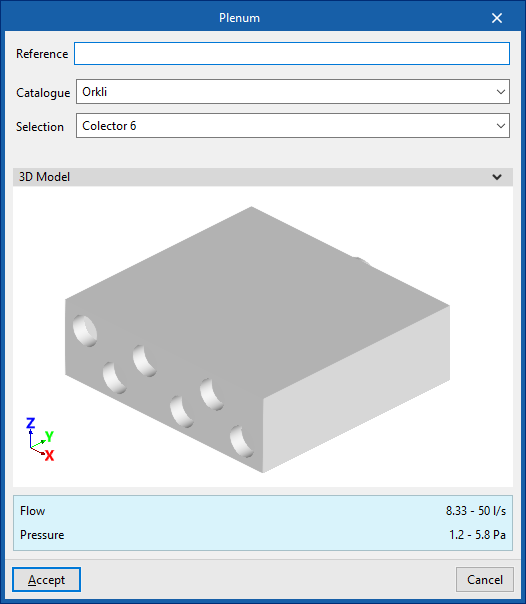
When entering a plenum, the following parameters must be specified:
- Reference
- Catalogue / Selection
Selects and imports data from previously loaded manufacturer's catalogues using the "Catalogue management" option. - 3D Model
- Three-dimensional visualisation of the selected equipment.
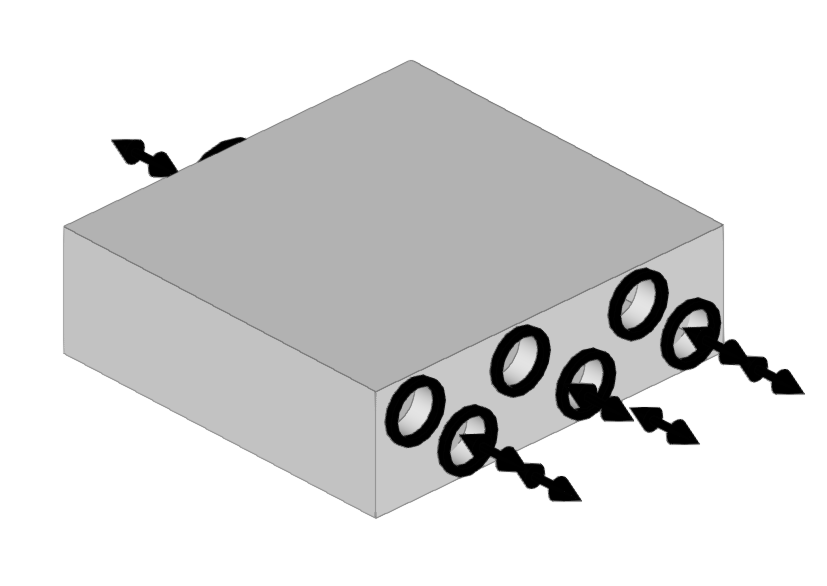
End piece
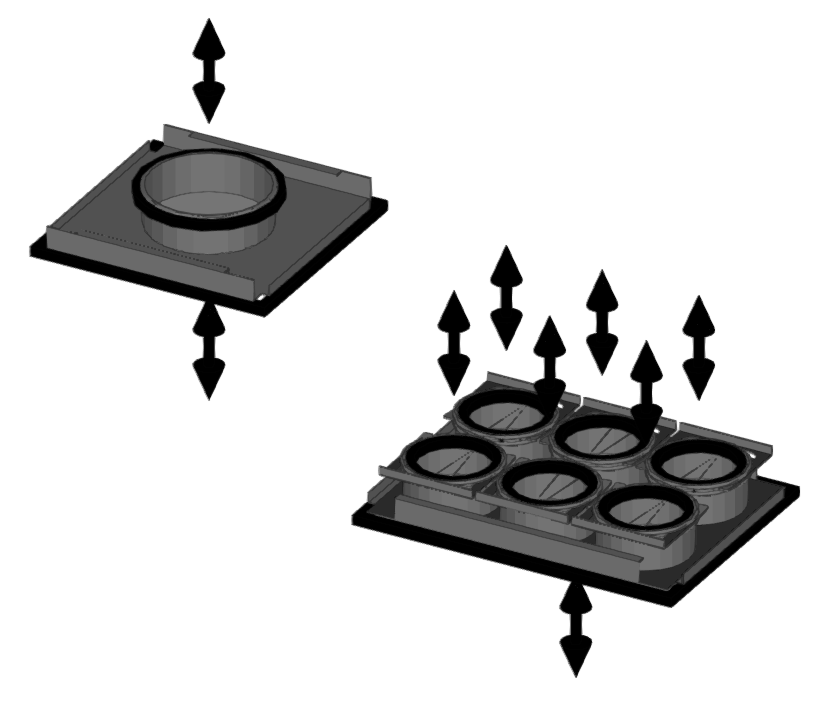
Used to insert end pieces into ductwork systems.
These components are used by some manufacturers where plenums and silencers do not have openings for circular ducts, as they allow for different connection systems.
Thus, depending on the connection plate used, a single plenum or silencer can be connected to a greater or lesser number of circular ducts, as well as to ducts of different cross-sections.
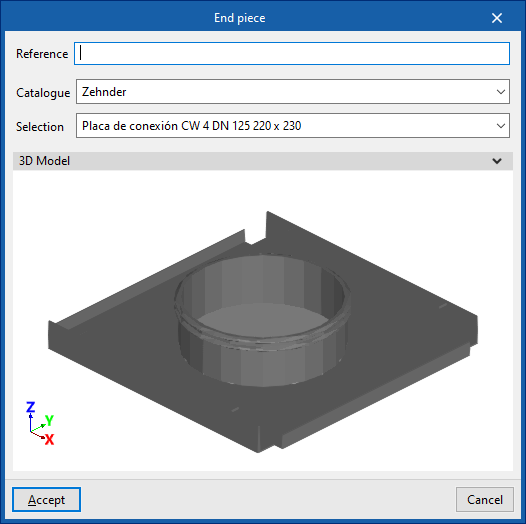
When fitting an end piece, the following parameters must be specified:
- Reference
- Catalogue / Selection
Selects and imports data from manufacturer catalogues previously uploaded using the "Catalogue Management" option. - 3D model
Three-dimensional view of the selected equipment.
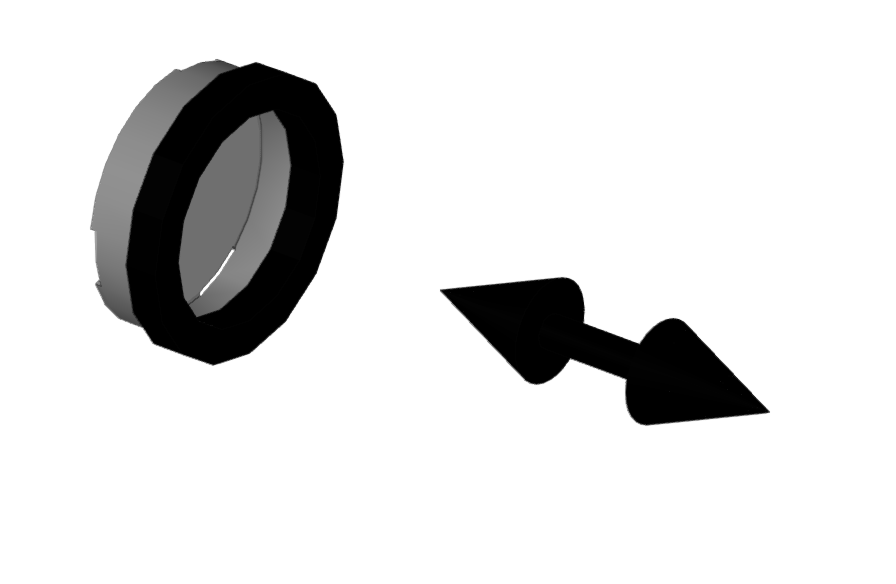
Cap
Inserts caps into ductwork installations.
These caps are fitted to the unused outlets of components that have multiple outlets (such as "End piece", "Plenum" or "Plenum for air outlet").
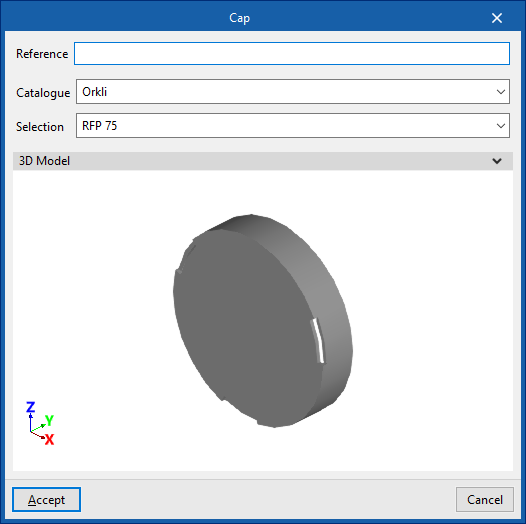
When inserting a cap, the following parameters must be specified:
- Reference
- Catalogue / Selection
Selects and imports data from manufacturer catalogues previously uploaded using the "Catalogue Management" option. - 3D model
Three-dimensional view of the selected equipment.
| Note: |
|---|
| Semi-flexible ducts must always be fitted with an end fitting. It makes no sense to fit a cap to a semi-flexible duct; therefore, unless necessary, the semi-flexible duct should not be installed, but the corresponding outlet on the connection plate, plenum or outlet plenum should be capped directly. Furthermore, the program automatically places caps at the ends of the ducts during calculation, so it is not necessary to use this option in such cases. |
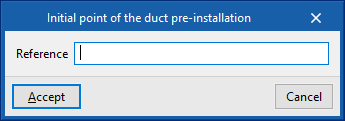
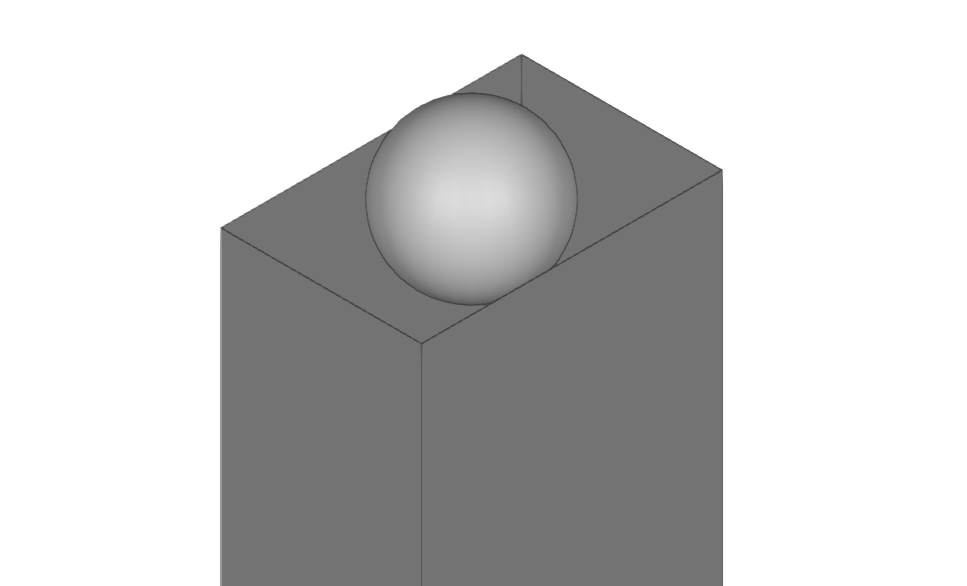
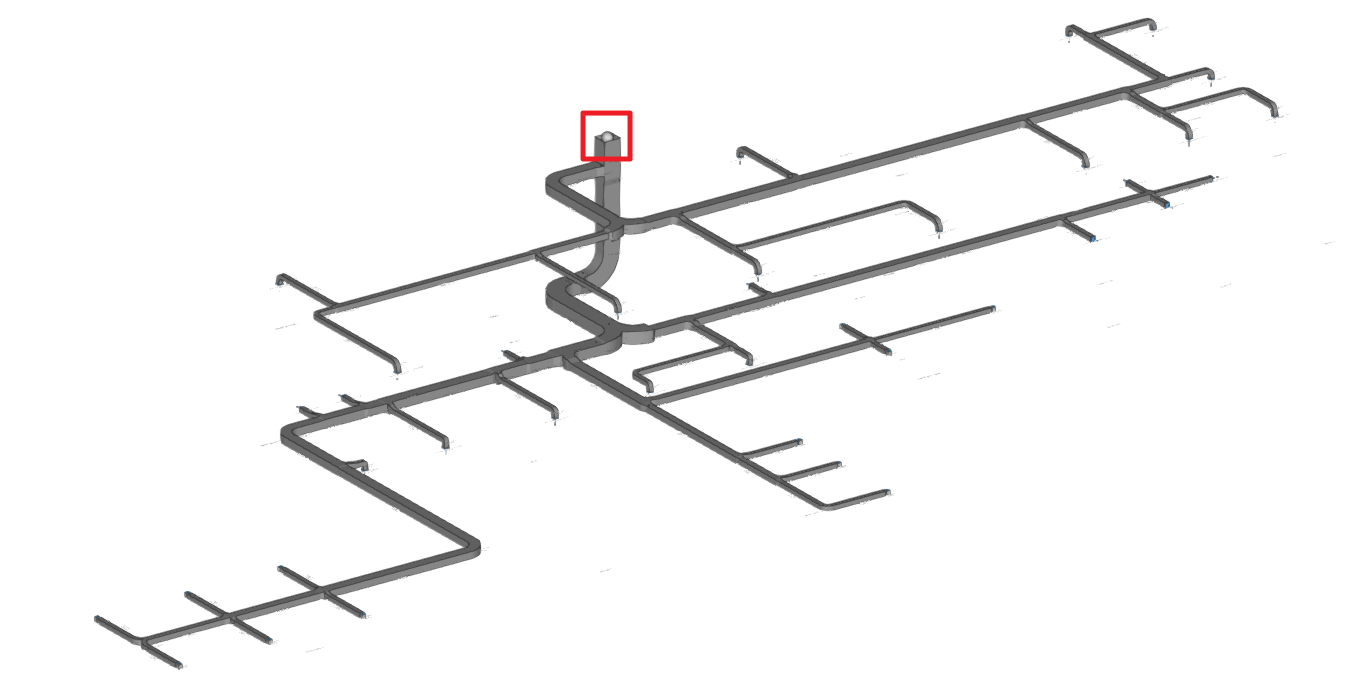
Initial point of the duct pre-installation
This places the initial point of a duct pre-installation in the program. This way, the ductwork does not need to be connected to a machine or ventilation system for the analysis to be carried out.