

Configuring cost databases
In the "Project" section of the main toolbar on the "Installation" tab, you will find the option to configure the program's cost databases.

Cost databases
The "Cost databases" option allows you to define the project’s characteristics to customise the automatic generation of prices for project elements that include bill of quantities data.
To do this, open a wizard where the following parameters are defined:
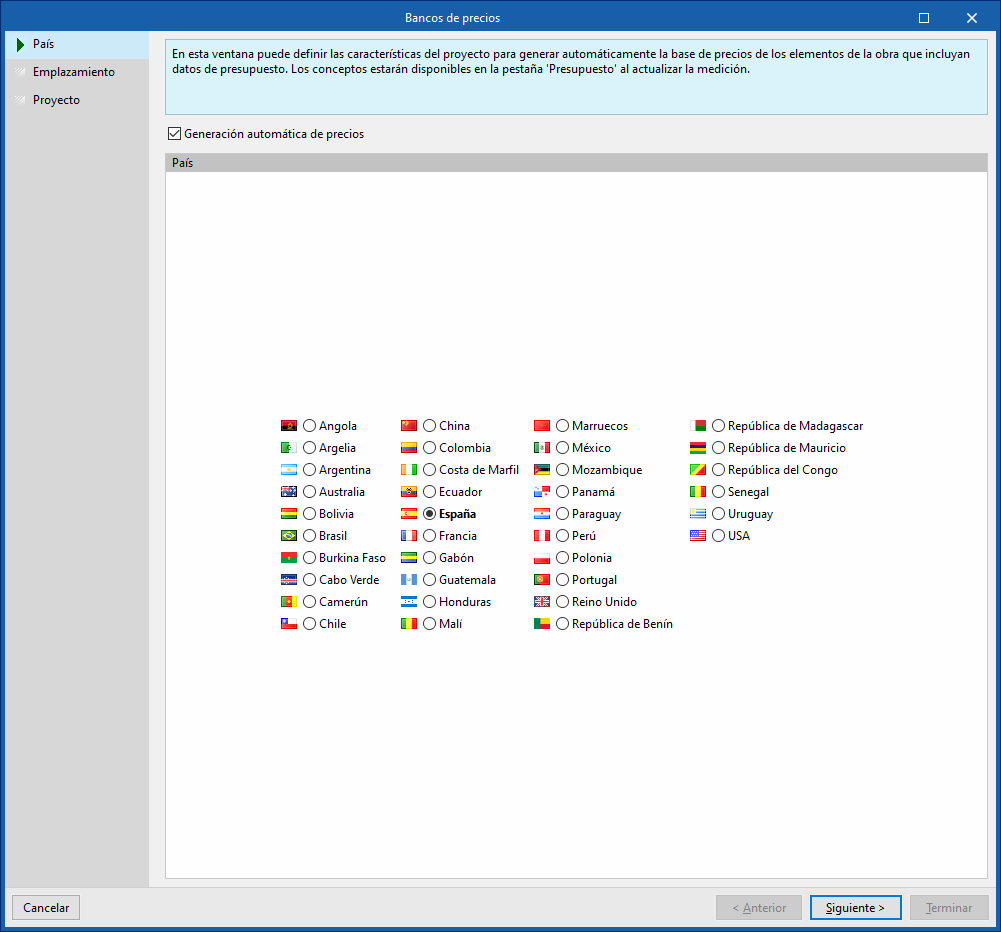
- Country
Select a country. To continue, you must tick the "Automatic price generation" box. - Location
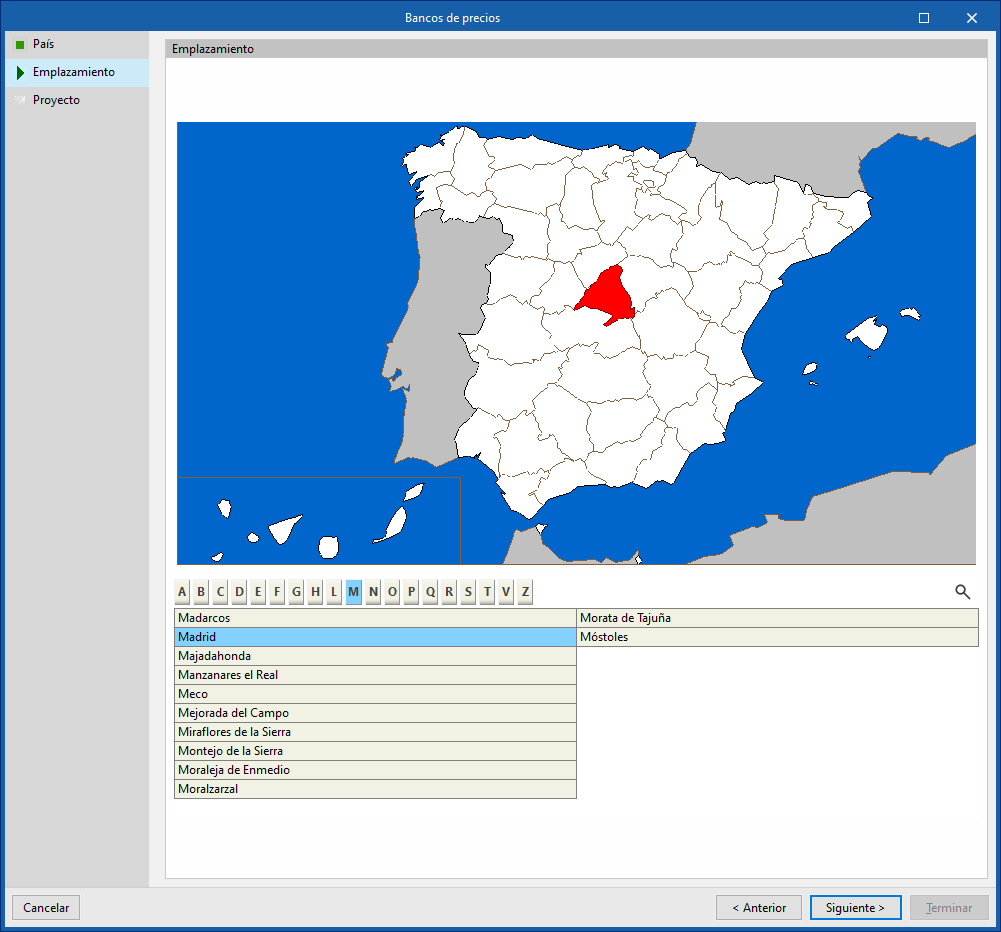
Select a location within the specified country. - Project
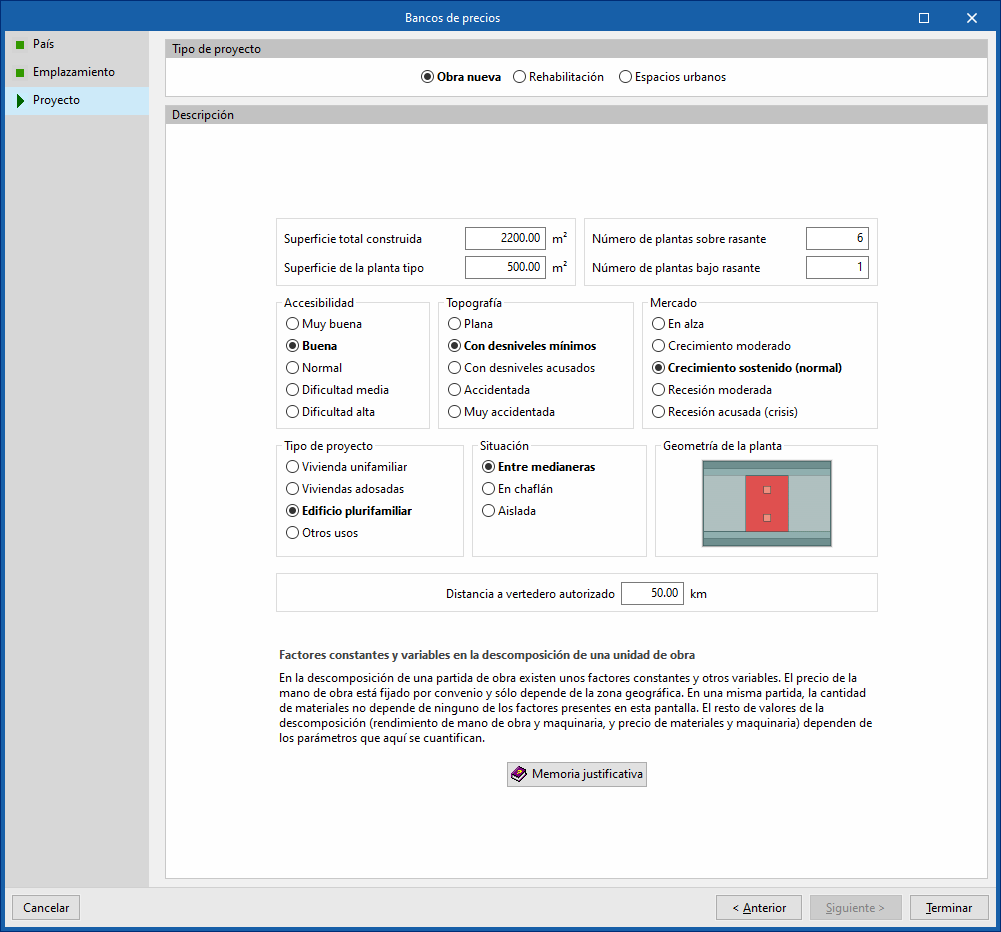
Specifies the type of project (new build, refurbishment or urban spaces), as well as descriptive parameters such as floor area, accessibility, topography and location of the plot, market conditions, intended use of the project, floor plan layout, and distance to the authorised landfill site. At the bottom, there is a "Justification report " detailing the breakdown of the cost of the construction units and the methodology used to determine and update prices.
The selection made applies adjustments to the breakdown of the work items generated by the program, such as the cost of labour and ancillary materials. It also converts the prices into the currency of the selected country.
| Note: |
|---|
| Users can select products from the Open BIM Database’s manufacturer catalogues that include pricing data and place them in the model via the “Installation” tab. The program will then automatically generate the unit prices for these elements when you switch to the “Bill of quantities” tab and use the “Update quantities” option. |
