Defining building elements by layers of materials
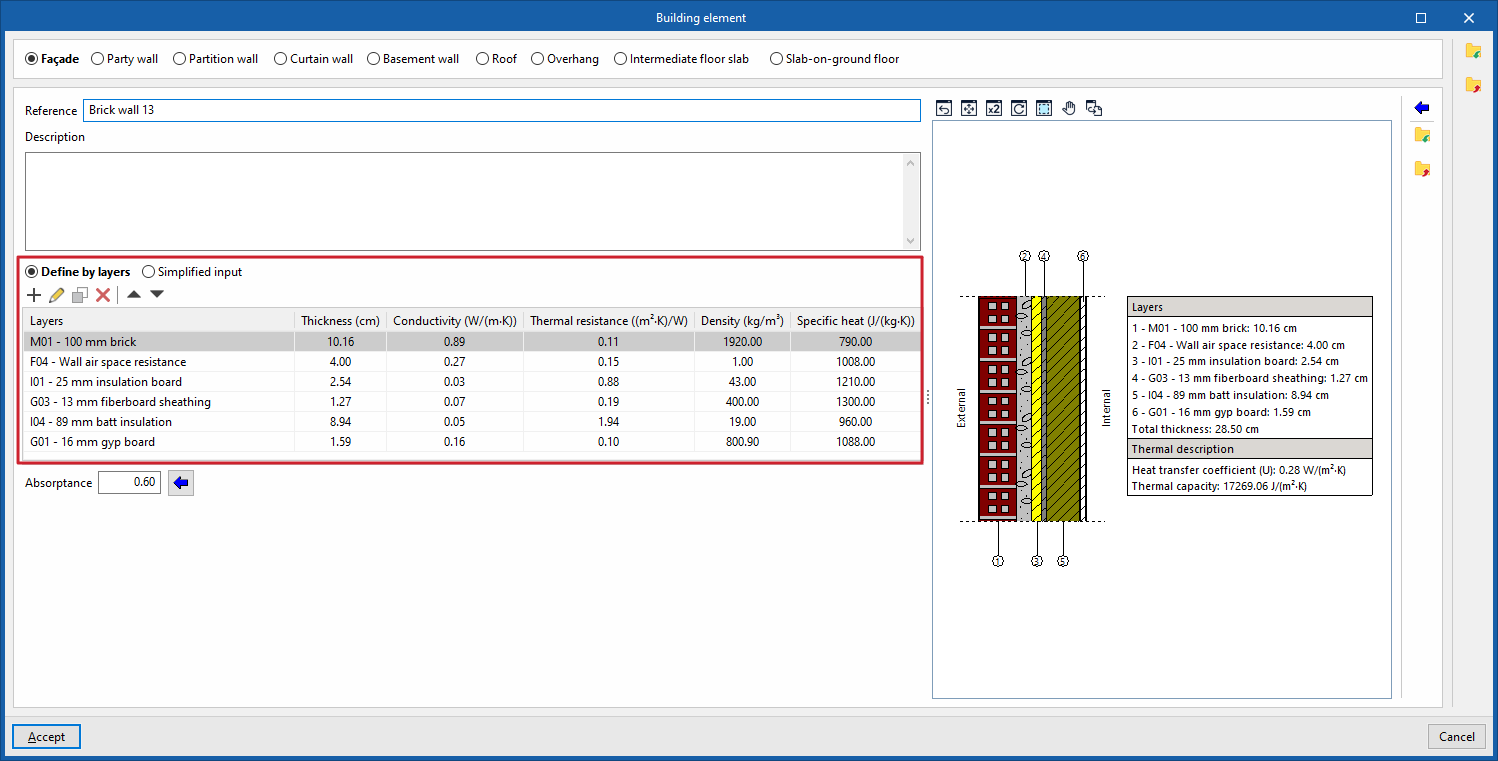
In the building element libraries, if an element is defined by layers (by selecting the "Define by layers" option), the program displays a table in which you can add, edit, copy, delete or reorder the material layers that make up the element.
The layers of materials that make up the building envelope are defined in order, from the outside in for vertical building envelopes (walls), and from top to bottom for horizontal building envelopes (floors).
Defining materials
The materials used in opaque enclosures are classified as solid materials, air cavities (including ventilated ones) and vapour barriers. The thermal properties of each material must be defined according to the "Type of layer".
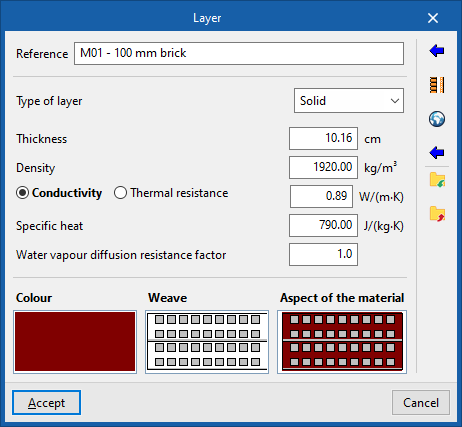
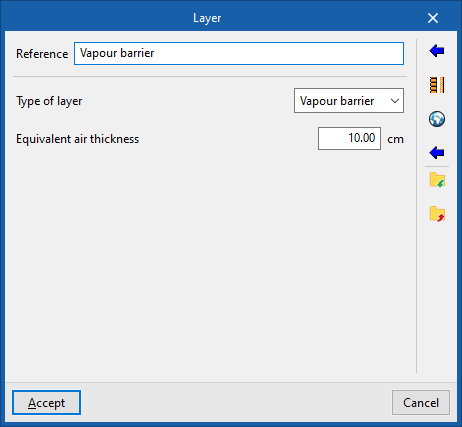
Therefore, when adding a layer of material, you must specify the following parameters in the "Layer" window:
- Reference
Reference for the material layer. - Layer type
Select whether the layer is solid, an air cavity or a vapour barrier.- Solid
- Thickness
- Density
- Conductivity / Thermal resistance
- Specific heat
- Water vapour diffusion resistance factor
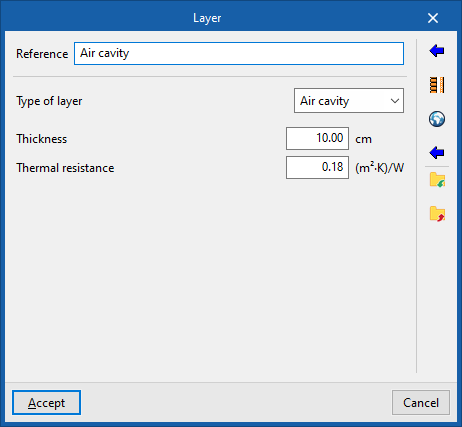
- Air cavity
- Thickness
- Thermal resistance
- Vapour barrier
- Equivalent air thickness
- Solid
- Colour / Pattern / Aspect of the material
Adjust the visual representation of the layer’s material.
| Note: |
|---|
| You can model any set of material layers (for example, a new construction system for which a technical data sheet containing general information is available) as a single layer by determining and entering the "Thickness", "Density" and, alternatively, the "Thermal conductivity" or "Thermal resistance" of the set, as well as estimating its "Specific heat". The value for the "Water vapour diffusion resistance factor" is exceptionally high in impermeable materials, which act as vapour barriers, and very low in all others. |
Importing materials from catalogues
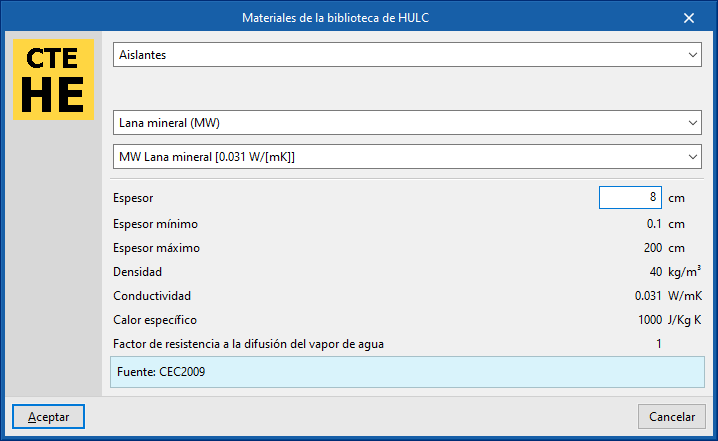
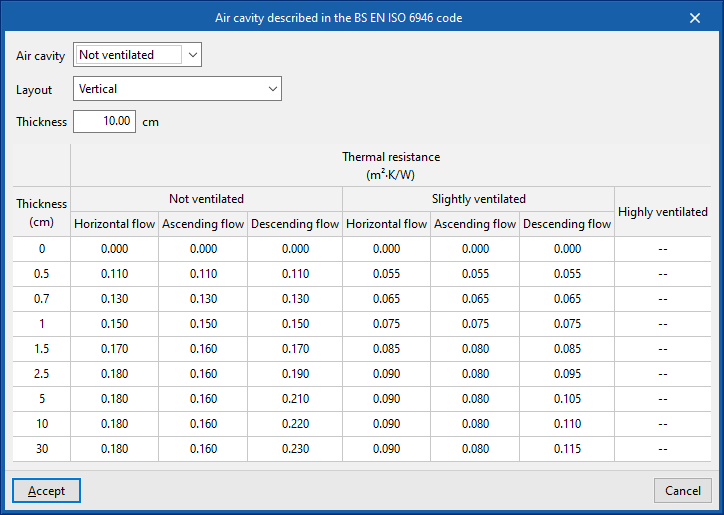
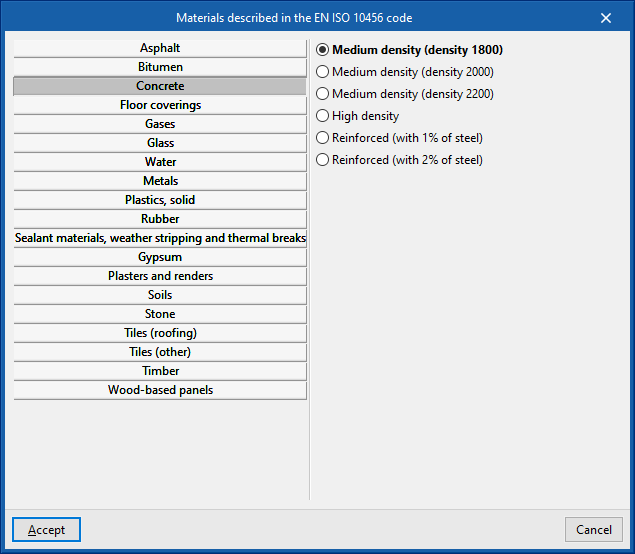
The options in the right-hand column of the definition window for each material layer allow you to automatically import material data based on information provided by various catalogues and standards, such as the following:
- Materials
Import material data from one of the manufacturers in the Open BIM Database (downloaded via the "Catalogues" option in the main interface) by selecting the catalogue and the desired product. - Materials from the HULC library
- Inflatable chamber as described in the UNE-EN ISO 6946 standard
- Materials described in the UNE-EN ISO 10456 standard (under the "Thermal loads" project type)
- Materials described in the EN ISO 10456 standard
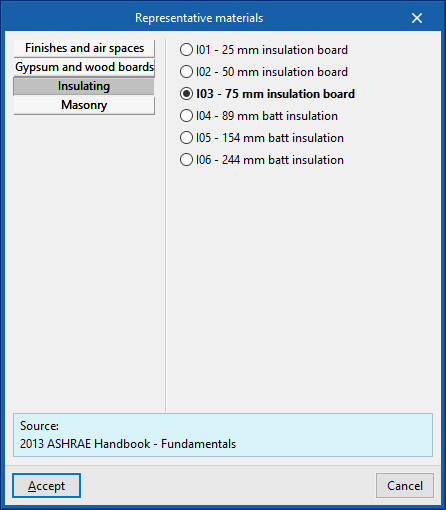
- Representative materials (2013 ASHRAE Handbook – Fundamentals)
- Concrete floor systems (for "Thermal loads" project type)
Importing materials into files on disk
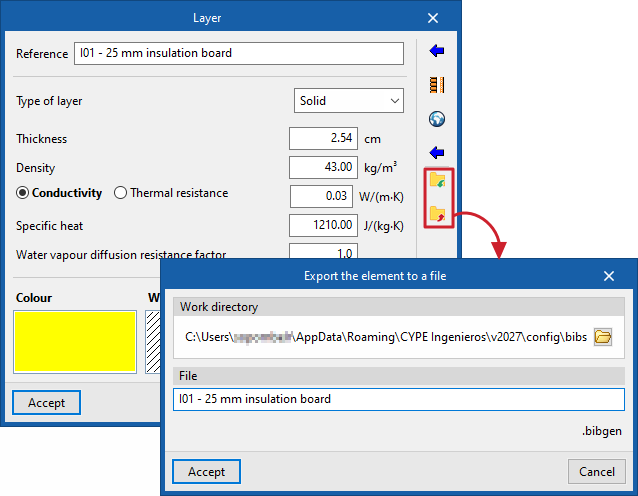
In addition, there are options in the right-hand column of the "Layer" window that let you import and export the defined material data to .bibgen files on the hard drive.