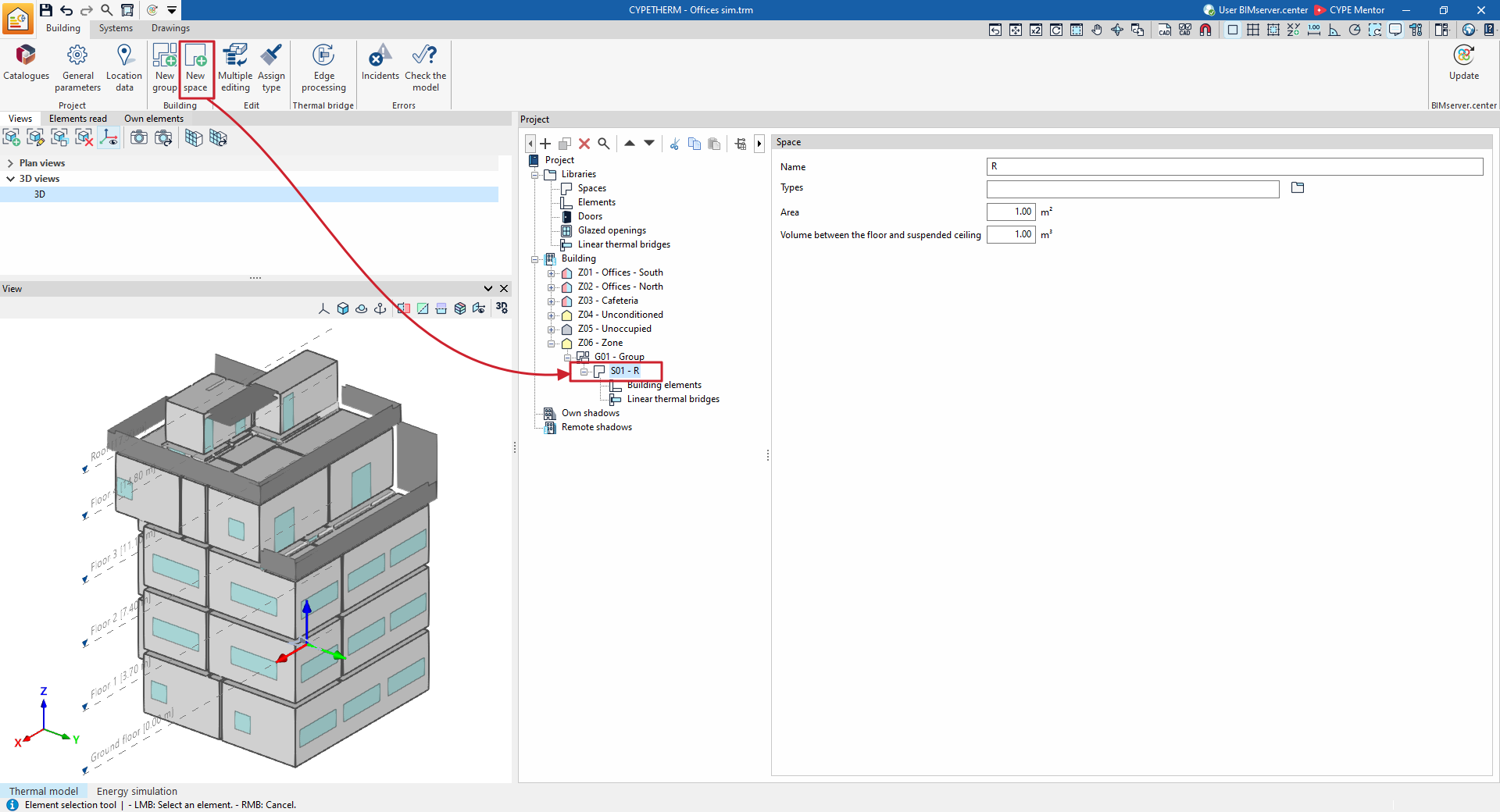
Options in the "Building" group for adding groups and spaces
In the "Building" section, within the main toolbar of the "Building" tab, you will find the following features:

New group
The "New group" option allows you to add groups of venues to the project tree.
Alternatively, you can right-click on the tree level and select the "Add (Groups)" option from the context menu, or use the option of the same name on the top toolbar of the tree.
When using one of these options:
- For the "Energy simulation" project type:
- If the "Building" level is selected in the project tree, the program will generate a "Zone".
- If a "Zone" level is selected, the program will generate a "Group".
- For all types of project:
- If a "Group" is selected, the program will generate a new "Group" that is contained within the previous one. This lets you work with sub-groups.
Each zone or group created using this option will appear empty on the building plan and, where applicable, its properties can be defined in the editing area on the right.
Within each "Group" or "Zone", the premises belonging to that group or zone are then defined.
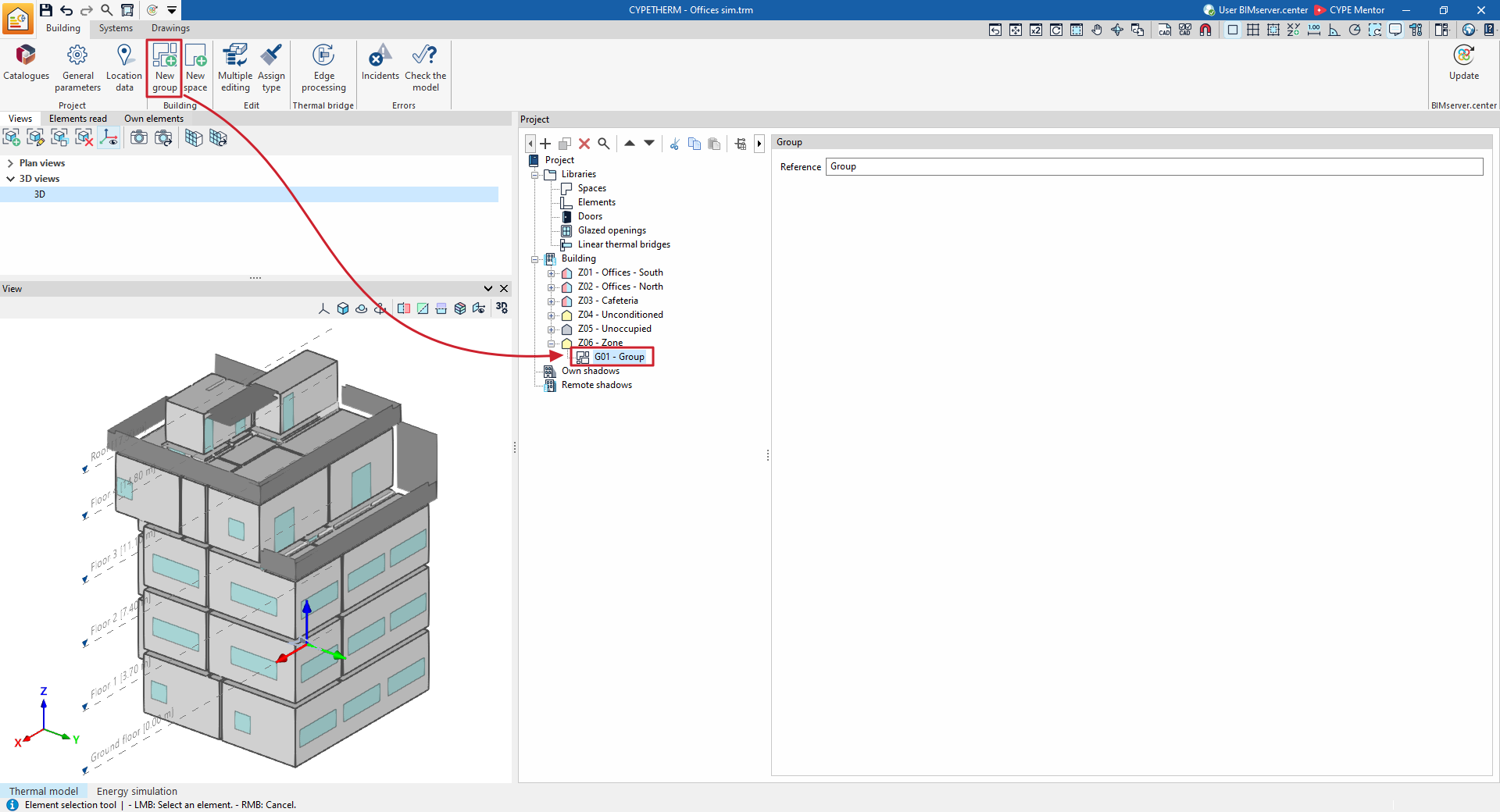
New space
As the building’s spaces and structural elements are imported from the BIM model, you usually will not need to create new spaces; however, the program does have a function for this purpose. To add a new space to the zone, select the "Spaces" section within the area on the building layout and click the "New space" button on the toolbar.
Alternatively, you can right-click on the tree level and use the "Add (Spaces)" option from the context menu.
Each space created using this option will appear empty on the building plan and, where applicable, its properties can be defined in the editing area on the right.
Within each "Space", the corresponding "Building elements" and "Linear thermal bridges" are defined.