Options in the "Errors" group in the "Building" tab
The options in the "Errors" section of the top toolbar on the "Building" tab let you carry out the following operations on the building’s thermal model:

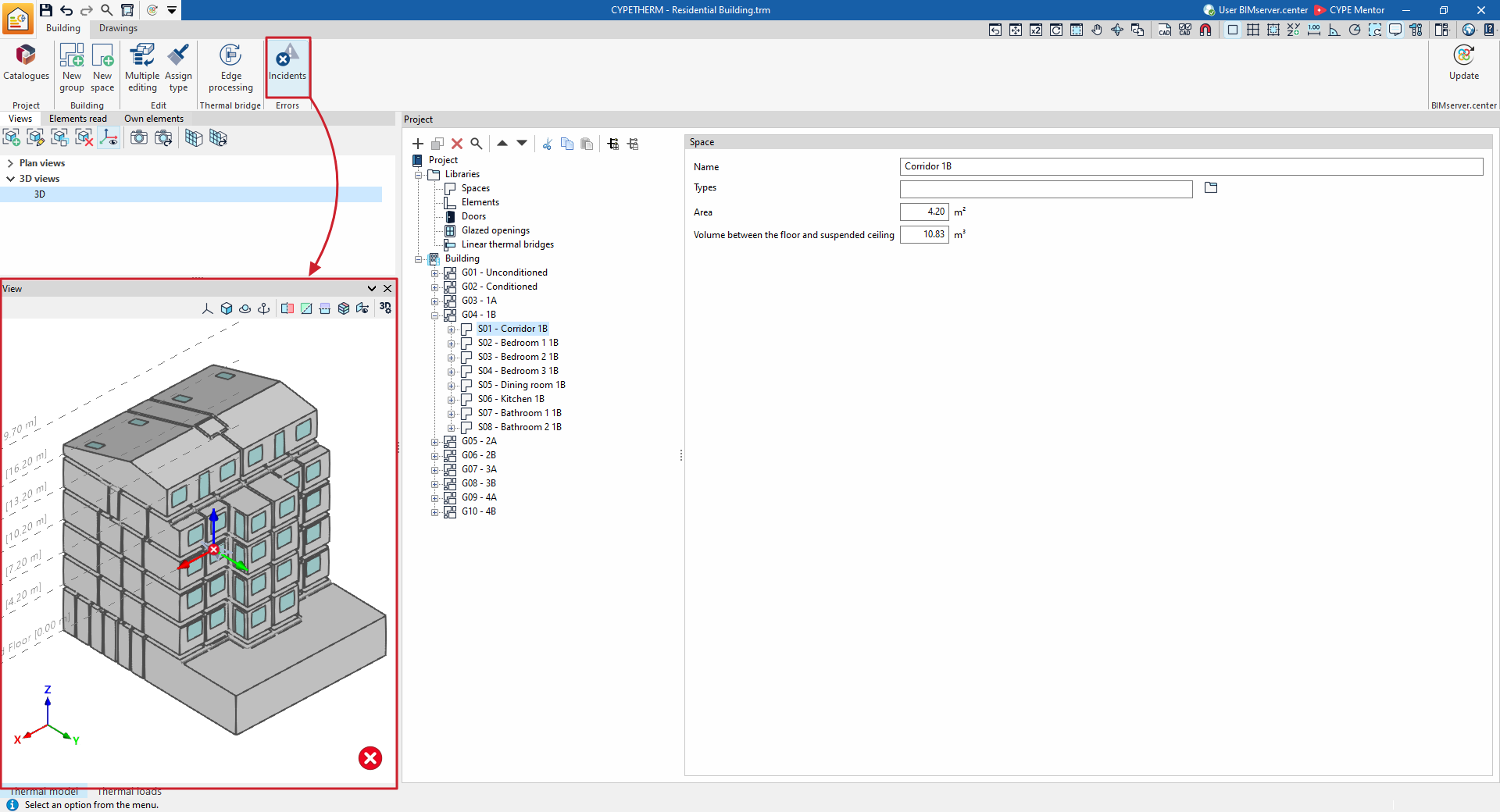
Incidents
The "Incidents" option allows you to show or hide warning symbols in the 3D model within the "View" window that relate to elements where an error has occurred. By hovering the cursor over these symbols, you can view a message describing the error.
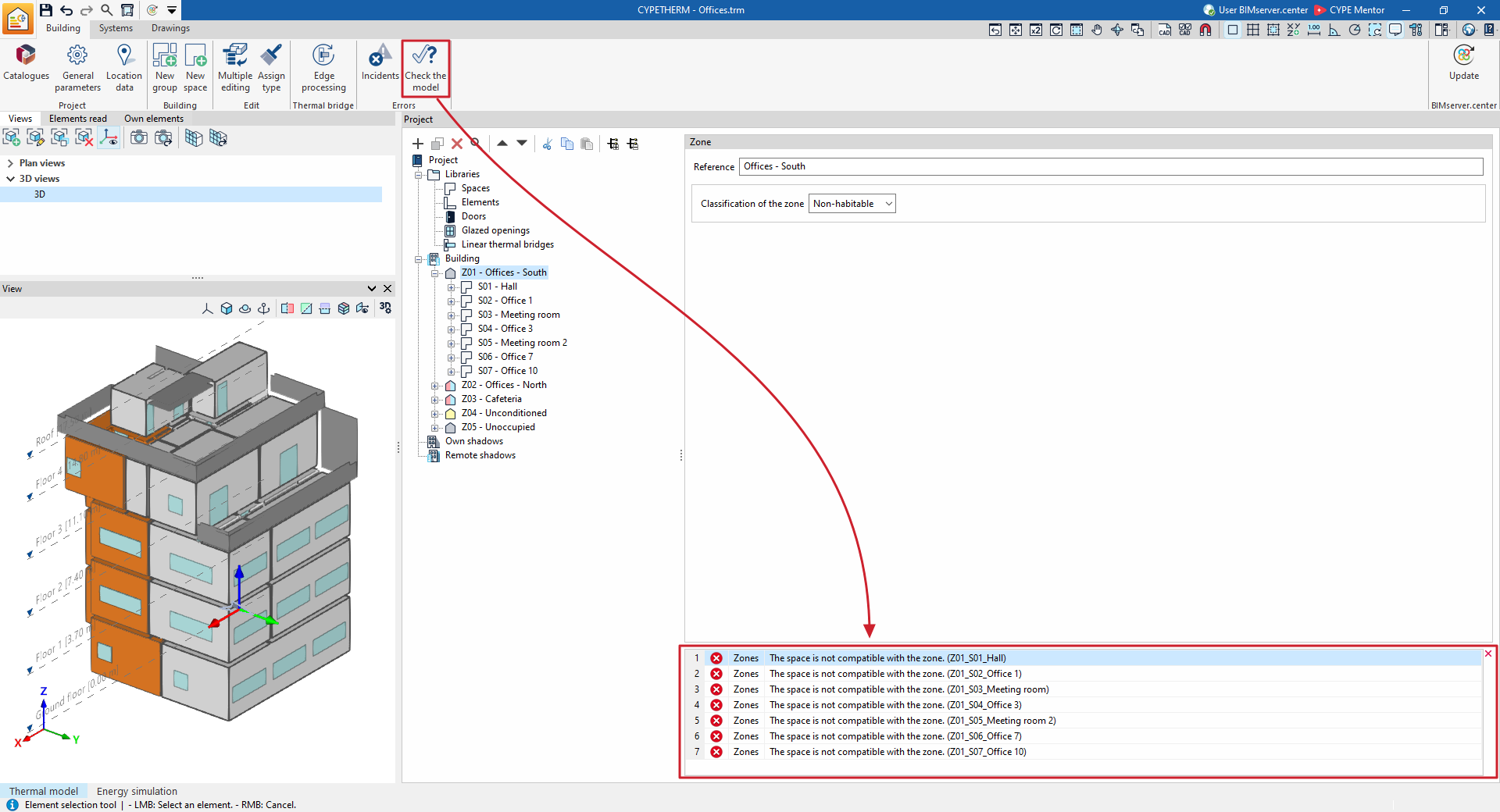
Checking the model
The "Check the model" button is available in the "Energy simulation" project type. When you click it, the program analyses the definitions entered in the project and displays any errors at the bottom of the screen if there are any incorrect or mutually incompatible definitions. If there are definitions that are potentially incorrect but do not cause errors in the calculations, a warning will be displayed.
When you select each error from the list, the program will display the level of the element causing the error.
| Note: |
|---|
| We advise running the model check using this tool in the "Building" tab and rectifying any errors and warnings found before moving on to the "Calculation" tab. Otherwise, the main area of the "Calculation" tab will display the same errors and warnings as those shown when using the "Model check" option on the "Building" tab. These errors must be corrected before proceeding with the model analysis. |