

EnergyPlus™ files
The "Analysis" section of the top toolbar on the "Energy simulation" tab contains the options that let you view the contents of the EnergyPlus™ files generated by the program:

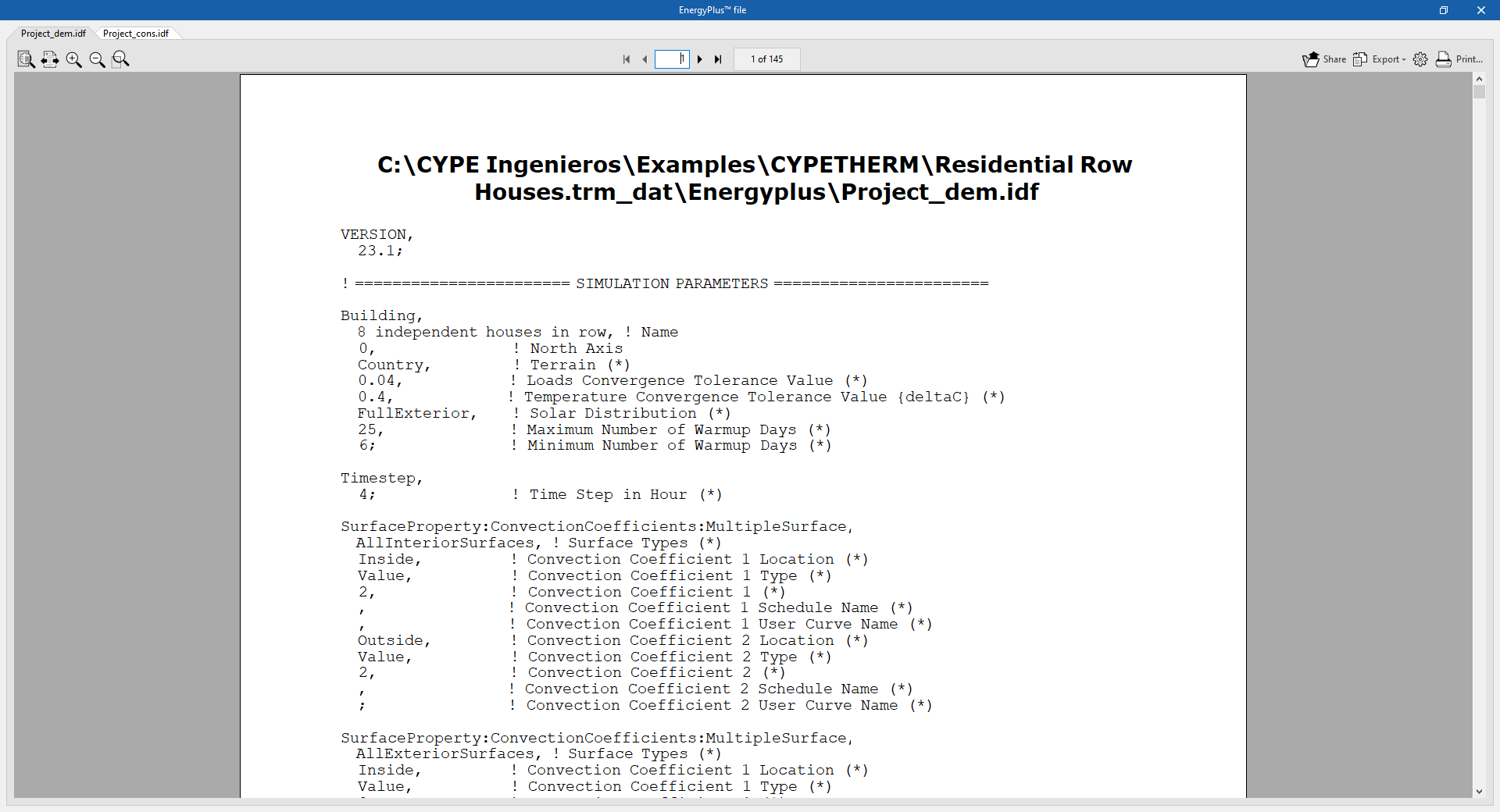
EnergyPlus™ file
Displays the data input files with the .idf extension to the EnergyPlus™ analysis engine. The location of each file is shown in the viewer’s header:
- The Project_dem.idf file contains the data for the "Demand" simulation.
- The Project_cons.idf file contains the data for the "Consumption" simulation.
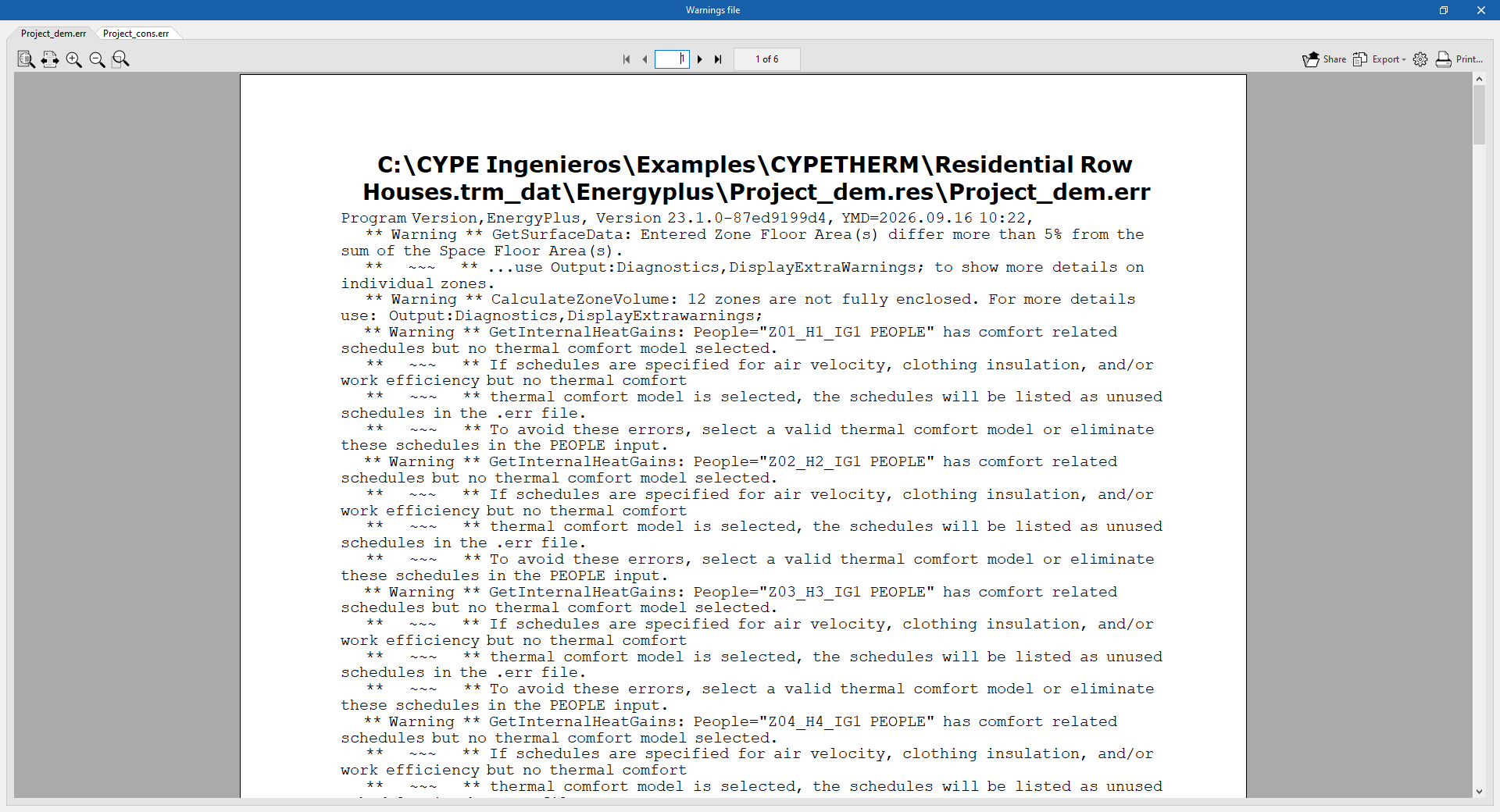
Warnings file
Displays the .err files containing warnings and errors generated by the EnergyPlus™ analysis engine. The location of each file is shown in the viewer’s header. If the simulation has been interrupted due to an error in the analysis engine, the contents of this file will be displayed on screen.
- The Project_dem.err file contains the data from the "Demand" simulation.
- The Project_cons.err file contains the data from the "Consumption" simulation.
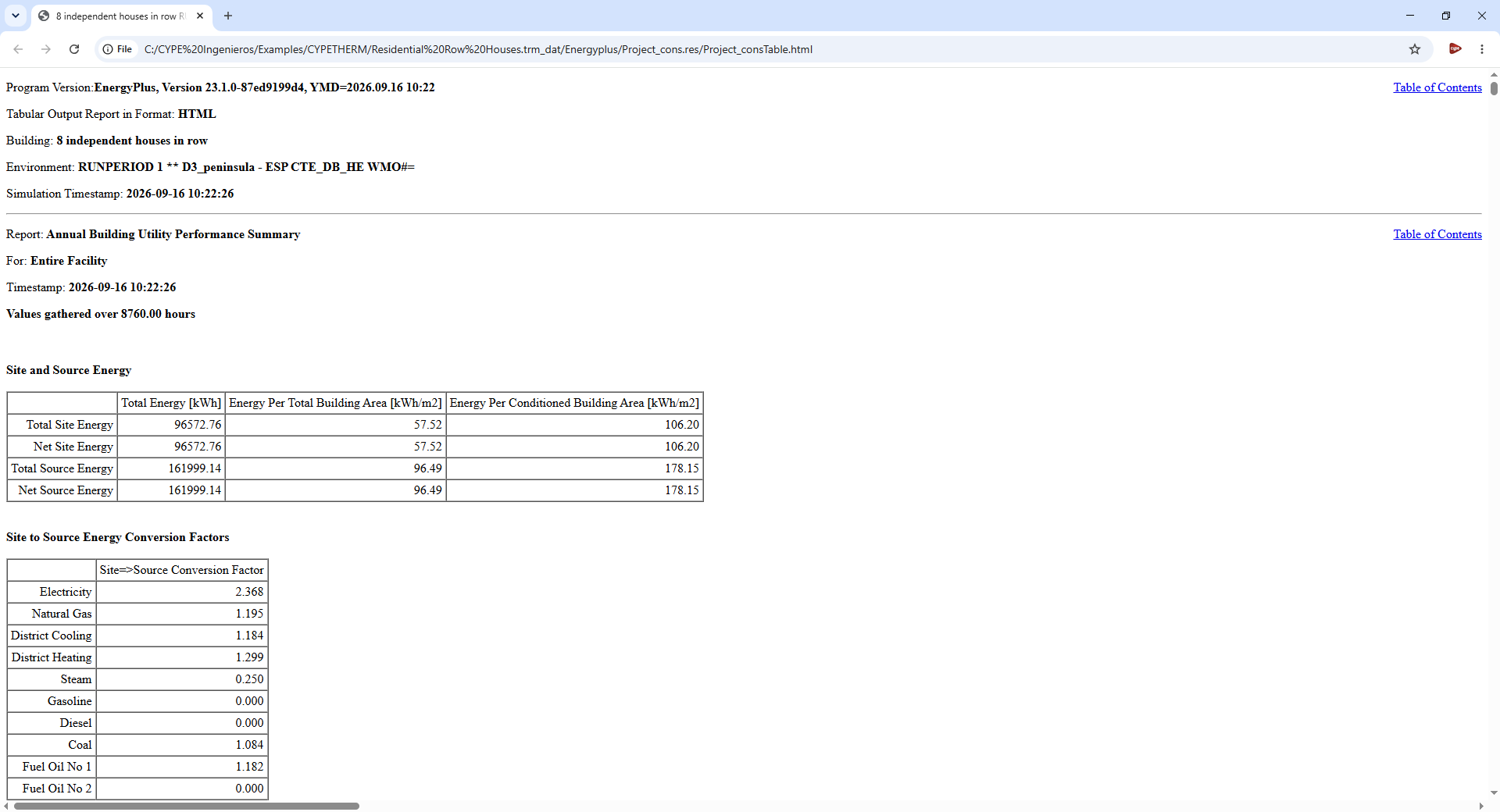
Results file
Opens the results files in HTML format generated by the EnergyPlus™ analysis engine for each simulation (demand and consumption).
- The Project_demTable.html file contains the data for the "Demand" simulation.
- The file Project_consTable.html contains the data for the "Consumption" simulation.
| Note: |
|---|
| Once the analysis has been completed, these generated files can be found in the data folder associated with the project. By default, this is located at the following path: C:/CYPE Ingenieros/Projects/CYPETHERM/project_name.trm_dat/ |
