

Defining the project location
From the "Location" section available in the program's general interface, the climatic data, regarding indoor and outdoor conditions, can be defined:

External conditions
To define the external conditions, an annual constant value or monthly values can be selected to enter the following data:
- Temperature (ºC)
- Relative humidity (%)
The altitude (m) value is also defined.

Internal conditions
To define the indoor conditions of the space, an annual constant value or monthly values can be selected to enter the following data:
- Temperature (ºC)
The following options are then chosen so that the calculation can be carried out in accordance with EN ISO 13788:
- Known internal humidity
- Relative humidity (%)
- Internal hygrometric class
- Hygrometric class (1, 2, 3, 4 or 5)
- Humidity production rate
- Humidity production, G (kg/h)
- Air renewal rate (h-1)
- Internal volume, V (m3)
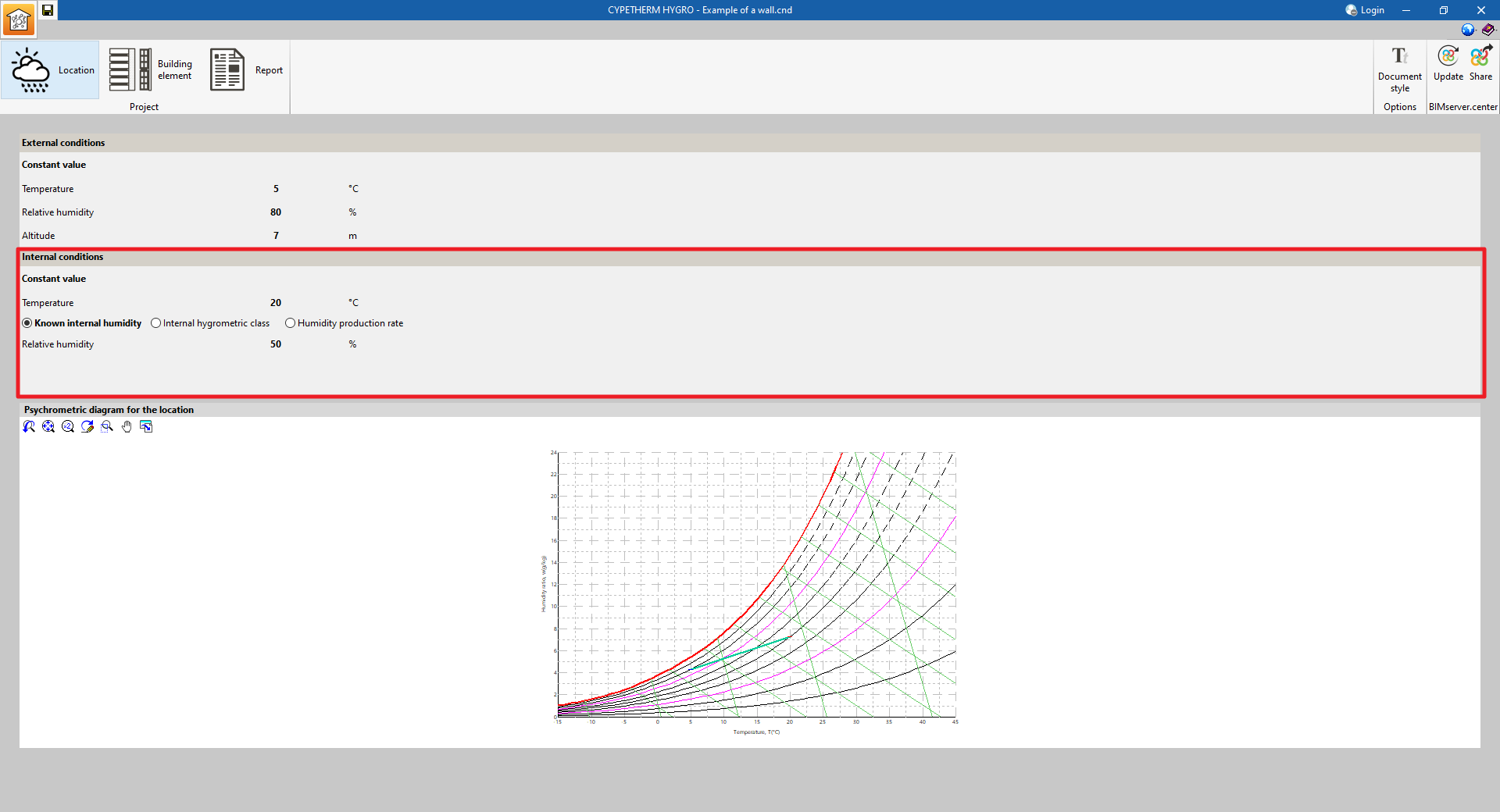
Psychrometric diagram for the location
The psychrometric diagram for the location shows the points relating to the temperature and the specific humidity corresponding to the different conditions entered.

