Work environment
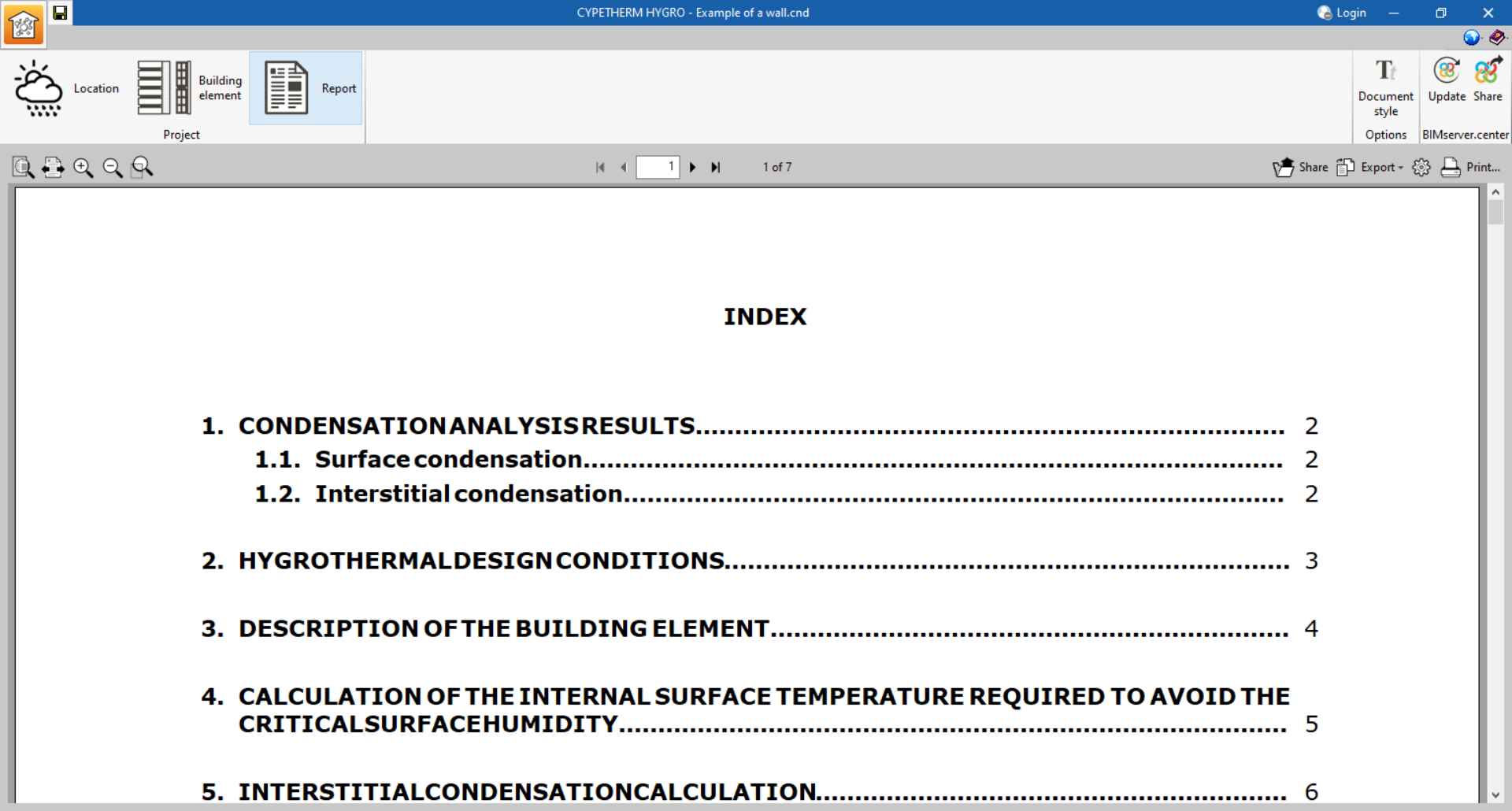
The CYPETHERM HYGRO work environment has three sections in the top left-hand corner: "Location", "Building element" and "Report":

In each of these sections, the interface allows the following parameters to be defined:
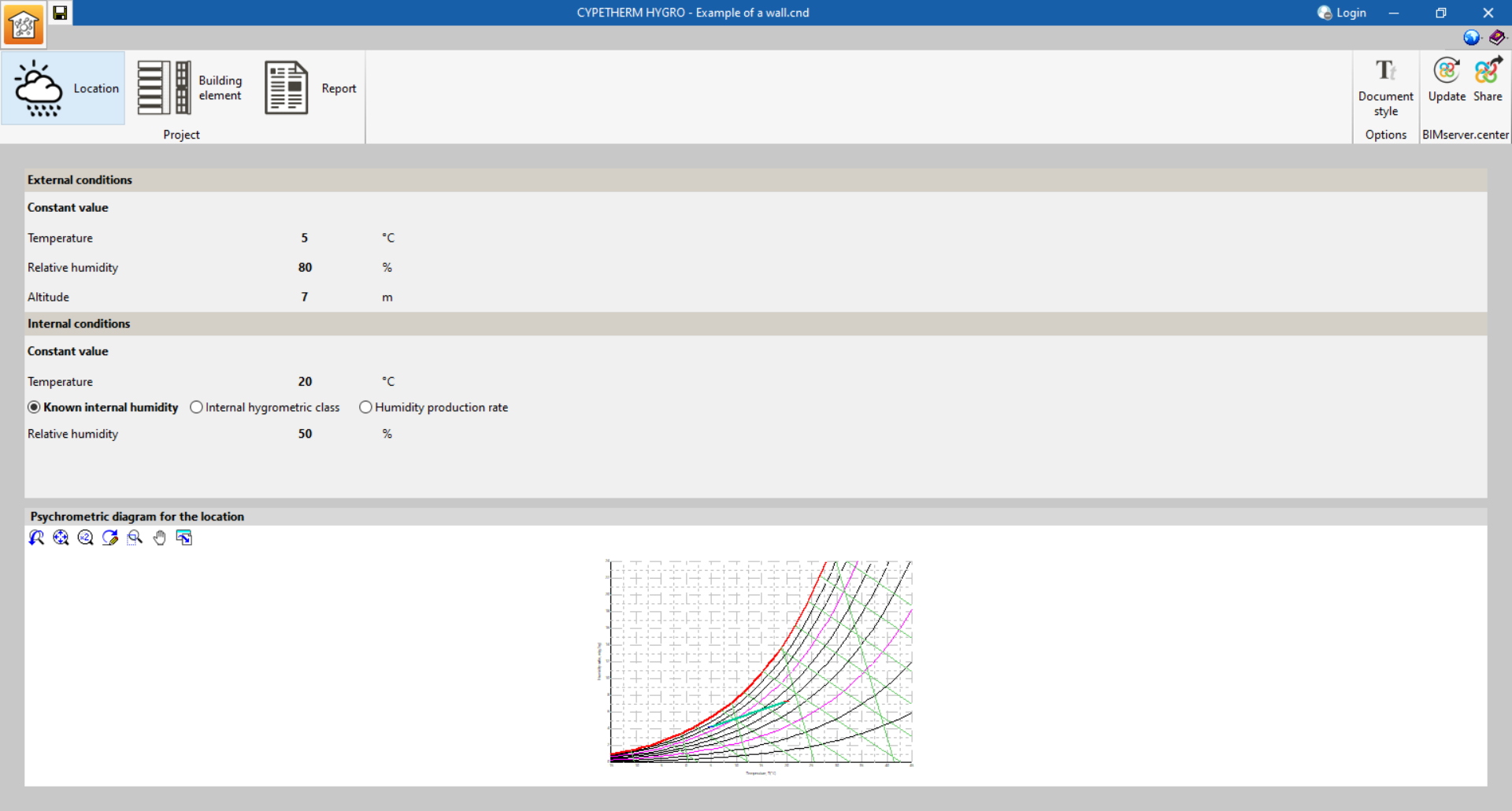
Location
This section is used to define the indoor and outdoor climatic conditions for a monthly or yearly calculation. It also shows a psychrometric diagram indicating the defined temperature and humidity points.
Building element
Here, the layers of the element to be analysed are defined. The program simultaneously displays a graph of pressures and temperatures with the defined conditions, as well as a graph of the amount of saturated and evaporated water, if there is interstitial condensation.

Report
From this section, users can consult, print or export the report of calculation results.