Manual definition of centralised production systems
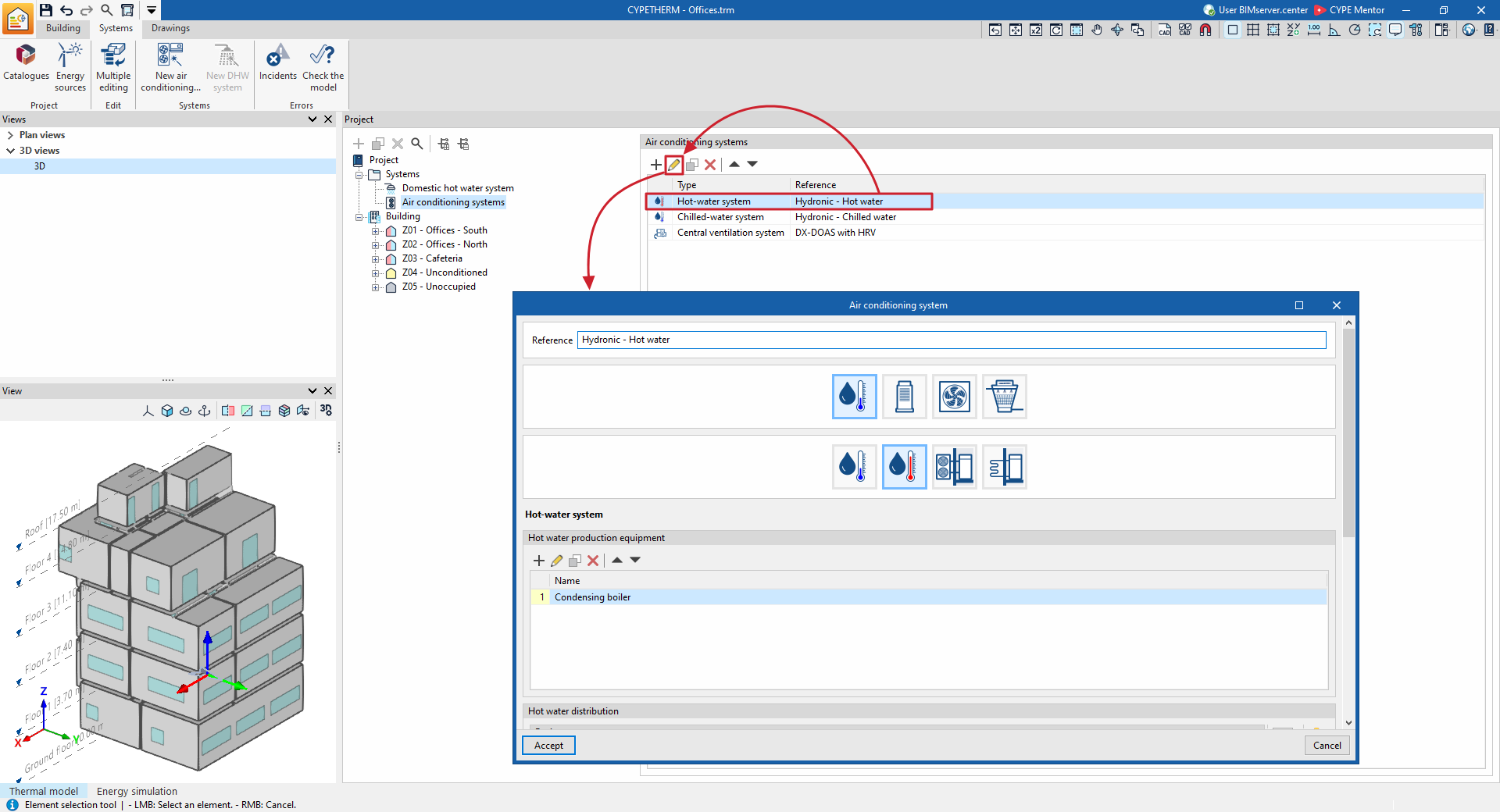
To manually add a new centralised production system, select the "Air conditioning systems" level within the "Systems" section of the building’s tree structure in the "Project" panel (under the "Systems" tab), and click the "Add" button on the top toolbar.
A pop-up window then appears in which you select the type of production system from "Water-cooled air-conditioning system", "Direct expansion system" (refrigerant), "Air-cooled air-conditioning system" or "Water-cooled condensing system", as well as the sub-type, and define its characteristics.
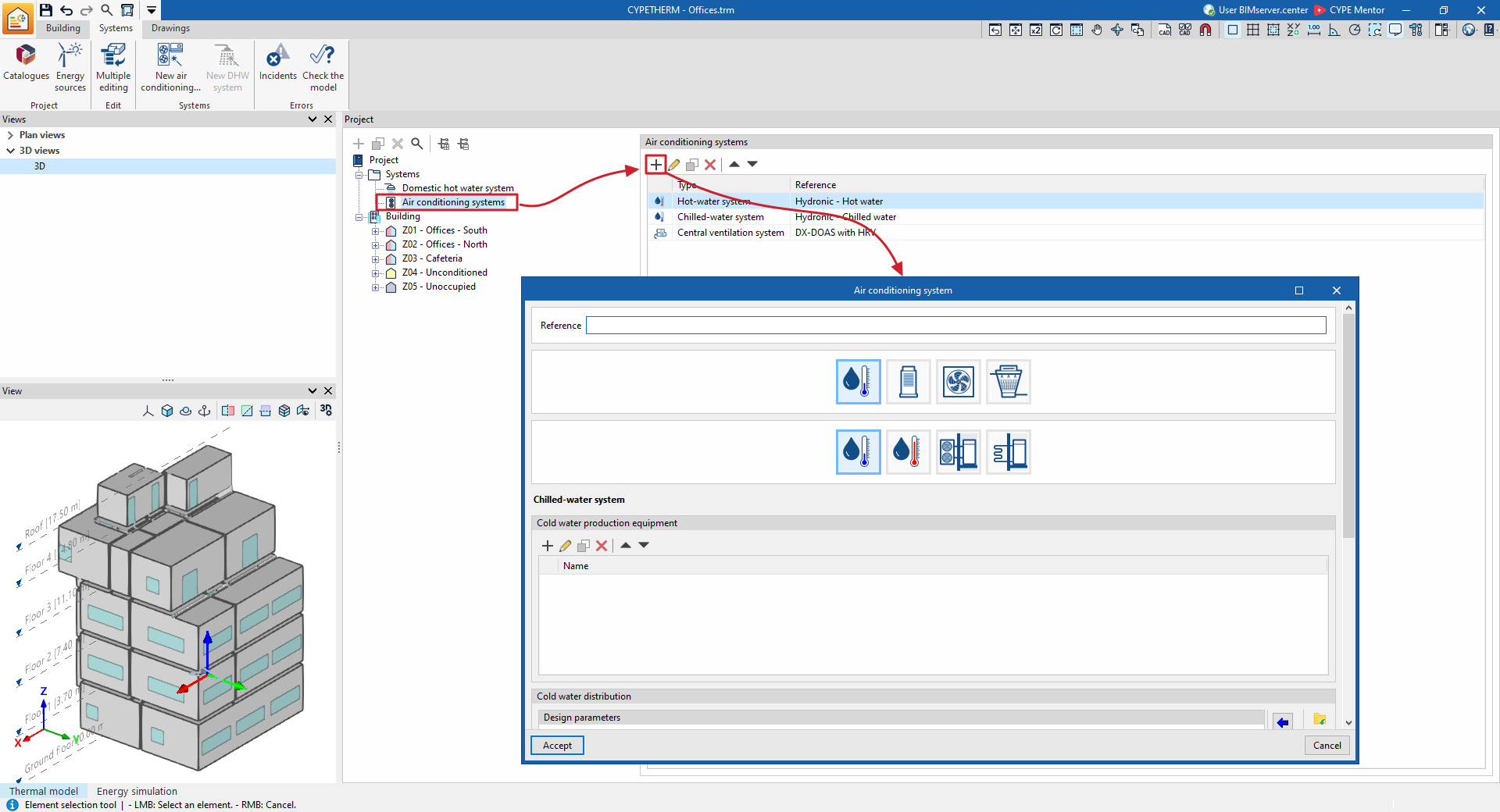
The types and sub-types of centralised production systems available are as follows:
- Water-based air-conditioning systems
- Chilled-water system
- Hot-water system
- Air-source heat pump system
- Geothermal heat pump
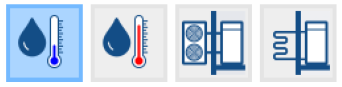
- Direct expansion systems
- Variable refrigerant flow (VRF)
- Multisplit
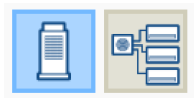
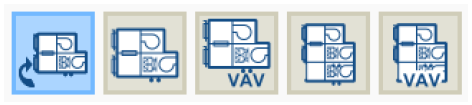
- Air conditioning systems
- Central ventilation system
- Heat recovery unit
- Dedicated outdoor air system (DOAS)
- Air handling unit, constant air flow system
- Air handling unit, variable airflow system
- Air handling unit, constant flow all-air system with double duct
- Air handling unit, variable flow all-air system with double duct
- Central ventilation system
- Water-cooled condensing systems
- Water-cooled condensing system for a reversible heat pump
- Water-cooled condensing system for a chiller
- Temperature-controlled water-cooling system
When each type of system is selected, the editing panel is updated to display its specifications. Within some categories, under the logos of various manufacturers, you can select equipment from their product catalogues. The specifications of this equipment are fully defined within the program, so that the user only needs to specify the details relating to their installation.
The air-conditioning system editing panels offer the following general functions:
 Restore the default settings suggested by the program.
 Display and edit advanced configuration settings for the air-conditioning system.
 Import information about the air-conditioning system from a .bibgen file on the hard drive.
 Export the air-conditioning system data to a .bibgen file saved to disk.
 Restore the default settings suggested by the program.
 Display and edit advanced configuration settings for the air-conditioning system.
 Import information about the air-conditioning system from a .bibgen file on the hard drive.
 Export the air-conditioning system data to a .bibgen file saved to disk.
If a value is not specified for certain equipment characteristics, such as the rated capacity of a production unit or the airflow rate of a fan, EnergyPlus™ uses its automatic sizing function (autosize). This function calculates values not defined by the user based on the requirements of the connected terminal units and the design characteristics of the equipment.
When you accept the window for creating a new centralised production system, it will appear as an item in the list under the "Air-conditioning systems" section.
Using the options on the top toolbar, you can edit the entry, duplicate it, delete it or move it up or down the list.