Manual definition of terminal units
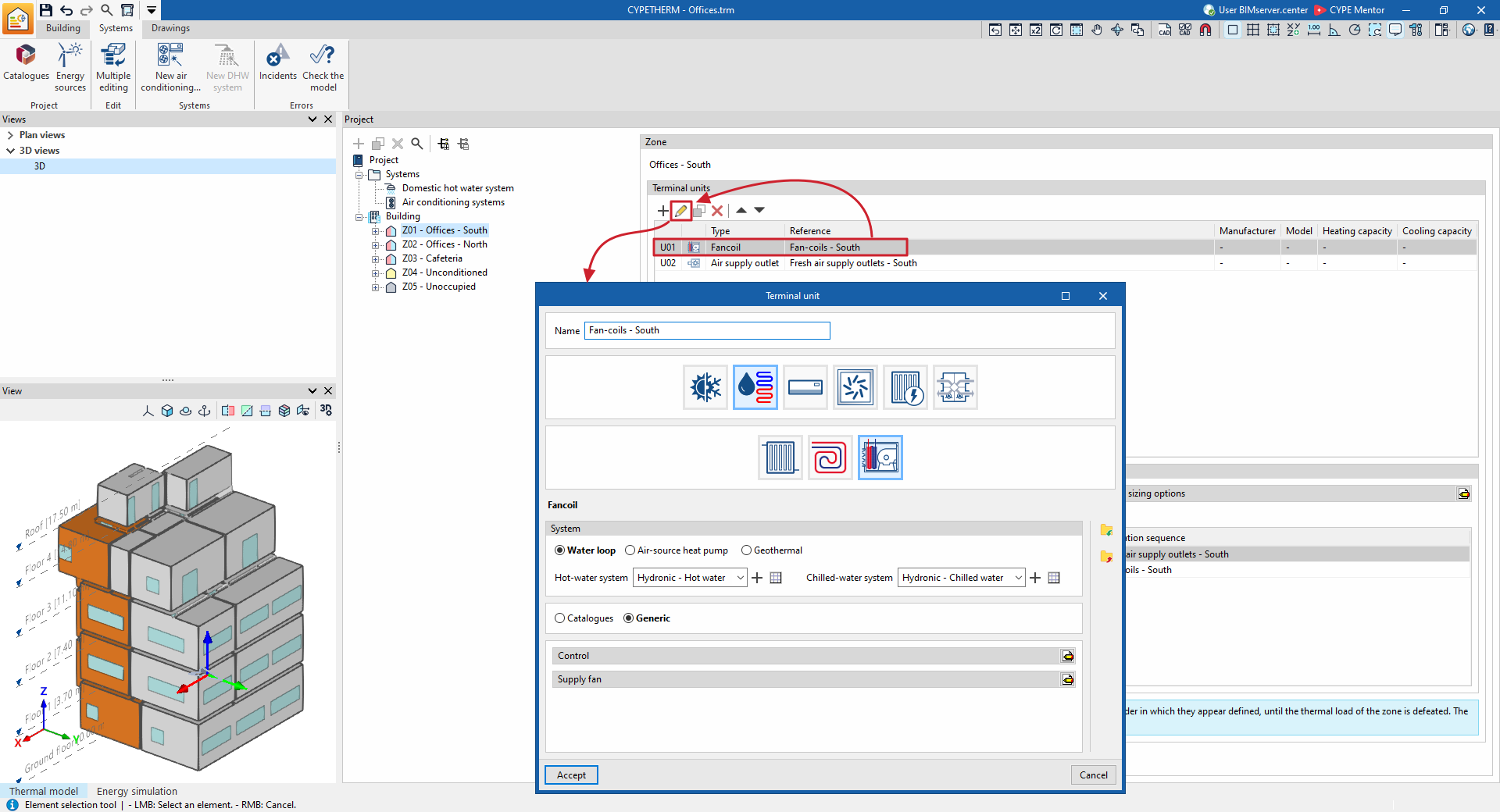
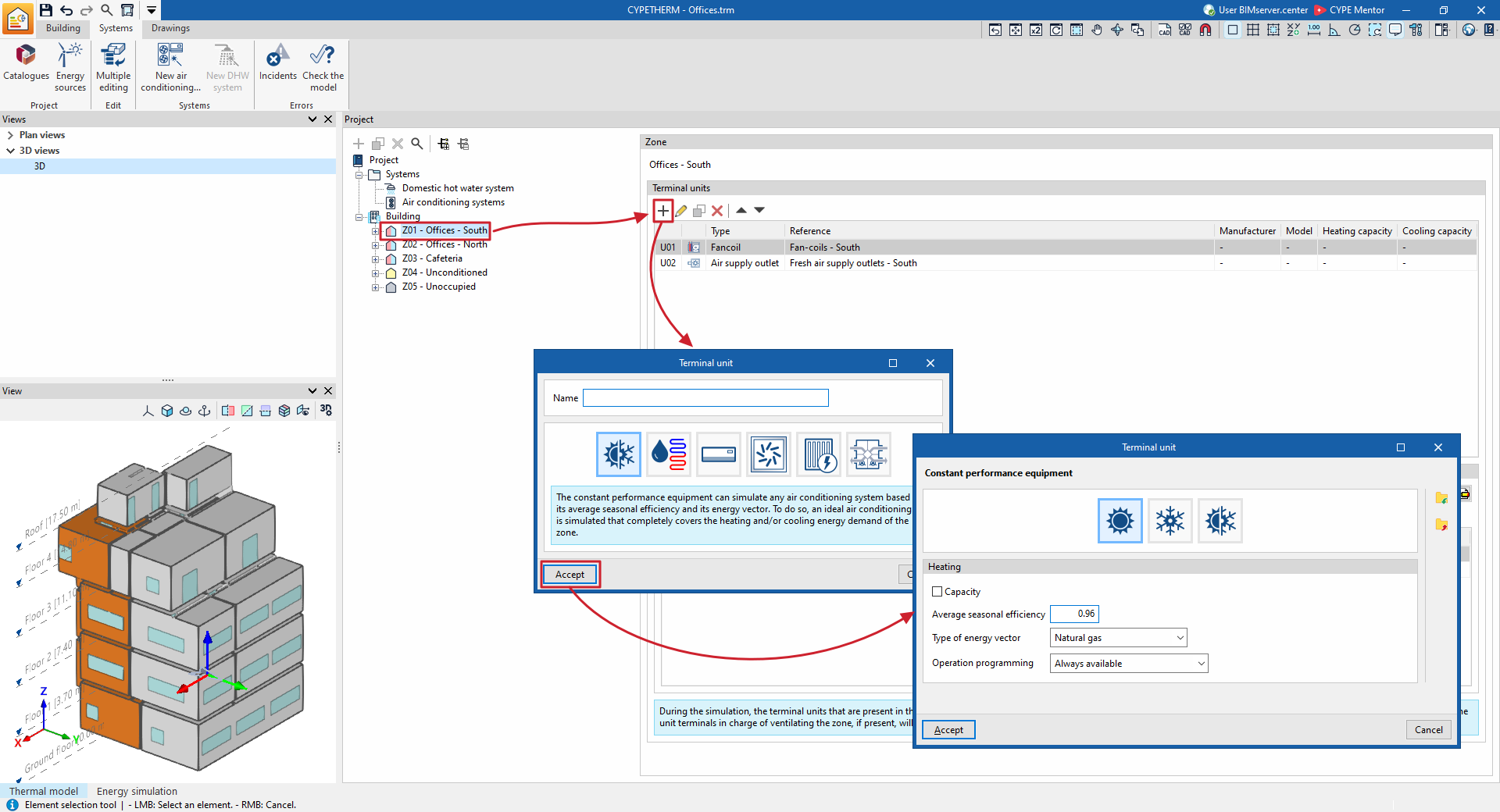
The manual definition of terminal units for air-conditioning systems is similar to that for centralised production systems. To add a new terminal unit, select the "Zone" where you wish to include it in the building’s tree structure, within the "Project" panel on the "Systems" tab, and, in the "Terminal units" section on the right, click the "Add" button on the top toolbar.
A pop-up window then appears, in which you can select the type of terminal unit from "Constant-performance unit", "Water-based air-conditioning terminal unit", "Direct expansion terminal unit", "Air-cooled terminal unit", "Electric heating emitter" and "Heat recovery unit".
When you select one of these general types, a new window opens in which you can select the specific type of terminal unit and define its characteristics.
The types and sub-types of terminal units available are as follows:
- Consistent performance team
- Heating
- Refrigeration
- Both

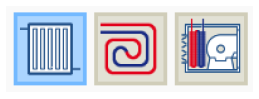
- Water-cooled air-handling unit
- Radiator
- Underfloor heating
- Fan coil unit
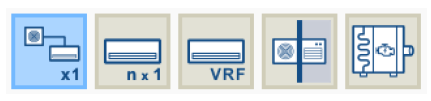
- Direct expansion terminal unit
- Split 1x1
- Multisplit
- Variable refrigerant flow (VRF)
- Compact equipment
- Water-to-air heat pump
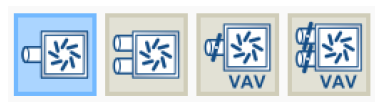
- Air conditioning terminal unit
- Air supply terminal
- Air supply terminal, dual duct
- Variable air flow box
- Variable air volume box, dual-duct
- Electric heating radiator

- Heat recovery unit

As with the centralised part of air-conditioning systems, when the type of terminal unit is selected, the editing panel is updated to display its specifications. Within some categories, under the logos of various manufacturers, users can select equipment from their product catalogues. The specifications of this equipment are fully defined within the program, so users only need to specify the details relating to their installation.
The terminal unit editing panels provide the following general tools:
 Restore the default settings suggested by the program.
 Display and edit advanced configuration settings for the terminal unit.
 Import information from the terminal unit from a .bibgen file on the hard drive.
 Export the terminal unit information to a .bibgen file saved to disk.
 Restore the default settings suggested by the program.
 Display and edit advanced configuration settings for the terminal unit.
 Import information from the terminal unit from a .bibgen file on the hard drive.
 Export the terminal unit information to a .bibgen file saved to disk.
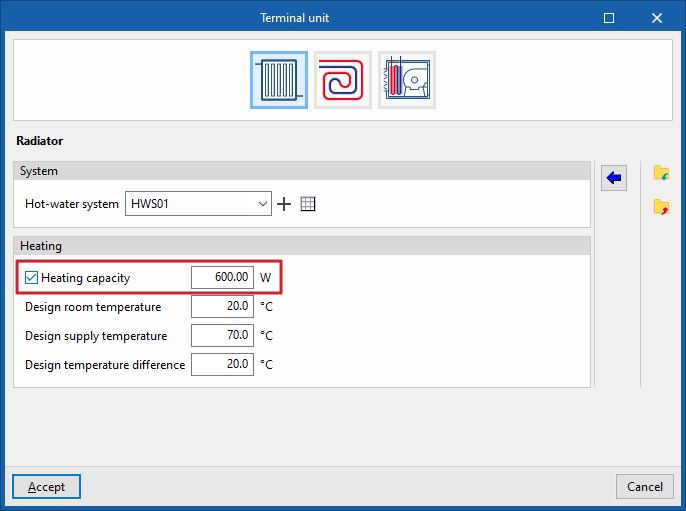
If no value is specified for certain equipment characteristics – such as its rated power or a fan’s airflow – and this setting remains disabled, the EnergyPlus™ automatic sizing (autosize) function is used. This function calculates the values not defined by the user based on the thermal loads and the zone’s automatic sizing options.
If this option is enabled, the program will use the value specified in the simulation.
The "System" section appears on the panels of non-autonomous terminal units. You must select the centralised system to which the equipment is connected. The drop-down menu will only display the systems compatible with the terminal unit as defined for the building. The list management buttons to the right of the drop-down menu are as follows:
- Set up a new centralised production system, of any type.
 Edit and select a centralised production system defined in the project.
 Indicates that the selection made in the drop-down menu is empty or incorrect.
 Set up a new centralised production system, of any type.
 Edit and select a centralised production system defined in the project.
 Indicates that the selection made in the drop-down menu is empty or incorrect.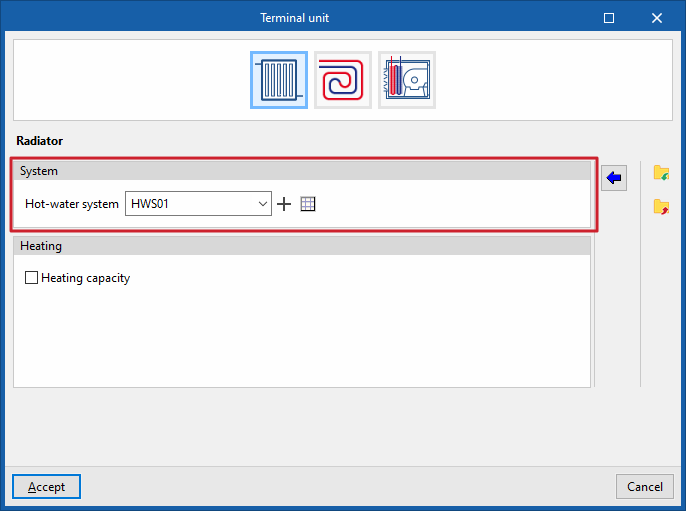
Once a new terminal unit has been created, it will appear as an element in the list under the "Terminal units" section within each zone.
Using the options on the top toolbar, you can edit the entry, duplicate it, delete it or move it up or down the list.