Calculating and updating results in the "Thermal loads" tab
You can analyse thermal loads or update analysis results following any changes to the model using the "Update results" tool in the "Analysis" section of the top bar, available on the "Thermal loads" tab.

To run the thermal load analysis, the thermal model must have been completed in the "Thermal model" tab, and the zone hypotheses and zones must have been defined, along with the site data and analysis options, in the "Thermal loads" tab.
Refresh results
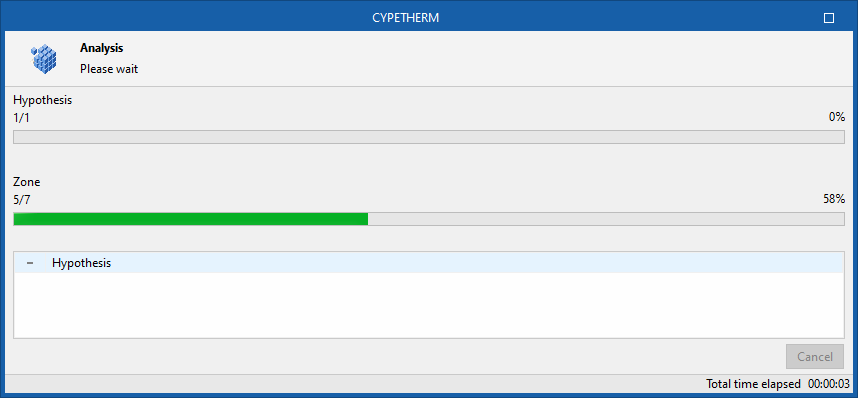
When you use this tool, the program displays a window providing information on the calculation process, which will be carried out in accordance with the selected methodology.
Once you have finished, you can view the analysis results by selecting the various elements in the project tree, which is located by default on the left-hand side of the "Project" panel.