Information on the space's openings
If a space is selected in the tree and the "Openings" level is then selected, the program displays an information message with details on the calculation of cooling and heating loads in the openings.
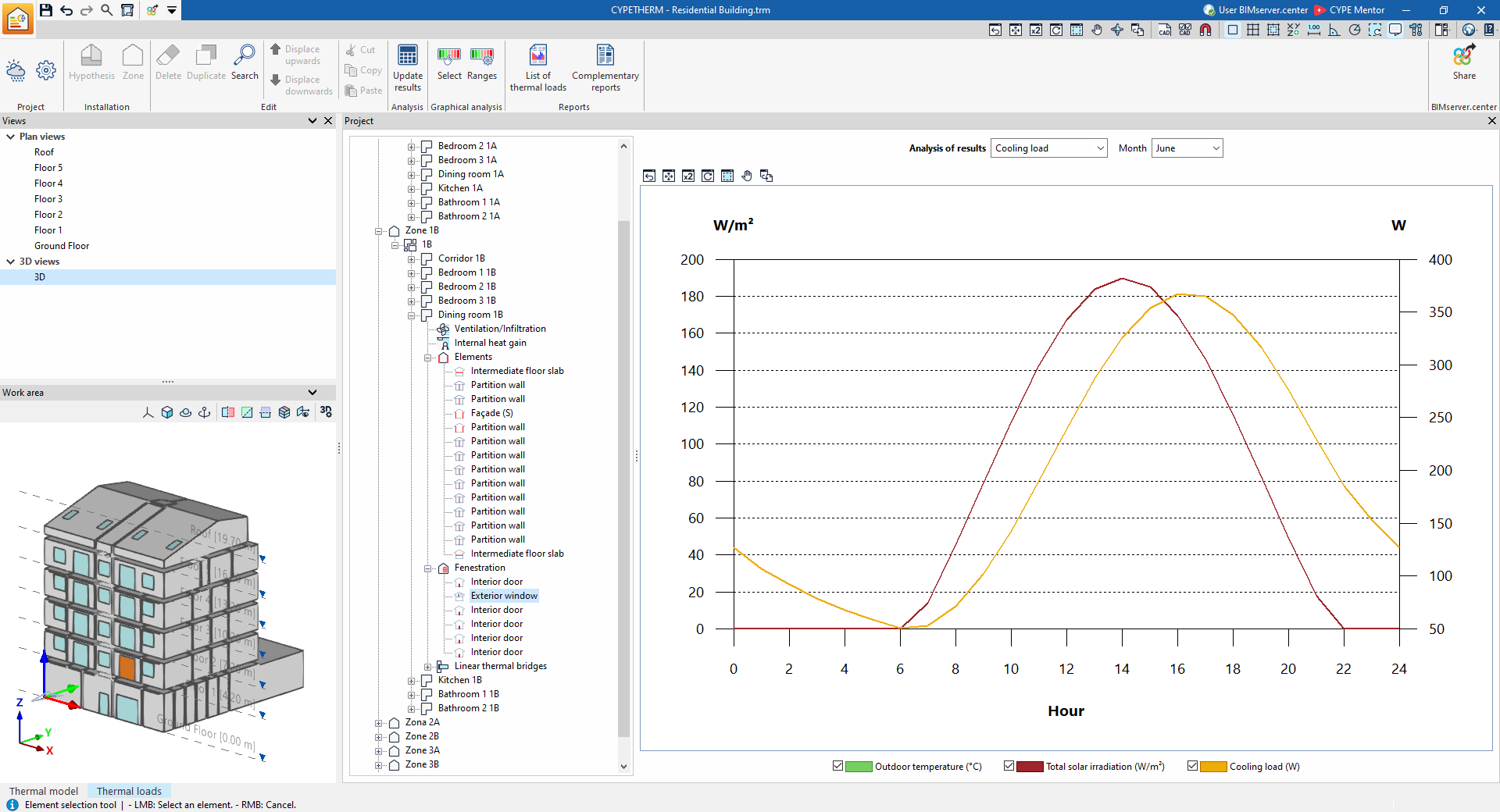
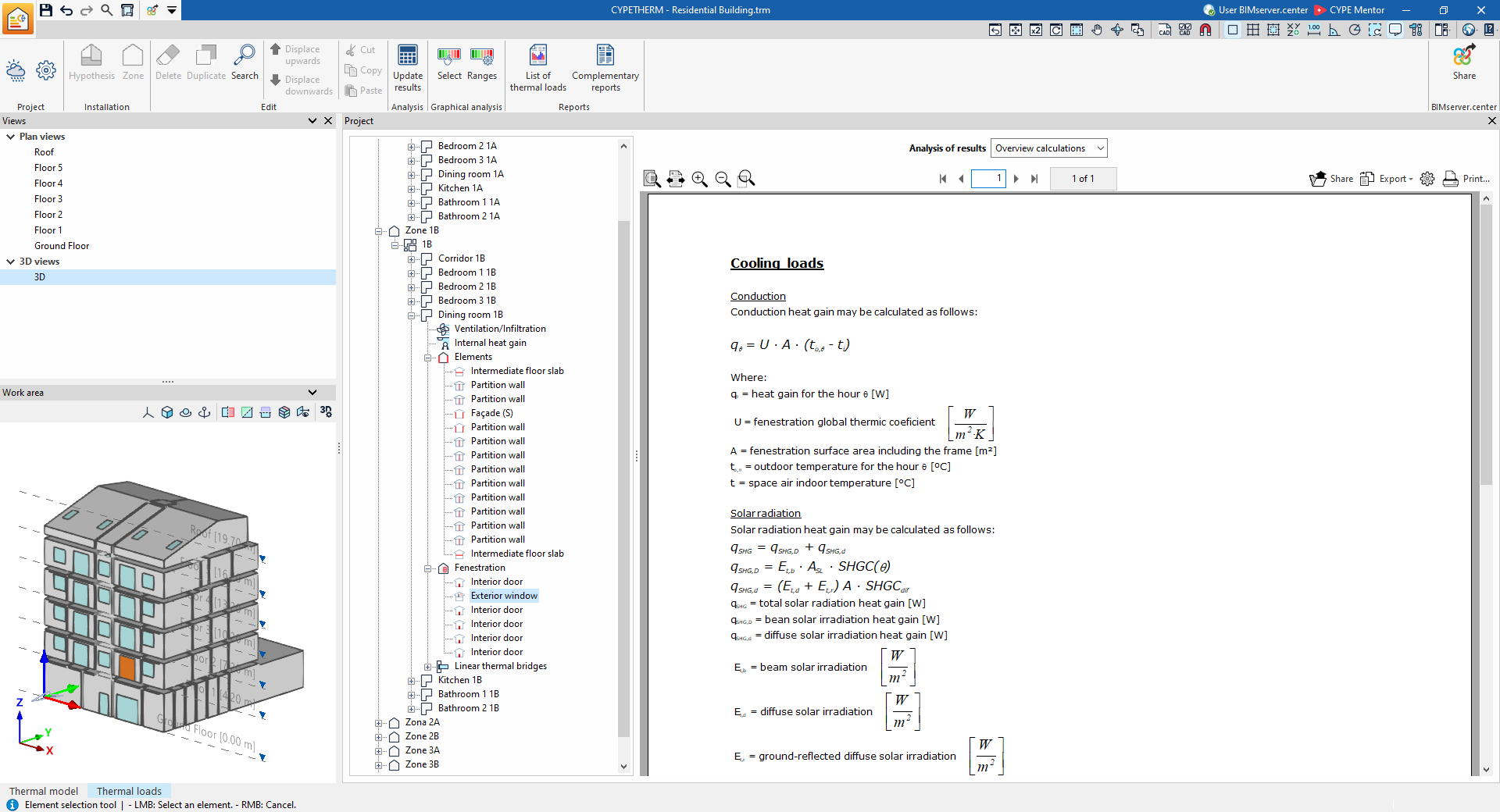
If, after expanding the "Openings" level, a specific opening is selected in the tree, the program displays the "Results analysis" drop-down menu, which allows the following information to be displayed in the central part of the program interface, depending on the selection made:
- Cooling load
Displays the hourly trends in cooling load, total solar radiation and outdoor temperature for the selected month. - Overview calculations
Displays an informative text with details on the calculation of cooling loads, including the calculation of heat gains due to conduction and solar radiation, and of heating loads through the opening.