Thermal load report and supplementary reports (the "Thermal loads" tab)
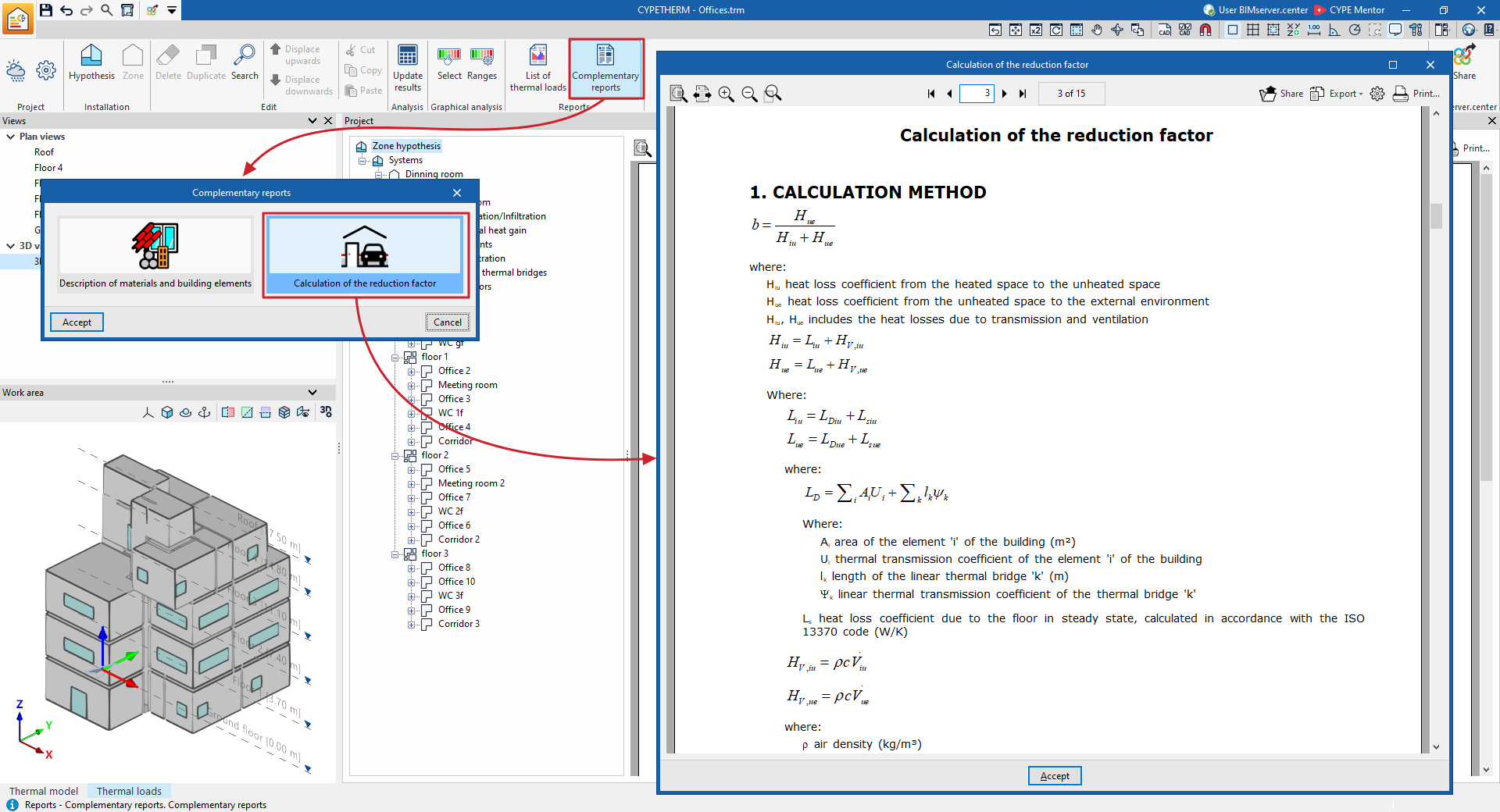
Using the options in the "Reports" section of the main toolbar on the "Thermal loads" tab, you can generate the reports shown below. The program lets you print them directly or generate HTML, PDF, TXT, RTF or DOCX files containing their content.

Thermal load report
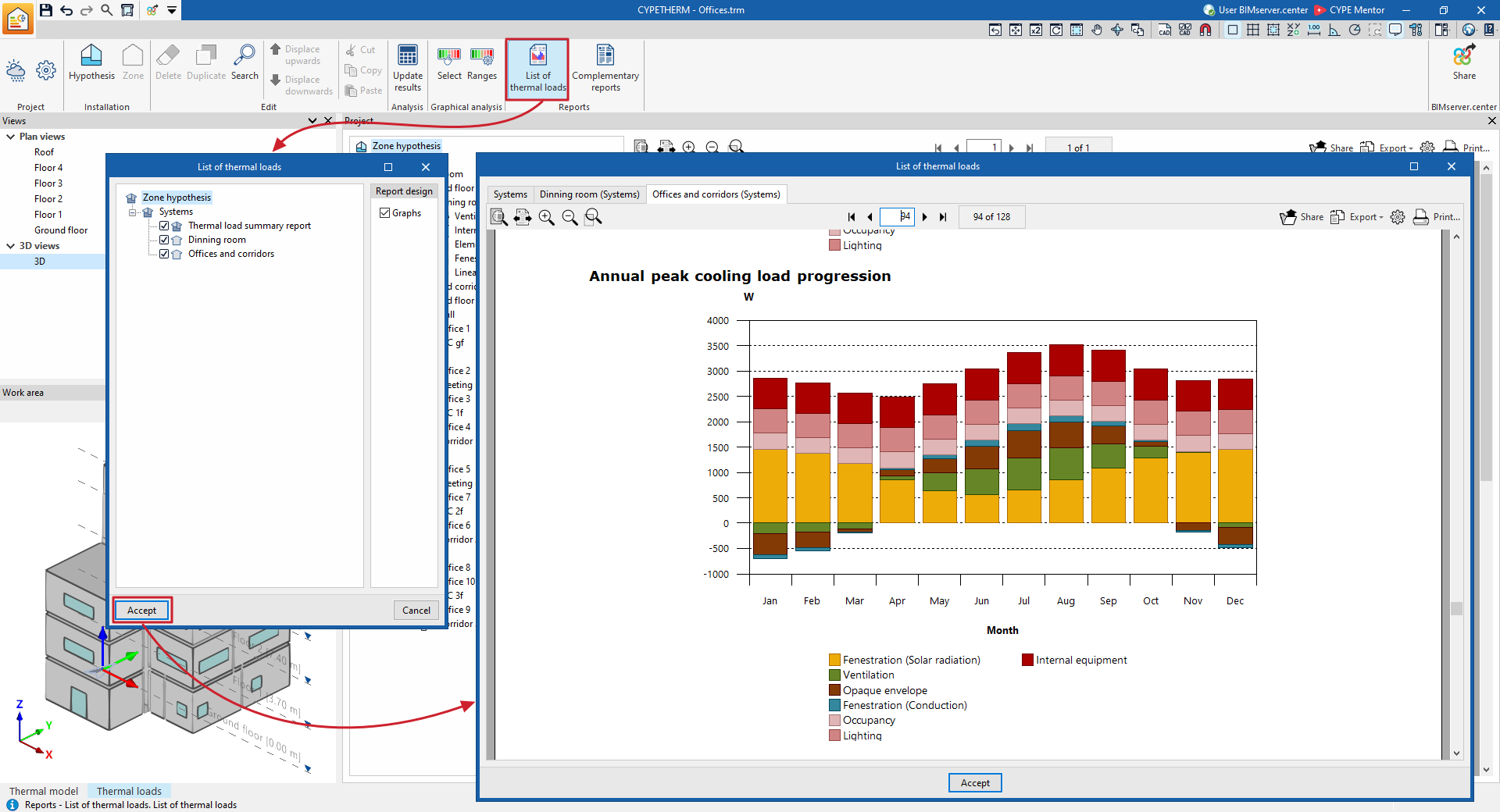
The program lets you select the hypothesis and the zones you wish to list, as well as to specify whether you wish to include the load graphs. Once confirmed, a display is generated across several tabs showing the various cooling and/or heating thermal load reports, which include the calculated data for each of the hypotheses and selected zones, and for each of the associated spaces.
Supplementary reports
The supplementary reports provided by the program are as follows:
- Description of materials and structural elements
This report provides a description of the structural elements that make up the building envelope and the partitioning system (such as floors in contact with the ground, façades, roofs, and vertical and horizontal internal partitions), including a definition of the layers of materials from which they are composed.
It also lists the technical characteristics of the materials used, such as their density, thermal resistance, thermal conductivity and specific heat.
The program uses the ISO 6946, ISO 10077, ISO 13370 and ISO 10456 standards in compiling this data.
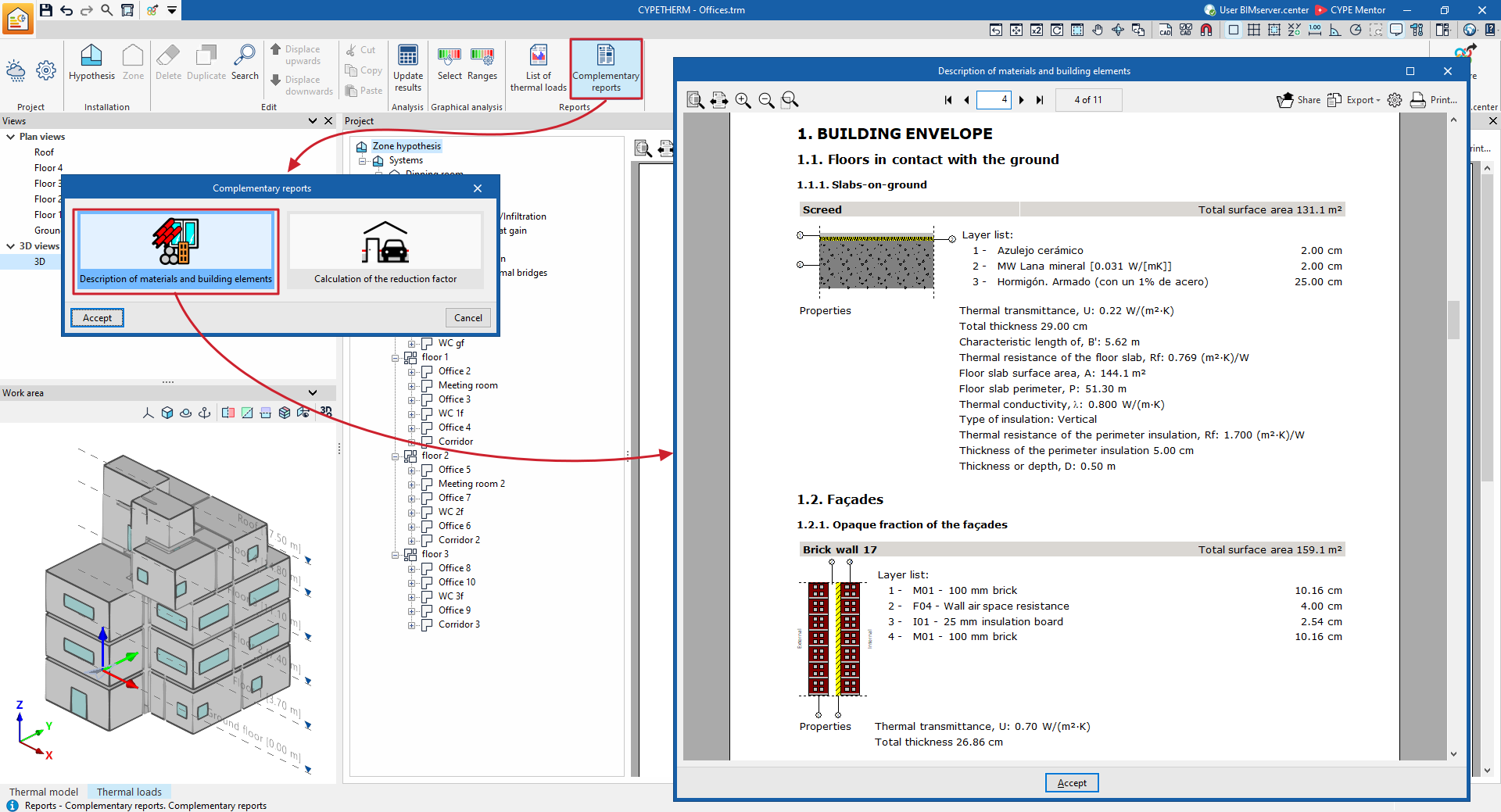
- Calculation of the reduction
factor
This report describes the calculation of the reduction factor b, which governs heat losses from heated spaces to the outside via unheated spaces, in accordance with ISO 13789, as well as the calculated values for each space.