Entity-job item assignments
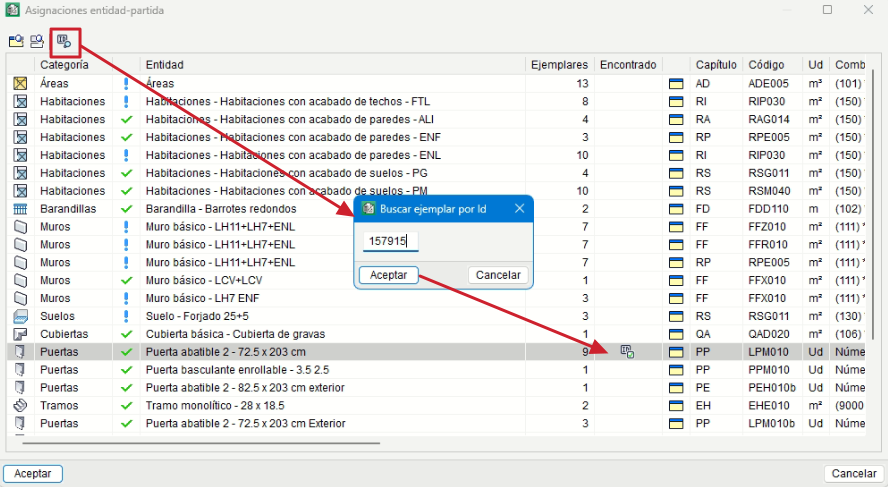
To make it easier to identify the mappings between Revit elements and the budget items linked to the Revit BIM model, a list of all defined element-item mappings is displayed. From this list, you can locate the element or item corresponding to the selected mapping.
The "Entity-item assignments" option can be accessed via the options button in the "Item assignment and measurement extraction" window.
From the toolbar, the "Search instance by Id" option opens a dialog box that lets you locate an instance using its identifier. If an instance is found, an icon indicating its status is displayed in the "Found" column. There are three types:
-
 Instance for measurement
- Instance excluded by the user
- Instance excluded by filter
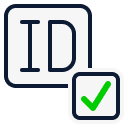 Instance for measurement
 Instance excluded by the user
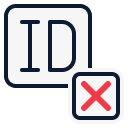 Instance excluded by filter