Automatic generation tools

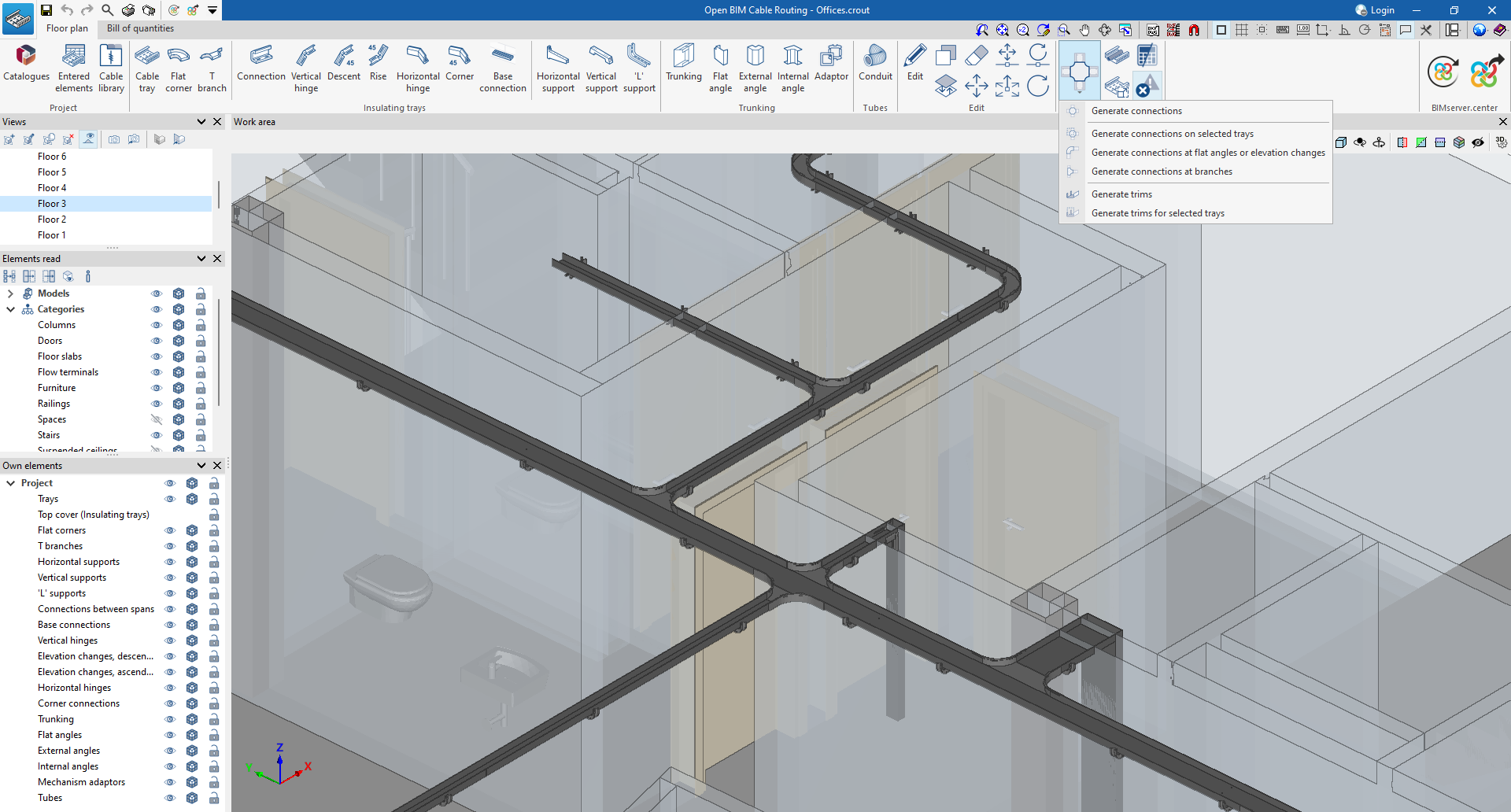
In the “Floor plan” tab, in the “Generate” group of the main toolbar, there are options for automatically generating connections and trims, as well as for showing or hiding the detected issues. The following options are available:
- Generate connections
- Automatically allows users to make bevels and include hinges or flat corners in flat angles and elevation changes, without selecting any elements. Also, in branches, they can carry trims and bevels and include hinges or T-branches.
- Generate connections on selected trays
- Allows users to generate connections on the selected trays.
- Generate connections at flat angles or elevation changes
Allows users to generate connections only at the selected angles or elevation changes. - Generate connections at branches
Allows users to generate connections only at selected branches. - Generate trims
Allows users to automatically generate trims at the intersection of two parts on all trays. - Generate trims for selected trays
Allows users to trim the selected trays. - Generate
Automatically generates the electrical cables that run along the conduits. Please note that this can only be carried out if the conduit route coincides with one of the conduits read from the project it is connected to from BIMserver.center. - Design
Automatically designs the conduits based on their vertical section, ensuring that it is sufficient for the sections of the cables it contains. - Consult checks
Checks the capacity of the cables within the selected conduit, provided that the conduit contains cables. The tool shows the total occupied section, the total available section and the percentage of occupation. - Show/hide incidents
- When this option is activated, the elements in which an error has occurred are highlighted. If the cursor is positioned over these elements, the message describing the error is displayed.