Bill of quantities simulation with assigned items
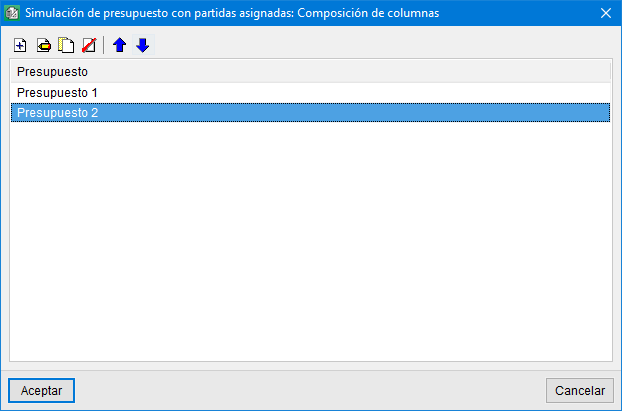
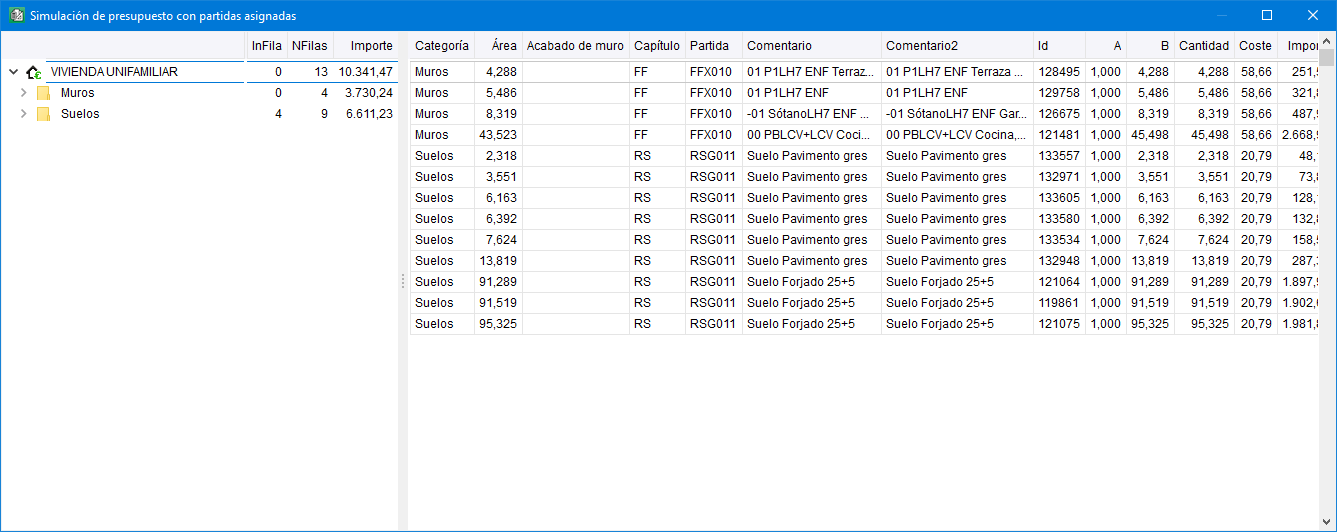
Using the "Bill of quantities simulation with assigned job items" tool (options button in the "Assign items and quantity extraction" window), it is possible to create multiple bill of quantities configurations, for example, to carry out a partial bill of quantities analysis.
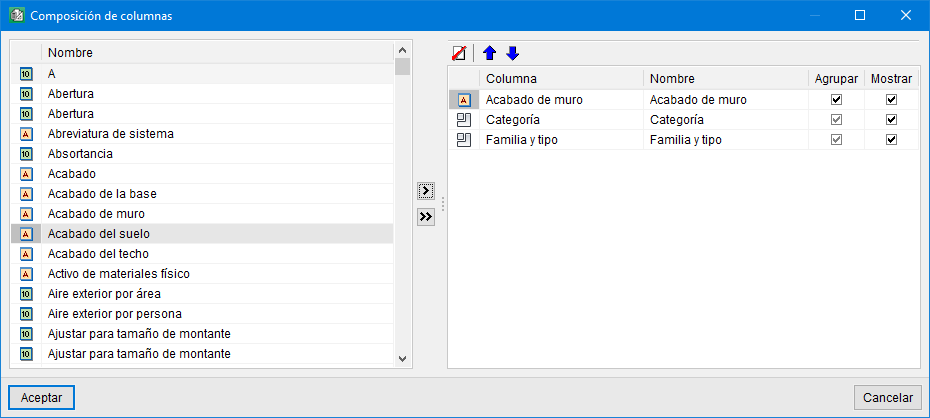
Each bill of quantities configuration can use any parameter from the project and any user-defined property. These parameters act as work sections for creating the bill of quantities. In this way, the main Arquimedes bill of quantities can be broken down according to the values of a parameter or a user-defined property. For example, you could obtain bills of quantities for the different phases of a development or project.
The "Bill of quantities simulation with assigned job items" tool only works with items that are assigned to Revit entities.
More information:
The contents of the "Bill of quantities simulation with assigned job items" window can be copied and pasted into a spreadsheet. To copy it, simply right-click on the column header and select the relevant option.